
Advanced Cash Register (Review)
Eigen gebruik
Eigen gebruik (own use in English) is used to register what is being consumed by (for example) bartenders and SVH during their shift, so all drinks and food that Hubble/Meteor "pays for".
To register an order or table on eigen gebruik, simply make sure the order/table is selected (visible on the order screen) and press to checkout. On the payment screen, you can select Eigen gebruik. You will get a conformation screen on which you can press yes and then the items will be put on eigen gebruik.
Please note:
- You can only do this when logged in with an svh account.
- Only do this when certain, you can not undo it.
- Only put the bartenders table on eigen gebruik at the end of the evening. That way you can keep an overview of how much you are spending.
Breuk
Breuk is used to register any items that can no longer be sold. This can be (for example) when a bottle is dropped and breaks, or when a wrong order has been made, and the beer has been sitting for too long.
You can put thing on breuk by pressing the item in the order screen and then selecting breuk. Then press pin and the item will be registered as breuk.
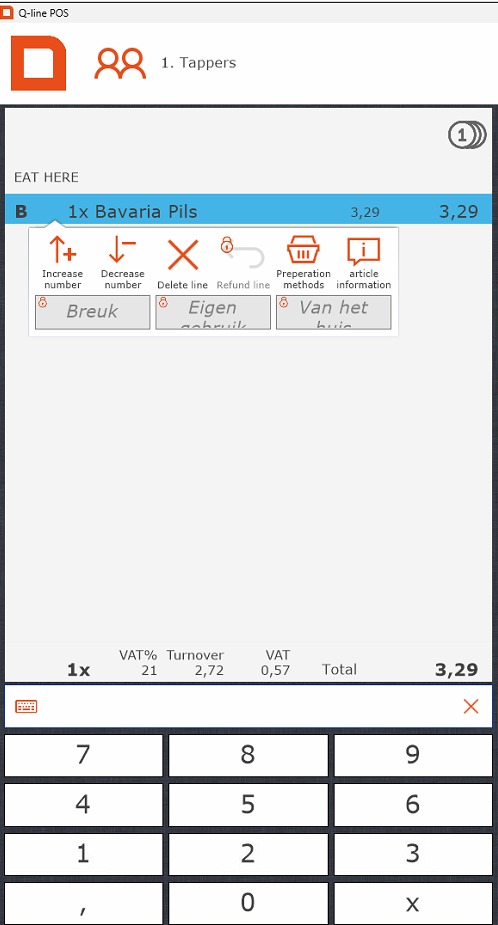
Please note;
- Sometimes stuff that should be put on breuk is put on the bartenders table. Due to tax reasons, it is better to put things you actually have to throw out on breuk, so please do so.
- You can only do this when logged in with an svh account.
Van het huis
Van het huis is used to indicate that an item was given away. One of the more common uses for this within Hubble is to give people their birthday half a liter. You could also use it if someone order an eendje Guinness/witte Trappist/ etc to register the 11th item.
To register an item on van het huis, simply make sure the item is selected and press to checkout. On the payment screen, you can select Van het huis. You will get a conformation screen on which you can press yes and then the items will be put on van het huis.
Please note:
- Only use van het huis to give away items. Anything that is drank by you or your bartenders needs to be on the bartenderstable, and eventually, eigen gebruik.
- You can only do this when logged in with an svh account.
Tables
Tables are used to temporarily store items that, for example, a reservation has ordered. This table can then be paid of at the end of the reservation, or be put "op rekening".
To open a table, press show table and select the table you want to select.
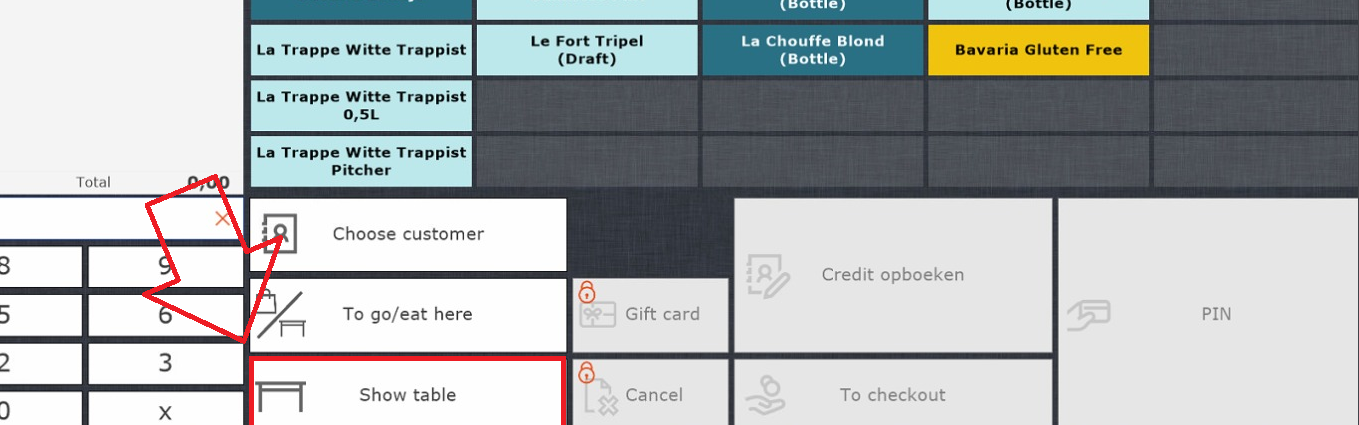
To add items to a table, open the table, select the items, and then press register on table. This will be in the same spot the open table button was before. The items will now automatically be registered on the table.
If someone wants to pay of the table, you again open the table, and then press pin.
Please note:
- Give your table a recognisable name. You can do this by opening the table and then pressing the pencil at the top left.
- Tables are not the same as accounts.
- You can link an account to a table, same as you would to an order.
- If there is a table for a reservation, be sure to check whether they are paying that evening or "op rekening". If they pay that evening, make sure you know who will be paying and make sure they pay.
Coins (Hubble only)
Hubble also distributes coins for special occassions. The common coins are blue. There are usually also orange coins in use, since those are bought and given out by Wervingsdagen. There are also other colours, such as pink.
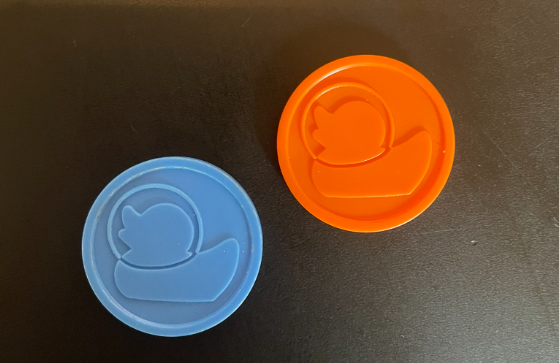
A coin is worth the price of one beer.
When someone wants to pay with coins, press the little coin logo at the top of the order screen. Prices for all items will now be displayed in coins.
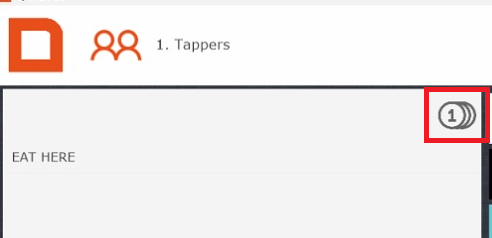
Check if the total is the same as the amount of coins handed in. If this is correct, press pin to finish up the transaction.
Please note:
- An order can not be partly paid in coins and partly by pin. If it is multiple items, you can split up the order.
Gift cards (Hubble only)
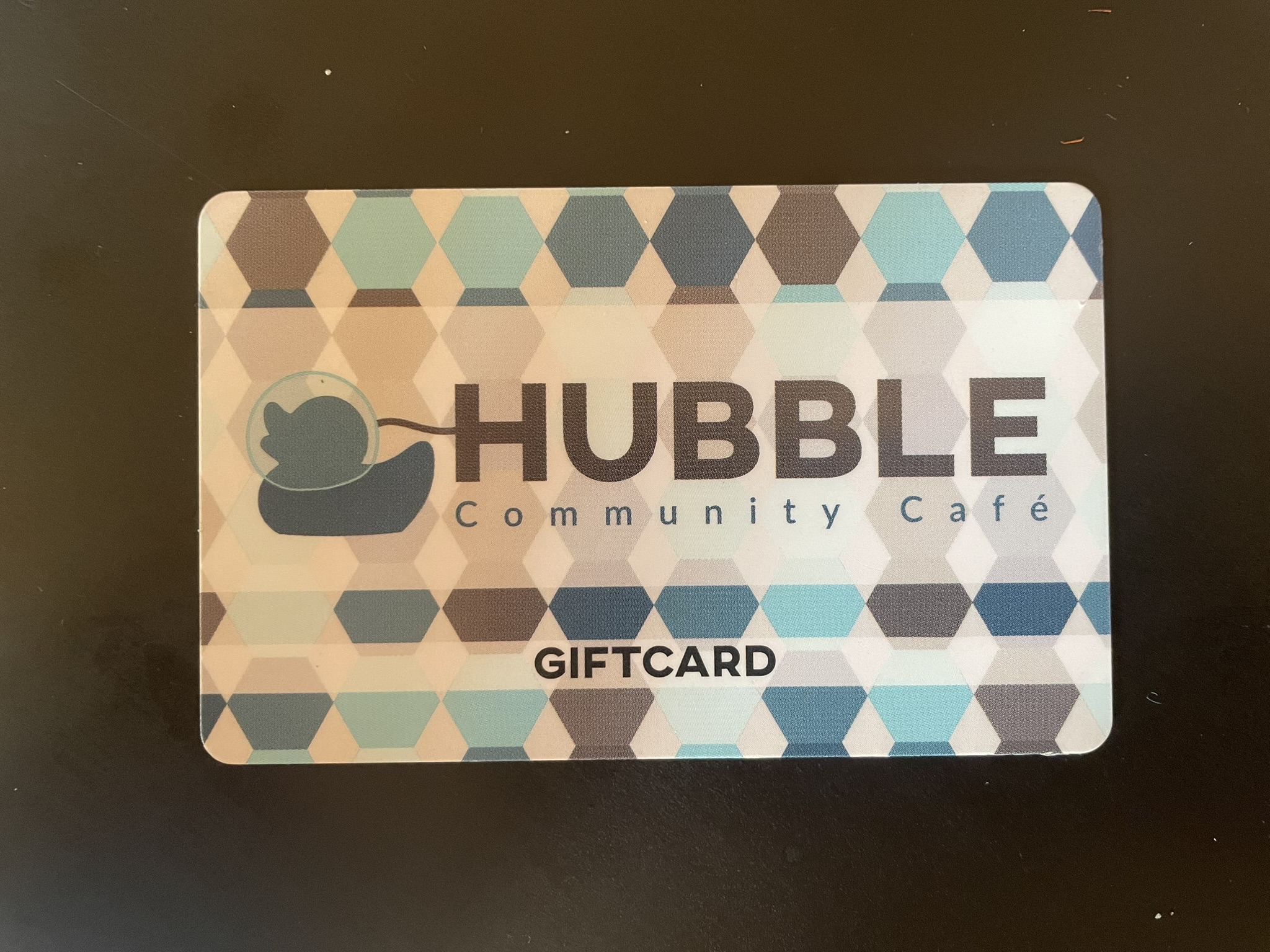
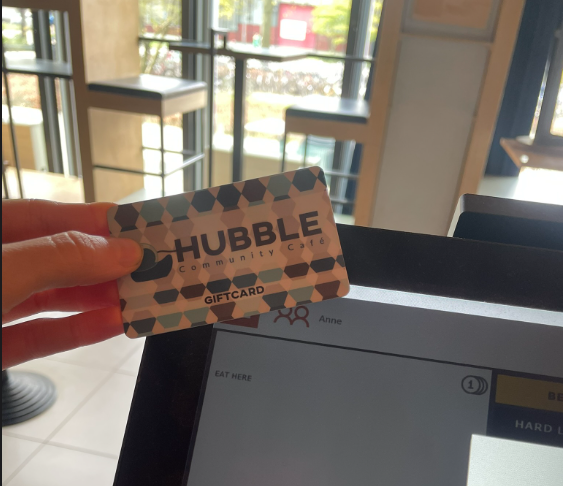
Above you can see a giftcard. These are NFC passes, so they don't have a barcode. If someone wants to use a card to pay, go to checkout and press giftcard. You can scan the giftcard on the top left of the screen to pay.
What to do with error orders (guest paid for something they don't want)
Sometimes there is a communication error between a guest and the person behind the register, causing a guest to pay for something they don't want. Usually this is a small amount and it can be fixed by offering the guest another item of a similair value (or slightly more). This can only be done by the SVH.
We are unable to transfer money back to guests.