
Cash register (TO DO)
- General process (scan association, tap the product, pin)
- Where to find products
- Guest with accounts
Taking a normal order
When a guest wants to order something you follow these steps:
Looking up an association/person
- Select
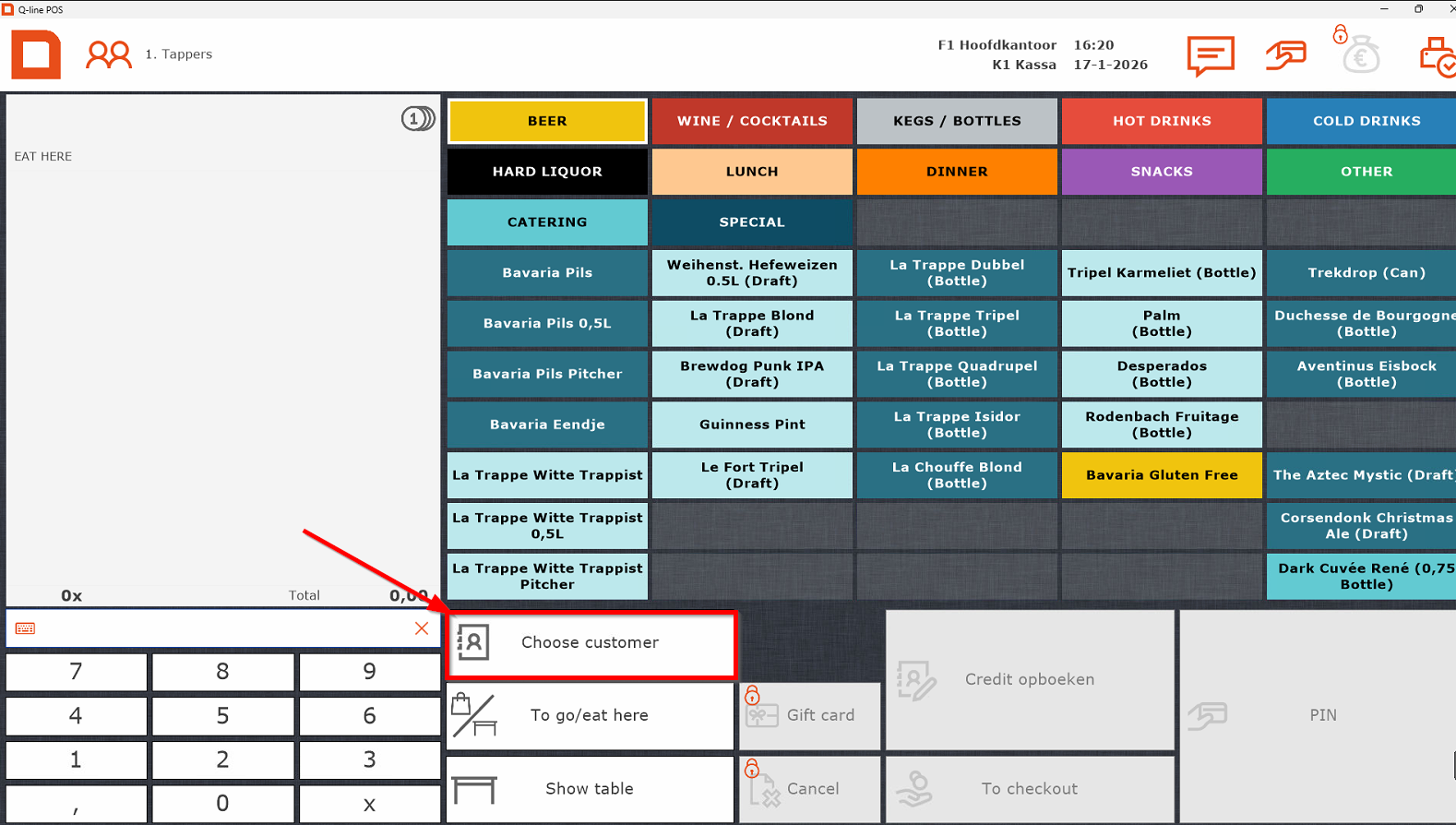
the"Choosecorrectcustomer"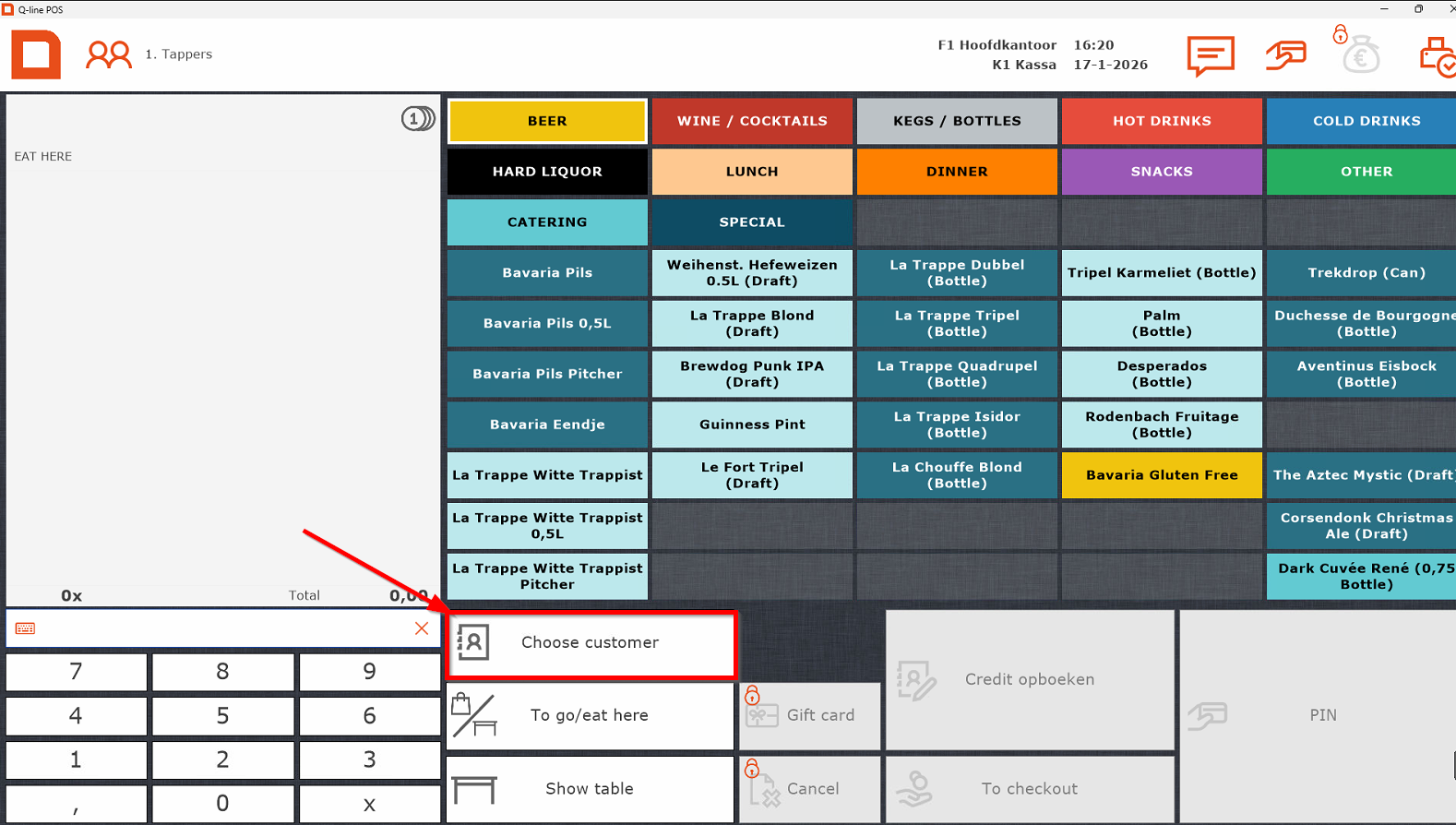
- Searching
Select the itemsit in themenusearchsection. - Double
enterPressPINsotapping theguestentrycanorpay.press
Ifon the screen turns green, payment is successful.
If it turns red, go back to order screen and press PIN again. 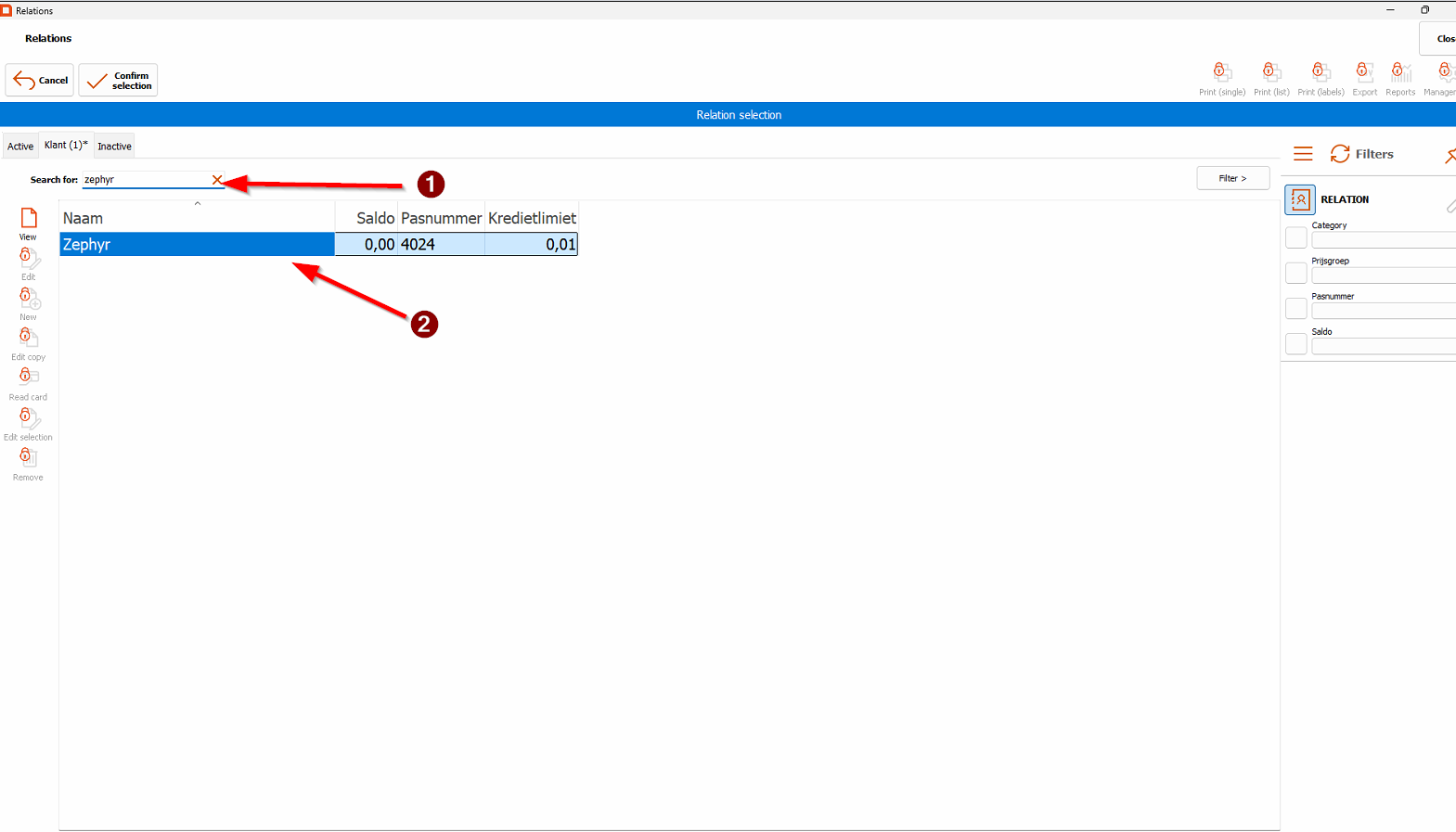
Finding a person or association
Press Find customer.
Type the name using the keyboard.
Double-tap or press Enter to select.
The name should now appear above the order.
Paying with credit
Make sure the personal account is selected.
Add the desired items.
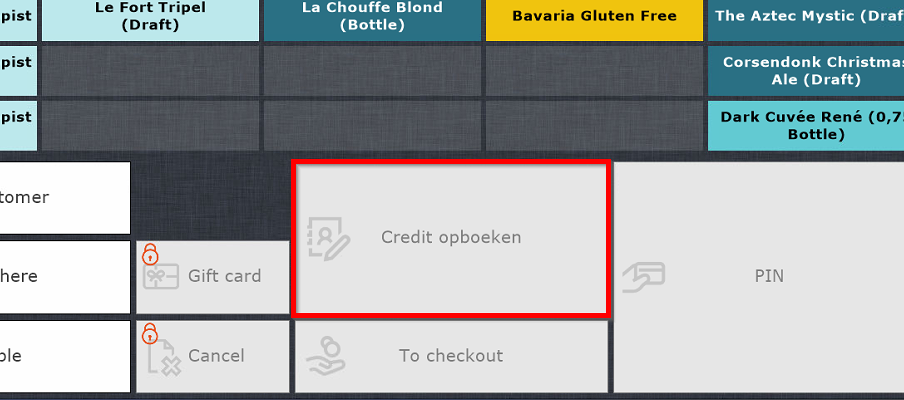
Press “Pay with credit”.
If this fails, the guest likely reached their limit. They must pay off credit or pin at the spot.
Register Tips
-
You can always log in using the "tappers" account at the top – no password needed.
-
Scanned the wrong association? Simply scan the right one, or press the red cross to remove it.
-
For multiple items, either tap the item several times or enter the number first and then the item.
-
Free drinks (e.g. “van het huis”): Always ask the SVH first – only they can approve this.
-
0.0% beers are under the Cold Drinks tab, not under Beers.