# Bar Bible

Welcome to the wiki page of Hubble &amp; Meteor. Here you can find more information on:

- The bars in general and their origin
- The community, committees and board
- Basic bar operations
- Advanced bar operations
- General info on SVH

Please note that this is still a work in progress so some information might not yet be complete.

If you have any questions or remarks feel free to contact board@hubble.cafe.

Questions during your shift can always be directed at your SVH.

# Welcome to Hubble & Meteor

This chapter is an introduction to the different cafés and our community: Ducks &amp; Bears community. We will tell you a bit more about our mision &amp; vision, a little bit of history and what it means for an association to be part of the community.

# Terminology

<span class="TextRun SCXW12367952 BCX8" data-contrast="none" lang="EN-US" xml:lang="EN-US"><span class="NormalTextRun SCXW12367952 BCX8" data-ccp-parastyle="Subtitle">Alphabetically sorted overview</span><span class="NormalTextRun SCXW12367952 BCX8" data-ccp-parastyle="Subtitle"> of rooms, products, suppliers, material, et cetera that are referenced in this document.</span></span><span class="EOP SCXW12367952 BCX8" data-ccp-props="{}"> </span>

#### **<span class="EOP SCXW12367952 BCX8" data-ccp-props="{}">Associations</span>**

<span class="EOP SCXW12367952 BCX8" data-ccp-props="{}"><span class="TextRun SCXW154144225 BCX8" data-contrast="auto" lang="EN-US" xml:lang="EN-US"><span class="NormalTextRun SCXW154144225 BCX8">These are the associations that have signed the user contract with Hubble. These associations make use of Hubble in the evening hours and make sure that there are enough association bartenders present. The members of these associations receive a discount on most beverages, can borrow equipement from Hubble and, when possible, the association receives a bonus.</span></span><span class="EOP SCXW154144225 BCX8" data-ccp-props="{}"> </span></span>

#### **<span class="EOP SCXW12367952 BCX8" data-ccp-props="{}"><span class="EOP SCXW154144225 BCX8" data-ccp-props="{}"><span class="NormalTextRun SCXW100847785 BCX8">Bartender</span></span></span>**

<span class="EOP SCXW12367952 BCX8" data-ccp-props="{}"><span class="EOP SCXW154144225 BCX8" data-ccp-props="{}"><span class="NormalTextRun SCXW100847785 BCX8"><span class="NormalTextRun SCXW158865309 BCX8">A person that fills in an </span><span class="NormalTextRun SCXW158865309 BCX8">associations</span><span class="NormalTextRun SCXW158865309 BCX8"> bartending shift in Hubble. Bartenders get compensation for their shift</span><span class="NormalTextRun SCXW158865309 BCX8">.</span></span></span></span>

#### **<span class="EOP SCXW12367952 BCX8" data-ccp-props="{}"><span class="EOP SCXW154144225 BCX8" data-ccp-props="{}"><span class="NormalTextRun SCXW100847785 BCX8"><span class="NormalTextRun SCXW158865309 BCX8">Board</span></span></span></span>**

<span class="EOP SCXW12367952 BCX8" data-ccp-props="{}"><span class="EOP SCXW154144225 BCX8" data-ccp-props="{}"><span class="NormalTextRun SCXW100847785 BCX8"><span class="NormalTextRun SCXW158865309 BCX8"><span class="TextRun SCXW203965978 BCX8" data-contrast="auto" lang="EN-US" xml:lang="EN-US"><span class="NormalTextRun SCXW203965978 BCX8">Context specific </span><span class="NormalTextRun ContextualSpellingAndGrammarErrorV2Themed SCXW203965978 BCX8">term</span><span class="NormalTextRun SCXW203965978 BCX8">. This could refer to the </span></span><span class="TextRun SCXW203965978 BCX8" data-contrast="auto" lang="EN-US" xml:lang="EN-US"><span class="NormalTextRun SCXW203965978 BCX8">Hubble Board</span></span><span class="TextRun SCXW203965978 BCX8" data-contrast="auto" lang="EN-US" xml:lang="EN-US"><span class="NormalTextRun SCXW203965978 BCX8">, Meteor board, an </span><span class="NormalTextRun ContextualSpellingAndGrammarErrorV2Themed SCXW203965978 BCX8">association’s</span><span class="NormalTextRun SCXW203965978 BCX8"> board, the TU/e Executive Board, </span><span class="NormalTextRun SCXW203965978 BCX8">Hubble Supervisory board, etc.</span></span></span></span></span></span>

#### **<span class="EOP SCXW12367952 BCX8" data-ccp-props="{}"><span class="EOP SCXW154144225 BCX8" data-ccp-props="{}"><span class="NormalTextRun SCXW100847785 BCX8"><span class="NormalTextRun SCXW158865309 BCX8"><span class="TextRun SCXW203965978 BCX8" data-contrast="auto" lang="EN-US" xml:lang="EN-US"><span class="NormalTextRun SCXW203965978 BCX8">Eendje</span></span></span></span></span></span>**

<span class="EOP SCXW12367952 BCX8" data-ccp-props="{}"><span class="EOP SCXW154144225 BCX8" data-ccp-props="{}"><span class="NormalTextRun SCXW100847785 BCX8"><span class="NormalTextRun SCXW158865309 BCX8"><span class="TextRun SCXW203965978 BCX8" data-contrast="auto" lang="EN-US" xml:lang="EN-US"><span class="NormalTextRun SCXW203965978 BCX8">The original eendje is 11 beer for the price of 10. It is however possible to get this for all drinks. You can get 11 bottles of coca cola and pay for 10, but that does not happen very often.</span></span></span></span></span></span>

#### **<span class="EOP SCXW12367952 BCX8" data-ccp-props="{}"><span class="EOP SCXW154144225 BCX8" data-ccp-props="{}"><span class="NormalTextRun SCXW100847785 BCX8"><span class="NormalTextRun SCXW158865309 BCX8"><span class="TextRun SCXW203965978 BCX8" data-contrast="auto" lang="EN-US" xml:lang="EN-US">Guests</span></span></span></span></span>**

<span class="EOP SCXW12367952 BCX8" data-ccp-props="{}"><span class="EOP SCXW154144225 BCX8" data-ccp-props="{}"><span class="NormalTextRun SCXW100847785 BCX8"><span class="NormalTextRun SCXW158865309 BCX8"><span class="TextRun SCXW203965978 BCX8" data-contrast="auto" lang="EN-US" xml:lang="EN-US">People that come visit Hubble to get a drink or have food. We may never call them a ´customer´.</span></span></span></span></span>

#### **<span class="EOP SCXW12367952 BCX8" data-ccp-props="{}"><span class="EOP SCXW154144225 BCX8" data-ccp-props="{}"><span class="NormalTextRun SCXW100847785 BCX8"><span class="NormalTextRun SCXW158865309 BCX8"><span class="TextRun SCXW203965978 BCX8" data-contrast="auto" lang="EN-US" xml:lang="EN-US">Harry</span></span></span></span></span>**

<span class="EOP SCXW12367952 BCX8" data-ccp-props="{}"><span class="EOP SCXW154144225 BCX8" data-ccp-props="{}"><span class="NormalTextRun SCXW100847785 BCX8"><span class="NormalTextRun SCXW158865309 BCX8"><span class="TextRun SCXW203965978 BCX8" data-contrast="auto" lang="EN-US" xml:lang="EN-US"><span class="NormalTextRun SCXW227878420 BCX8">See SVH</span><span class="NormalTextRun SCXW227878420 BCX8">.</span> <span class="NormalTextRun SCXW227878420 BCX8">The name </span><span class="NormalTextRun SCXW227878420 BCX8">Harry is </span><span class="NormalTextRun SCXW227878420 BCX8">a </span><span class="NormalTextRun SCXW227878420 BCX8">tribute</span><span class="NormalTextRun SCXW227878420 BCX8"> to </span><span class="NormalTextRun SCXW227878420 BCX8">previous</span> <span class="NormalTextRun SCXW227878420 BCX8">TU/e Executive Board member Harry </span><span class="NormalTextRun SCXW227878420 BCX8">Roumen</span><span class="NormalTextRun SCXW227878420 BCX8">, who </span><span class="NormalTextRun SCXW227878420 BCX8">supported </span><span class="NormalTextRun SCXW227878420 BCX8">Hubble during </span><span class="NormalTextRun SCXW227878420 BCX8">its</span><span class="NormalTextRun SCXW227878420 BCX8"> setup.</span></span></span></span></span></span>

#### **<span class="EOP SCXW12367952 BCX8" data-ccp-props="{}"><span class="EOP SCXW154144225 BCX8" data-ccp-props="{}"><span class="NormalTextRun SCXW100847785 BCX8"><span class="NormalTextRun SCXW158865309 BCX8"><span class="TextRun SCXW203965978 BCX8" data-contrast="auto" lang="EN-US" xml:lang="EN-US"><span class="NormalTextRun SCXW227878420 BCX8">Hubble</span></span></span></span></span></span>**

<span class="EOP SCXW12367952 BCX8" data-ccp-props="{}"><span class="EOP SCXW154144225 BCX8" data-ccp-props="{}"><span class="NormalTextRun SCXW100847785 BCX8"><span class="NormalTextRun SCXW158865309 BCX8"><span class="TextRun SCXW203965978 BCX8" data-contrast="auto" lang="EN-US" xml:lang="EN-US"><span class="NormalTextRun SCXW227878420 BCX8"><span class="NormalTextRun SCXW150574948 BCX8">Hubble</span><span class="NormalTextRun SCXW150574948 BCX8"> is the name for the </span><span class="NormalTextRun SCXW150574948 BCX8">cafe</span><span class="NormalTextRun SCXW150574948 BCX8"> situated </span><span class="NormalTextRun SCXW150574948 BCX8">on the ground floor of Luna de </span><span class="NormalTextRun SCXW150574948 BCX8">Plint</span><span class="NormalTextRun SCXW150574948 BCX8">. </span><span class="NormalTextRun SCXW150574948 BCX8">Hubble includes the</span> <span class="NormalTextRun SCXW150574948 BCX8">bar, kitchen, storage </span><span class="NormalTextRun ContextualSpellingAndGrammarErrorV2Themed SCXW150574948 BCX8">rooms</span><span class="NormalTextRun SCXW150574948 BCX8"> and the terrace </span><span class="NormalTextRun SCXW150574948 BCX8">i</span><span class="NormalTextRun SCXW150574948 BCX8">n </span><span class="NormalTextRun SCXW150574948 BCX8">the </span><span class="NormalTextRun SCXW150574948 BCX8">front</span><span class="NormalTextRun SCXW150574948 BCX8"> of Luna</span><span class="NormalTextRun SCXW150574948 BCX8">.</span></span></span></span></span></span></span>

#### **<span class="NormalTextRun SCXW181366801 BCX8"><span class="NormalTextRun SCXW9024215 BCX8"><span class="NormalTextRun SCXW213803096 BCX8"><span class="NormalTextRun SCXW248354576 BCX8"><span class="NormalTextRun SCXW268365967 BCX8">Hubble Back Storage</span></span></span></span></span>**

<span class="NormalTextRun SCXW181366801 BCX8"><span class="NormalTextRun SCXW9024215 BCX8"><span class="NormalTextRun SCXW213803096 BCX8"><span class="NormalTextRun SCXW248354576 BCX8"><span class="NormalTextRun SCXW268365967 BCX8"><span class="NormalTextRun SCXW201237958 BCX8">The </span><span class="NormalTextRun SCXW201237958 BCX8">entire room </span><span class="NormalTextRun SCXW201237958 BCX8">Luna</span><span class="NormalTextRun SCXW201237958 BCX8"> 0.</span><span class="NormalTextRun SCXW201237958 BCX8">395</span><span class="NormalTextRun SCXW201237958 BCX8">, </span><span class="NormalTextRun SCXW201237958 BCX8">located</span><span class="NormalTextRun SCXW201237958 BCX8"> behind the kitchen</span><span class="NormalTextRun SCXW201237958 BCX8">.</span> <span class="NormalTextRun SCXW201237958 BCX8">This room includes a</span><span class="NormalTextRun SCXW201237958 BCX8"> small </span><span class="NormalTextRun SCXW201237958 BCX8">amount of beverage supply</span><span class="NormalTextRun SCXW201237958 BCX8"> with the </span><span class="NormalTextRun SCXW201237958 BCX8">accompanying </span><span class="NormalTextRun SCXW201237958 BCX8">deposit (</span><span class="NormalTextRun SpellingErrorV2Themed SCXW201237958 BCX8">statiegeld</span><span class="NormalTextRun SCXW201237958 BCX8">)</span><span class="NormalTextRun SCXW201237958 BCX8">, as well as </span><span class="NormalTextRun SCXW201237958 BCX8">the </span><span class="NormalTextRun SCXW201237958 BCX8">kitchen stock</span><span class="NormalTextRun SCXW201237958 BCX8">, </span><span class="NormalTextRun SCXW201237958 BCX8">cutlery</span><span class="NormalTextRun SCXW201237958 BCX8"> and </span><span class="NormalTextRun SCXW201237958 BCX8">similar items</span><span class="NormalTextRun SCXW201237958 BCX8">.</span></span></span></span></span></span>

#### **<span class="EOP SCXW12367952 BCX8" data-ccp-props="{}"><span class="EOP SCXW154144225 BCX8" data-ccp-props="{}">Hubble Bar</span></span>**

<span class="EOP SCXW12367952 BCX8" data-ccp-props="{}"><span class="EOP SCXW154144225 BCX8" data-ccp-props="{}"><span class="NormalTextRun SCXW100847785 BCX8">The entire room </span><span class="NormalTextRun SCXW100847785 BCX8">Luna </span><span class="NormalTextRun SCXW100847785 BCX8">0.333</span><span class="NormalTextRun SCXW100847785 BCX8">, </span><span class="NormalTextRun SCXW100847785 BCX8">located</span><span class="NormalTextRun SCXW100847785 BCX8"> in front of the kitchen in Hubble.</span></span></span>

#### **<span class="NormalTextRun SCXW181366801 BCX8"><span class="NormalTextRun SCXW9024215 BCX8"><span class="NormalTextRun SCXW213803096 BCX8"><span class="NormalTextRun SCXW248354576 BCX8"><span class="NormalTextRun SCXW268365967 BCX8"><span class="NormalTextRun SCXW201237958 BCX8">Hubble Storage -1</span></span></span></span></span></span>**

<span class="NormalTextRun SCXW181366801 BCX8"><span class="NormalTextRun SCXW9024215 BCX8"><span class="NormalTextRun SCXW213803096 BCX8"><span class="NormalTextRun SCXW248354576 BCX8"><span class="NormalTextRun SCXW268365967 BCX8"><span class="NormalTextRun SCXW201237958 BCX8"><span class="NormalTextRun SCXW148499943 BCX8">The entire room </span><span class="NormalTextRun SCXW148499943 BCX8">Luna -</span><span class="NormalTextRun SCXW148499943 BCX8">1.227</span><span class="NormalTextRun SCXW148499943 BCX8">. </span><span class="NormalTextRun SCXW148499943 BCX8">This room </span><span class="NormalTextRun SCXW148499943 BCX8">contains</span><span class="NormalTextRun SCXW148499943 BCX8"> Hubble’s beverage supply</span><span class="NormalTextRun SCXW148499943 BCX8">.</span><span class="NormalTextRun SCXW148499943 BCX8"> Here you can find </span><span class="NormalTextRun ContextualSpellingAndGrammarErrorV2Themed SCXW148499943 BCX8">the </span><span class="NormalTextRun ContextualSpellingAndGrammarErrorV2Themed SCXW148499943 BCX8">beer</span><span class="NormalTextRun SCXW148499943 BCX8"> tanks</span><span class="NormalTextRun SCXW148499943 BCX8">, </span><span class="NormalTextRun SCXW148499943 BCX8">kegs</span><span class="NormalTextRun SCXW148499943 BCX8"> and all other beverage </span><span class="NormalTextRun ContextualSpellingAndGrammarErrorV2Themed SCXW148499943 BCX8">supply</span><span class="NormalTextRun SCXW148499943 BCX8">. This room is only entered when staff is restocking the storage upstairs, when the tank needs to be changed or when the SVH ran out of strong liquor in the bar.</span></span></span></span></span></span></span>

#### **Stichting Bar Potential Board**

<span class="NormalTextRun SCXW181366801 BCX8">The Bar Potential Board (also known as Community Board or Ducks&amp;Bears board) takes care of the community aspects of both cafés (Hubble and Meteor) as some parts of the day to day operational tasks togeter with management. They are responsible for filling thebartender schedules, finding SVH, organising activities for the community, supporting the community with bonus++ request and much more.</span><span class="NormalTextRun SCXW181366801 BCX8"> All Board Members have an SVH certificate (social hygiene). </span><span class="NormalTextRun SCXW181366801 BCX8">This means that they are registered on the permit and are allowed to run the bar independently.</span>

#### **<span class="NormalTextRun SCXW181366801 BCX8">Ice Draft</span>**

<span class="NormalTextRun SCXW181366801 BCX8"><span class="NormalTextRun SCXW9024215 BCX8">A mobile beer ta</span><span class="NormalTextRun SCXW9024215 BCX8">p</span><span class="NormalTextRun SCXW9024215 BCX8">. Kegs are connected to this </span><span class="NormalTextRun ContextualSpellingAndGrammarErrorV2Themed SCXW9024215 BCX8">tap</span><span class="NormalTextRun ContextualSpellingAndGrammarErrorV2Themed SCXW9024215 BCX8">,</span><span class="NormalTextRun SCXW9024215 BCX8"> it is cooled with ice</span><span class="NormalTextRun SCXW9024215 BCX8"> in the space below the drain plate</span><span class="NormalTextRun SCXW9024215 BCX8">.</span><span class="NormalTextRun SCXW9024215 BCX8"> </span></span>

#### **<span class="NormalTextRun SCXW181366801 BCX8"><span class="NormalTextRun SCXW9024215 BCX8"><span class="NormalTextRun SCXW213803096 BCX8">Kitchen</span></span></span>**

<span class="NormalTextRun SCXW181366801 BCX8"><span class="NormalTextRun SCXW9024215 BCX8"><span class="NormalTextRun SCXW213803096 BCX8"><span class="NormalTextRun SCXW248354576 BCX8">The entire room </span><span class="NormalTextRun SCXW248354576 BCX8">Luna </span><span class="NormalTextRun SCXW248354576 BCX8">0.332</span><span class="NormalTextRun SCXW248354576 BCX8">, </span><span class="NormalTextRun SCXW248354576 BCX8">located</span><span class="NormalTextRun SCXW248354576 BCX8"> behind the bar.</span>  
</span></span></span>

#### **<span class="NormalTextRun SCXW181366801 BCX8"><span class="NormalTextRun SCXW9024215 BCX8"><span class="NormalTextRun SCXW213803096 BCX8"><span class="NormalTextRun SCXW248354576 BCX8">Meteor</span></span></span></span>**

<span class="NormalTextRun SCXW181366801 BCX8"><span class="NormalTextRun SCXW9024215 BCX8"><span class="NormalTextRun SCXW213803096 BCX8"><span class="NormalTextRun SCXW248354576 BCX8"><span class="EOP SCXW12367952 BCX8" data-ccp-props="{}"><span class="EOP SCXW154144225 BCX8" data-ccp-props="{}"><span class="NormalTextRun SCXW100847785 BCX8"><span class="NormalTextRun SCXW158865309 BCX8"><span class="TextRun SCXW203965978 BCX8" data-contrast="auto" lang="EN-US" xml:lang="EN-US"><span class="NormalTextRun SCXW227878420 BCX8"><span class="NormalTextRun SCXW150574948 BCX8">Meteor</span><span class="NormalTextRun SCXW150574948 BCX8"> is the name for the </span><span class="NormalTextRun SCXW150574948 BCX8">cafe</span><span class="NormalTextRun SCXW150574948 BCX8"> situated </span><span class="NormalTextRun SCXW150574948 BCX8">on the ground floor of Haven</span><span class="NormalTextRun SCXW150574948 BCX8">. Meteor</span><span class="NormalTextRun SCXW150574948 BCX8"> includes the</span> <span class="NormalTextRun SCXW150574948 BCX8">bar, kitchen, storage </span><span class="NormalTextRun ContextualSpellingAndGrammarErrorV2Themed SCXW150574948 BCX8">rooms</span><span class="NormalTextRun SCXW150574948 BCX8"> and the terrace </span><span class="NormalTextRun SCXW150574948 BCX8">i</span><span class="NormalTextRun SCXW150574948 BCX8">n </span><span class="NormalTextRun SCXW150574948 BCX8">the </span><span class="NormalTextRun SCXW150574948 BCX8">front</span><span class="NormalTextRun SCXW150574948 BCX8"> of Haven</span><span class="NormalTextRun SCXW150574948 BCX8">.</span></span></span></span></span></span></span></span></span></span></span>

#### **<span class="NormalTextRun SCXW181366801 BCX8"><span class="NormalTextRun SCXW9024215 BCX8"><span class="NormalTextRun SCXW213803096 BCX8"><span class="NormalTextRun SCXW248354576 BCX8"><span class="NormalTextRun SCXW268365967 BCX8"><span class="NormalTextRun SCXW201237958 BCX8"><span class="NormalTextRun SCXW148499943 BCX8"><span class="TextRun SCXW109495061 BCX8" data-contrast="auto" lang="EN-US" xml:lang="EN-US">Management</span></span></span></span></span></span></span></span>**

<span class="NormalTextRun SCXW181366801 BCX8"><span class="NormalTextRun SCXW9024215 BCX8"><span class="NormalTextRun SCXW213803096 BCX8"><span class="NormalTextRun SCXW248354576 BCX8"><span class="NormalTextRun SCXW268365967 BCX8"><span class="NormalTextRun SCXW201237958 BCX8"><span class="NormalTextRun SCXW148499943 BCX8"><span class="TextRun SCXW109495061 BCX8" data-contrast="auto" lang="EN-US" xml:lang="EN-US"><span class="TextRun SCXW100601927 BCX8" data-contrast="auto" lang="EN-US" xml:lang="EN-US"><span class="NormalTextRun SCXW100601927 BCX8">The management of Hubble consists of the manager, assistent manager and the Hubble board. </span></span></span></span></span></span></span></span></span></span>

#### **<span class="NormalTextRun SCXW181366801 BCX8"><span class="NormalTextRun SCXW9024215 BCX8"><span class="NormalTextRun SCXW213803096 BCX8"><span class="NormalTextRun SCXW248354576 BCX8"><span class="NormalTextRun SCXW268365967 BCX8"><span class="NormalTextRun SCXW201237958 BCX8"><span class="NormalTextRun SCXW148499943 BCX8"><span class="TextRun SCXW109495061 BCX8" data-contrast="auto" lang="EN-US" xml:lang="EN-US"><span class="TextRun SCXW100601927 BCX8" data-contrast="auto" lang="EN-US" xml:lang="EN-US">Manager</span></span></span></span></span></span></span></span></span>**

<span class="NormalTextRun SCXW181366801 BCX8"><span class="NormalTextRun SCXW9024215 BCX8"><span class="NormalTextRun SCXW213803096 BCX8"><span class="NormalTextRun SCXW248354576 BCX8"><span class="NormalTextRun SCXW268365967 BCX8"><span class="NormalTextRun SCXW201237958 BCX8"><span class="NormalTextRun SCXW148499943 BCX8"><span class="TextRun SCXW109495061 BCX8" data-contrast="auto" lang="EN-US" xml:lang="EN-US"><span class="TextRun SCXW100601927 BCX8" data-contrast="auto" lang="EN-US" xml:lang="EN-US"><span class="NormalTextRun SCXW88415711 BCX8">The person who manages </span><span class="NormalTextRun ContextualSpellingAndGrammarErrorV2Themed SCXW88415711 BCX8">day to day</span><span class="NormalTextRun SCXW88415711 BCX8"> operations of Hubble and overall responsible for staff operations. This </span><span class="NormalTextRun SCXW88415711 BCX8">position is currently held by </span><span class="NormalTextRun SCXW88415711 BCX8">Josselyn van </span><span class="NormalTextRun SpellingErrorV2Themed SCXW88415711 BCX8">Stokkum</span><span class="NormalTextRun SCXW88415711 BCX8">. </span></span></span></span></span></span></span></span></span></span>

#### **<span class="NormalTextRun SCXW181366801 BCX8"><span class="NormalTextRun SCXW9024215 BCX8">Own use (eigen gebruik)</span></span>**

<span class="NormalTextRun SCXW181366801 BCX8"><span class="NormalTextRun SCXW9024215 BCX8"><span class="NormalTextRun SCXW213803096 BCX8">Own usage, or ‘eigen </span><span class="NormalTextRun SpellingErrorV2Themed SCXW213803096 BCX8">verbruik</span><span class="NormalTextRun SCXW213803096 BCX8">’,</span><span class="NormalTextRun SCXW213803096 BCX8"> is a </span><span class="NormalTextRun SCXW213803096 BCX8">cash register option to </span><span class="NormalTextRun SCXW213803096 BCX8">reduce an </span><span class="NormalTextRun SCXW213803096 BCX8">items</span><span class="NormalTextRun SCXW213803096 BCX8"> price to €0 for own usage. This is only applicable for board, SVH, management and staff.</span></span></span>

#### **<span class="NormalTextRun SCXW181366801 BCX8"><span class="NormalTextRun SCXW9024215 BCX8"><span class="NormalTextRun SCXW213803096 BCX8"><span class="NormalTextRun SCXW248354576 BCX8">Staff</span></span></span></span>**

<span class="NormalTextRun SCXW181366801 BCX8"><span class="NormalTextRun SCXW9024215 BCX8"><span class="NormalTextRun SCXW213803096 BCX8"><span class="NormalTextRun SCXW248354576 BCX8"><span class="NormalTextRun SCXW268365967 BCX8">Personnel that </span><span class="NormalTextRun ContextualSpellingAndGrammarErrorV2Themed SCXW268365967 BCX8">works</span><span class="NormalTextRun SCXW268365967 BCX8"> in Hubble and Meteor for a regular salary. They work in both cafés during normal opening times until 20:00 and do the transfer when volunteers are taking over at 20:00 on weekdays.</span></span></span></span></span>

#### **<span class="NormalTextRun SCXW181366801 BCX8"><span class="NormalTextRun SCXW9024215 BCX8"><span class="NormalTextRun SCXW213803096 BCX8"><span class="NormalTextRun SCXW248354576 BCX8">Stichting Bar Potential</span></span></span></span>**

<span class="NormalTextRun SCXW181366801 BCX8"><span class="NormalTextRun SCXW9024215 BCX8"><span class="NormalTextRun SCXW213803096 BCX8"><span class="NormalTextRun SCXW248354576 BCX8"><span class="NormalTextRun SCXW268365967 BCX8">Personnel that </span><span class="NormalTextRun ContextualSpellingAndGrammarErrorV2Themed SCXW268365967 BCX8">works</span><span class="NormalTextRun SCXW268365967 BCX8"> in Hubble and Meteor for a regular salary. They keep Hubble open on the weekdays from 11:00 to 20:00 and on Saturdays from 15:00 until 20:00 and do the transfer when volunteers are taking over at 20:00 on weekdays.</span></span></span></span></span>

#### **<span class="NormalTextRun SCXW181366801 BCX8"><span class="NormalTextRun SCXW9024215 BCX8"><span class="NormalTextRun SCXW213803096 BCX8"><span class="NormalTextRun SCXW248354576 BCX8"><span class="NormalTextRun SCXW268365967 BCX8"><span class="NormalTextRun SCXW201237958 BCX8"><span class="NormalTextRun SCXW148499943 BCX8">SVH</span></span></span></span></span></span></span>**

<span class="NormalTextRun SCXW181366801 BCX8"><span class="NormalTextRun SCXW9024215 BCX8"><span class="NormalTextRun SCXW213803096 BCX8"><span class="NormalTextRun SCXW248354576 BCX8"><span class="NormalTextRun SCXW268365967 BCX8"><span class="NormalTextRun SCXW201237958 BCX8"><span class="NormalTextRun SCXW148499943 BCX8"><span class="TextRun SCXW109495061 BCX8" data-contrast="auto" lang="EN-US" xml:lang="EN-US"><span class="NormalTextRun SCXW109495061 BCX8">Also called </span></span><span class="TextRun SCXW109495061 BCX8" data-contrast="auto" lang="EN-US" xml:lang="EN-US"><span class="NormalTextRun SCXW109495061 BCX8">Harry</span></span><span class="TextRun SCXW109495061 BCX8" data-contrast="auto" lang="EN-US" xml:lang="EN-US"><span class="NormalTextRun SCXW109495061 BCX8">, </span><span class="NormalTextRun SCXW109495061 BCX8">an SVH is a </span><span class="NormalTextRun SCXW109495061 BCX8">bartender with an SVH certificate</span><span class="NormalTextRun SCXW109495061 BCX8"> who is also listed on Hubble’s alcohol permit.</span><span class="NormalTextRun SCXW109495061 BCX8"> They </span><span class="NormalTextRun SCXW109495061 BCX8">formally </span><span class="NormalTextRun SCXW109495061 BCX8">carry responsibility for the entire bar during their shifts.</span></span></span></span></span></span></span></span></span>

#### **<span class="NormalTextRun SCXW181366801 BCX8"><span class="NormalTextRun SCXW9024215 BCX8"><span class="NormalTextRun SCXW213803096 BCX8"><span class="NormalTextRun SCXW248354576 BCX8"><span class="NormalTextRun SCXW268365967 BCX8"><span class="NormalTextRun SCXW201237958 BCX8"><span class="NormalTextRun SCXW148499943 BCX8"><span class="TextRun SCXW109495061 BCX8" data-contrast="auto" lang="EN-US" xml:lang="EN-US"><span class="TextRun SCXW100601927 BCX8" data-contrast="auto" lang="EN-US" xml:lang="EN-US"><span class="NormalTextRun SCXW88415711 BCX8">Technical Storage</span></span></span></span></span></span></span></span></span></span>**

<span class="NormalTextRun SCXW181366801 BCX8"><span class="NormalTextRun SCXW9024215 BCX8"><span class="NormalTextRun SCXW213803096 BCX8"><span class="NormalTextRun SCXW248354576 BCX8"><span class="NormalTextRun SCXW268365967 BCX8"><span class="NormalTextRun SCXW201237958 BCX8"><span class="NormalTextRun SCXW148499943 BCX8"><span class="TextRun SCXW109495061 BCX8" data-contrast="auto" lang="EN-US" xml:lang="EN-US"><span class="TextRun SCXW100601927 BCX8" data-contrast="auto" lang="EN-US" xml:lang="EN-US"><span class="NormalTextRun SCXW88415711 BCX8"><span class="NormalTextRun SCXW172426954 BCX8">The entire room </span><span class="NormalTextRun SCXW172426954 BCX8">Luna 0</span><span class="NormalTextRun SCXW172426954 BCX8">.T33. This room can be reached from the storage behind the kitchen. Here various properties of the bar can be found such as glasses, but also the fuse box and </span><span class="NormalTextRun ContextualSpellingAndGrammarErrorV2Themed SCXW172426954 BCX8">the ventilation</span><span class="NormalTextRun SCXW172426954 BCX8">.</span></span></span></span></span></span></span></span></span></span></span>

#### **<span class="NormalTextRun SCXW181366801 BCX8"><span class="NormalTextRun SCXW9024215 BCX8"><span class="NormalTextRun SCXW213803096 BCX8"><span class="NormalTextRun SCXW248354576 BCX8"><span class="NormalTextRun SCXW268365967 BCX8"><span class="NormalTextRun SCXW201237958 BCX8"><span class="NormalTextRun SCXW148499943 BCX8"><span class="TextRun SCXW109495061 BCX8" data-contrast="auto" lang="EN-US" xml:lang="EN-US"><span class="TextRun SCXW100601927 BCX8" data-contrast="auto" lang="EN-US" xml:lang="EN-US"><span class="NormalTextRun SCXW88415711 BCX8"><span class="NormalTextRun SCXW172426954 BCX8">Terrace</span></span></span></span></span></span></span></span></span></span></span>**

<span class="NormalTextRun SCXW181366801 BCX8"><span class="NormalTextRun SCXW9024215 BCX8"><span class="NormalTextRun SCXW213803096 BCX8"><span class="NormalTextRun SCXW248354576 BCX8"><span class="NormalTextRun SCXW268365967 BCX8"><span class="NormalTextRun SCXW201237958 BCX8"><span class="NormalTextRun SCXW148499943 BCX8"><span class="TextRun SCXW109495061 BCX8" data-contrast="auto" lang="EN-US" xml:lang="EN-US"><span class="TextRun SCXW100601927 BCX8" data-contrast="auto" lang="EN-US" xml:lang="EN-US"><span class="NormalTextRun SCXW88415711 BCX8"><span class="NormalTextRun SCXW172426954 BCX8"><span class="NormalTextRun SCXW92417430 BCX8">The outside surface of Hubble and Meteor where guests can sit with their drinks and food. Everything happening on these terraces are the responsible of Hubble and Meteor. It is not allowed to have own consumptions or to smoke on the terrace.</span></span></span></span></span></span></span></span></span></span></span></span>

#### **<span class="NormalTextRun SCXW181366801 BCX8"><span class="NormalTextRun SCXW9024215 BCX8"><span class="NormalTextRun SCXW213803096 BCX8"><span class="NormalTextRun SCXW248354576 BCX8"><span class="NormalTextRun SCXW268365967 BCX8"><span class="NormalTextRun SCXW201237958 BCX8"><span class="NormalTextRun SCXW148499943 BCX8"><span class="TextRun SCXW109495061 BCX8" data-contrast="auto" lang="EN-US" xml:lang="EN-US"><span class="TextRun SCXW100601927 BCX8" data-contrast="auto" lang="EN-US" xml:lang="EN-US"><span class="NormalTextRun SCXW88415711 BCX8"><span class="NormalTextRun SCXW172426954 BCX8"><span class="NormalTextRun SCXW92417430 BCX8">Quackje</span></span></span></span></span></span></span></span></span></span></span></span>**

<span class="NormalTextRun SCXW181366801 BCX8"><span class="NormalTextRun SCXW9024215 BCX8"><span class="NormalTextRun SCXW213803096 BCX8"><span class="NormalTextRun SCXW248354576 BCX8"><span class="NormalTextRun SCXW268365967 BCX8"><span class="NormalTextRun SCXW201237958 BCX8"><span class="NormalTextRun SCXW148499943 BCX8"><span class="TextRun SCXW109495061 BCX8" data-contrast="auto" lang="EN-US" xml:lang="EN-US"><span class="TextRun SCXW100601927 BCX8" data-contrast="auto" lang="EN-US" xml:lang="EN-US"><span class="NormalTextRun SCXW88415711 BCX8"><span class="NormalTextRun SCXW172426954 BCX8"><span class="NormalTextRun SCXW92417430 BCX8"><span class="NormalTextRun SCXW230131362 BCX8">A </span><span class="NormalTextRun SpellingErrorV2Themed SCXW230131362 BCX8">quackje</span><span class="NormalTextRun SCXW230131362 BCX8"> is </span><span class="NormalTextRun SCXW230131362 BCX8">similar to</span><span class="NormalTextRun SCXW230131362 BCX8"> an </span><span class="NormalTextRun SpellingErrorV2Themed SCXW230131362 BCX8">eendje</span><span class="NormalTextRun SCXW230131362 BCX8">, but for shot glasses.</span><span class="NormalTextRun SCXW230131362 BCX8"> Also see: </span><span class="NormalTextRun SpellingErrorV2Themed SCXW230131362 BCX8">eendje</span><span class="NormalTextRun SCXW230131362 BCX8">.</span></span></span></span></span></span></span></span></span></span></span></span></span>

# Introduction

#### **What are Hubble and Meteor?**

<span class="TextRun SCXW169838929 BCX8" data-contrast="auto" lang="EN-US" xml:lang="EN-US"><span class="NormalTextRun SCXW169838929 BCX8">Hubble Community Café and Meteor Community Café share the same community: Ducks &amp; Bears community. The cafés are accessible for </span><span class="NormalTextRun SCXW169838929 BCX8">all</span><span class="NormalTextRun SCXW169838929 BCX8">.</span> <span class="NormalTextRun SCXW169838929 BCX8">Our general mindset is that everything is possible. </span><span class="NormalTextRun SCXW169838929 BCX8">During the day the cafés are </span><span class="NormalTextRun ContextualSpellingAndGrammarErrorV2Themed SCXW169838929 BCX8">run</span><span class="NormalTextRun SCXW169838929 BCX8"> by professional staff</span><span class="NormalTextRun SCXW169838929 BCX8">, </span><span class="NormalTextRun SCXW169838929 BCX8">allowing us</span><span class="NormalTextRun SCXW169838929 BCX8"> to </span><span class="NormalTextRun SCXW169838929 BCX8">serve</span><span class="NormalTextRun SCXW169838929 BCX8"> </span><span class="NormalTextRun SCXW169838929 BCX8">lunch</span><span class="NormalTextRun SCXW169838929 BCX8"> and dinner</span><span class="NormalTextRun SCXW169838929 BCX8">.</span> <span class="NormalTextRun SCXW169838929 BCX8">From 20:00 onwards</span><span class="NormalTextRun SCXW169838929 BCX8">, or during </span><span class="NormalTextRun SCXW169838929 BCX8">special events outside opening hours</span><span class="NormalTextRun SCXW169838929 BCX8">, Hubble and Meteor are </span><span class="NormalTextRun ContextualSpellingAndGrammarErrorV2Themed SCXW169838929 BCX8">run</span><span class="NormalTextRun SCXW169838929 BCX8"> by association</span><span class="NormalTextRun SCXW169838929 BCX8"> bartenders</span><span class="NormalTextRun SCXW169838929 BCX8"> under the supervision of an SVH (Harry)</span><span class="NormalTextRun SCXW169838929 BCX8">.</span></span><span class="EOP SCXW169838929 BCX8" data-ccp-props="{}"> </span>

Next to the many activities in the bars organised by various associations, we also like to throw parties and organise special evenings every now and then. Think of events such as monthly tastings, DIES parties, Halloween parties, cocktail evenings, and much more.

Want to stay up to date on upcoming events? Join the **WhatsApp Announcement Chat** by **[clicking on this link.](https://chat.whatsapp.com/IPCeJf2ZazhAf01JBXfTnq?mode=wwt "Community Announcement Chat")**

#### **Mission &amp; Vision**

The community wants to support the student life on the TUe campus by offering drinks for a discounted price, Places to meet eachother and have fun with fellow students. Not only does the volunterarly work mean that the cafés can offer drinks for lower prices, they can also finacially support initiatives from connected associations in order to organise activities to bring students together.

#### **Hubble's origin**

<span class="TextRun SCXW202808003 BCX8" data-contrast="auto" lang="EN-US" xml:lang="EN-US"><span class="NormalTextRun SCXW202808003 BCX8">Hubble is the result of the </span><span class="NormalTextRun SCXW202808003 BCX8">hard work</span><span class="NormalTextRun SCXW202808003 BCX8"> of former enthusiasts of the Bunker bar. The Bunker bar was a bar in the </span><span class="NormalTextRun SCXW202808003 BCX8">building that housed the student associations and culture associations called the Bunker. When it closed and all culture associations moved to Luna, team Bar Potential was set up (named after the </span><span class="NormalTextRun SCXW202808003 BCX8">working name for </span><span class="NormalTextRun SCXW202808003 BCX8">what is now </span><span class="NormalTextRun SCXW202808003 BCX8">Luna: </span><span class="NormalTextRun SpellingErrorV2Themed SCXW202808003 BCX8">Potentiaal</span><span class="NormalTextRun SCXW202808003 BCX8">)</span><span class="NormalTextRun SCXW202808003 BCX8">. The team pitched the concept of a profit-making, student-run</span><span class="NormalTextRun SCXW202808003 BCX8"> bar</span><span class="NormalTextRun SCXW202808003 BCX8">, which would </span><span class="NormalTextRun SCXW202808003 BCX8">share its </span><span class="NormalTextRun SCXW202808003 BCX8">profits with the </span><span class="NormalTextRun SCXW202808003 BCX8">associations that ran it at night.</span></span><span class="EOP SCXW202808003 BCX8" data-ccp-props="{}"> </span>

#### **Meteor's origin**

As Hubble grew, the number of guests and connected associations that wanted to bartend increased. With the building projects of Haven, there was an opportunity to open a second bar with the same community but a different assortment and the possibility to exclusively book the entire bar. Team Bubble started the project of founding a new bar, which is set to open in the summer of 2025.

#### **Ground rules**

<span class="TextRun SCXW240848666 BCX8" data-contrast="auto" lang="EN-US" xml:lang="EN-US"><span class="NormalTextRun SCXW240848666 BCX8">Anyone </span><span class="NormalTextRun ContextualSpellingAndGrammarErrorV2Themed SCXW240848666 BCX8">in</span><span class="NormalTextRun SCXW240848666 BCX8"> Hubble and Meteor, be it guests, staff, SVH</span><span class="NormalTextRun SCXW240848666 BCX8">, management,</span><span class="NormalTextRun SCXW240848666 BCX8"> or bartenders, should know and adhere to the house rules, which can be found on </span><span class="NormalTextRun SCXW240848666 BCX8">the snap frames near the entrances. Guests are to behave themselves </span><span class="NormalTextRun SCXW240848666 BCX8">as expected </span><span class="NormalTextRun SCXW240848666 BCX8">and follow the instructions of staff, SVH, </span><span class="NormalTextRun ContextualSpellingAndGrammarErrorV2Themed SCXW240848666 BCX8">bartenders,</span><span class="NormalTextRun SCXW240848666 BCX8"> and the management.</span></span><span class="EOP SCXW240848666 BCX8" data-ccp-props="{}"> </span>

<span class="TextRun SCXW240848666 BCX8" data-contrast="auto" lang="EN-US" xml:lang="EN-US"><span class="NormalTextRun SCXW240848666 BCX8">Only </span><span class="NormalTextRun SCXW240848666 BCX8">staff/bartenders/</span><span class="NormalTextRun SCXW240848666 BCX8">SVH who are on </span><span class="NormalTextRun SCXW240848666 BCX8">duty</span><span class="NormalTextRun SCXW240848666 BCX8"> or invited by the </span><span class="NormalTextRun SCXW240848666 BCX8">SVH </span><span class="NormalTextRun SCXW240848666 BCX8">should be behind the bar to serve food and beverages. It is not allowed for other people to be behind the </span><span class="NormalTextRun SCXW240848666 BCX8">bar, in the kitchen, or in any other non-publicly accessible spaces.</span> <span class="NormalTextRun SCXW240848666 BCX8">The manager and board, </span><span class="NormalTextRun SCXW240848666 BCX8">unless in the bars as a</span> <span class="NormalTextRun SCXW240848666 BCX8">guest</span><span class="NormalTextRun SCXW240848666 BCX8">, are an </span><span class="NormalTextRun SCXW240848666 BCX8">exception to this rule.</span></span><span class="EOP SCXW240848666 BCX8" data-ccp-props="{}"> </span>

#### **Hubble, Meteor, and you**

<span class="TextRun SCXW36022933 BCX8" data-contrast="auto" lang="EN-US" xml:lang="EN-US"><span class="NormalTextRun SCXW36022933 BCX8">As </span><span class="NormalTextRun SCXW36022933 BCX8">staff/bartender/SVH, </span><span class="NormalTextRun SCXW36022933 BCX8"> you are the centerpiece of the bar. You are the host, </span><span class="NormalTextRun SCXW36022933 BCX8">responsible </span><span class="NormalTextRun SCXW36022933 BCX8">for running the bar and keeping our guests happy. </span><span class="NormalTextRun SCXW36022933 BCX8">While it is important that you adhere to the rules, it is also important that you have fun! </span><span class="NormalTextRun SCXW36022933 BCX8">If you enjoy yourself, the bar </span><span class="NormalTextRun ContextualSpellingAndGrammarErrorV2Themed SCXW36022933 BCX8">livens</span><span class="NormalTextRun SCXW36022933 BCX8"> up too.</span></span><span class="EOP SCXW36022933 BCX8" data-ccp-props="{}"></span>

# Opening Hours

<span class="TextRun SCXW201537039 BCX8" data-contrast="auto" lang="EN-US" xml:lang="EN-US"><span class="NormalTextRun SCXW201537039 BCX8">Hubble aims to be open </span><span class="NormalTextRun SCXW201537039 BCX8">365 days</span><span class="NormalTextRun SCXW201537039 BCX8"> a year. However, due to </span><span class="NormalTextRun SCXW201537039 BCX8">external circumstances such as </span><span class="NormalTextRun SCXW201537039 BCX8">staff / SVH availability during holidays</span><span class="NormalTextRun SCXW201537039 BCX8"> and operation costs this is not always possible.</span></span><span class="EOP SCXW201537039 BCX8" data-ccp-props="{}"> The standard opening times are as follows (jan 2026):</span>

#### **<span class="EOP SCXW201537039 BCX8" data-ccp-props="{}">Opening Hours Hubble</span>**

<table border="1" id="bkmrk-regular-hours-bar-ki" style="border-collapse: collapse; width: 100%; height: 208.578px;"><colgroup><col style="width: 20.0348%;"></col><col style="width: 17.5958%;"></col><col style="width: 29.4377%;"></col><col style="width: 16.5554%;"></col><col style="width: 16.5505%;"></col></colgroup><tbody><tr style="height: 29.7969px;"><td style="height: 29.7969px; background-color: rgb(194, 224, 244);">**Regular Hours**</td><td style="height: 29.7969px; background-color: rgb(194, 224, 244);">**Bar**</td><td style="height: 29.7969px; background-color: rgb(194, 224, 244);">**Kitchen**

*Lunch, dinner &amp; snacks*

</td><td style="height: 29.7969px; background-color: rgb(194, 224, 244);">**Kitchen**

*Snacks*

</td><td style="height: 29.7969px; background-color: rgb(194, 224, 244);">**Terrace**</td></tr><tr style="height: 29.7969px;"><td style="height: 29.7969px;">**Monday**</td><td style="height: 29.7969px;">11:00-2:00</td><td style="height: 29.7969px;">12:00-19:30</td><td style="height: 29.7969px;">20:30-2:00</td><td style="height: 29.7969px;">11:00-23:00</td></tr><tr style="height: 29.7969px;"><td style="height: 29.7969px;">**Tuesday**</td><td style="height: 29.7969px;">11:00-2:00</td><td style="height: 29.7969px;">12:00-19:30</td><td style="height: 29.7969px;">20:30-2:00</td><td style="height: 29.7969px;">11:00-23:00</td></tr><tr style="height: 29.7969px;"><td style="height: 29.7969px;">**Wednesday**</td><td style="height: 29.7969px;">11:00-2:00</td><td style="height: 29.7969px;">12:00-19:30</td><td style="height: 29.7969px;">20:30-2:00</td><td style="height: 29.7969px;">11:00-23:00</td></tr><tr style="height: 29.7969px;"><td style="height: 29.7969px;">**Thursday**</td><td style="height: 29.7969px;">11:00-2:00</td><td style="height: 29.7969px;">12:00-19:30</td><td style="height: 29.7969px;">20:30-2:00</td><td style="height: 29.7969px;">11:00-23:00</td></tr><tr style="height: 29.7969px;"><td style="height: 29.7969px;">**Friday**</td><td style="height: 29.7969px;">11:00-2:00</td><td style="height: 29.7969px;">12:00-19:30</td><td style="height: 29.7969px;">20:30-2:00</td><td style="height: 29.7969px;">11:00-23:00</td></tr><tr style="height: 29.7969px;"><td style="height: 29.7969px;">**Saturday**</td><td style="height: 29.7969px;">15:00-20:00</td><td style="height: 29.7969px;">15:00-20:00</td><td style="height: 29.7969px;">15:00-20:00</td><td style="height: 29.7969px;">15:00-20:00</td></tr><tr><td>**Sunday**</td><td>Closed</td><td>Closed</td><td>Closed</td><td>Closed</td></tr></tbody></table>

#### **Opening hours Meteor**

<table border="1" id="bkmrk-regular-hours-bar-ki-1" style="border-collapse: collapse; width: 100%; height: 208.578px;"><colgroup><col style="width: 20.0348%;"></col><col style="width: 17.5958%;"></col><col style="width: 29.4377%;"></col><col style="width: 16.5554%;"></col><col style="width: 16.5505%;"></col></colgroup><tbody><tr style="height: 29.7969px;"><td style="height: 29.7969px; background-color: rgb(194, 224, 244);">**Regular Hours**</td><td style="height: 29.7969px; background-color: rgb(194, 224, 244);">**Bar**</td><td style="height: 29.7969px; background-color: rgb(194, 224, 244);">**Kitchen**

*Lunch, dinner &amp; snacks*

</td><td style="height: 29.7969px; background-color: rgb(194, 224, 244);">**Kitchen**

*Snacks*

</td><td style="height: 29.7969px; background-color: rgb(194, 224, 244);">**Terrace**</td></tr><tr style="height: 29.7969px;"><td style="height: 29.7969px;">**Monday**</td><td style="height: 29.7969px;">16:00-2:00</td><td style="height: 29.7969px;">16:00-19:30</td><td style="height: 29.7969px;">20:30-2:00</td><td style="height: 29.7969px;">11:00-23:00</td></tr><tr style="height: 29.7969px;"><td style="height: 29.7969px;">**Tuesday**</td><td style="height: 29.7969px;">16:00-2:00</td><td style="height: 29.7969px;">16:00-19:30</td><td style="height: 29.7969px;">20:30-2:00</td><td style="height: 29.7969px;">11:00-23:00</td></tr><tr style="height: 29.7969px;"><td style="height: 29.7969px;">**Wednesday**</td><td style="height: 29.7969px;">16:00-2:00</td><td style="height: 29.7969px;">16:00-19:30</td><td style="height: 29.7969px;">20:30-2:00</td><td style="height: 29.7969px;">11:00-23:00</td></tr><tr style="height: 29.7969px;"><td style="height: 29.7969px;">**Thursday**</td><td style="height: 29.7969px;">16:00-2:00</td><td style="height: 29.7969px;">16:00-19:30</td><td style="height: 29.7969px;">20:30-2:00</td><td style="height: 29.7969px;">11:00-23:00</td></tr><tr style="height: 29.7969px;"><td style="height: 29.7969px;">**Friday**</td><td style="height: 29.7969px;">16:00-2:00</td><td style="height: 29.7969px;">16:00-19:30</td><td style="height: 29.7969px;">20:30-2:00</td><td style="height: 29.7969px;">11:00-23:00</td></tr><tr style="height: 29.7969px;"><td style="height: 29.7969px;">**Saturday**</td><td style="height: 29.7969px;">Closed</td><td style="height: 29.7969px;">Closed</td><td style="height: 29.7969px;">Closed</td><td style="height: 29.7969px;">Closed</td></tr><tr><td>**Sunday**</td><td>Closed</td><td>Closed</td><td>Closed</td><td>Closed</td></tr></tbody></table>

<span class="TextRun SCXW29295208 BCX8" data-contrast="auto" lang="EN-US" xml:lang="EN-US"><span class="NormalTextRun SCXW29295208 BCX8">Hubble &amp; Meteor can only be open </span><span class="NormalTextRun SCXW29295208 BCX8">while a responsible (SVH/manager/board) is present</span><span class="NormalTextRun SCXW29295208 BCX8">, but since they cannot run the bar by </span><span class="NormalTextRun ContextualSpellingAndGrammarErrorV2Themed SCXW29295208 BCX8">themselves,</span><span class="NormalTextRun SCXW29295208 BCX8"> there are shifts for staff/</span><span class="NormalTextRun SCXW29295208 BCX8">bartenders throughout the day. The regular schedule for this is:</span></span><span class="EOP SCXW29295208 BCX8" data-ccp-props="{}"> </span>

**<span class="TextRun SCXW42937051 BCX8" data-contrast="auto" lang="EN-US" xml:lang="EN-US"><span class="NormalTextRun SCXW42937051 BCX8">Opening – 20:00</span></span>** <span class="TextRun SCXW42937051 BCX8" data-contrast="auto" lang="EN-US" xml:lang="EN-US"><span class="NormalTextRun SCXW42937051 BCX8">Staff</span></span> (<span class="TextRun SCXW42937051 BCX8" data-contrast="auto" lang="EN-US" xml:lang="EN-US"><span class="NormalTextRun SCXW42937051 BCX8">will stay longer to clean the kitchen of the day operations)</span></span><span class="LineBreakBlob BlobObject DragDrop SCXW42937051 BCX8"><span class="SCXW42937051 BCX8"> </span>  
</span>**<span class="TextRun SCXW42937051 BCX8" data-contrast="auto" lang="EN-US" xml:lang="EN-US"><span class="NormalTextRun SCXW42937051 BCX8">20:00 </span><span class="NormalTextRun SCXW42937051 BCX8">–</span> <span class="NormalTextRun SCXW42937051 BCX8">23:00</span></span>** <span class="TextRun SCXW42937051 BCX8" data-contrast="auto" lang="EN-US" xml:lang="EN-US"><span class="NormalTextRun SCXW42937051 BCX8">Early bartenders</span></span><span class="LineBreakBlob BlobObject DragDrop SCXW42937051 BCX8"><span class="SCXW42937051 BCX8"> (by volunteers)</span>  
</span>**<span class="TextRun SCXW42937051 BCX8" data-contrast="auto" lang="EN-US" xml:lang="EN-US"><span class="NormalTextRun SCXW42937051 BCX8">23:00 </span><span class="NormalTextRun SCXW42937051 BCX8">–</span> <span class="NormalTextRun SCXW42937051 BCX8">Closing</span></span>** <span class="TextRun SCXW42937051 BCX8" data-contrast="auto" lang="EN-US" xml:lang="EN-US"><span class="NormalTextRun SCXW42937051 BCX8">Late</span><span class="NormalTextRun SCXW42937051 BCX8"> bartenders</span></span><span class="EOP SCXW42937051 BCX8" data-ccp-props="{}"> (by volunteers)</span>

<span class="EOP SCXW42937051 BCX8" data-ccp-props="{}">A certified Hubble/Meteor SVH can open the bar outside of the regular opening hours with permission of the current Hubble/Meteor board. </span>

<span class="TextRun SCXW42937051 BCX8" data-contrast="auto" lang="EN-US" xml:lang="EN-US"><span class="NormalTextRun SCXW42937051 BCX8"><span style="text-decoration: underline;">No alcohol may be served after 02:00</span> as the cafés does not have the require</span><span class="NormalTextRun SCXW42937051 BCX8">d</span><span class="NormalTextRun SCXW42937051 BCX8"> alcohol permit for this. This means that between 2:00 and 8:00 in the morning, no transactions (be it with PIN or on someone’s tab) are allowed.</span><span class="NormalTextRun SCXW42937051 BCX8"> The only exception to this rule is</span><span class="NormalTextRun SCXW42937051 BCX8"> for</span><span class="NormalTextRun SCXW42937051 BCX8"> a closing drink </span><span class="NormalTextRun SCXW42937051 BCX8">marked as ‘Own Usage’ </span><span class="NormalTextRun SCXW42937051 BCX8">for the </span><span class="NormalTextRun SCXW42937051 BCX8">bartenders and SVH of the late shift and a few known guests who helped </span><span class="NormalTextRun ContextualSpellingAndGrammarErrorV2Themed SCXW42937051 BCX8">cleaning</span><span class="NormalTextRun SCXW42937051 BCX8">.</span></span><span class="EOP SCXW42937051 BCX8" data-ccp-props="{}"> </span>

<span class="TextRun SCXW42937051 BCX8" data-contrast="auto" lang="EN-US" xml:lang="EN-US"><span class="NormalTextRun SCXW42937051 BCX8">For larger parties and </span><span class="NormalTextRun ContextualSpellingAndGrammarErrorV2Themed SCXW42937051 BCX8">events</span> <span class="NormalTextRun SCXW42937051 BCX8">additional</span><span class="NormalTextRun SCXW42937051 BCX8"> staff or bartenders are needed. </span><span class="NormalTextRun SCXW42937051 BCX8">These events also need approval of the manager and/or Hubble board. </span><span class="NormalTextRun SCXW42937051 BCX8">If the organizer of this event chooses staff, then staff costs will be charged. If bartenders are chosen, the organizer </span><span class="NormalTextRun AdvancedProofingIssueV2Themed SCXW42937051 BCX8">is </span><span class="NormalTextRun AdvancedProofingIssueV2Themed SCXW42937051 BCX8">in charge of</span><span class="NormalTextRun SCXW42937051 BCX8"> recruiting capable bartenders for the event. </span><span class="NormalTextRun SCXW42937051 BCX8">The responsible SVH/manager is </span><span class="NormalTextRun SCXW42937051 BCX8">in charge of </span><span class="NormalTextRun SCXW42937051 BCX8">keeping</span><span class="NormalTextRun SCXW42937051 BCX8"> the bar running and in</span><span class="NormalTextRun SCXW42937051 BCX8">structs the bartenders accordingly.</span></span><span class="EOP SCXW42937051 BCX8" data-ccp-props="{}"></span>

# General history of Ducks & Bears

#### **<span class="TextRun SCXW36518922 BCX8" data-contrast="auto" lang="EN-US" xml:lang="EN-US"><span class="NormalTextRun SCXW36518922 BCX8">AOR</span></span><span class="EOP SCXW36518922 BCX8" data-ccp-props="{}"> </span>**

<span class="TextRun SCXW36518922 BCX8" data-contrast="auto" lang="EN-US" xml:lang="EN-US"><span class="NormalTextRun SCXW36518922 BCX8">In 1964 the AOR (</span><span class="NormalTextRun SpellingErrorV2Themed SCXW36518922 BCX8">Algemene</span> <span class="NormalTextRun SpellingErrorV2Themed SCXW36518922 BCX8">Ontmoetings</span> <span class="NormalTextRun SpellingErrorV2Themed SCXW36518922 BCX8">Ruimte</span><span class="NormalTextRun SCXW36518922 BCX8">/ General Meeting Space) was founded. This was a student café made by the student associations ESC, SSRE and DEMOS. In 1970 the AOR moved to ‘De Bunker’ the concrete building which some of the older students can still remember. Until 2005 the AOR was one of the biggest customers of </span><span class="NormalTextRun SpellingErrorV2Themed SCXW36518922 BCX8">Dommelsch</span><span class="NormalTextRun SCXW36518922 BCX8">, at some point even bigger than de </span><span class="NormalTextRun SpellingErrorV2Themed SCXW36518922 BCX8">Efteling</span><span class="NormalTextRun SCXW36518922 BCX8">. This was also the first bar where, in 1981, the first beer tanks in the Netherlands because it was a fulltime volunteer position to change the kegs. In 2005 the AOR was abolished because of the competition with </span><span class="NormalTextRun SpellingErrorV2Themed SCXW36518922 BCX8">Stratumseind</span><span class="NormalTextRun SCXW36518922 BCX8">. Read more about the AOR and the closure here: </span></span>[<span class="TextRun Underlined SCXW36518922 BCX8" data-contrast="none" lang="EN-US" xml:lang="EN-US"><span class="NormalTextRun SCXW36518922 BCX8" data-ccp-charstyle="Hyperlink">http://web.tue.nl/cursor/bastiaan/jaargang47/cursor17/achtergrond/special.html</span></span>](http://web.tue.nl/cursor/bastiaan/jaargang47/cursor17/achtergrond/special.html)<span class="TextRun SCXW36518922 BCX8" data-contrast="auto" lang="EN-US" xml:lang="EN-US"><span class="NormalTextRun SCXW36518922 BCX8"> </span></span><span class="EOP SCXW36518922 BCX8" data-ccp-props="{}"> </span>

#### **<span class="TextRun SCXW36518922 BCX8" data-contrast="auto" lang="EN-US" xml:lang="EN-US"><span class="NormalTextRun SCXW36518922 BCX8">Tent Bar</span></span><span class="EOP SCXW36518922 BCX8" data-ccp-props="{}"> </span>**

<span class="TextRun SCXW36518922 BCX8" data-contrast="auto" lang="EN-US" xml:lang="EN-US"><span class="NormalTextRun SCXW36518922 BCX8">The bar before SCOrE.</span></span>

Old location of the culture associations.

#### **<span class="TextRun SCXW36518922 BCX8" data-contrast="auto" lang="EN-US" xml:lang="EN-US"><span class="NormalTextRun SpellingErrorV2Themed SCXW36518922 BCX8">SCOrE</span></span><span class="EOP SCXW36518922 BCX8" data-ccp-props="{}"> </span>**

<span class="TextRun SCXW36518922 BCX8" data-contrast="auto" lang="EN-US" xml:lang="EN-US"><span class="NormalTextRun SCXW36518922 BCX8">In 2007 the culture association moved to the middle part of de Bunker. With the culture associations </span><span class="NormalTextRun ContextualSpellingAndGrammarErrorV2Themed SCXW36518922 BCX8">also</span><span class="NormalTextRun SCXW36518922 BCX8"> a bar came with them. This was the </span><span class="NormalTextRun SpellingErrorV2Themed SCXW36518922 BCX8">SCOrE</span><span class="NormalTextRun SCXW36518922 BCX8"> bar (</span><span class="NormalTextRun SpellingErrorV2Themed SCXW36518922 BCX8">Stichting</span> <span class="NormalTextRun SpellingErrorV2Themed SCXW36518922 BCX8">Culturele</span> <span class="NormalTextRun SpellingErrorV2Themed SCXW36518922 BCX8">Ontmoetingsruimte</span><span class="NormalTextRun SCXW36518922 BCX8"> Eindhoven/ Foundation Cultural </span><span class="NormalTextRun SpellingErrorV2Themed SCXW36518922 BCX8">Meetingroom</span><span class="NormalTextRun SCXW36518922 BCX8"> Eindhoven). This bar had a 24/7 permit and during the </span><span class="NormalTextRun SpellingErrorV2Themed SCXW36518922 BCX8">introweeks</span><span class="NormalTextRun SCXW36518922 BCX8"> on ‘</span><span class="NormalTextRun SpellingErrorV2Themed SCXW36518922 BCX8">Doorhaaldonderdag</span><span class="NormalTextRun SCXW36518922 BCX8">’ eagerly used this to survive the night. Hubble took over some stuff from SCOrE in exchange to host 2 drinks a year: SCOrE a BOCK(somewhere in October) and the Grand Prestige drink (31st of May)</span></span>

#### **<span class="TextRun SCXW36518922 BCX8" data-contrast="auto" lang="EN-US" xml:lang="EN-US"><span class="NormalTextRun SCXW36518922 BCX8">Hubble Community Café</span></span><span class="EOP SCXW36518922 BCX8" data-ccp-props="{}"> </span>**

<span class="TextRun SCXW36518922 BCX8" data-contrast="auto" lang="EN-US" xml:lang="EN-US"><span class="NormalTextRun SCXW36518922 BCX8">When it became known that the </span><span class="NormalTextRun SpellingErrorV2Themed SCXW36518922 BCX8">SCOrE</span><span class="NormalTextRun SCXW36518922 BCX8"> bar and all the cultural student associations had to move to the new Luna building a group of students decided that it was only fitting that a new student bar also needed to be in the Luna building. In 2015 this group of students was formed and on the 19</span></span><span class="TextRun SCXW36518922 BCX8" data-contrast="auto" lang="EN-US" xml:lang="EN-US"><span class="NormalTextRun Superscript SCXW36518922 BCX8" data-fontsize="11">th</span></span><span class="TextRun SCXW36518922 BCX8" data-contrast="auto" lang="EN-US" xml:lang="EN-US"><span class="NormalTextRun SCXW36518922 BCX8"> of May 2017 Bar Potential BV was founded. This is also the Dies Natalis of Hubble so keep that date free in your agenda. On the 19</span></span><span class="TextRun SCXW36518922 BCX8" data-contrast="auto" lang="EN-US" xml:lang="EN-US"><span class="NormalTextRun Superscript SCXW36518922 BCX8" data-fontsize="11">th</span></span><span class="TextRun SCXW36518922 BCX8" data-contrast="auto" lang="EN-US" xml:lang="EN-US"><span class="NormalTextRun SCXW36518922 BCX8"> of February 2018 Hubble was formally opened. Two weeks prior the first associations had signed their usage contracts with B&amp;R </span><span class="NormalTextRun SpellingErrorV2Themed SCXW36518922 BCX8">Beurs</span><span class="NormalTextRun SCXW36518922 BCX8"> Eindhoven being the first association that signed the contract. Soon many more followed with almost 90 connected associations &amp; teams when the second bar was about to open its doors.</span></span>

#### **<span class="TextRun SCXW36518922 BCX8" data-contrast="auto" lang="EN-US" xml:lang="EN-US"><span class="NormalTextRun SCXW36518922 BCX8">Meteor Community Café</span></span><span class="EOP SCXW36518922 BCX8" data-ccp-props="{}"> </span>**

<span class="EOP SCXW36518922 BCX8" data-ccp-props="{}">A couple of old Hubble board members and meubulair noticed that Hubble became overcrowded resulting in students having to sit in the lobby. Reservations had to be denied and some guests complained that Hubble became very busy. With the plan of the student housing of Castor, a place was created to place a second bar that would become part of the same community, opening on July 28th 2025. This made it possible to give room to more students and support the student life in Eindhoven and support the student associations that are operation in this city even more. Meteor would get its own identity, taking the bear as mascot as Hubble would have the duck. This created the Duck &amp; Bears community we know today.</span>

# Connected associations (REVIEW)

<span style="text-decoration: underline;">**Alleen nog link toevoegen naar prijzenlijst privéreserveringen!**</span>

<p class="callout success">Are you a (kandi)board and (becoming) barcontact? Then this page will be very relevant for you :)</p>

Members of associations that are connected to the Ducks &amp; Bears community, also known as Bar Potential, can enjoy the multiple advantages that the community has to offer, like bartending, sponsoring, and of course the discount. We would like to explain to you what the advantages are of associations that are part of the community and will discuss the following topics:

- Discount policy
- Lending stuff
- Bartending, SVH &amp; events
- Bonus
- Bonus++

#### **Discount policy**

At Hubble &amp; Meteor, TUe students (when showing their TUe student card) and associations that are connected to the Ducks &amp; Bears community get a discount on top of the regular prices. This is up to 12.5% for TUe students and up to 25% for association members, which means that your members can get a discount. Let your members know that, when they visit one of the cafés, that they mention the association they are from.

When an association is connected, their members can enjoy an association discount, which is even more than the TUe student. Note that at the register they will only ask if you are a TUe student. Always say from which association you are to get the maximum amount of discount.

By making an order on the name of your association, you are financially supporting your association since the amount of revenue from drinks &amp; food is part of the bonus in case the association received enough event points.

#### **Lending stuff**

Hubble and Meteor have a lot of equipment that connected associations can lend **for free!** The most common items that are lent out are:

- Cantus tables and benches
- Party tents
- Plastic Hard cups
- Electrically cooled tap system
- Ice drafts
- Big speaker

But there is a lot more, platic cups, tools, thermos', etc. So if you're unsure, just ask! Before lending equipment, a loan agreement needs to be signed with 2 board members of the association. Connected associations can make a request through Hubble's website: [https://hubble.cafe/loan-equipment/](https://hubble.cafe/loan-equipment/). Here also the rules surrounding lending the equipment can be found in more detail.

#### **Bartending, SVH &amp; events**

As you probably know, on weekdays from 20:00 until closing Hubble and Meteor are run by volunteers from our connected associations. Connected associations that want to bartend will provide the board of Hubble with a bar contact. The bar contact is usually someone from the board, but that's not necessary. The bar contact will be put in a groupchat with the other bar contacts, in this groupchat the community manager will send all the relevant information regarding the arrangement of the bar shifts. The bar contacts also have to attend a bar contacts meeting at the start of every academic year where everything is explained in detail.

Every quartile a bar planning for both Hubble and Meteor is made based on the preferences of the associations, afterwards the bar contact will be responsible for having bartenders available for their assigned shifts. For Hubble, 3 bartenders are required, though 4 is advised if they are inexperienced. For Meteor, 2 bartenders are required, though 3 is advised if they are inexperienced.

An actively bartending association can also get bartender shirts with a discount. They can get a shirt with 20 euro discount for every 10 bartending points the association has. The shirts are arranged through the board of Hubble.

Every evening there also is also an SVH present. The SVH is someone who is responsible for running the bar and closing up in the evening. The SVH's are also volunteers from various connected associations. When a bartender has bartended quite a couple times, and the board of Hubble/Meteor (or an SVH) feels like this person would be a good candidate, they are asked to become an SVH. Afterwards they will go through a couple trial shifts (proefshift). If they did well, they can then sign an SVH contract and get a SVH certificate (paid by Bar Potential). Then, if they are ready, they will be able to be responsible for the bar! An SVH also has the priviledge to open Hubble/Meteor outside opening times with the permission of the board. This way, an association can also organise a party on dates that the bar is normally closed.

When an association wants to organize an event in Hubble or Meteor they can generally do so by making a reservation through the reservation portal - The Harry List.

**Hubble**  
To make a reservation at Hubble, you select Hubble as your preferred location in the Harry list: [https://harry.hubble.cafe/](https://hubble.cafe/contact/event/)  
When this event is organized outside opening times, the bar will have to be open for additional guest as well.

**Meteor**  
To make a reservation at Meteor, you select Meteor as your preferred location in the Harry list: [https://harry.hubble.cafe/](https://harry.hubble.cafe/)   
It is possible to have an exclusive event at Meteor where you have the whole bar for yourself. This does go together with a minimum amount of revenue and a price to rent the place.

Note: it is possible to make a reservation without location preference, in which case staff will assign the best option for your event.

#### **Bonus**

Every year, Hubble and Meteor gives out a financial bonus to the connected associations. The money an association receives is based on how much they contributed to the cafés in terms of their bartending shifts, SVH shifts and the amount of money their members spent in the cafés.

Details about the bonus calculation are given in (or around) February, where the boards of all eligible associations have to attend a bonus meeting/presentation. This presentation is mandatory to attend in order to receive the bonus.

#### **Bonus++**

Additionally to the yearly bonus, Bonus++ is a type of grant you can submit to Hubble. If you have fun, good, or creative ideas for our community but lack the budget to make them happen, you can apply for funding for your activity or project with a clear motivation.

This could be anything, from a bake-off to a pub quiz, or from materials to a barbecue. Remember, Hubble is run by a student board that reviews applications with enthusiasm and care but also critically considers the funds they can allocate.

**<span lang="en-us" style="font-family: Arial, sans-serif;">Applicant Information</span>**

- - - <span lang="en-us" style="font-family: Arial, sans-serif;">Name</span>
        - <span lang="en-us" style="font-family: Arial, sans-serif;">Contact details</span>
        - <span lang="en-us" style="font-family: Arial, sans-serif;">Your role or position within your associations/our community</span>

**<span lang="en-us" style="font-family: Arial, sans-serif;">Motivation</span>**

- - - <span lang="en-us" style="font-family: Arial, sans-serif;">Why is this project important for the community?</span>
        - <span lang="en-us" style="font-family: Arial, sans-serif;">What makes your idea unique?</span>

**<span lang="en-us" style="font-family: Arial, sans-serif;">Project Description</span>**

- - - <span lang="en-us" style="font-family: Arial, sans-serif;">What do you want to do? Provide a short and clear explanation of your activity or project</span>
        - Why do you want to do this? Explain the impact or goal (e.g., increasing community engagement, learning something new, having fun together)
        - When/Where will the activity take place?

**Target audience**

- - - Who is this activity for?
        - How many participants do you expect?

**Budget**

- - - Total costs: Provide an overview of the expenses (e.g. materials, food/drinks, venue)
        - Requested amount: How much funding are you asking for?
        - Optionally: A breakdown of the costs in a simple list

**Additional information (optional)**

- - - Add anything that strengthens your application, like a brief personal note or a creative touch
        - Bonus++ sponsoring is a board decision. Talking to as many board members as possible about your request idea will help you shape it correctly and make it easier for us to discuss it

Once you've answered all the questions, send your complete Bonus++ to <board@hubble.cafe>, and the board will review it during our next board meeting.

# Voluntering at Hubble/Meteor

<span>After 20:00 volunteers take over the bars. Because of the volunteers, we can keep our prices lower and for that we are very grateful. </span>

To bartend or become SVH, you need to be a member of one of our connected associations. Bartending for one or both of the cafés, will bring points to your association you are bartending for which will translate to money at the end of the year.

Next to bartending, our community also have committees and a board that consist of volunteers. You will read all about it in this chapter

**Are you only interested in how to bartend and what to do when bartending?**<span> Check the </span>[basic bartending chapter](https://wiki.hubble.cafe/books/bar-bible/chapter/basic-bar-operations "Basic Bar Operations (TO DO)")<span> to learn about how to operate the bar.</span>

# Bartenders Group Chat

Most bartenders are planned by their association. However, it sometimes happens that an association is not able to attend anymore or that the shift has been open since the beginning because no association wanted to take it. Then Hubble and Meteor rely on the announcements that are sent in the **Hubble &amp; Meteor Bartenders Group**.

Click on **[this link](https://chat.whatsapp.com/EKERIOPSzw1LHGQvWIOVfp)** to join the group. If the link is not working, please contact one of the board members or mail to <board@hubble.cafe>. Everyone that is member of an association that is connected to the community (aka, gets a community discount in Hubble and Meteor) is allowed to join and bartend every now and then.

Especially when you are interested in becoming SVH in the future, but your association does not take a lot of shifts, taking these random shifts can make you more experienced in the bars to eventually become SVH. What is an SVH? We explain this on the **[SVH page](https://wiki.hubble.cafe/books/bar-bible/chapter/svh-operations-to-do "SVH Operations (TO DO)")**.

**The group is very much not a spam group**. Only the community member and sometimes someone else from the board will send these kind of messages in the group.

[![image.png](https://wiki.hubble.cafe/uploads/images/gallery/2025-09/scaled-1680-/Gn9IB5Nbd3dt9wLR-image.png)](https://wiki.hubble.cafe/uploads/images/gallery/2025-09/Gn9IB5Nbd3dt9wLR-image.png)
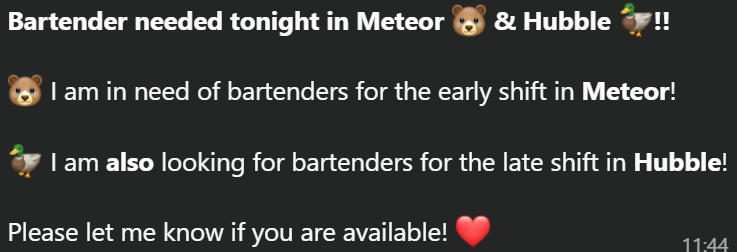
If you are available and would like to bartend, you can send a message to the person that send the announcement that you would like to take the shift. You could even try to convince your friends to bartend with you. Do not forget to let the SVH know to which association your bartending points should go.

# Complaints

We very much appreciate the effort and time our volunteers put in bartending and running the bars in their free time. We also keep thinking of how to improve. Although not everything is fixable, and we cannot have an unlimited budget of free beer or an extra discount for those who regularly bartend, we do appreciate your opinions and especially complaints.

Every now and then, we are sending a bartenders satisfaction form to have your ideas but also hear opinions on what makes these bartending shifts so fun or less fun.

In case of immediate complaints, such as:

- Feeling uncomfortable
- Feeling unsafe
- Feeling unrespected

Please reach out to the board. They are not wizards, but they can look at your complaint and see what they can do about it and see what went wrong.

Contact the board by sending a mail to <board@hubble.cafe>

#### **General complaints as guest**

For general complaints for the bar (like an item you are missing on the menu or quality of service), you can fill out the form on our websites:

- Complaints form for Hubble: [Tips, Complaints &amp; Ideas – Hubble Community Café](https://hubble.cafe/contact/tips-complaints-ideas/)
- Complaints form for Meteor: [Tips, Complaints &amp; Ideas ](https://meteor.cafe/complaints)[– Meteor Community Café](https://hubble.cafe/contact/tips-complaints-ideas/)

# Committees

The community is run by a lot of volunteers, restulting in having many different committees in the community too. These committees support the community by organising activities, working on the technical systems or help organising the intro. Right now, the community exists of the following committees:

- **Beuneenden**  
    The beuneenden are working on the technical side of the cafés as well as building and painting things. Sometimes using practical tools, sometimes with duct tape.
- **BrackCie**  
    The committee that designs merchandise.
- **TankCie**  
    Thank you activity committee to organise a large activity for the community to thank everyone that contributes to our amazing community
- **IntroDuckCie**  
    Committee that organises all activities during the intro
- **Kwaktails**  
    Committee that comes with a new seasonal cocktail every now and then
- **PR committees**  
    The PR committees mostly promote new items on things like the screen. They also try to keep up with the socials to make the community visable.  
    
    - Pils &amp; Representatie (Hubble)
    - PR &amp; Branding (Meteor)
    - FlipPR (Ducks &amp; Bears community)
- **ActCie**  
    The committee that organised (themed) activities and parties every now and then.

In case you have any ambition to join a committee to give more to the community, send a mail to <board@hubble.cafe> or try to speak to the current board to get in touch.

# Bar Potential Board

The Bar Potential board (also known as the Ducks&amp;Bears board) is the foundation board above Hubble and Meteor and they are the owners of the bars. In most occasions, they will be the first point of contact. Every association must have a bar contact that is then added to a WhatsApp group to keep up to date on bartending schedules and bonus meetings. You can contact them for:

- Wanting to become part of the community
- Wanting to organise a CoBo
- Wanting to borrow items from Hubble/Meteor. (For more info, press [this link](https://wiki.hubble.cafe/books/bar-bible/page/connected-associations-review))
- Organising bigger events, events with special needs or events outside opening times
- Questions about bartending
- Questions regarding the [Bonus](https://wiki.hubble.cafe/books/bar-bible/page/connected-associations-review) (eg bartending or eventpoints) or a[ Bonus++ request](https://wiki.hubble.cafe/books/bar-bible/page/connected-associations-review)
- Any and all questions you have regarding Hubble or Meteor.

The board usually changes twice a year, around September and February, when the board partly changes. Board members board for a full year, but in some cases might change their roles.

#### What does the board do?

The board has a lot of different tasks that are often pretty varying and board members have a lot of freedom on what tasks they want to be responsible for. Examples for tasks the board has are:

- Making the bartending/SVH planning
- Recruitment of SVH
- Organising policy and transfer weekends (you have 5 weekends as board!)
- Sign a lot of contracts
- Work on improvements in the bars
- Making promo to sell menu or seasonal items
- Organising super cool events
- Working together with associations and other people in the community
- Being in the bar a lot and meet a lot of fun people

#### How to become board?

Those that are interested or want to know more could share their interest with the board. The board often organizes an interest drink to talk with the board about what a board year and responsibilities are like. This is done in an informal way to just get to know each other and see where the interests are. The board also organises an interest dinner later, where the board will go more into detail on the what the board year looks like and the further process of becoming board. This process contains writing a motivation letter and an interview.

Show your interest by mailing to <board@hubble.cafe> or chat with one of the board members :)

# Basic Bar Operations

<span>Welcome to the chapter of basic bar operations. Here you can read how to draft a beer, how to make coffee and how the kitchen works. Do you already know the basics and want to learn the more advanced stuff? </span>[**Click here**](https://wiki.hubble.cafe/books/bar-bible/chapter/advanced-bar-operations-to-do "Advanced Bar Operations (TO DO)")<span> to open the chapter for advanced bar operations.</span>

**What to wear**  
Make sure to wear long pants and closed shoes. This is done for safety.

**How to start your shift**  
You start your shift with a shot (alcoholic or non-alcoholic) for both the early and late shift. The early shift is to celebrate the start of the shift. The shot at 23:00 is a big gathering of both the early and late shift to announce the switch of shifts. During the shift, the SVH can offer you drinks. You are allowed to drink alcohol if you want, but you certainly don't have to if you don't want to.

# Floorplan Hubble

\[Coming soon\]

# Floorplan Meteor

[![image.png](https://wiki.hubble.cafe/uploads/images/gallery/2026-04/scaled-1680-/iR23CdAtwvp87pVb-image.png)](https://wiki.hubble.cafe/uploads/images/gallery/2026-04/iR23CdAtwvp87pVb-image.png)
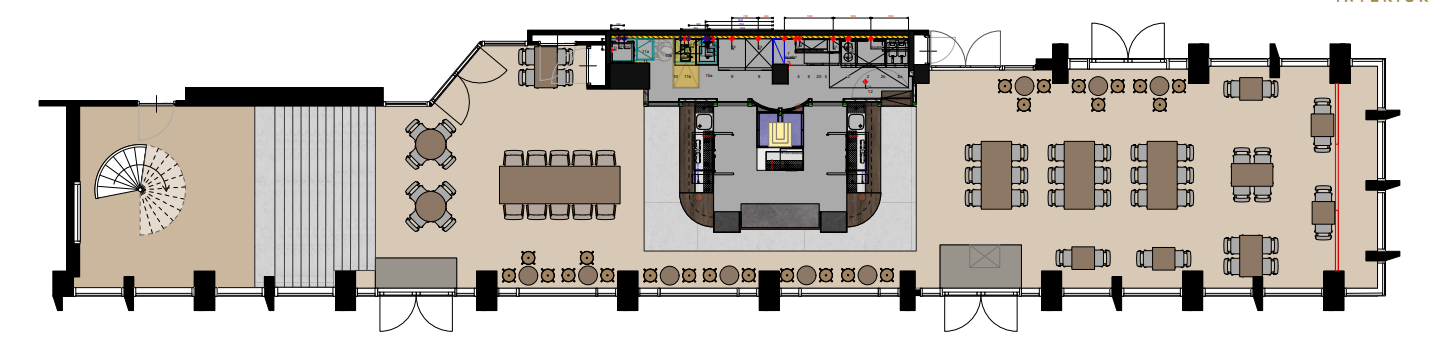
Please note that this is only a guideline. The placement of the tables may very per moment.

### **Meteor Bar**

<table border="1" id="bkmrk-draft-1-here-you-can" style="border-collapse: collapse; width: 100%;"><colgroup><col style="width: 50%;"></col><col style="width: 50%;"></col></colgroup><tbody><tr><td>[![Coffee machine.jpg](https://wiki.hubble.cafe/uploads/images/gallery/2026-10/scaled-1680-/jcc7juCV1AJ13BkB-coffee-machine.jpg)](https://wiki.hubble.cafe/uploads/images/gallery/2026-10/jcc7juCV1AJ13BkB-coffee-machine.jpg)

</td><td>**Draft 1**

Here you can find the most ordered beer like the Bavaria Beer, Witte Trappist, La Chouffe and Seasonal Cider on draft

**Draft 2**

Kriek and seasonal beers

**Coffee Machine**

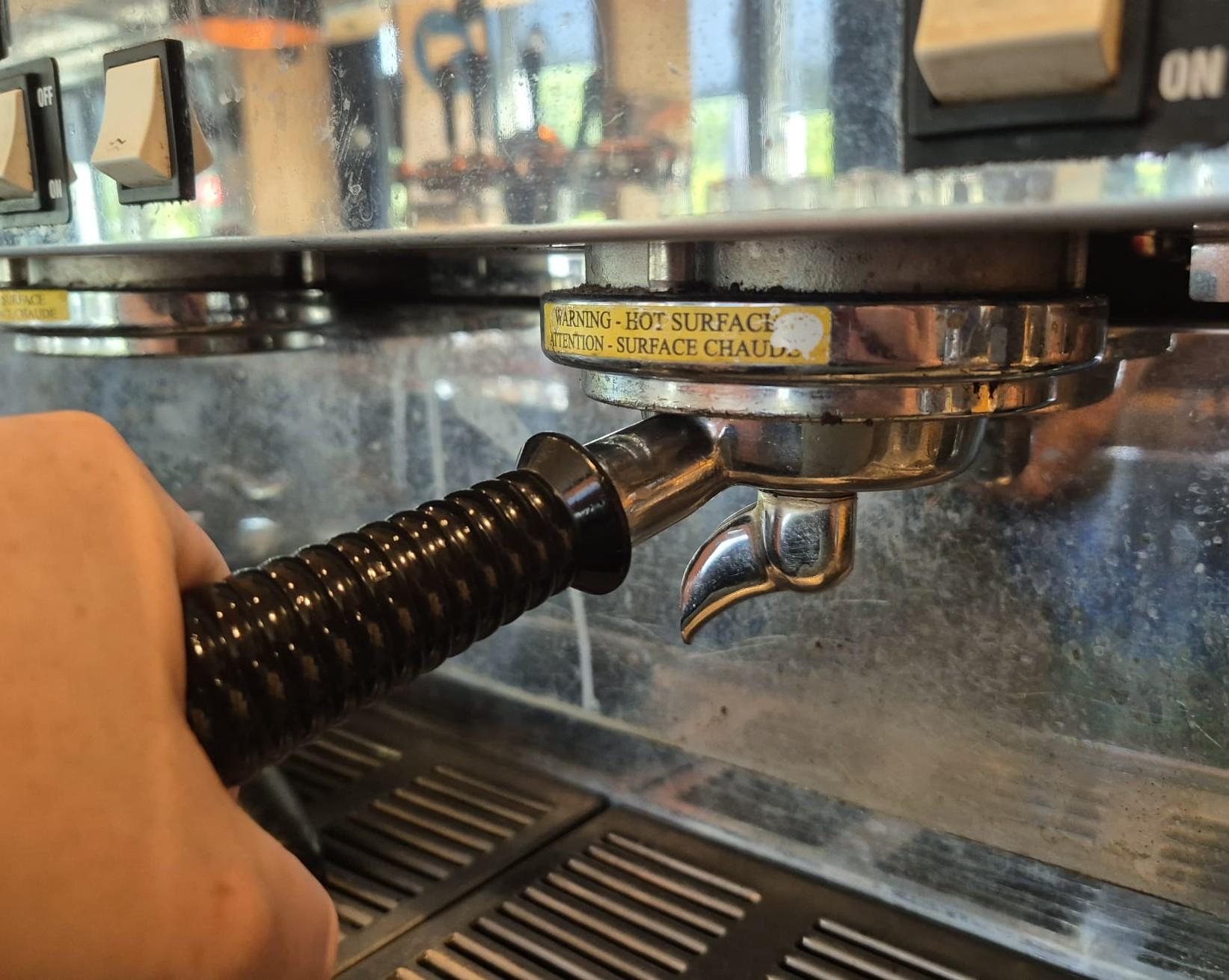
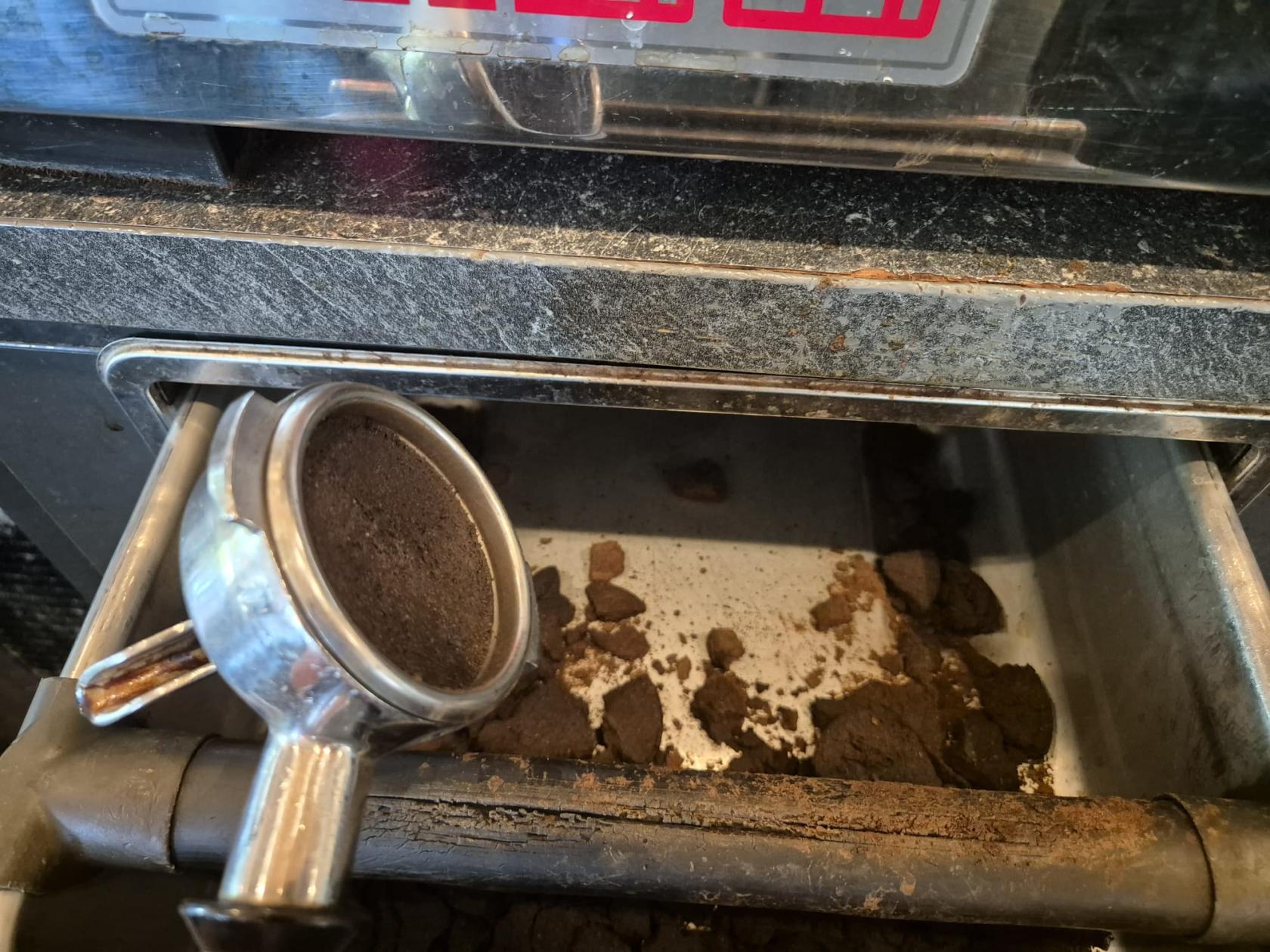
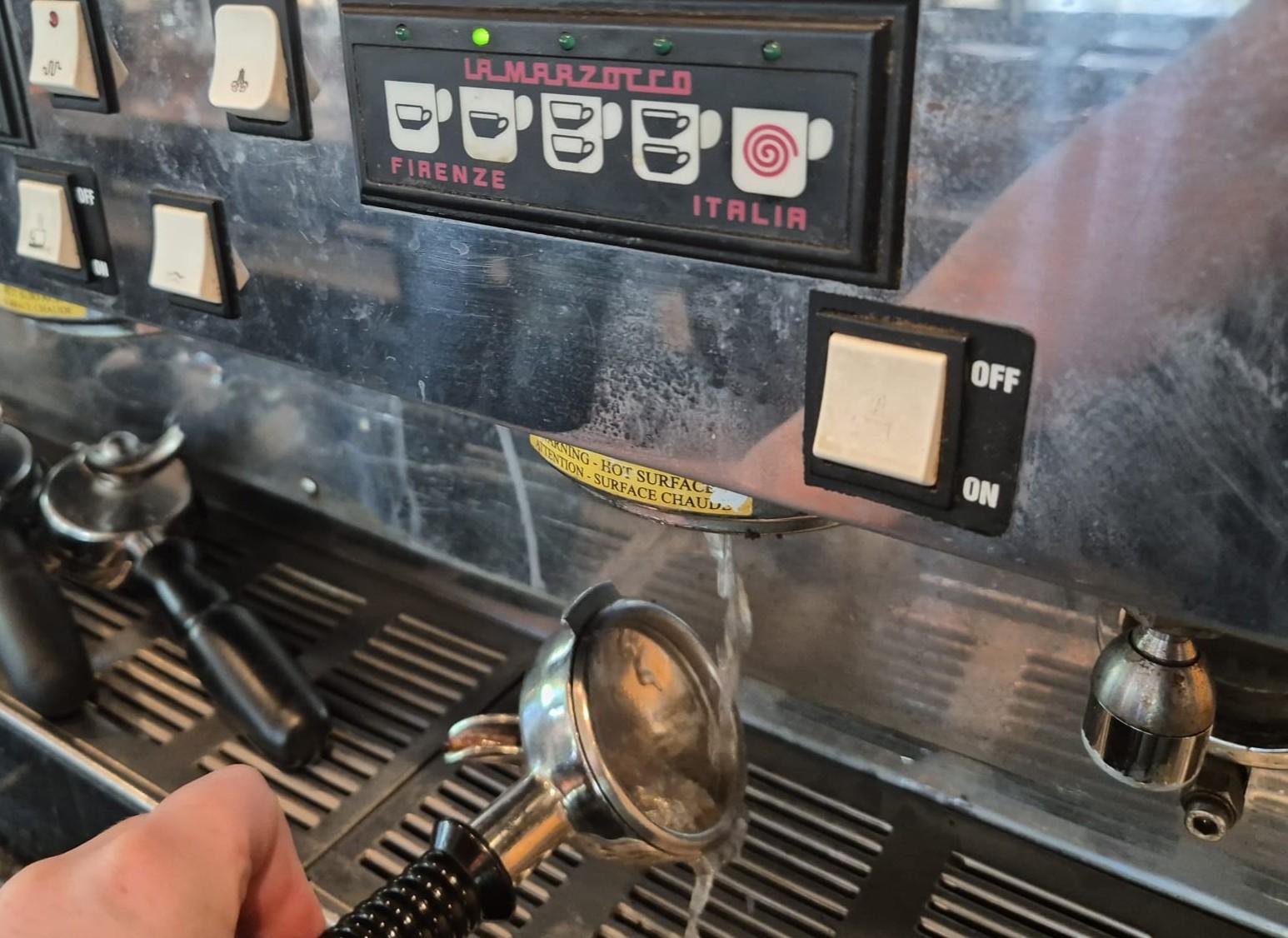
Here you can find the coffee machine, milk machine and coffee bean grinder. The cups are on top of the coffee machine. Underneath the coffee machine you can find the cookies and spoons. Next to the milk machine, you can find the syrups and plates. In the fridge underneath, you can find the hot chocolate and milks.

**Cocktail Machine**

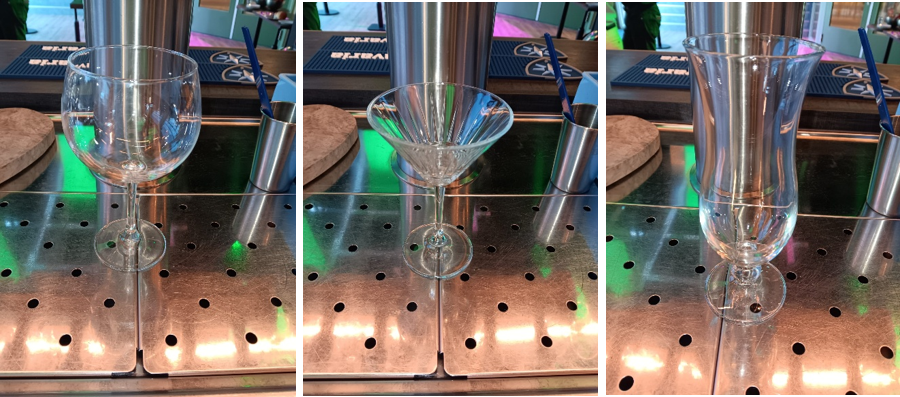
At the cocktail machine corner, you can find the cocktail machine, shapers, strainers, measuring cups and bucket of ice. The glasses can be found above the beer drafts.

**Cleaning sink**

The cleaning sink is to quickly clean glasses and the shakers. Glasses that are cleaned in the sink, must be placed on the bar itself. They cannot be put back with the glasses that hang and stand above the drafts.

**Cleaning corner**

Here you can find towels, landry and cleaning stuff. There is a rinsing machine to clean the glasses. These glasses may be put back

**Liquors**

You can find many liquors like Liqor 43, Tia Maria and tequila that are often use in shotglasses which you can also find in that corner. Some of these liquors are used as extra ingredients for certain cocktails.

</td></tr></tbody></table>

### **Bar fridges and freezer**

<table border="1" id="bkmrk-soda%27s-%26-0.0-beers-c" style="border-collapse: collapse; width: 100%;"><colgroup><col style="width: 50%;"></col><col style="width: 50%;"></col></colgroup><tbody><tr><td>[![Ontwerp zonder titel.png](https://wiki.hubble.cafe/uploads/images/gallery/2026-10/scaled-1680-/pmoFz5BZ7nnmTi80-ontwerp-zonder-titel.png)](https://wiki.hubble.cafe/uploads/images/gallery/2026-10/pmoFz5BZ7nnmTi80-ontwerp-zonder-titel.png)

</td><td>1. **Soda's &amp; 0.0 beers**
    1. Cola
    2. Fanta
    3. Fuze Tea's
    4. Ginger Ale
    5. Corona 0.0
    6. etc
2. **Bottled beers**
    1. Glutenfree Bavaria
    2. Desperados
    3. Triple le Fort
    4. Westmalle Dubbel
    5. etc
3. Cocktail bottles, Wine, Stelz &amp; Barista milk 
    1. **Cocktail bottles**
        1. Espresso Martini bottles
        2. Pornstar Martini bottles
        3. Spiced mule bottles
        4. Poloma bottles
    2. **Stelz cans**
    3. **Milks**
        1. Bastista milk
        2. Oat milk
        3. Chocolate milk
    4. **Wine**
        1. White wine (dry &amp; wseet)
        2. Rose wine
    5. **Garnish**
        1. Mint
        2. Slices of lemon (in white bucket)
4. Beer &amp; Cider Kegs
5. Beer &amp; Cider Kegs
6. **Fries and refills**
    1. Fries
    2. Mint
    3. Whole lemons
    4. Cocktail machine ingredients boxes  
        (this is only applicable for the juices and purrees)
7. Freezer 
    1. **Snacks** (bitterballen, kaassoufles, kroket, etc)
    2. **Ice cubes**

</td></tr></tbody></table>

# Which glasses to use (Needs updating)

In Hubble and Meteor, there are multiple glasses. There are many drinks to be served in certain glasses. on this page, we would like to teach you what glasses we have and what drink you should pour in these glasses but also the attention points when serving these glasses..

<table id="bkmrk-%5Binsert-drafted-le-f" style="border-collapse: collapse; width: 100%; height: 63.0417px;"><colgroup><col style="width: 50%;"></col><col style="width: 50%;"></col></colgroup><tbody><tr style="height: 63.0417px;"><td style="height: 63.0417px;">[![Ontwerp zonder titel (23).png](https://wiki.hubble.cafe/uploads/images/gallery/2025-11/scaled-1680-/yaBw58AknVjxsUUQ-ontwerp-zonder-titel-23.png)](https://wiki.hubble.cafe/uploads/images/gallery/2025-11/yaBw58AknVjxsUUQ-ontwerp-zonder-titel-23.png)

</td><td style="height: 63.0417px;"><p class="callout warning">Be aware of the stripes on the glass</p>

The stripes on the glasses indicate the correct level to pour the beer, this is called the **pour line**. A perfectly poured beer reaches up to this line.

The pour line can vary between different glasses. For example, the **Le Fort** and **Ipra** glasses have relatively low pour lines. When learning to pour beer, you are often taught that the ideal amount of beer reaches this line.

**See the example in the picture on the left**:

A Brewdog IPA poured in a Le Fort glass, with the beer reaching the pour line and the remaining space filled with foam. With these glasses, it is also acceptable to have slightly less foam than shown in the picture.

</td></tr></tbody></table>

#### **Allergy glasses**

Something really important when serving drinks to people with a gluten or lactose allergy.

**Gluten allergy** Guests with a gluten allergy must not receive drinks in glasses that were washed in the bar sink. That sink contains gluten residue because many beer glasses are rinsed there.  
Guests with a gluten allergy may only receive glasses that have come directly from the dishwasher..

**Lactose allergy** Glasses that have contained milk or any lactose product must not be washed in the bar sink nor in the bar dishwasher. These glasses must be sent to the back.

- - - At **Hubble**: kitchen staff will put these glasses through the kitchen dishwasher the next day.
        - At **Meteor**: these glasses will go through the main dishwasher in the back.

#### **Serving an empty glass**

Not all beers are draft. Some are bottled or canned and are stored in the fridge. We still provide a glass for all bottled and canned beers (see below which glass matches which beer).

When serving the glass, always place it **upright,** never upside down. Bar mats are not clean, and if the rim of the glass touches the bar mat it becomes unhygienic. This is the same rim the guest will drink from.

#### **Beer and Cider**

<table id="bkmrk-%5Binsert-bav-glass%5D-%5B" style="border-collapse: collapse; width: 100%; height: 1769.08px;"><colgroup><col style="width: 33.3333%;"></col><col style="width: 33.3333%;"></col><col style="width: 33.3333%;"></col></colgroup><tbody><tr style="height: 314px;"><td style="height: 314px;">[![WhatsApp Image 2025-09-27 at 14.00.00.jpeg](https://wiki.hubble.cafe/uploads/images/gallery/2025-09/scaled-1680-/9jgT2hMjtiJJFWjG-whatsapp-image-2025-09-27-at-14-00-00.jpeg)](https://wiki.hubble.cafe/uploads/images/gallery/2025-09/9jgT2hMjtiJJFWjG-whatsapp-image-2025-09-27-at-14-00-00.jpeg)

</td><td style="height: 314px;">[![WhatsApp Image 2025-09-27 at 14.00.01.jpeg](https://wiki.hubble.cafe/uploads/images/gallery/2025-09/scaled-1680-/7pzYasCJlBczckVA-whatsapp-image-2025-09-27-at-14-00-01.jpeg)](https://wiki.hubble.cafe/uploads/images/gallery/2025-09/7pzYasCJlBczckVA-whatsapp-image-2025-09-27-at-14-00-01.jpeg)

</td><td style="height: 314px;">[![WhatsApp Image 2025-09-27 at 14.00.00 (8).jpeg](https://wiki.hubble.cafe/uploads/images/gallery/2025-09/scaled-1680-/542CXyf8RDmQH2Se-whatsapp-image-2025-09-27-at-14-00-00-8.jpeg)](https://wiki.hubble.cafe/uploads/images/gallery/2025-09/542CXyf8RDmQH2Se-whatsapp-image-2025-09-27-at-14-00-00-8.jpeg)

</td></tr><tr style="height: 187.24px;"><td style="height: 187.24px;">**Bavaria glass (0.25L)**

- Bavaria pils

</td><td style="height: 187.24px;">**Witte Trappist glass (0.3L)**

- Witte trappist

</td><td style="height: 187.24px;">**La Trappe glass (0.25L)**

*(only in Hubble)*

- La Trappe Blond
- La Trappe Dubbel (bottle)
- La Trappe Tripel (bottle)
- La Trappe Quadrupel (bottle)
- La Trappe Isi'dor (bottle)
- La Trappe Nillis 0.0 (bottle)
- La Trappe Epos 0.0 (bottle)

</td></tr><tr style="height: 287.333px;"><td style="height: 287.333px;">[![WhatsApp Image 2025-09-27 at 14.00.01 (1).jpeg](https://wiki.hubble.cafe/uploads/images/gallery/2025-09/scaled-1680-/CLLUZ94kQoQdQojg-whatsapp-image-2025-09-27-at-14-00-01-1.jpeg)](https://wiki.hubble.cafe/uploads/images/gallery/2025-09/CLLUZ94kQoQdQojg-whatsapp-image-2025-09-27-at-14-00-01-1.jpeg)

</td><td style="height: 287.333px;">[![WhatsApp Image 2025-09-27 at 14.00.00 (7).jpeg](https://wiki.hubble.cafe/uploads/images/gallery/2025-09/scaled-1680-/xR8S4CIlRCPz2br2-whatsapp-image-2025-09-27-at-14-00-00-7.jpeg)](https://wiki.hubble.cafe/uploads/images/gallery/2025-09/xR8S4CIlRCPz2br2-whatsapp-image-2025-09-27-at-14-00-00-7.jpeg)

</td><td style="height: 287.333px;">[![WhatsApp Image 2025-09-27 at 14.00.00 (5).jpeg](https://wiki.hubble.cafe/uploads/images/gallery/2025-09/scaled-1680-/Yp3iQJ1E9rr5Yxfr-whatsapp-image-2025-09-27-at-14-00-00-5.jpeg)](https://wiki.hubble.cafe/uploads/images/gallery/2025-09/Yp3iQJ1E9rr5Yxfr-whatsapp-image-2025-09-27-at-14-00-00-5.jpeg)

</td></tr><tr style="height: 136.865px;"><td style="height: 136.865px;">**Le Fort glass**

*(Only in Hubble)*

- Triple Le Fort
- Bavaria 0.0 IPA
- Brewdog IPA
- Any other kind of special beer that is not mentioned on this page

</td><td style="height: 136.865px;">**Bavaria 0.5L glass**

- 0.5L Bavaria

</td><td style="height: 136.865px;"> **Guinness glass 0.5L**

- Guinness

</td></tr><tr style="height: 266px;"><td style="height: 266px;">[![WhatsApp Image 2025-09-27 at 14.00.00 (4).jpeg](https://wiki.hubble.cafe/uploads/images/gallery/2025-09/scaled-1680-/rIMg4G5lEyevyo75-whatsapp-image-2025-09-27-at-14-00-00-4.jpeg)](https://wiki.hubble.cafe/uploads/images/gallery/2025-09/rIMg4G5lEyevyo75-whatsapp-image-2025-09-27-at-14-00-00-4.jpeg)

</td><td style="height: 266px;">[![WhatsApp Image 2025-09-27 at 14.00.00 (3).jpeg](https://wiki.hubble.cafe/uploads/images/gallery/2025-09/scaled-1680-/6akPNKtX46vPhPWZ-whatsapp-image-2025-09-27-at-14-00-00-3.jpeg)](https://wiki.hubble.cafe/uploads/images/gallery/2025-09/6akPNKtX46vPhPWZ-whatsapp-image-2025-09-27-at-14-00-00-3.jpeg)

</td><td style="height: 266px;">[![WhatsApp Image 2025-09-27 at 14.00.00 (6).jpeg](https://wiki.hubble.cafe/uploads/images/gallery/2025-09/scaled-1680-/FeJzwIY8KCtGyXgw-whatsapp-image-2025-09-27-at-14-00-00-6.jpeg)](https://wiki.hubble.cafe/uploads/images/gallery/2025-09/FeJzwIY8KCtGyXgw-whatsapp-image-2025-09-27-at-14-00-00-6.jpeg)

</td></tr><tr style="height: 120.073px;"><td style="height: 120.073px;">**Weihenstephaner 0.5L**

*(only Hubble)*

- Weihenstephaner 0.5L
- Witte Trappist 0.5L

</td><td style="height: 120.073px;">**Weihenstephaner 0.5L**

*(only Hubble)*

- Bavaria 0.5L
- Weihenstephaner 0.5L
- Witte Trappist 0.5L
- Mocktails made with 2 sodas

</td><td style="height: 120.073px;"> **Bavaria pitcher 1.5L**

- Bavaria Pitcher
- Witte Trappist Pitcher

(6 bavaria beers fit in 1 pitcher)

</td></tr><tr style="height: 29.4583px;"><td style="height: 29.4583px;">[![WhatsApp Image 2025-11-07 at 15.47.23.jpeg](https://wiki.hubble.cafe/uploads/images/gallery/2025-11/scaled-1680-/XWtGFNDww1Ykgj5C-whatsapp-image-2025-11-07-at-15-47-23.jpeg)](https://wiki.hubble.cafe/uploads/images/gallery/2025-11/XWtGFNDww1Ykgj5C-whatsapp-image-2025-11-07-at-15-47-23.jpeg)

</td><td style="height: 29.4583px;">[![WhatsApp Image 2025-11-07 at 13.33.32 (2).jpeg](https://wiki.hubble.cafe/uploads/images/gallery/2025-11/scaled-1680-/ng3cEJ60iwLb7R2E-whatsapp-image-2025-11-07-at-13-33-32-2.jpeg)](https://wiki.hubble.cafe/uploads/images/gallery/2025-11/ng3cEJ60iwLb7R2E-whatsapp-image-2025-11-07-at-13-33-32-2.jpeg)

</td><td style="height: 29.4583px;">[![WhatsApp Image 2025-11-07 at 13.33.32 (3).jpeg](https://wiki.hubble.cafe/uploads/images/gallery/2025-11/scaled-1680-/gNfGv1m7GBTdotpi-whatsapp-image-2025-11-07-at-13-33-32-3.jpeg)](https://wiki.hubble.cafe/uploads/images/gallery/2025-11/gNfGv1m7GBTdotpi-whatsapp-image-2025-11-07-at-13-33-32-3.jpeg)

</td></tr><tr style="height: 46.25px;"><td style="height: 46.25px;">**Weihenstephaner 0.3L**

*(only Meteor)*

</td><td style="height: 46.25px;">**Max krieg 0.25L**

*(only Meteor)*

- MAX Krieg
- Cider from tap
- Other special beer

These glasses can also be used when you run out of Martini glasses.

</td><td style="height: 46.25px;">**Ypra glass 0.25L**

*(only Meteor)*

- La Chouffe Blond
- Other special beer
</td></tr><tr><td>![WhatsApp Image 2025-11-07 at 15.47.20.jpeg](https://wiki.hubble.cafe/uploads/images/gallery/2025-11/scaled-1680-/rBfACzPTKaxtwanG-whatsapp-image-2025-11-07-at-15-47-20.jpeg)

</td><td></td><td></td></tr><tr><td>**Magners Cider glass 0.5L**

*(Only Meteor}*

- Cider from the tap

</td><td></td><td></td></tr></tbody></table>

#### **Wine and soft drinks**

<table id="bkmrk-everest-glass-%28180ml" style="border-collapse: collapse; width: 99.4048%; height: 1794.88px;"><colgroup><col style="width: 33.2539%;"></col><col style="width: 33.2539%;"></col><col style="width: 33.2539%;"></col></colgroup><tbody><tr style="height: 254px;"><td style="height: 254px;">[![WhatsApp Image 2025-09-27 at 14.00.00 (2).jpeg](https://wiki.hubble.cafe/uploads/images/gallery/2025-09/scaled-1680-/UufLzYWHebnzJXDL-whatsapp-image-2025-09-27-at-14-00-00-2.jpeg)](https://wiki.hubble.cafe/uploads/images/gallery/2025-09/UufLzYWHebnzJXDL-whatsapp-image-2025-09-27-at-14-00-00-2.jpeg)

</td><td style="height: 254px;">**(Picture coming)**</td><td style="height: 254px;">[![WhatsApp Image 2025-11-07 at 13.33.33 (2).jpeg](https://wiki.hubble.cafe/uploads/images/gallery/2025-11/scaled-1680-/w0HCgY6gxplswGFr-whatsapp-image-2025-11-07-at-13-33-33-2.jpeg)](https://wiki.hubble.cafe/uploads/images/gallery/2025-11/w0HCgY6gxplswGFr-whatsapp-image-2025-11-07-at-13-33-33-2.jpeg)

</td></tr><tr style="height: 153.656px;"><td style="height: 153.656px;">**Everest glass (180ml)**

*(only Hubble)*

- All Wine
- Port

</td><td style="height: 153.656px;">**Water glass (200ml)**

*(only Hubble)*

- Soda
- Water
- Cold chocolate milk
- Apple juice
- Orange juice

</td><td style="height: 153.656px;">**Wine glass**

*(only Meteor)*

- All wine

For wine, it is important to know to not fill the entire glass. According to etiquetes, the wine should be poured a little above the curving of the glass.

**[Click here](https://wiki.hubble.cafe/books/bar-bible/page/wine-to-do "Wine (TO DO)")** to learn more about wines and how to pour it.

</td></tr><tr><td>[![WhatsApp Image 2025-11-07 at 15.47.36.jpeg](https://wiki.hubble.cafe/uploads/images/gallery/2025-11/scaled-1680-/zW9hlgEUuZgmlKz6-whatsapp-image-2025-11-07-at-15-47-36.jpeg)](https://wiki.hubble.cafe/uploads/images/gallery/2025-11/zW9hlgEUuZgmlKz6-whatsapp-image-2025-11-07-at-15-47-36.jpeg)

</td><td>[![4d2897dd-a0bd-4c70-8824-f3f8f001b0f4.JPEG](https://wiki.hubble.cafe/uploads/images/gallery/2026-10/scaled-1680-/lYhTZk0OZmY9cWRD-4d2897dd-a0bd-4c70-8824-f3f8f001b0f4.JPEG)](https://wiki.hubble.cafe/uploads/images/gallery/2026-10/lYhTZk0OZmY9cWRD-4d2897dd-a0bd-4c70-8824-f3f8f001b0f4.JPEG)

</td><td></td></tr><tr><td>**Coca Cola glass 0.2L**

*(only Meteor)*

- Soda
- Water
- Cold chocolate milk
- Apple juice
- Orange juice

</td><td>**Somersby glass**

*(only Meteor)*

- Lemonades from cocktail machine

</td><td></td></tr></tbody></table>

#### **Cocktails**

<table id="bkmrk-martini-glass-%28only-" style="border-collapse: collapse; width: 100%; height: 1794.88px;"><colgroup><col style="width: 33.3598%;"></col><col style="width: 33.3598%;"></col><col style="width: 33.3598%;"></col></colgroup><tbody><tr><td>[![WhatsApp Image 2025-11-07 at 13.33.33.jpeg](https://wiki.hubble.cafe/uploads/images/gallery/2025-11/scaled-1680-/b9HqAivhSVjL8xSw-whatsapp-image-2025-11-07-at-13-33-33.jpeg)](https://wiki.hubble.cafe/uploads/images/gallery/2025-11/b9HqAivhSVjL8xSw-whatsapp-image-2025-11-07-at-13-33-33.jpeg)

</td><td>[![WhatsApp Image 2025-11-07 at 13.33.33 (1).jpeg](https://wiki.hubble.cafe/uploads/images/gallery/2025-11/scaled-1680-/zCg9XV6U8fJ8JKZ2-whatsapp-image-2025-11-07-at-13-33-33-1.jpeg)](https://wiki.hubble.cafe/uploads/images/gallery/2025-11/zCg9XV6U8fJ8JKZ2-whatsapp-image-2025-11-07-at-13-33-33-1.jpeg)

</td><td>[![WhatsApp Image 2025-11-07 at 13.33.32.jpeg](https://wiki.hubble.cafe/uploads/images/gallery/2025-11/scaled-1680-/VQ4uk0f4y4VIaRBl-whatsapp-image-2025-11-07-at-13-33-32.jpeg)](https://wiki.hubble.cafe/uploads/images/gallery/2025-11/VQ4uk0f4y4VIaRBl-whatsapp-image-2025-11-07-at-13-33-32.jpeg)

</td></tr><tr><td>**Martini glass**

*(only Meteor)*

Look at the recipe of the cocktail machine to see which glass you need

Cocktails served in a Martini glass, require a cocktail shaker. When you run out of Martini glasses, you can also use MAX Kriek glasses.

</td><td>**Hurricane glass**

*(only Meteor)*

Look at the recipe of the cocktail machine to see which glass you need

</td><td>**Spritz glass**

*(only Meteor)*

Look at the recipe of the cocktail machine to see which glass you need

</td></tr><tr><td> [![WhatsApp Image 2025-11-07 at 13.33.32 (1).jpeg](https://wiki.hubble.cafe/uploads/images/gallery/2025-11/scaled-1680-/IBk52J9DPv42u3GR-whatsapp-image-2025-11-07-at-13-33-32-1.jpeg)](https://wiki.hubble.cafe/uploads/images/gallery/2025-11/IBk52J9DPv42u3GR-whatsapp-image-2025-11-07-at-13-33-32-1.jpeg)

</td><td>![vxkmqyHCqeatbIFK-whatsapp-image-2025-09-27-at-13-59-59-3.jpg](https://wiki.hubble.cafe/uploads/images/gallery/2025-11/scaled-1680-/LjCp5Tu0koqBy5jy-vxkmqyhcqeatbifk-whatsapp-image-2025-09-27-at-13-59-59-3.jpg)</td><td>[![23f449e7-3a33-44cb-9723-aeea8a6bea47 (1).JPEG](https://wiki.hubble.cafe/uploads/images/gallery/2026-10/scaled-1680-/Lq2gGlZ4GRVdqFH0-23f449e7-3a33-44cb-9723-aeea8a6bea47-1.JPEG)](https://wiki.hubble.cafe/uploads/images/gallery/2026-10/Lq2gGlZ4GRVdqFH0-23f449e7-3a33-44cb-9723-aeea8a6bea47-1.JPEG)


</td></tr><tr><td>**Everest Cocktail glass**

*(only Meteor)*

- Mocha Cocktail

Look at the recipe of the cocktail machine to see which glass you need

</td><td>**Jug cocktail glass**

*(only Hubble)*

- Cocktails
- Mocktails made with 1 soda

In case you run out of jug glasses, you can also use a Le Fort glass

</td><td>**Whiskey glass**

*(Only Meteor)*

- Whiskey
- Martini cocktails if the Martini glasses run out

</td></tr></tbody></table>

#### **Hot drinks**

Hot drinks are all served on a plate with a cookie and spoon.   
Want to know how to make all different kinds of coffees? **[Click here](https://wiki.hubble.cafe/books/bar-bible/page/regular-coffees-review "Regular coffees (TO DO)")** for the tutorial.

<table id="bkmrk-%5Binsert-espresso-cup" style="border-collapse: collapse; width: 100%;"><colgroup><col style="width: 33.3598%;"></col><col style="width: 33.3598%;"></col><col style="width: 33.3598%;"></col></colgroup><tbody><tr><td>[![WhatsApp Image 2025-11-07 at 15.01.00 (2).jpeg](https://wiki.hubble.cafe/uploads/images/gallery/2025-11/scaled-1680-/6Haq1SG4pSihjThn-whatsapp-image-2025-11-07-at-15-01-00-2.jpeg)](https://wiki.hubble.cafe/uploads/images/gallery/2025-11/6Haq1SG4pSihjThn-whatsapp-image-2025-11-07-at-15-01-00-2.jpeg)

</td><td>[![WhatsApp Image 2025-11-07 at 15.01.00 (1).jpeg](https://wiki.hubble.cafe/uploads/images/gallery/2025-11/scaled-1680-/p1D895WZEQDZEQWw-whatsapp-image-2025-11-07-at-15-01-00-1.jpeg)](https://wiki.hubble.cafe/uploads/images/gallery/2025-11/p1D895WZEQDZEQWw-whatsapp-image-2025-11-07-at-15-01-00-1.jpeg)

</td><td>[![WhatsApp Image 2025-11-07 at 15.01.00.jpeg](https://wiki.hubble.cafe/uploads/images/gallery/2025-11/scaled-1680-/7nYMYZZkICYNLXGm-whatsapp-image-2025-11-07-at-15-01-00.jpeg)](https://wiki.hubble.cafe/uploads/images/gallery/2025-11/7nYMYZZkICYNLXGm-whatsapp-image-2025-11-07-at-15-01-00.jpeg)

</td></tr><tr><td>**Espresso cup**

*(Smallest cup)*

- Espresso

</td><td>**Coffee cup**

*(middle cup)*

- Coffee (decafé included)
- Double Espresso (Doppio)

**[Click here](https://wiki.hubble.cafe/books/bar-bible/page/regular-coffees-review)** to learn how to make a coffee

</td><td>**Cappuccino cup**

*(Biggest cup)*

- Cappuccino (soy/almund milk too)

**[Click here](https://wiki.hubble.cafe/books/bar-bible/page/regular-coffees-review "Regular coffees (TO DO)")** to learn how to make cappuccino

</td></tr><tr><td>[![WhatsApp Image 2025-11-07 at 15.00.59.jpeg](https://wiki.hubble.cafe/uploads/images/gallery/2025-11/scaled-1680-/4L8XUWGcglZYO7NZ-whatsapp-image-2025-11-07-at-15-00-59.jpeg)](https://wiki.hubble.cafe/uploads/images/gallery/2025-11/4L8XUWGcglZYO7NZ-whatsapp-image-2025-11-07-at-15-00-59.jpeg)

</td><td>[![WhatsApp Image 2025-09-27 at 13.59.59.jpeg](https://wiki.hubble.cafe/uploads/images/gallery/2025-09/scaled-1680-/5ESiBfvYC2dXw38F-whatsapp-image-2025-09-27-at-13-59-59.jpeg)](https://wiki.hubble.cafe/uploads/images/gallery/2025-09/5ESiBfvYC2dXw38F-whatsapp-image-2025-09-27-at-13-59-59.jpeg)

</td><td>[![WhatsApp Image 2025-09-27 at 13.59.59 (2).jpeg](https://wiki.hubble.cafe/uploads/images/gallery/2025-09/scaled-1680-/TiAGG3lXjJVm9Aqd-whatsapp-image-2025-09-27-at-13-59-59-2.jpeg)](https://wiki.hubble.cafe/uploads/images/gallery/2025-09/TiAGG3lXjJVm9Aqd-whatsapp-image-2025-09-27-at-13-59-59-2.jpeg)

</td></tr><tr><td>**Latte glass**

- Latte machiato (all specials included)
- Ice coffee
- Hot chocolate (Meteor)

[**Click here**](https://wiki.hubble.cafe/books/bar-bible/page/regular-coffees-review "Regular coffees (TO DO)") to learn how to make a latte

</td><td>**Chocomel cup**

(only Hubble)

- Hot chocolate

**[Click here](https://wiki.hubble.cafe/books/bar-bible/page/making-tea-hot-chocolate-review "Making tea & hot chocolate (TO DO)")** on how to make hot chocolate

</td><td>**Special coffee glass (whipped cream coffees)**

*(only Hubble)*

- Spanish coffee
- French Coffee
- etc.

**[Click here](https://wiki.hubble.cafe/books/bar-bible/page/whipped-cream-coffees-to-do "Whipped cream coffees (TO DO)")** to learn how to make special coffees

</td></tr><tr><td>[![WhatsApp Image 2025-09-27 at 13.59.59 (1).jpeg](https://wiki.hubble.cafe/uploads/images/gallery/2025-09/scaled-1680-/F0a6SYH7y20xkq6j-whatsapp-image-2025-09-27-at-13-59-59-1.jpeg)](https://wiki.hubble.cafe/uploads/images/gallery/2025-09/F0a6SYH7y20xkq6j-whatsapp-image-2025-09-27-at-13-59-59-1.jpeg)

</td><td></td><td></td></tr><tr><td>**Tea glass**

- Tea
- Ginger tea
- Mint tea

</td><td></td><td></td></tr></tbody></table>

# How to serve guests

<span class="TextRun SCXW43746880 BCX0" data-contrast="auto" lang="EN-GB" xml:lang="EN-GB"><span class="NormalTextRun SCXW43746880 BCX0">Greet the guest</span></span><span class="EOP SCXW43746880 BCX0" data-ccp-props="{"335559738":240,"335559739":240}"> </span>

<div class="SCXW43746880 BCX0" id="bkmrk-%C2%A0politely-say-hello-"><div class="ListContainerWrapper SCXW43746880 BCX0">  
</div><div class="ListContainerWrapper SCXW43746880 BCX0">1. <span class="TextRun SCXW43746880 BCX0" data-contrast="auto" lang="EN-GB" xml:lang="EN-GB"><span class="NormalTextRun SCXW43746880 BCX0"> Politely say hello and ask: “Are </span><span class="NormalTextRun SCXW43746880 BCX0">you a student</span><span class="NormalTextRun SCXW43746880 BCX0">”</span></span><span class="EOP SCXW43746880 BCX0" data-ccp-props="{"335559738":240,"335559739":240}"> </span>

</div><div class="ListContainerWrapper SCXW43746880 BCX0">  
</div></div><span class="TextRun SCXW43746880 BCX0" data-contrast="auto" lang="EN-GB" xml:lang="EN-GB"><span class="NormalTextRun SCXW43746880 BCX0">Determine</span><span class="NormalTextRun SCXW43746880 BCX0"> their status and scan correctly</span></span><span class="EOP SCXW43746880 BCX0" data-ccp-props="{"335559738":240,"335559739":240}"> </span>

<div class="SCXW43746880 BCX0" id="bkmrk-student%3A-ask-for-the"><div class="ListContainerWrapper SCXW43746880 BCX0">  
</div><div class="ListContainerWrapper SCXW43746880 BCX0">1. <span class="TextRun SCXW43746880 BCX0" data-contrast="auto" lang="EN-GB" xml:lang="EN-GB"><span class="NormalTextRun SCXW43746880 BCX0">Student: Ask for their student card. Scan the </span></span><span class="TextRun SCXW43746880 BCX0" data-contrast="auto" lang="EN-GB" xml:lang="EN-GB"><span class="NormalTextRun SCXW43746880 BCX0">TUE student</span></span><span class="TextRun SCXW43746880 BCX0" data-contrast="auto" lang="EN-GB" xml:lang="EN-GB"><span class="NormalTextRun SCXW43746880 BCX0"> barcode.</span></span><span class="EOP SCXW43746880 BCX0" data-ccp-props="{"335559738":240,"335559739":240}"> </span>

</div><div class="ListContainerWrapper SCXW43746880 BCX0">2. <span class="TextRun SCXW43746880 BCX0" data-contrast="auto" lang="EN-GB" xml:lang="EN-GB"><span class="NormalTextRun SCXW43746880 BCX0">Association member: Ask the name of their association. Scan the association barcode or find it in the register.</span></span><span class="EOP SCXW43746880 BCX0" data-ccp-props="{"335559738":240,"335559739":240}"> </span>

</div><div class="ListContainerWrapper SCXW43746880 BCX0">3. <span class="TextRun SCXW43746880 BCX0" data-contrast="auto" lang="EN-GB" xml:lang="EN-GB"><span class="NormalTextRun SCXW43746880 BCX0">R</span><span class="NormalTextRun SCXW43746880 BCX0">esident: Ask to see their Luna keys</span><span class="NormalTextRun SCXW43746880 BCX0"> of room droplet</span><span class="NormalTextRun SCXW43746880 BCX0">. Scan the</span></span><span class="TextRun SCXW43746880 BCX0" data-contrast="auto" lang="EN-GB" xml:lang="EN-GB"> <span class="NormalTextRun SCXW43746880 BCX0">R</span><span class="NormalTextRun SCXW43746880 BCX0">esident</span></span><span class="TextRun SCXW43746880 BCX0" data-contrast="auto" lang="EN-GB" xml:lang="EN-GB"><span class="NormalTextRun SCXW43746880 BCX0"> barcode.</span></span><span class="EOP SCXW43746880 BCX0" data-ccp-props="{"335559738":240,"335559739":240}"> </span>

</div><div class="ListContainerWrapper SCXW43746880 BCX0">4. <span class="TextRun SCXW43746880 BCX0" data-contrast="auto" lang="EN-GB" xml:lang="EN-GB"><span class="NormalTextRun SCXW43746880 BCX0">Personal account:</span></span> <span class="TextRun SCXW43746880 BCX0" data-contrast="auto" lang="EN-GB" xml:lang="EN-GB"><span class="NormalTextRun SCXW43746880 BCX0">They can scan their NFC chip or barcode, or you can search for their name in the register.</span></span><span class="EOP SCXW43746880 BCX0" data-ccp-props="{"335559738":240,"335559739":240}"> </span>

</div><div class="ListContainerWrapper SCXW43746880 BCX0">5. <span class="TextRun SCXW43746880 BCX0" data-contrast="auto" lang="EN-GB" xml:lang="EN-GB"><span class="NormalTextRun SCXW43746880 BCX0">Not a student: No scan needed.</span></span><span class="EOP SCXW43746880 BCX0" data-ccp-props="{"335559738":240,"335559739":240}"> </span>

</div><div class="ListContainerWrapper SCXW43746880 BCX0">  
</div></div><span class="TextRun SCXW43746880 BCX0" data-contrast="auto" lang="EN-GB" xml:lang="EN-GB"><span class="NormalTextRun SCXW43746880 BCX0">Take the order in the register</span></span><span class="EOP SCXW43746880 BCX0" data-ccp-props="{"335559738":240,"335559739":240}"> </span>

<div class="SCXW43746880 BCX0" id="bkmrk-%C2%A0see-register-guide-"><div class="ListContainerWrapper SCXW43746880 BCX0">  
</div><div class="ListContainerWrapper SCXW43746880 BCX0">1. <span class="TextRun SCXW43746880 BCX0" data-contrast="auto" lang="EN-GB" xml:lang="EN-GB"><span class="NormalTextRun SCXW43746880 BCX0"> See </span></span><span class="TextRun SCXW43746880 BCX0" data-contrast="auto" lang="EN-GB" xml:lang="EN-GB"><span class="NormalTextRun SCXW43746880 BCX0">Register Guide</span></span><span class="TextRun SCXW43746880 BCX0" data-contrast="auto" lang="EN-GB" xml:lang="EN-GB"><span class="NormalTextRun SCXW43746880 BCX0"> below for detailed steps.</span></span><span class="EOP SCXW43746880 BCX0" data-ccp-props="{"335559738":240,"335559739":240}"> </span>

</div><div class="ListContainerWrapper SCXW43746880 BCX0">  
</div></div><span class="TextRun SCXW43746880 BCX0" data-contrast="auto" lang="EN-GB" xml:lang="EN-GB"><span class="NormalTextRun SCXW43746880 BCX0">After payment: handle the receipt</span></span><span class="EOP SCXW43746880 BCX0" data-ccp-props="{"335559738":240,"335559739":240}"> </span>

<div class="SCXW43746880 BCX0" id="bkmrk-food-receipt%3A%C2%A0-%C2%A0hand"><div class="ListContainerWrapper SCXW43746880 BCX0">  
</div><div class="ListContainerWrapper SCXW43746880 BCX0">1. <span class="TextRun SCXW43746880 BCX0" data-contrast="auto" lang="EN-GB" xml:lang="EN-GB"><span class="NormalTextRun SCXW43746880 BCX0">Food receipt:</span></span><span class="EOP SCXW43746880 BCX0" data-ccp-props="{"335559738":240,"335559739":240}"> </span>

</div><div class="ListContainerWrapper SCXW43746880 BCX0">1. 1. <span class="TextRun SCXW43746880 BCX0" data-contrast="auto" lang="EN-GB" xml:lang="EN-GB"><span class="NormalTextRun SCXW43746880 BCX0"> Hand it to the guest. Explain that their order number will appear on the screen when </span><span class="NormalTextRun SCXW43746880 BCX0">it’s</span><span class="NormalTextRun SCXW43746880 BCX0"> ready.</span></span><span class="EOP SCXW43746880 BCX0" data-ccp-props="{"335559738":240,"335559739":240}"> </span>

</div></div><div class="SCXW43746880 BCX0" id="bkmrk-%C2%A0then-make-sure-a-ba"><div class="ListContainerWrapper SCXW43746880 BCX0">1. 1. <span class="TextRun SCXW43746880 BCX0" data-contrast="auto" lang="EN-GB" xml:lang="EN-GB"><span class="NormalTextRun SCXW43746880 BCX0"> Then make sure a bartender starts the order (shout “KITCHEN!” if needed).</span></span><span class="EOP SCXW43746880 BCX0" data-ccp-props="{"335559738":240,"335559739":240}"> </span>

</div><div class="ListContainerWrapper SCXW43746880 BCX0">2. <span class="TextRun SCXW43746880 BCX0" data-contrast="auto" lang="EN-GB" xml:lang="EN-GB"><span class="NormalTextRun SCXW43746880 BCX0">Drink receipt:</span></span><span class="EOP SCXW43746880 BCX0" data-ccp-props="{"335559738":240,"335559739":240}"> </span>

</div><div class="ListContainerWrapper SCXW43746880 BCX0">1. 1. <span class="TextRun SCXW43746880 BCX0" data-contrast="auto" lang="EN-GB" xml:lang="EN-GB"><span class="NormalTextRun SCXW43746880 BCX0"> Place it to the left of the register. Put new receipts rightmost, oldest leftmost.</span></span><span class="EOP SCXW43746880 BCX0" data-ccp-props="{"335559738":240,"335559739":240}"> </span>

</div><div class="ListContainerWrapper SCXW43746880 BCX0">1. 1. <span class="TextRun SCXW43746880 BCX0" data-contrast="auto" lang="EN-GB" xml:lang="EN-GB"><span class="NormalTextRun SCXW43746880 BCX0"> Always </span></span><span class="TextRun Underlined SCXW43746880 BCX0" data-contrast="auto" lang="EN-GB" xml:lang="EN-GB"><span class="NormalTextRun SCXW43746880 BCX0">take the receipt with you or spike it </span><span class="NormalTextRun SCXW43746880 BCX0">immediately</span></span><span class="TextRun SCXW43746880 BCX0" data-contrast="auto" lang="EN-GB" xml:lang="EN-GB"><span class="NormalTextRun SCXW43746880 BCX0"> if you start preparing drinks to avoid duplicates.</span></span><span class="EOP SCXW43746880 BCX0" data-ccp-props="{"335559738":240,"335559739":240}"> </span>

</div><div class="ListContainerWrapper SCXW43746880 BCX0">  
</div></div><span class="TextRun SCXW43746880 BCX0" data-contrast="auto" lang="EN-GB" xml:lang="EN-GB"><span class="NormalTextRun SCXW43746880 BCX0">Serve drinks</span></span><span class="EOP SCXW43746880 BCX0" data-ccp-props="{"335559738":240,"335559739":240}"> </span>

<div class="SCXW43746880 BCX0" id="bkmrk-put-drinks-on-the-ba"><div class="ListContainerWrapper SCXW43746880 BCX0">  
</div><div class="ListContainerWrapper SCXW43746880 BCX0">1. <span class="TextRun SCXW43746880 BCX0" data-contrast="auto" lang="EN-GB" xml:lang="EN-GB"><span class="NormalTextRun SCXW43746880 BCX0">Put drinks on </span><span class="NormalTextRun SCXW43746880 BCX0">the bar.</span></span><span class="EOP SCXW43746880 BCX0" data-ccp-props="{"335559738":240,"335559739":240}"> In Hubble this in the middle of the bar, in Meteor on the corner next to the register.</span>

</div><div class="ListContainerWrapper SCXW43746880 BCX0">2. <span class="TextRun SCXW43746880 BCX0" data-contrast="auto" lang="EN-GB" xml:lang="EN-GB"><span class="NormalTextRun SCXW43746880 BCX0">Always open bottles and cans.</span></span><span class="EOP SCXW43746880 BCX0" data-ccp-props="{"335559738":240,"335559739":240}"> </span>

</div><div class="ListContainerWrapper SCXW43746880 BCX0">3. <span class="TextRun SCXW43746880 BCX0" data-contrast="auto" lang="EN-GB" xml:lang="EN-GB"><span class="NormalTextRun SCXW43746880 BCX0">Draft beers cleanly to the line in the glass.</span></span><span class="EOP SCXW43746880 BCX0" data-ccp-props="{"335559738":240,"335559739":240}"> </span>

</div></div><span class="EOP SCXW43746880 BCX0" data-ccp-props="{"335559738":240,"335559739":240}">If you run into a situation with a guest (such as misunderstandings, complaints or disagreeances), you can always call your SVH to help figure out the situation. They are trained to deal with such situations.</span>

# Cash register

### <span class="TextRun SCXW24236525 BCX0" lang="en-gb"><span class="NormalTextRun SCXW24236525 BCX0">Taking a normal order</span></span>

<span class="TextRun SCXW24236525 BCX0" lang="en-gb"><span class="NormalTextRun SCXW24236525 BCX0">When a guest wants to order something you follow these steps:</span></span>

1. <span class="TextRun SCXW24236525 BCX0" lang="en-gb"><span class="NormalTextRun SCXW24236525 BCX0">You greet them and ask them whether they are a student at the TU/e. If they do not mention an association they have to show **their** student card.</span></span>
    - **<span class="TextRun SCXW24236525 BCX0" lang="en-gb"><span class="NormalTextRun SCXW24236525 BCX0">Fontys, PhD or any other student from another university does NOT count</span></span>**
2. <span class="TextRun SCXW24236525 BCX0" lang="en-gb"><span class="NormalTextRun SCXW24236525 BCX0">If they mention they are from a certain association or have a personal tab you either scan their barcode on the sheet next to the register (Hubble only), or you look them up in the register (see next section)</span></span>
3. <span class="TextRun SCXW24236525 BCX0" lang="en-gb"><span class="NormalTextRun SCXW24236525 BCX0">You select the items they want to order (see section **Selecting menu items**)</span></span>
4. <span class="TextRun SCXW24236525 BCX0" lang="en-gb"><span class="NormalTextRun SCXW24236525 BCX0">Let them pay by selecting the **PIN** button</span></span>
    - <span class="TextRun SCXW24236525 BCX0" lang="en-gb"><span class="NormalTextRun SCXW24236525 BCX0">If it is a personal tab they have the option to put it on their credit (tab) without paying, for this select the "Credit opboeken" button</span></span>[![image.png](https://wiki.hubble.cafe/uploads/images/gallery/2026-01/scaled-1680-/h048IEyoPBgcxEdO-image.png)](https://wiki.hubble.cafe/uploads/images/gallery/2026-01/h048IEyoPBgcxEdO-image.png)
5. If the order includes food, give the first receipt to the guest, this is for them to keep track of their food order. 
    - Always make sure there is a person in the kitchen whenever food is ordered
6. Place the second receipt (or only receipt if no food) next to the register for the other bartenders to make. You can of course make it yourself if there are no more guests in front of the register.

### Looking up an association/person

1. <span class="TextRun SCXW24236525 BCX0" lang="en-gb"><span class="NormalTextRun SCXW24236525 BCX0">Select "Choose customer"  
    </span></span>[![image.png](https://wiki.hubble.cafe/uploads/images/gallery/2026-01/scaled-1680-/bh5m2wcdCPYDizwH-image.png)](https://wiki.hubble.cafe/uploads/images/gallery/2026-01/bh5m2wcdCPYDizwH-image.png)
2. Afterwards select association/person by 
    1. Searching it in the search bar
    2. Double tapping the entry or press enter on the keyboard [![image.png](https://wiki.hubble.cafe/uploads/images/gallery/2026-01/scaled-1680-/IgYN7gLxC7fRr6Ly-image.png)](https://wiki.hubble.cafe/uploads/images/gallery/2026-01/IgYN7gLxC7fRr6Ly-image.png)
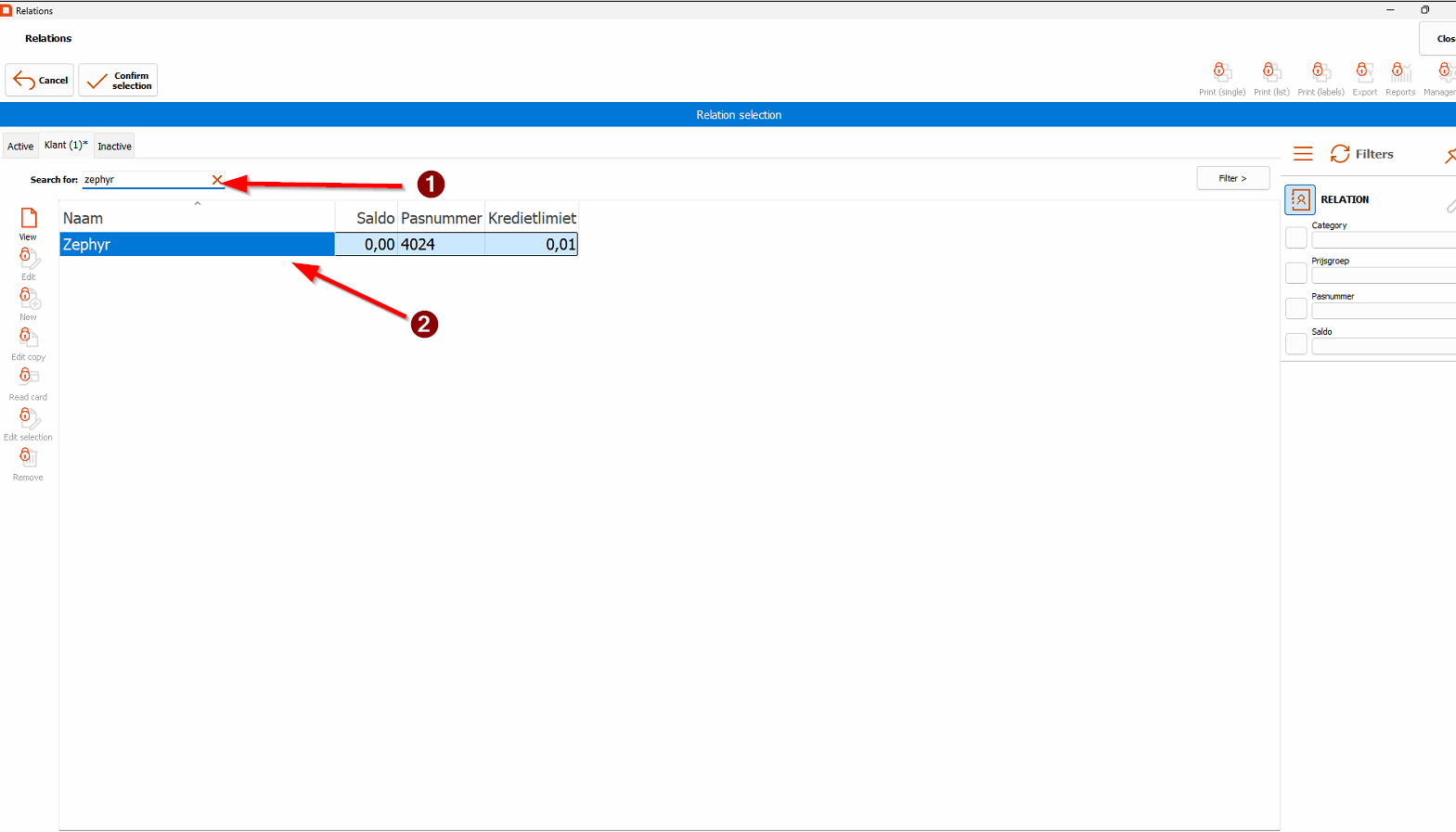
3. <span class="TextRun SCXW24236525 BCX0" lang="en-gb"><span class="NormalTextRun SCXW24236525 BCX0">The name should now appear above the order.</span></span>

### Selecting menu items

#### Hubble

<div class="SCXW24236525 BCX0" id="bkmrk-the-register-items-a"><div class="ListContainerWrapper SCXW24236525 BCX0">The register items are categorized in several categories:</div></div>[![image.png](https://wiki.hubble.cafe/uploads/images/gallery/2026-01/scaled-1680-/87ZDUfDBsXDyalct-image.png)](https://wiki.hubble.cafe/uploads/images/gallery/2026-01/87ZDUfDBsXDyalct-image.png)

<div class="SCXW24236525 BCX0" id="bkmrk-make-sure-the-person"><div class="ListContainerWrapper SCXW24236525 BCX0">Most of these categories speak for themselves, but there are a few remarks to be made about the categories</div><div class="ListContainerWrapper SCXW24236525 BCX0">- **BEER (see above)** A **Bavaria Eendje** is 11 beers where the 11th beer is free. If someone orders this and wants it in the duck shaped beer meter, they have to give hand in their student card as deposit, which they will get back after they hand the beer meter back in at the bar. This is done so they do not get stolen. On the beer meters you can find a number, below the cash register there is a card holder with numbers as well. Put the student card in the corresponding slot based on the number of the beer meter.  
      
    You can navigate this category with a rule of thumb: 
    - The first row is Bavaria Pilsner and La Trappe Witte trappist
    - The second row contains our popular draft beers
    - The third and fourth row contains our popular bottled beers
    - The last row contains our seasonal beers both in cans/bottles and on draft
- **WINE / COCKTAILS** Apart from Wine and cocktails, this section also contains Ciders, Stëlz and Mocktails. [![image.png](https://wiki.hubble.cafe/uploads/images/gallery/2026-01/scaled-1680-/v1xdNngtJQu457Qs-image.png)](https://wiki.hubble.cafe/uploads/images/gallery/2026-01/v1xdNngtJQu457Qs-image.png)
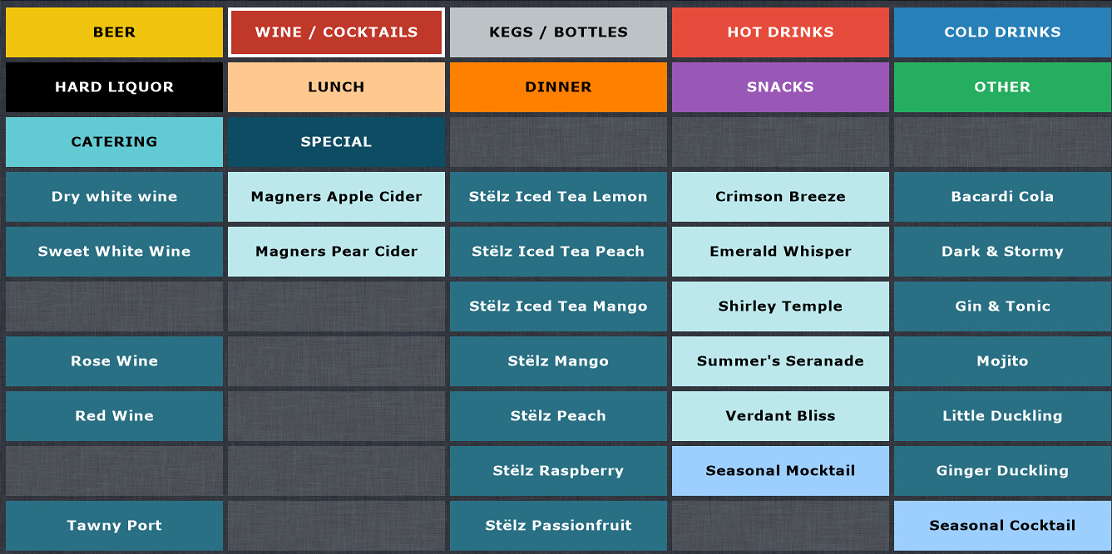
- **KEGS / BOTTLES** Speaks for itself, you will only need to access this section if a guest orders a bottle of wine or sometimes a bottle of hard liquor  
    [![image.png](https://wiki.hubble.cafe/uploads/images/gallery/2026-01/scaled-1680-/ryTlBSrCyKOgviEF-image.png)](https://wiki.hubble.cafe/uploads/images/gallery/2026-01/ryTlBSrCyKOgviEF-image.png)
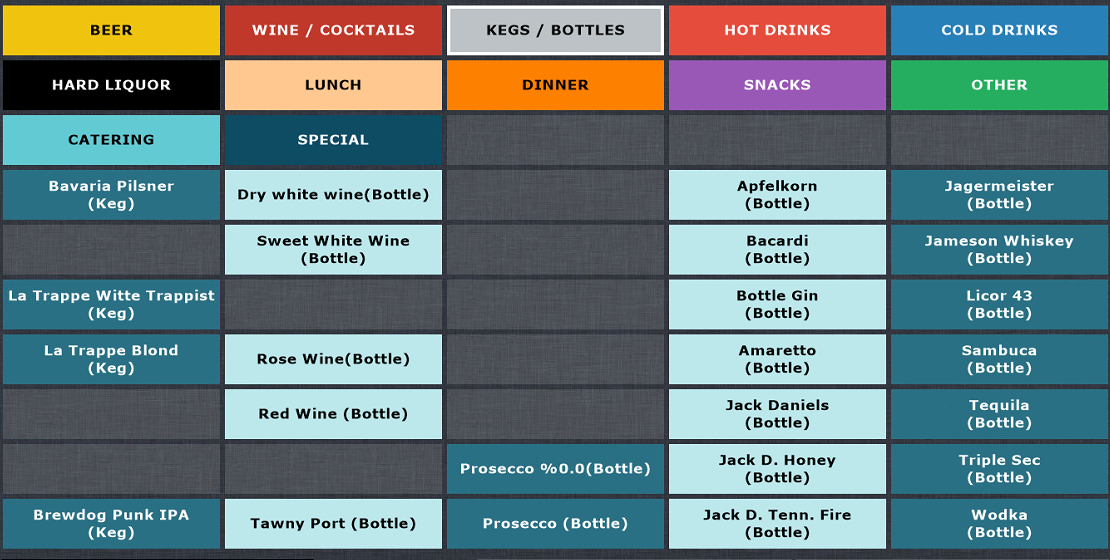
- **HOT DRINKS** Speaks for itself, all hot drinks: Coffee, Hot Chocolate and Tea  
    [![image.png](https://wiki.hubble.cafe/uploads/images/gallery/2026-01/scaled-1680-/zBhUvNljBkSUiod5-image.png)](https://wiki.hubble.cafe/uploads/images/gallery/2026-01/zBhUvNljBkSUiod5-image.png)
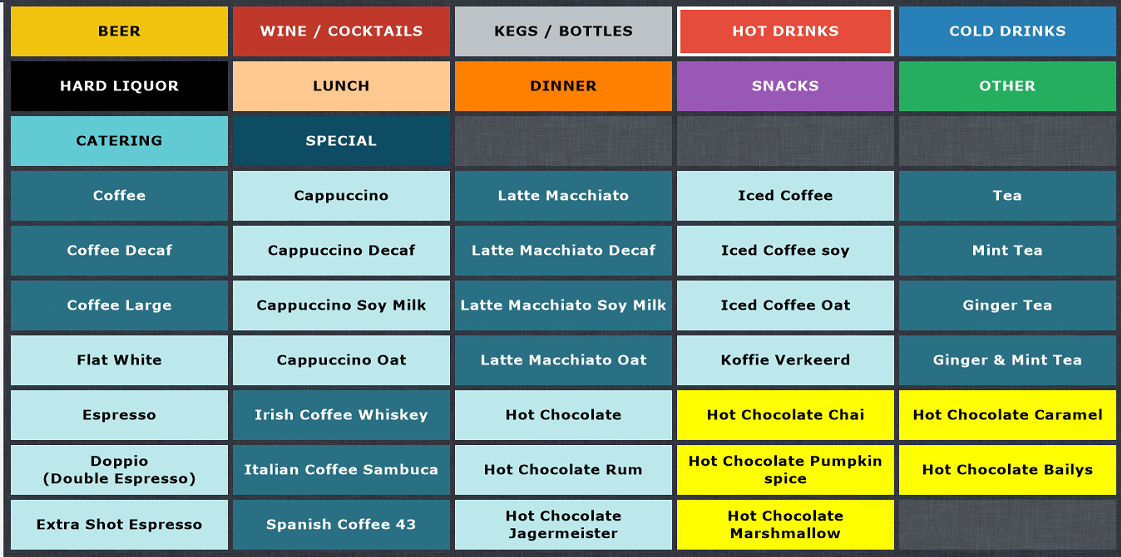
- **COLD DRINKS** This section contains Soda's, but also our juices **and alcohol free beers** [![image.png](https://wiki.hubble.cafe/uploads/images/gallery/2026-01/scaled-1680-/QJXpBURl1FUCbMV7-image.png)](https://wiki.hubble.cafe/uploads/images/gallery/2026-01/QJXpBURl1FUCbMV7-image.png)
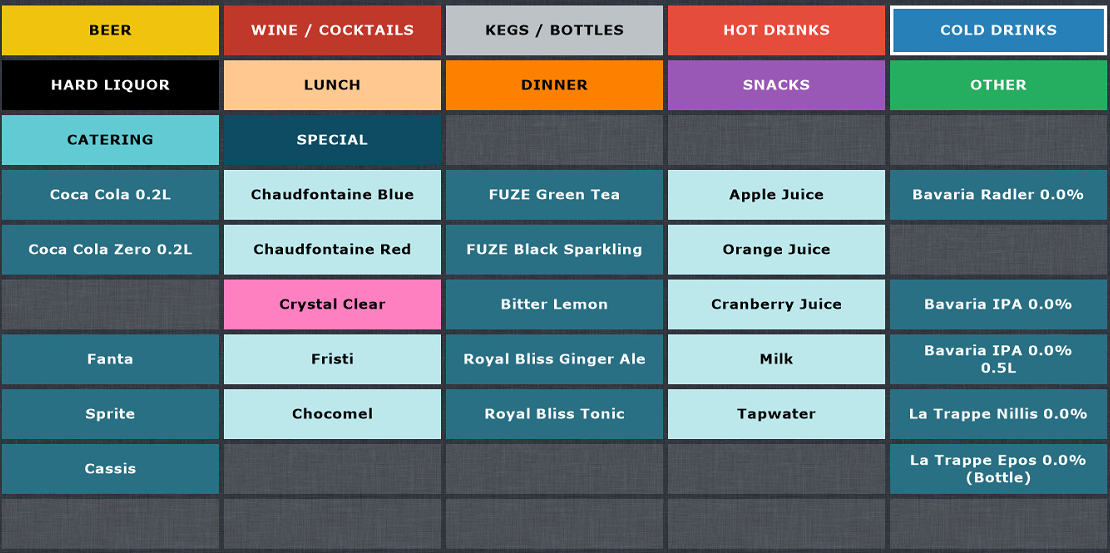
- **HARD LIQUOR** Left half contains all singular shots and right half contains Quackje's. A Quackje, just like an Eendje, is 11 shots where the 11th shot is free. [![image.png](https://wiki.hubble.cafe/uploads/images/gallery/2026-01/scaled-1680-/xplQU8qlCGTa5YK8-image.png)](https://wiki.hubble.cafe/uploads/images/gallery/2026-01/xplQU8qlCGTa5YK8-image.png)
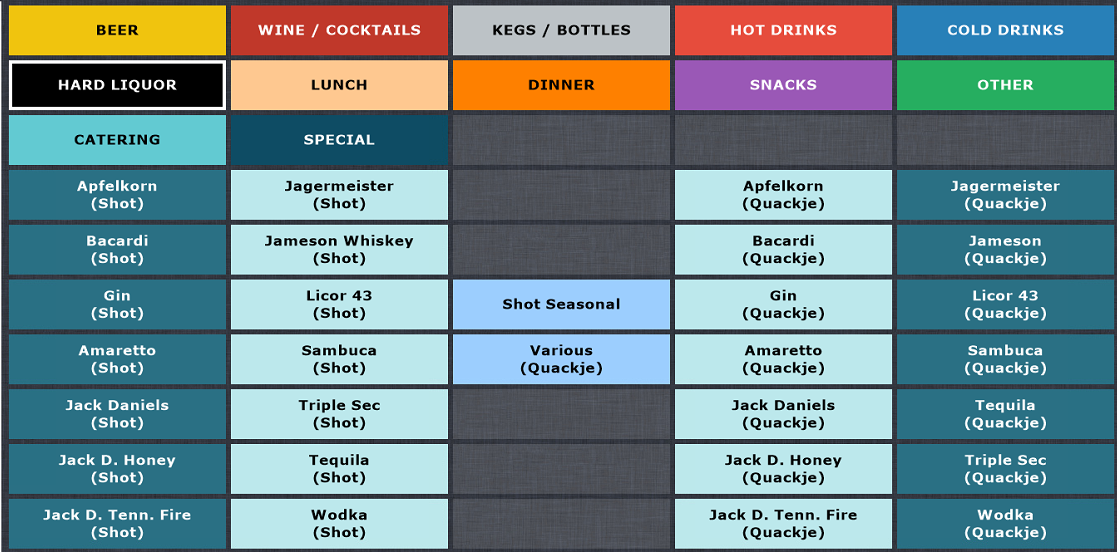
- You will not need to touch the **LUNCH** and **DINNER** sections
- **SNACKS**  
    The first column of this section contains all our cold snacks behind the bar and the ice creams which can be found in the freezer next to the bar next to the issue hatch. The small Chips bags behind the bar are found in the last row. All other items are snacks prepared in the kitchen.  
      
    When snacks/fries are ordered you always need to select the size and sauce. Always ask whether they want any sauce with it. For every 8 mini snacks they will get one sauce for free, which you can select after selecting the register item.  
    [![image.png](https://wiki.hubble.cafe/uploads/images/gallery/2026-01/scaled-1680-/o5Tvg0nw2Vsaz00C-image.png)](https://wiki.hubble.cafe/uploads/images/gallery/2026-01/o5Tvg0nw2Vsaz00C-image.png)[![afbeelding.png](https://wiki.hubble.cafe/uploads/images/gallery/2026-04/scaled-1680-/zR9r9Abd0dttkX1p-afbeelding.png)](https://wiki.hubble.cafe/uploads/images/gallery/2026-04/zR9r9Abd0dttkX1p-afbeelding.png)
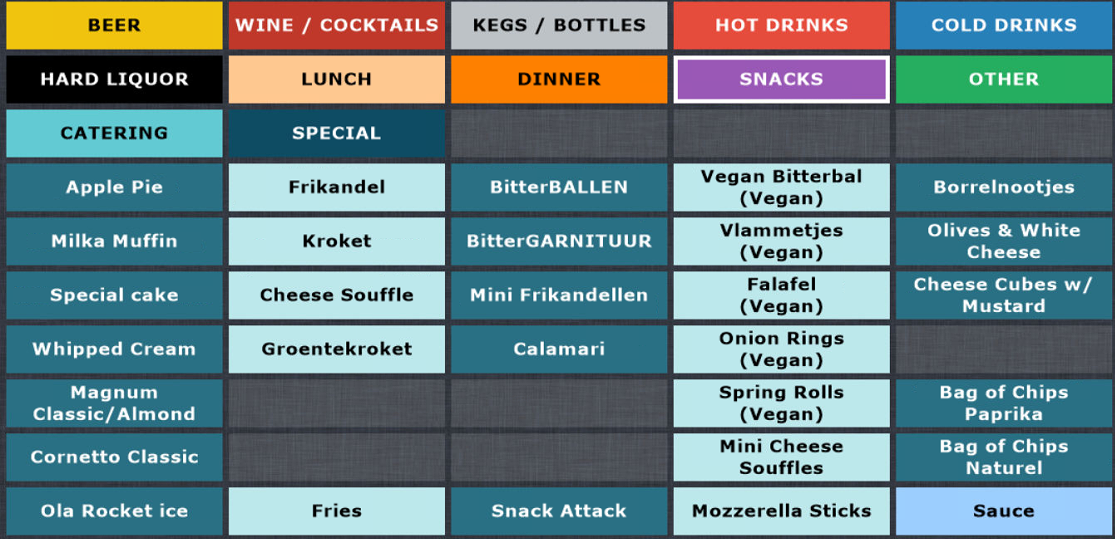
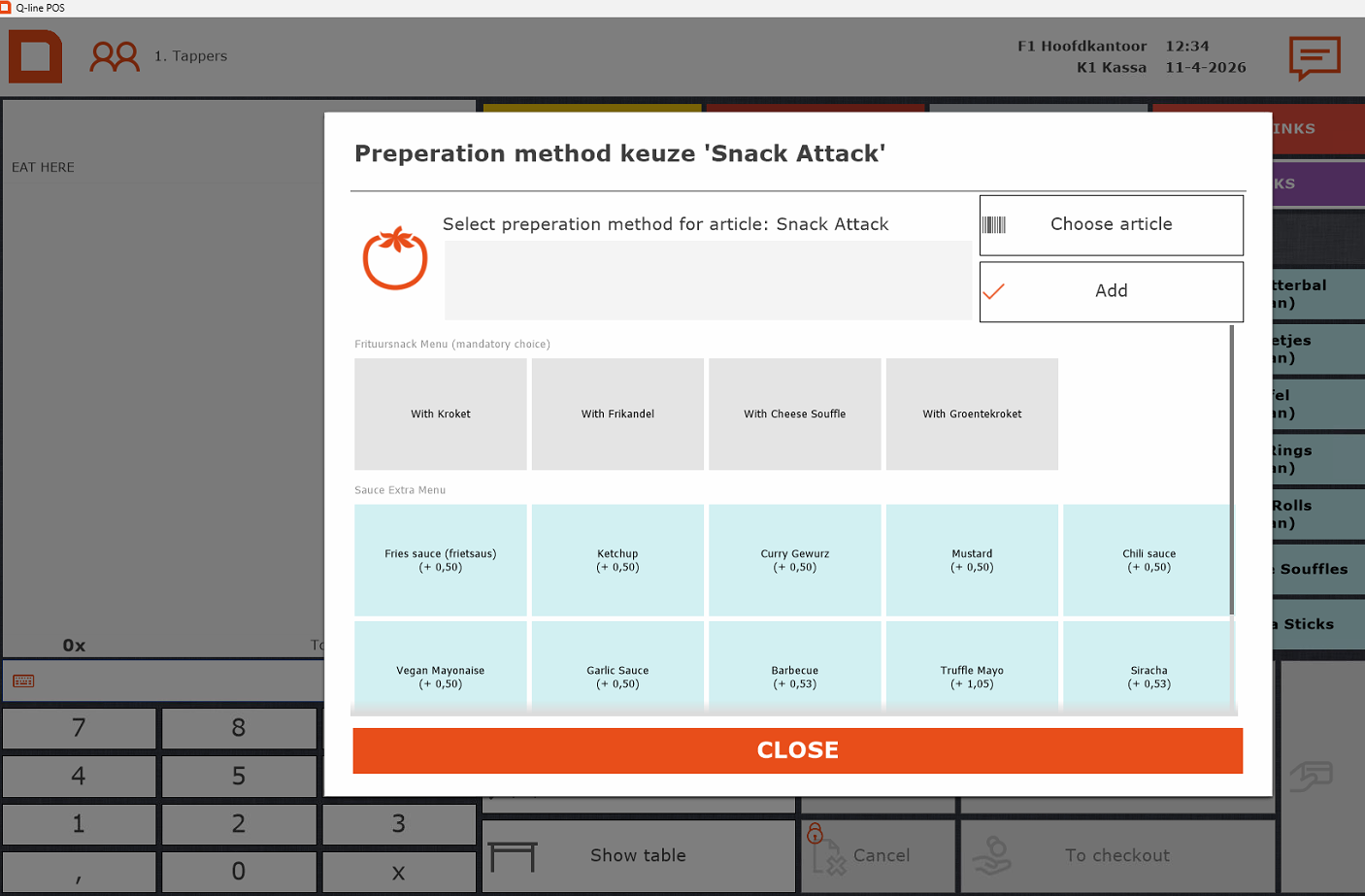
- **OTHER**  
    You will almost never use this category, except when people want a merch item such as Dice or Playing Cards.
- You will never need the **CATERING** or **SPECIAL categories.**

</div></div>### <span class="TextRun SCXW24236525 BCX0" lang="en-gb"><span class="NormalTextRun SCXW24236525 BCX0">Register tips</span></span>

<div class="SCXW24236525 BCX0" id="bkmrk-when-you-see-this-sc"><div class="ListContainerWrapper SCXW24236525 BCX0">- <span class="TextRun SCXW24236525 BCX0" lang="en-gb"><span class="NormalTextRun SCXW24236525 BCX0">When you see this screen, you can always log in using the "</span></span><span class="TextRun SCXW24236525 BCX0" lang="en-gb"><span class="NormalTextRun SCXW24236525 BCX0">tappers</span></span><span class="TextRun SCXW24236525 BCX0" lang="en-gb"><span class="NormalTextRun SCXW24236525 BCX0">" account at the top – no password needed.</span></span><span class="EOP SCXW24236525 BCX0">  
    </span>
    
    [![image.png](https://wiki.hubble.cafe/uploads/images/gallery/2026-01/scaled-1680-/H4WlbiCDIrgv4KdH-image.png)](https://wiki.hubble.cafe/uploads/images/gallery/2026-01/H4WlbiCDIrgv4KdH-image.png)

</div><div class="ListContainerWrapper SCXW24236525 BCX0">- <span class="TextRun SCXW24236525 BCX0" lang="en-gb"><span class="NormalTextRun SCXW24236525 BCX0">Scanned/selected the wrong association? Simply scan the right </span><span class="NormalTextRun ContextualSpellingAndGrammarErrorV2Themed SCXW24236525 BCX0">one, or</span><span class="NormalTextRun SCXW24236525 BCX0"> press the red cross to remove it.</span></span><span class="EOP SCXW24236525 BCX0"> </span>

</div><div class="ListContainerWrapper SCXW24236525 BCX0">- <span class="TextRun SCXW24236525 BCX0" lang="en-gb"><span class="NormalTextRun SCXW24236525 BCX0">For multiple items, either tap the item several times or enter the number first in the bottom left and then the item.</span></span><span class="EOP SCXW24236525 BCX0">   
      
    </span>
- <span class="EOP SCXW24236525 BCX0">In Meteor, the cocktails are in alfabetical order.</span>

</div><div class="ListContainerWrapper SCXW24236525 BCX0">- <span class="TextRun SCXW24236525 BCX0" lang="en-gb"><span class="NormalTextRun SCXW24236525 BCX0">Free drinks (e.g. “van het huis”): Always ask the SVH first – only they can approve this.  
      
    </span></span>
- <span class="TextRun SCXW24236525 BCX0" lang="en-gb"><span class="NormalTextRun SCXW24236525 BCX0">If you need to add remarks to an item (eg to specify which seasonal is ordered), you can press the item on the order screen on the left. Choose the option preparation methods to type your comment. Press "add" and your comment will be added to the item on the receipt.</span></span>

</div></div>[![afbeelding.png](https://wiki.hubble.cafe/uploads/images/gallery/2026-04/scaled-1680-/OsyVHvF5xIbdRRIx-afbeelding.png)](https://wiki.hubble.cafe/uploads/images/gallery/2026-04/OsyVHvF5xIbdRRIx-afbeelding.png)

# How to pour Beers

On this page, we will teach you everything about drafting beer. This can be handy when you have never drafted a beer before as it is way different then pouring cola in a glass. The wrong technique can result in a beer with too much foam or a beer with too little foam which will effect the overall taste and experience of drinking the beer.

- Automatic tap  
    
    - Eendje
- Beer drafting technique for other beers on the draft
- Repairing a beer
- How to draft Guinness

To know what beer or other drink goes in what glass, we would like to ask you to go to the **[glasses page](https://wiki.hubble.cafe/books/bar-bible/page/which-glasses-to-use-needs-updating "Which glasses to use (WIP)").**

### **Automatic draft**

Standard Bavaria pils in Hubble is poured using standard draft systems that function normally.  
The Bavaria draft, however, is automated. When you pull the handle down, the system automatically pours one glass of beer (0.25 L). If you keep the handle down, the draft will pause for one second. This pause allows the bartender to remove the filled glass and place an empty one underneath, making it possible to draft multiple beers in one go.

When you are drafting your last beer of the sequence of beers, you can put the draft handle back to the middle stand

The automated system is also used for larger servings such as 0.5 L glasses, pitchers, and 1 L glasses. For example, when pouring a 0.5 L glass, the system will pause briefly halfway through before continuing with the second half of the pour.

- 0.5 L Bavaria beer = 2 x 0.25 L pours
- Pitcher Bavaria = 6 x 0.25 L pours
- 1 L Bavaria beer = 4 x 0.25 L pours

#### **Eendje**

An eendje is our 10 beers and get 1 free special. Guests pay for for 10 beers and get 11. Guests can choose if they want to

### **Beer drafting technique**

The perfect beer on paper is a beer drawn from a cold keg and served with about **two fingers of foam**. Too much foam reduces the amount of liquid beer the guest actually receives. A beer that is mostly foam also tastes different, as the drinker is mostly consuming foam rather than liquid. In some circles, a beer with excessive foam is jokingly called an “ice cream.”

A beer with too little foam also affects the taste. Foam contributes to the creamy texture and mouthfeel of the beer, and too little foam can make it feel flat or thin.

#### How to draft a standard beer

Watch our YouTube video to learn how to draft normal bavaria beer, 0.5 liter beers,

<iframe allowfullscreen="allowfullscreen" height="314" src="https://www.youtube.com/embed/ExG6n67FcSc" width="560"></iframe>

1. Hold the glass correctly 
    1. Hold the glass at a **45° angle** under the tap spout.
    2. Keep the spout **just above the liquid surface** in the glass, not touching it, to allow a smooth pour and prevent splashing or excess foam.
2. Start pouring 
    1. **Open the tap fully.** Always open the tap completely. Partially opening it can cause turbulence, which leads to excessive foaming.
    2. **Discard the first small portion.** The very first bit of beer from the tap is often mostly foam or sediment. Let it flow briefly into a sink or drip tray before filling the glass.
    3. Hold the glass at a **45° angle** and pour gently down the side. This minimizes initial foaming and helps create a smooth, controlled head.
3. Adjust angle glass 
    1. When the glass is over half full, gradually **tilt it upright** to allow foam to form naturally.
    2. This creates a **head of about 2 fingers** (roughly 4–5 cm / 1.5–2 inches).
    3. Once the pour is complete, shut the tap off fully and immediately to avoid extra splashes or unwanted foam.

<table id="bkmrk-watch-our-video-on-y" style="border-collapse: collapse; width: 100%; height: 355.156px;"><colgroup><col style="width: 59.5676%;"></col><col style="width: 40.5118%;"></col></colgroup><tbody><tr style="height: 355.156px;"><td style="height: 355.156px;">Be aware that the draft needs to be fully open or closed when drafting beer. Partly opening the draft will only give you foam (see picture). Opening the draft needs to be done quickly otherwise the beer will get a lot of foam.

Common mistakes made by beginner bartenders:

- <span style="text-decoration: underline;">**Not opening the handle all the way**</span>  
    As you can see in the picture, opening the handle half way, will give you foam only
- <span style="text-decoration: underline;">**Opening the handle slowly**</span>  
    Opening it slowly will also mean a lot of your drink will contain foam
- <span style="text-decoration: underline;">**Keeping the glass straight**</span>  
    Keep it at 45 degrees or it will foam like crazy
- <span style="text-decoration: underline;">**Keeping the glass for away from the spout**</span>  
    The distance will create more pressure and will create more foam. If it foams a lot, keep it closer to the glass
- <span style="text-decoration: underline;">**Not adjusting the beer glass when the beer has very little foam**</span>  
    You want to aim for a layer of foam that is as thick as 2 fingers but some drafts have little pressure and create less foam then other drafts. When you see the beer is not getting any foam, adjust your glass to create more distance from your glass to the spout or keep the glass more straight.

</td><td style="height: 355.156px;">[![Draft closed No drink.png](https://wiki.hubble.cafe/uploads/images/gallery/2025-09/scaled-1680-/S2PG1veYCvhrkhZx-draft-closed-no-drink.png)](https://wiki.hubble.cafe/uploads/images/gallery/2025-09/S2PG1veYCvhrkhZx-draft-closed-no-drink.png)  
</td></tr></tbody></table>

### **Repairing a beer**

It sometimes happens that you closed the draft too early or the beer has too much foam to serve.

This is certainly fixable.

For Bavaria from the autotap:

- Push the tap handle backwards. The tap will "spit out" some beer, which if you catch it with the glass, can fix the big foam layer. This can also be used if you have too little foam.

For all other beers:

- If you have a lot of foam, you can pour some out (onto the draft surface) to "make space" for new beer. If you skip this step the beer will overflow heavily in the next step, which is okay but your hands might get very wet.
- Fully open the draft, and shortly hold the beer under it. Make sure to move the beer away from the draft before closing.
- DO NOT put the tip of the draft into the beer. This has no benefits and is not hygienic.

### **Draft a Guinness** 

*(Only for Hubble)*

The Guinness has a special way of drafting and according to Guinness drinkers, you can tell the difference between a good and badly drafted Guinness. See the instructions of how to draft a good Guinness way.

[![pintofguinness.jpg](https://wiki.hubble.cafe/uploads/images/gallery/2026-09/scaled-1680-/wOAUKqZyojyeAKDf-pintofguinness.jpg)](https://wiki.hubble.cafe/uploads/images/gallery/2026-09/wOAUKqZyojyeAKDf-pintofguinness.jpg)
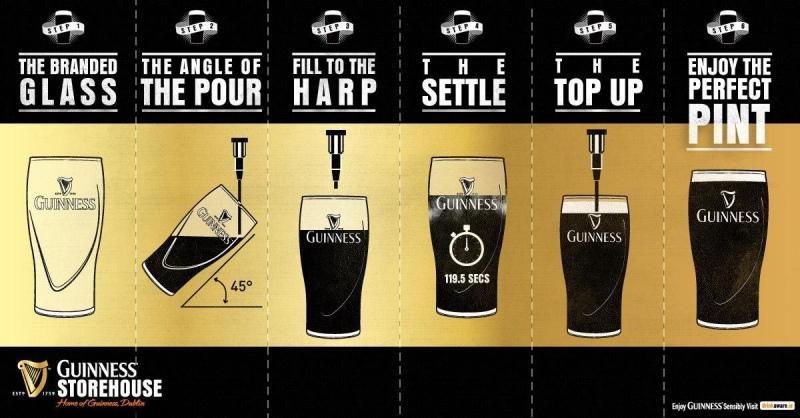
Or watch this video on how to draft one

<iframe allowfullscreen="allowfullscreen" height="314" src="https://www.youtube.com/embed/WE8CVnhZ9IU" width="560"></iframe>

# Making Cocktails & Mocktails in Hubble

This page will teach you how to make cocktails and mocktails in Hubble

**[Click here](https://wiki.hubble.cafe/books/bar-bible/page/cocktails-cocktail-machine-meteor "Cocktails & Cocktail machine (Meteor)")** to learn more on how to make cocktails &amp; mocktails in Meteor

#### **Cocktail corner**

[![afbeelding.png](https://wiki.hubble.cafe/uploads/images/gallery/2026-04/scaled-1680-/Er0QlIGb1lR5XtPj-afbeelding.png)](https://wiki.hubble.cafe/uploads/images/gallery/2026-04/Er0QlIGb1lR5XtPj-afbeelding.png)
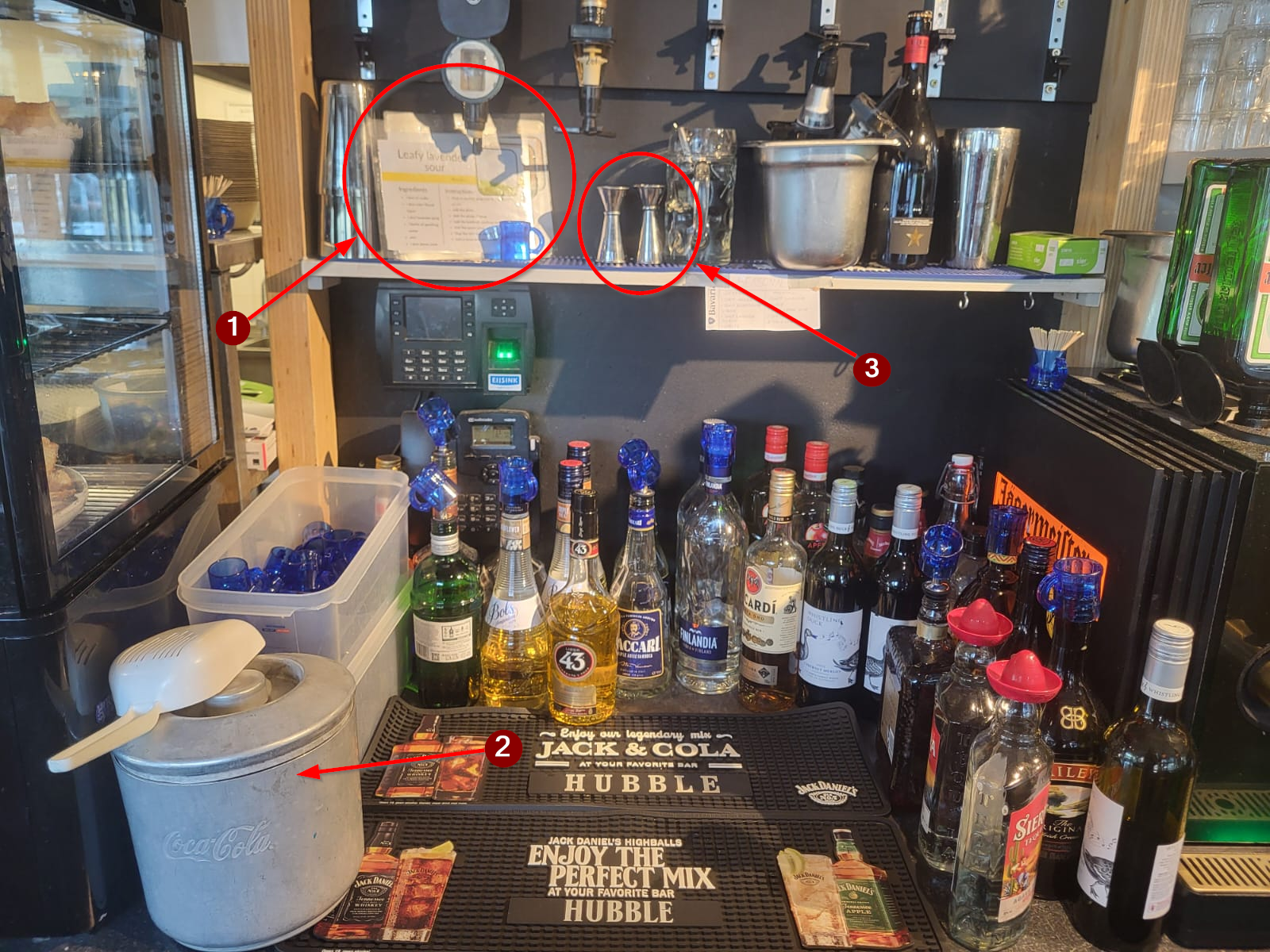
1. Cocktail Recipe Booklet
2. Ice bucket
3. Shot measurers

#### Instructions

When a cocktail is ordered in Hubble a bartender needs to make it. This is done in the shotcorner directly behind the cash register.

1. Look up the cocktail in the cocktail recipe booklet
2. Follow the instructions for the specified cocktail

#### Tips

- Almost all cocktails need the jug glass  
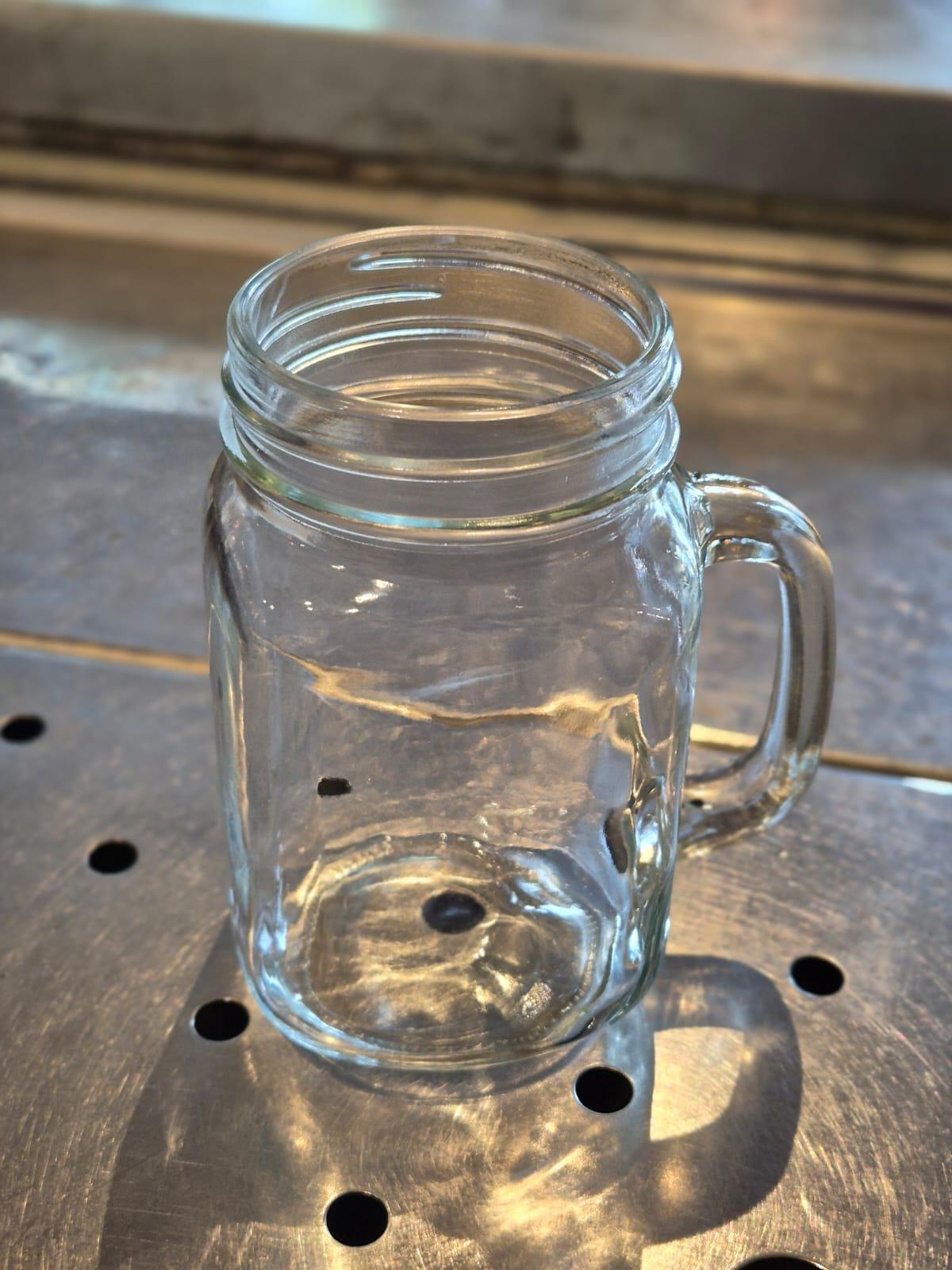
    ![vxkmqyHCqeatbIFK-whatsapp-image-2025-09-27-at-13-59-59-3.jpg](https://wiki.hubble.cafe/uploads/images/gallery/2025-11/scaled-1680-/LjCp5Tu0koqBy5jy-vxkmqyhcqeatbifk-whatsapp-image-2025-09-27-at-13-59-59-3.jpg)  


    However, some mocktails are made in a half-liter glass, this is mentioned in the recipe booklet
- The shot measurer, or "barmaatje", is there for you to measure shots. The short side is exactly one shot, the long side is exactly two shots. After using it, throw it in the sink with the shotglasses to clean.

<span style="mso-ansi-language: EN-GB;">  
</span>

# Cocktails & Cocktail machine (Meteor)

This page will teach you how to make cocktails and mocktails in Meteor + other drinks that are dispensed from the machine:

- Cocktails
- Mocktails
- Home mode limonade
- Home made steltz
- Hard limonade

**[Click here](https://wiki.hubble.cafe/books/bar-bible/page/making-cocktails-mocktails-in-hubble "Making Cocktails & Mocktails in Hubble")** if you want to learn more on how to make cocktails in Hubble.

### Cocktailmachine

### Cocktails

<span style="mso-ansi-language: EN-GB;"><span style="font-size: 11.0pt; line-height: 107%; font-family: 'Aptos',sans-serif; mso-ascii-theme-font: minor-latin; mso-fareast-font-family: Aptos; mso-fareast-theme-font: minor-latin; mso-hansi-theme-font: minor-latin; mso-bidi-font-family: 'Times New Roman'; mso-bidi-theme-font: minor-bidi; mso-ansi-language: EN-GB; mso-fareast-language: EN-US; mso-bidi-language: AR-SA;">In Meteor we use a cocktail machine for most of our cocktails. How does one make one? After looking at our receipt we click the matching cocktail in the machine. This will show, the ingredients, the accessories and the preparation method. Simply follow the instructions on the preparation method and you’ll be able to serve the cocktail. Here’s a legend of what is which:</span></span>

[![image.png](https://wiki.hubble.cafe/uploads/images/gallery/2026-09/scaled-1680-/dX49yxw1jX2vqqvp-image.png)](https://wiki.hubble.cafe/uploads/images/gallery/2026-09/dX49yxw1jX2vqqvp-image.png)

<span style="mso-ansi-language: EN-GB;"><span style="font-size: 11.0pt; line-height: 107%; font-family: 'Aptos',sans-serif; mso-ascii-theme-font: minor-latin; mso-fareast-font-family: Aptos; mso-fareast-theme-font: minor-latin; mso-hansi-theme-font: minor-latin; mso-bidi-font-family: 'Times New Roman'; mso-bidi-theme-font: minor-bidi; mso-ansi-language: EN-GB; mso-fareast-language: EN-US; mso-bidi-language: AR-SA;">From left to right: a Gin Tonic glass, a Martini glass, and a Hurricane glass.</span></span>

<span style="mso-ansi-language: EN-GB;">Strainer \[insert picture\], Shaker \[insert picture\], Dried apple \[insert picture\], Dried lemon \[insert picture\], Dried orange \[insert picture\], Dried strawberry \[insert picture\], Dried passionfruit blocks \[insert picture\], Kannetje \[insert picture\]</span>

# Snacks in Kitchen

In the evenings, the kitchen is only open for snacks. These are prepared by the bartenders. This means that when a guest wants to order snacks, one of the bartenders will need to step away to the kitchen to make them. All snacks are kept in the fridges and freezer in the kitchen. If we run out of something, it can usually be found in the freezers in the storage behind the kitchen. Each package indicates the required frying time. An overview with additional notes for each snack can be found below.

<p class="callout info">Be aware that staff is cleaning the kitchen at 20:00 and becuase of this, it's closed until 20:30. If you are not sure, ask the SVH if the kitchen is ready to open. The SVH can also decide to close the kitchen in the evening for instance because it's too busy or if there aren't enough bartenders to handle the ktichen.</p>

##### Kitchen screen (in Hubble)

The kitchen screen shows what has been ordered. When the orders are done, they will appear on the screens of Hubble so the guests know their food ready and they can pick it up at the kitchen window.

When working on an order you can tap the knife on the top right of the screen to indicate your are working on the order. Then when you are done, tap the check mark. After this a small receipt will be printed out. Put this with the order in the "window" so people know which order is theirs.

[![IMG_4090 (1).JPEG](https://wiki.hubble.cafe/uploads/images/gallery/2026-09/scaled-1680-/k4FwIo3mmEmlMc5k-img-4090-1.JPEG)](https://wiki.hubble.cafe/uploads/images/gallery/2026-09/k4FwIo3mmEmlMc5k-img-4090-1.JPEG)[![IMG_4095 (1).JPEG](https://wiki.hubble.cafe/uploads/images/gallery/2026-09/scaled-1680-/BkOxy6o6YUF8kalB-img-4095-1.JPEG)](https://wiki.hubble.cafe/uploads/images/gallery/2026-09/BkOxy6o6YUF8kalB-img-4095-1.JPEG)
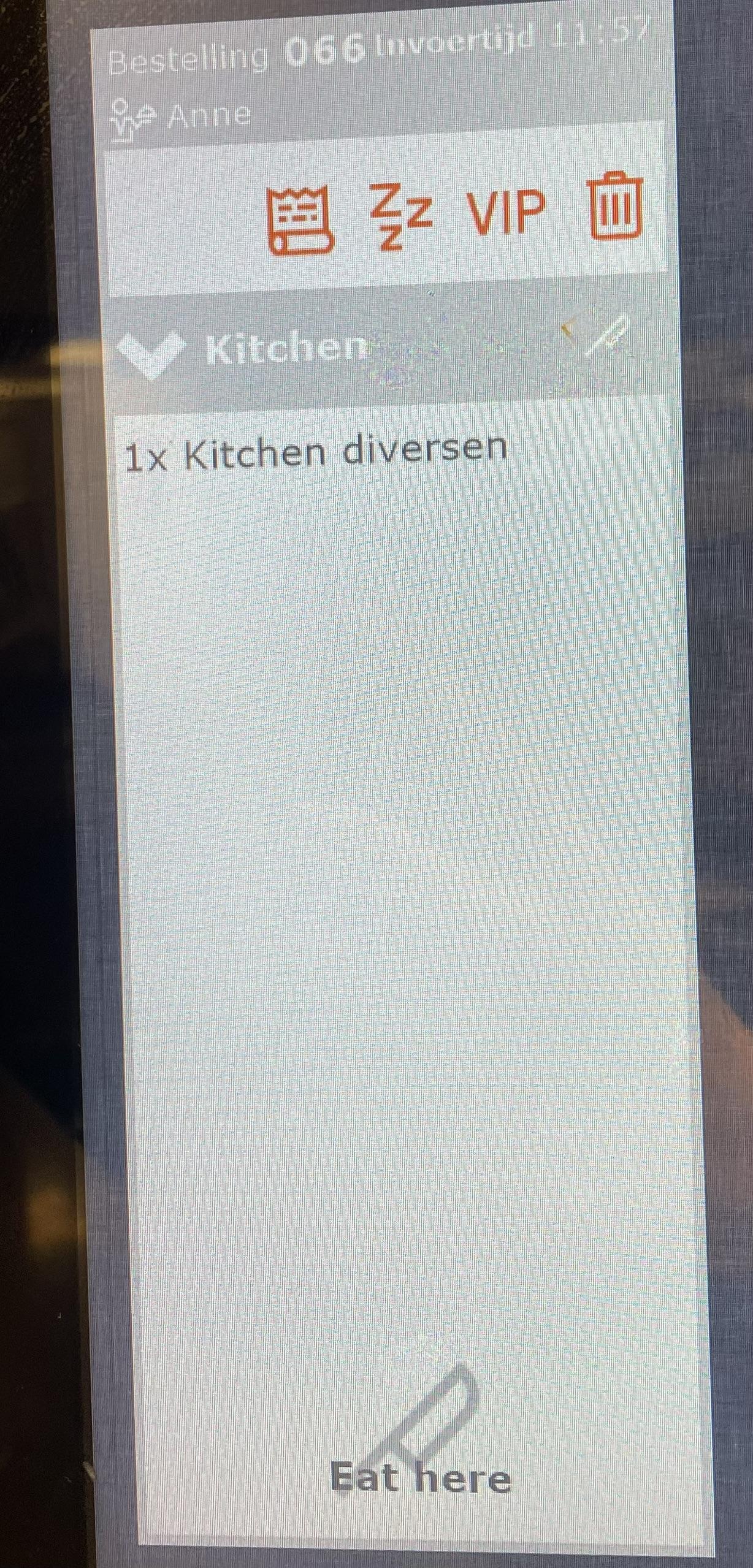
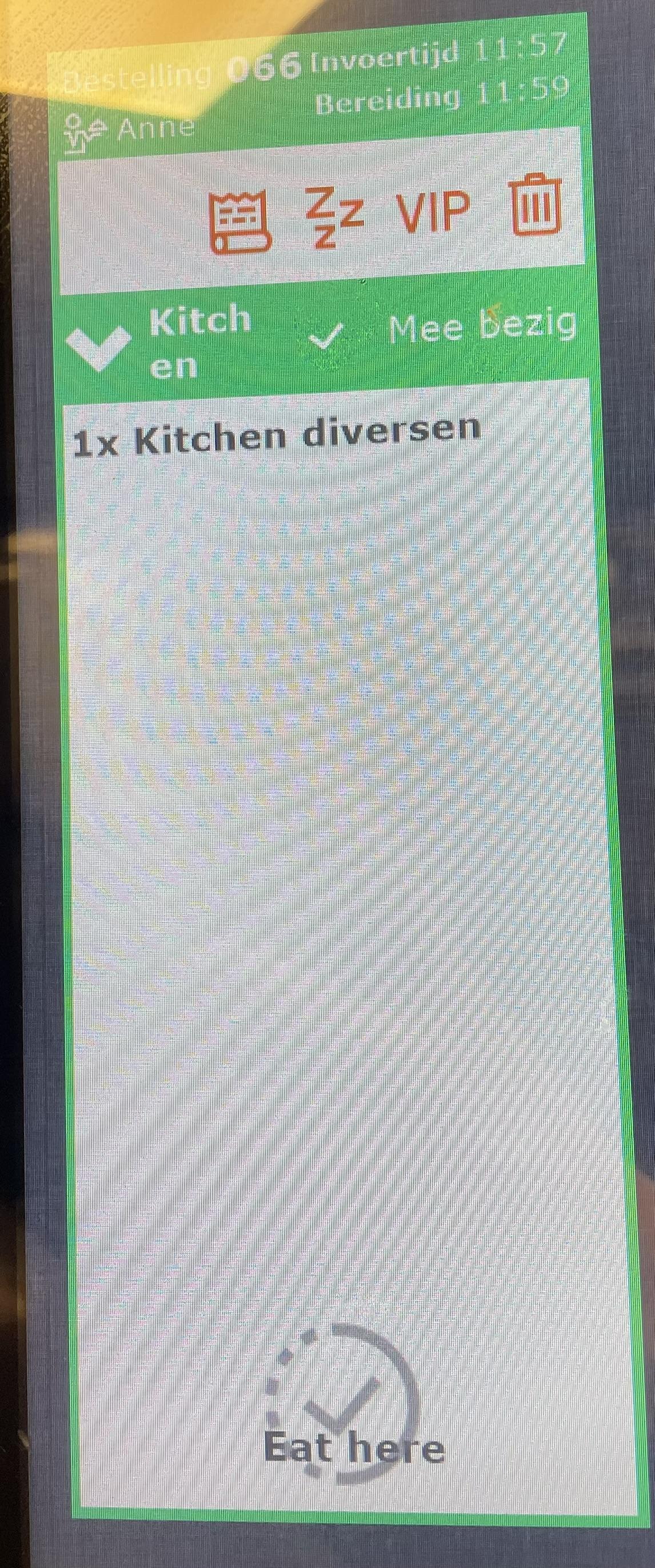
##### Fries (4-5 minutes in the fryer)

Fries are kept in the fridge. We offer three portion sizes: small, medium and large. The cardboard trays for serving can be found at the top of the service hatch.

When preparing, grab a bag of fries, put the amount for the portion size in the fryer, and return the bag to the fridge. After frying, place the fries in the circular fries bin next to the fryer, and scoop the fries in the serving tray according to the portion size. If there are fries left in the bin, they can be used for the next portion. If these fries are not warm enough anymore, add them to the fryer for the final minute of frying.

[![IMG_4094.JPEG](https://wiki.hubble.cafe/uploads/images/gallery/2026-09/scaled-1680-/h4uNjkwlu89dz9WM-img-4094.JPEG)](https://wiki.hubble.cafe/uploads/images/gallery/2026-09/h4uNjkwlu89dz9WM-img-4094.JPEG)
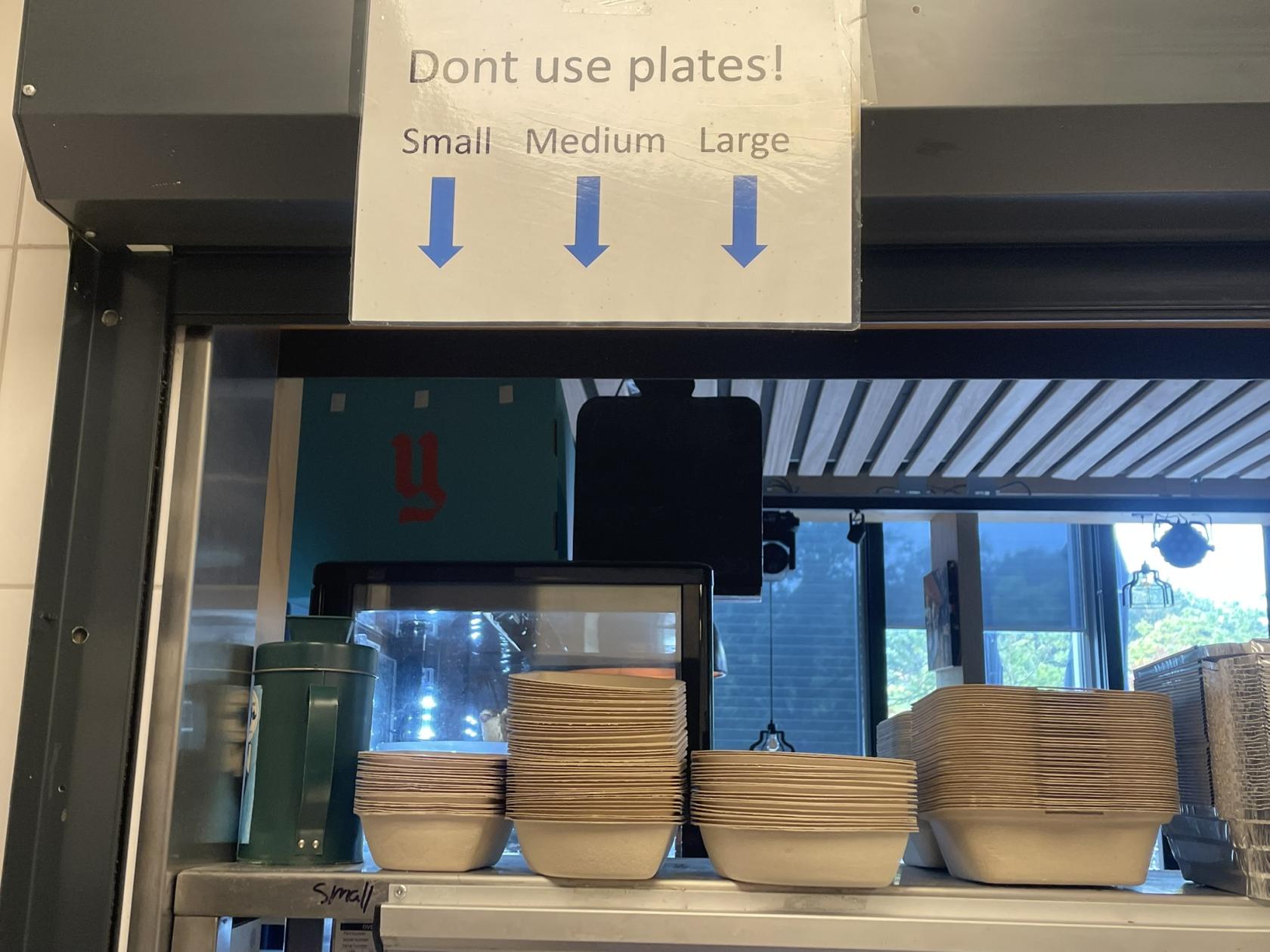
##### Large Snacks (~3 minutes in the fryer)

<table id="bkmrk-what-found-in-frikan" style="border-collapse: collapse; width: 100%;"><colgroup><col style="width: 21.805%;"></col><col style="width: 11.5071%;"></col><col style="width: 66.6274%;"></col></colgroup><tbody><tr><td>**What**</td><td>**Found in**</td><td>**Comment**</td></tr><tr><td>Frikandel</td><td>Fridge</td><td>  
</td></tr><tr><td>Kroket</td><td>Fridge</td><td>  
</td></tr><tr><td>Cheese Souffle</td><td>Freezer

</td><td>Says "Kaassouffle" on the packaging

</td></tr><tr><td>Vegetable Kroket (Hubble)</td><td>Freezer

</td><td>Kept in a separate metal tray, usually without a label

Since this kroket is frozen and quite thick, it needs to fry a little longer than 3 minutes. It takes around 5 minutes to unfreeze the center of the snack.

</td></tr></tbody></table>

People can also order a "Snack Attack", this is a small potion of fries with a large snack.

##### Small Snacks (~3 minutes in the fryer (for most))

<table id="bkmrk-what-found-in-commen" style="border-collapse: collapse; width: 100%; height: 372px;"><colgroup><col style="width: 21.9564%;"></col><col style="width: 12.5661%;"></col><col style="width: 65.5684%;"></col></colgroup><tbody><tr style="height: 29.6px;"><td style="height: 29.6px;">**What**</td><td style="height: 29.6px;">**Found in**</td><td style="height: 29.6px;">**Comment**</td></tr><tr style="height: 29.6px;"><td style="height: 29.6px;">Bitterballen</td><td style="height: 29.6px;">Fridge</td><td style="height: 29.6px;">  
</td></tr><tr style="height: 29.6px;"><td style="height: 29.6px;">Bittergarnituur (snack mix)</td><td style="height: 29.6px;">Fridge</td><td style="height: 29.6px;">  
</td></tr><tr style="height: 46.4px;"><td style="height: 46.4px;">Mini frikandellen</td><td style="height: 46.4px;">Fridge

</td><td style="height: 46.4px;">Slice up a frikandel in four pieces using knife and cutting board for 4 pieces of mini frikandellen

</td></tr><tr style="height: 29.6px;"><td style="height: 29.6px;">Calamari</td><td style="height: 29.6px;">Freezer

</td><td style="height: 29.6px;">Says "Inktvisringen" on packaging. Packaging is a plastic bag, not a box.

</td></tr><tr style="height: 29.6px;"><td style="height: 29.6px;">Vegan Bitterbal</td><td style="height: 29.6px;">Freezer

</td><td style="height: 29.6px;">Kept in a separate metal tray in the freezer

</td></tr><tr style="height: 29.6px;"><td style="height: 29.6px;">Vlammetjes</td><td style="height: 29.6px;">Freezer

</td><td style="height: 29.6px;"></td></tr><tr style="height: 29.6px;"><td style="height: 29.6px;">Falafel (Hubble)</td><td style="height: 29.6px;">Freezer

</td><td style="height: 29.6px;">Kept in a separate metal tray in the freezer

</td></tr><tr style="height: 29.6px;"><td style="height: 29.6px;">Onion Rings</td><td style="height: 29.6px;">Freezer

</td><td style="height: 29.6px;">Says "Uienringen" on packaging. Packaging is a plastic bag, not a box.

</td></tr><tr style="height: 29.6px;"><td style="height: 29.6px;">Spring Rolls</td><td style="height: 29.6px;">Freezer

</td><td style="height: 29.6px;"></td></tr><tr style="height: 29.6px;"><td style="height: 29.6px;">Mini Cheese Souffles</td><td style="height: 29.6px;">Freezer

</td><td style="height: 29.6px;">Do not fry these for longer than 3 minutes, otherwise they explode.

</td></tr><tr style="height: 29.6px;"><td style="height: 29.6px;">Mozzarella sticks (Hubble)</td><td style="height: 29.6px;">Freezer

</td><td style="height: 29.6px;">Do not fry these for longer than 2 minutes, otherwise they explode. But like, really explode

</td></tr></tbody></table>

##### Sauce

[![IMG_4091.JPEG](https://wiki.hubble.cafe/uploads/images/gallery/2026-09/scaled-1680-/s9ZvsirBPWSzKRoY-img-4091.JPEG)](https://wiki.hubble.cafe/uploads/images/gallery/2026-09/s9ZvsirBPWSzKRoY-img-4091.JPEG)

<table id="bkmrk-friet-sauce-%28mayo%29-k" style="border-collapse: collapse; width: 100%;"><colgroup><col style="width: 20%;"></col><col style="width: 20%;"></col><col style="width: 20%;"></col><col style="width: 20%;"></col><col style="width: 20%;"></col></colgroup><tbody><tr><td>Friet sauce (mayo)</td><td>Ketchup</td><td>Vegan mayo</td><td>Curry</td><td>Mustard</td></tr><tr><td>Garlic sauce</td><td>Chili sauce</td><td>BBQ sauce</td><td>Siracha</td><td>Truffle mayo</td></tr></tbody></table>

Saté, special and oorlog sauces are only available before 19:30.

##### Other Snacks/food

<table id="bkmrk-what-found-in-commen-1" style="border-collapse: collapse; width: 100%; height: 184.6px;"><colgroup><col style="width: 21.9256%;"></col><col style="width: 27.6454%;"></col><col style="width: 50.4051%;"></col></colgroup><tbody><tr style="height: 29.6px;"><td style="height: 29.6px;">**What**</td><td style="height: 29.6px;">**Found in**</td><td style="height: 29.6px;">**Comment**</td></tr><tr style="height: 63.2px;"><td style="height: 63.2px;">Borrelnootjes (nut mix)</td><td style="height: 63.2px;">Big plastic tub underneath the kitchen top near the sink in the back of the kitchen.</td><td style="height: 63.2px;">Grab a large stone bowl found underneath he service hatch (kitchen-side) and fill it up with the nut mix.</td></tr><tr style="height: 46.4px;"><td style="height: 46.4px;">Olives &amp; White Cheese</td><td style="height: 46.4px;">Found in left fridge (or in the dairy fridge in storage behind kitchen)</td><td style="height: 46.4px;">Grab a small stone bowl found underneath the service hatch and fill half with olives and half with white cheese.</td></tr><tr style="height: 45.4px;"><td style="height: 45.4px;">Cheese cubes w/ Mustard</td><td style="height: 45.4px;">Found in left fridge (or in the dairy fridge in storage behind kitchen)

</td><td style="height: 45.4px;">Grab a small stone bowl and fill with Cheese cubes. Serve with mustard in a sauce cup. **Do not make a mountain of cheese, a bit more than a single layer is enough.**

</td></tr></tbody></table>

# Regular coffees

On this page, you will learn to make the regular coffees:

- Americano (coffee)
- Espresso
- Double Espresso (Doppio)
- Cappuciono
- Latte Machiato

Want to learn the special coffees? **[Click here](https://wiki.hubble.cafe/books/bar-bible/page/special-hot-drinks "Special hot drinks (TO DO)")** to learn how to make things like Spanish coffee, Caramel Latte, ice coffees and more.

#### **Overall coffee grinding guideline:**

<table border="1" id="bkmrk-overall-step-to-step" style="border-collapse: collapse; width: 100%;"><colgroup><col style="width: 41.1021%;"></col><col style="width: 58.9774%;"></col></colgroup><tbody><tr><td>[![One Output.png](https://wiki.hubble.cafe/uploads/images/gallery/2026-05/scaled-1680-/Bn4No4A0ZYgkD0VH-one-output.png)](https://wiki.hubble.cafe/uploads/images/gallery/2026-05/Bn4No4A0ZYgkD0VH-one-output.png)

</td><td>1\. Use the correct portafilter

The filter with one output, is meant for one drink.  
The filter with two outputs, is meant for two drinks (or for double espresso)

2\. Fill the portafilter with espresso beans (left) or coffee beans (right).

There is one button for 1 cup and one button for 2 cups.

Select the 1-cup button when making 1 coffee and use the filter with a single spout.

Select the 2-cup button when making 2 coffees and use the filter with a double spout.

The machine will automatically stop once the correct amount has been dispensed.

3\. Use the automatic pump to grind and dose the coffee in the portafilter

The machine will give 2 pumps to dose the filter

4\. Insert the portafilter into the machine to brew the coffee.

</td></tr></tbody></table>

Step-for-step guide on how to make coffees:

<p class="callout warning">Be aware that this is the general way of making the different coffees. Please also read how to make the separate kind of coffees below.</p>

1. Turn the filter out of the machine.
2. Throw away the previous used coffee in the bucket underneath
3. Clean the filter by pressing one of the coffee buttons, holding it underneath to have the hot water clean it
4. Use the black towel to clean it off.
5. Use the coffee bean dispenser to get the grinded coffee bean in your portafilter
6. Use the automatic pump to strengten the coffee
7. Turn the filter in the machine
8. Place the right cup underneath the filter Press the correct button
9. Wait until it is fully poured
10. Serve on plate with spoon and cookie

The best way to learn how to make coffee is by doing it yourself. However, since not many people order coffee in the evening, you may need to ask the SVH if you can practice making one together, so they can teach you or guide you through the process.

### **Basic Coffee Dispensing**

Follow these steps to grind the coffee beans. These steps will not explain how to make a specific coffee, cappucino, lattes, etc. Scroll down to see how to make those.

<table border="1" id="bkmrk-1-2-3-%C2%A0-get-the-filt" style="width: 100%; border-collapse: collapse; height: 894.187px; border: 1px solid rgb(53, 152, 219);"><colgroup><col style="width: 3.81255%;"></col><col style="width: 29.0707%;"></col><col style="width: 3.93169%;"></col><col style="width: 29.5473%;"></col><col style="width: 3.93169%;"></col><col style="width: 29.5473%;"></col></colgroup><tbody><tr style="height: 206.354px;"><td rowspan="2" style="border-color: rgb(53, 152, 219); height: 336.562px;">1  
</td><td style="border-color: rgb(53, 152, 219); height: 206.354px;">[![WhatsApp Image 2026-05-23 at 15.06.57 (7).jpeg](https://wiki.hubble.cafe/uploads/images/gallery/2026-05/scaled-1680-/MMetwnsX6PKEOEw6-whatsapp-image-2026-05-23-at-15-06-57-7.jpeg)](https://wiki.hubble.cafe/uploads/images/gallery/2026-05/MMetwnsX6PKEOEw6-whatsapp-image-2026-05-23-at-15-06-57-7.jpeg)

</td><td rowspan="2" style="border-color: rgb(53, 152, 219); height: 336.562px;">2  
</td><td style="border-color: rgb(53, 152, 219); height: 206.354px;">[![WhatsApp Image 2026-05-23 at 15.06.57 (6).jpeg](https://wiki.hubble.cafe/uploads/images/gallery/2026-05/scaled-1680-/movGnJ0RwCR3aX60-whatsapp-image-2026-05-23-at-15-06-57-6.jpeg)](https://wiki.hubble.cafe/uploads/images/gallery/2026-05/movGnJ0RwCR3aX60-whatsapp-image-2026-05-23-at-15-06-57-6.jpeg)

</td><td rowspan="2" style="border-color: rgb(53, 152, 219); height: 336.562px;">3  
</td><td style="border-color: rgb(53, 152, 219); height: 206.354px;">[![WhatsApp Image 2026-05-23 at 15.06.57 (5).jpeg](https://wiki.hubble.cafe/uploads/images/gallery/2026-05/scaled-1680-/YjDb6xmaOrMpMdG3-whatsapp-image-2026-05-23-at-15-06-57-5.jpeg)](https://wiki.hubble.cafe/uploads/images/gallery/2026-05/YjDb6xmaOrMpMdG3-whatsapp-image-2026-05-23-at-15-06-57-5.jpeg)

</td></tr><tr style="height: 130.208px;"><td style="border-color: rgb(53, 152, 219); height: 130.208px;">Get the filter out of the machine by turning the handle to the left.

The filter in the picture has one sprout and can be used to make 1 cup of coffee. You need a filter with 2 sprouts in case you want to make 2 cups of coffee or a Double Espresso.

</td><td style="border-color: rgb(53, 152, 219); height: 130.208px;">Throw away the previous used coffee powder. Use the rubber stick to slam it on to create a force that will make the coffee powder fall out</td><td style="border-color: rgb(53, 152, 219); height: 130.208px;">Clean the filter my pressing one of the coffee buttons, holding it underneath to have hot water clean the filter</td></tr><tr style="height: 198.979px;"><td rowspan="2" style="border-color: rgb(53, 152, 219); height: 198.979px;">4  
</td><td style="border-color: rgb(53, 152, 219); height: 198.979px;">[![WhatsApp Image 2026-05-23 at 15.06.57 (4).jpeg](https://wiki.hubble.cafe/uploads/images/gallery/2026-09/scaled-1680-/2xvXSgUXnpMzzZEF-whatsapp-image-2026-05-23-at-15-06-57-4.jpeg)](https://wiki.hubble.cafe/uploads/images/gallery/2026-09/2xvXSgUXnpMzzZEF-whatsapp-image-2026-05-23-at-15-06-57-4.jpeg)

</td><td rowspan="2" style="border-color: rgb(53, 152, 219); height: 198.979px;">5  
</td><td style="border-color: rgb(53, 152, 219); height: 198.979px;">[![image.png](https://wiki.hubble.cafe/uploads/images/gallery/2026-05/scaled-1680-/6ro9dlYBxnbYQT9E-image.png)](https://wiki.hubble.cafe/uploads/images/gallery/2026-05/6ro9dlYBxnbYQT9E-image.png)

</td><td rowspan="2" style="border-color: rgb(53, 152, 219); height: 198.979px;">6  
</td><td style="border-color: rgb(53, 152, 219); height: 198.979px;">[![WhatsApp Image 2026-05-23 at 15.06.57 (3).jpeg](https://wiki.hubble.cafe/uploads/images/gallery/2026-05/scaled-1680-/zTAdObyUijbwTKIR-whatsapp-image-2026-05-23-at-15-06-57-3.jpeg)](https://wiki.hubble.cafe/uploads/images/gallery/2026-05/zTAdObyUijbwTKIR-whatsapp-image-2026-05-23-at-15-06-57-3.jpeg)  
</td></tr><tr style="height: 79.8333px;"><td style="border-color: rgb(53, 152, 219); height: 79.8333px;">Use the black towel to clean of the filter.

This towel cannot be used to clean something else.

</td><td style="border-color: rgb(53, 152, 219); height: 79.8333px;">Select the correct button. The one with one cup on the left, is for one portion, the one with 2 cups on the right, is for 2 portions.</td><td style="border-color: rgb(53, 152, 219); height: 79.8333px;">Push your filter forward and the right amount will be dispensed automatically.</td></tr><tr style="height: 198.979px;"><td rowspan="2" style="border-color: rgb(53, 152, 219); height: 198.979px;">7  
</td><td style="border-color: rgb(53, 152, 219); height: 198.979px;">[![image.png](https://wiki.hubble.cafe/uploads/images/gallery/2026-05/scaled-1680-/T95C6BHkeZgjBXec-image.png)](https://wiki.hubble.cafe/uploads/images/gallery/2026-05/T95C6BHkeZgjBXec-image.png)

</td><td rowspan="2" style="border-color: rgb(53, 152, 219); height: 198.979px;">8  
</td><td style="border-color: rgb(53, 152, 219); height: 198.979px;">[![WhatsApp Image 2026-05-23 at 15.06.57.jpeg](https://wiki.hubble.cafe/uploads/images/gallery/2026-05/scaled-1680-/VaGlYCYjd85nRA7g-whatsapp-image-2026-05-23-at-15-06-57.jpeg)](https://wiki.hubble.cafe/uploads/images/gallery/2026-05/VaGlYCYjd85nRA7g-whatsapp-image-2026-05-23-at-15-06-57.jpeg)

</td><td rowspan="2" style="border-color: rgb(53, 152, 219); height: 198.979px;">9  
</td><td style="border-color: rgb(53, 152, 219); height: 198.979px;">[![WhatsApp Image 2026-05-23 at 15.06.56 (3).jpeg](https://wiki.hubble.cafe/uploads/images/gallery/2026-05/scaled-1680-/jK3GWwat5K2Jx4GX-whatsapp-image-2026-05-23-at-15-06-56-3.jpeg)](https://wiki.hubble.cafe/uploads/images/gallery/2026-05/jK3GWwat5K2Jx4GX-whatsapp-image-2026-05-23-at-15-06-56-3.jpeg)

</td></tr><tr style="height: 79.8333px;"><td style="border-color: rgb(53, 152, 219); height: 79.8333px;">Use the automatic pump to stamp the coffee. Put the filter underneath the pump and wait for the 2 stamps before taking it out.

</td><td style="border-color: rgb(53, 152, 219); height: 79.8333px;">Put the filled filter back into the machine by aligning it with the open slot and turning it to the right until it locks into place.</td><td style="border-color: rgb(53, 152, 219); height: 79.8333px;">Put the correct cup underneath the filter.</td></tr><tr><td style="border-color: rgb(53, 152, 219);">10</td><td style="border-color: rgb(53, 152, 219);">[![WhatsApp Image 2026-05-23 at 15.06.56 (2).jpeg](https://wiki.hubble.cafe/uploads/images/gallery/2026-09/scaled-1680-/zTTNNFlxTjf4CBok-whatsapp-image-2026-05-23-at-15-06-56-2.jpeg)](https://wiki.hubble.cafe/uploads/images/gallery/2026-09/zTTNNFlxTjf4CBok-whatsapp-image-2026-05-23-at-15-06-56-2.jpeg)

Press on the right button (see below which one you need for specific drinks)

</td><td style="border-color: rgb(53, 152, 219);">11

</td><td style="border-color: rgb(53, 152, 219);">[![WhatsApp Image 2026-05-23 at 15.06.56 (1).jpeg](https://wiki.hubble.cafe/uploads/images/gallery/2026-09/scaled-1680-/mZLd1QKI2sDHdlLv-whatsapp-image-2026-05-23-at-15-06-56-1.jpeg)](https://wiki.hubble.cafe/uploads/images/gallery/2026-09/mZLd1QKI2sDHdlLv-whatsapp-image-2026-05-23-at-15-06-56-1.jpeg)

 Let it fully dispense in your cup

</td><td style="border-color: rgb(53, 152, 219);">12</td><td style="border-color: rgb(53, 152, 219);">[![Espresso.png](https://wiki.hubble.cafe/uploads/images/gallery/2026-09/scaled-1680-/EPQImC60w0KfU2li-espresso.png)](https://wiki.hubble.cafe/uploads/images/gallery/2026-09/EPQImC60w0KfU2li-espresso.png)

Serve the cup on the right plate with a spoon and a cookie (if available)

1: small plate and small spoon for espresso cup

2: normal plate with coffee spoon for coffee, cappuccino, and lattes.

</td></tr></tbody></table>

### Americano (coffee)

You follow the steps of the 'Basic Coffee Dispensing' with the following additions:

<table border="1" id="bkmrk-cup-to-use-you-use-t" style="border-collapse: collapse; width: 100%;"><colgroup><col style="width: 50%;"></col><col style="width: 50%;"></col></colgroup><tbody><tr><td>[![Espresso (3).png](https://wiki.hubble.cafe/uploads/images/gallery/2026-09/scaled-1680-/RyxXAfbdsdAmb5H8-espresso-3.png)](https://wiki.hubble.cafe/uploads/images/gallery/2026-09/RyxXAfbdsdAmb5H8-espresso-3.png)

</td><td style="vertical-align: middle;"><span style="text-decoration: underline;">**Cup to use**</span>

You use the middle sized cup

</td></tr><tr><td>[![Espresso (1).png](https://wiki.hubble.cafe/uploads/images/gallery/2026-09/scaled-1680-/ByuW3RYBse8HS7fB-espresso-1.png)](https://wiki.hubble.cafe/uploads/images/gallery/2026-09/ByuW3RYBse8HS7fB-espresso-1.png)  
</td><td style="vertical-align: middle;"><span style="text-decoration: underline;">**Coffee beans (step 5)**</span>

You press your portafilter in the right dispenser side of the coffee beans grinder to dispense coffee beans.

1: button to press when making 1 coffee

2: button to press when you want to make 2 coffees at the same time

</td></tr><tr><td>[![Espresso (2).png](https://wiki.hubble.cafe/uploads/images/gallery/2026-09/scaled-1680-/taHcC4Tvs7kufnwv-espresso-2.png)](https://wiki.hubble.cafe/uploads/images/gallery/2026-09/taHcC4Tvs7kufnwv-espresso-2.png)

</td><td style="vertical-align: middle;"><span style="text-decoration: underline;">**Coffee machine button (step 10)**</span>

When your portafilter is in the coffee machine, press the full cup image.

1: When making 1 coffee

2: When making 2 coffees at the same time

</td></tr></tbody></table>

### Espresso

You follow the steps of the 'Basic Coffee Dispensing' with the following additions:

<table border="1" id="bkmrk-cup-to-use-you-use-t-1" style="border-collapse: collapse; width: 100%;"><colgroup><col style="width: 50%;"></col><col style="width: 50%;"></col></colgroup><tbody><tr><td>[![Espresso (4).png](https://wiki.hubble.cafe/uploads/images/gallery/2026-09/scaled-1680-/0l0gkL3TgIawDESn-espresso-4.png)](https://wiki.hubble.cafe/uploads/images/gallery/2026-09/0l0gkL3TgIawDESn-espresso-4.png)

</td><td style="vertical-align: middle;"><span style="text-decoration: underline;">**Cup to use**</span>

You use the small sized cup

</td></tr><tr><td>[![Espresso (6).png](https://wiki.hubble.cafe/uploads/images/gallery/2026-09/scaled-1680-/NWEdrjoQ70bBtpKK-espresso-6.png)](https://wiki.hubble.cafe/uploads/images/gallery/2026-09/NWEdrjoQ70bBtpKK-espresso-6.png)

</td><td style="vertical-align: middle;"><span style="text-decoration: underline;">**Coffee beans (step 5)**</span>

You press your portafilter in the left dispenser side of the espresso beans grinder to dispense espresso beans.

1: button to press when making 1 coffee

2: button to press when you want to make 2 coffees at the same time

</td></tr><tr><td>[![Espresso (5).png](https://wiki.hubble.cafe/uploads/images/gallery/2026-09/scaled-1680-/4kaY3Fy8m9Becujk-espresso-5.png)](https://wiki.hubble.cafe/uploads/images/gallery/2026-09/4kaY3Fy8m9Becujk-espresso-5.png)

</td><td style="vertical-align: middle;"><span style="text-decoration: underline;">**Coffee machine button (step 10)**</span>

When your portafilter is in the coffee machine, press the half-full cup image.

1: When making 1 cup

2: When making 2 cups at the same time

</td></tr></tbody></table>

### Double Espresso (Doppio)

You will need to start by getting the fortafilter with 2 spouts to make 1 doubble Espresso. You follow the steps of the 'Basic Coffee Dispensing' with the following additions:

<table border="1" id="bkmrk-cup-to-use-you-use-t-2" style="border-collapse: collapse; width: 100%;"><colgroup><col style="width: 50%;"></col><col style="width: 50%;"></col></colgroup><tbody><tr><td>[![Espresso (3).png](https://wiki.hubble.cafe/uploads/images/gallery/2026-09/scaled-1680-/P4oF1lrq5tlnHGXw-espresso-3.png)](https://wiki.hubble.cafe/uploads/images/gallery/2026-09/P4oF1lrq5tlnHGXw-espresso-3.png)

</td><td style="vertical-align: middle;"><span style="text-decoration: underline;">**Cup to use**</span>

You use the middle sized cup

</td></tr><tr><td>[![Espresso (7).png](https://wiki.hubble.cafe/uploads/images/gallery/2026-09/scaled-1680-/eIlqb0miaFmfW4yW-espresso-7.png)](https://wiki.hubble.cafe/uploads/images/gallery/2026-09/eIlqb0miaFmfW4yW-espresso-7.png)

</td><td style="vertical-align: middle;"><span style="text-decoration: underline;">**Coffee beans (step 5)**</span>

You press your portafilter in the left dispenser side of the espresso beans grinder to dispense espresso beans.

**You press on the 2 cups image button to make one double espresso**

</td></tr><tr><td>[![Espresso (9).png](https://wiki.hubble.cafe/uploads/images/gallery/2026-09/scaled-1680-/rRplXMad0Pd3GjzY-espresso-9.png)](https://wiki.hubble.cafe/uploads/images/gallery/2026-09/rRplXMad0Pd3GjzY-espresso-9.png)

</td><td style="vertical-align: middle;"><span style="text-decoration: underline;">**Coffee machine button (step 10)**</span>

When your portafilter is in the coffee machine, press the 2 half-full cups image.

</td></tr></tbody></table>

### Cappuccino

A cappuccino consists of hot milk and a shot of espresso. You will first need to dispense espresso in a cappucino cup with the steps from 'Basic Coffee Dispensing' with the following additions:

<table border="1" id="bkmrk-cup-to-use-you-use-t-3" style="border-collapse: collapse; width: 100%;"><colgroup><col style="width: 50.0397%;"></col><col style="width: 50.0397%;"></col></colgroup><tbody><tr><td>[![Espresso (11).png](https://wiki.hubble.cafe/uploads/images/gallery/2026-09/scaled-1680-/CoKLoMlXlzCre0ti-espresso-11.png)](https://wiki.hubble.cafe/uploads/images/gallery/2026-09/CoKLoMlXlzCre0ti-espresso-11.png)

</td><td style="vertical-align: middle;"><span style="text-decoration: underline;">**Cup to use**</span>

You use the large sized cup

</td></tr><tr><td>[![Espresso (6).png](https://wiki.hubble.cafe/uploads/images/gallery/2026-09/scaled-1680-/lG9zhaSDEISl8iQp-espresso-6.png)](https://wiki.hubble.cafe/uploads/images/gallery/2026-09/lG9zhaSDEISl8iQp-espresso-6.png)

</td><td style="vertical-align: middle;"><span style="text-decoration: underline;">**Coffee beans (step 5)**</span>

You press your portafilter in the left dispenser side of the espresso beans grinder to dispense espresso beans.

1: button to press when making 1 coffee

2: button to press when you want to make 2 coffees at the same time

</td></tr><tr><td>[![Espresso (5).png](https://wiki.hubble.cafe/uploads/images/gallery/2026-09/scaled-1680-/bcnl5EGCTZbfNSv4-espresso-5.png)](https://wiki.hubble.cafe/uploads/images/gallery/2026-09/bcnl5EGCTZbfNSv4-espresso-5.png)

</td><td style="vertical-align: middle;"><span style="text-decoration: underline;">**Coffee machine button (step 10)**</span>

When your portafilter is in the coffee machine, press the half-full cup image.

1: When making 1 cup

2: When making 2 cups at the same time

</td></tr><tr><td>[![WhatsApp Image 2026-05-23 at 15.06.56.jpeg](https://wiki.hubble.cafe/uploads/images/gallery/2026-09/scaled-1680-/1jh1KW6Ilx0r94Ql-whatsapp-image-2026-05-23-at-15-06-56.jpeg)](https://wiki.hubble.cafe/uploads/images/gallery/2026-09/1jh1KW6Ilx0r94Ql-whatsapp-image-2026-05-23-at-15-06-56.jpeg)

</td><td style="vertical-align: middle;"><span style="text-decoration: underline;">**Get milk**</span>

Get a RVS milk can, press the button with the label 'cappuccino' and let it pour in the RVS can.

<span style="text-decoration: underline;">In Meteor:</span>

Foam the barista milk (see instructions below)

</td></tr><tr><td>[![WhatsApp Image 2026-05-23 at 15.05.33.jpeg](https://wiki.hubble.cafe/uploads/images/gallery/2026-09/scaled-1680-/JwyZuDzjgzKpKW25-whatsapp-image-2026-05-23-at-15-05-33.jpeg)](https://wiki.hubble.cafe/uploads/images/gallery/2026-09/JwyZuDzjgzKpKW25-whatsapp-image-2026-05-23-at-15-05-33.jpeg)

</td><td style="vertical-align: middle;"><span style="text-decoration: underline;">**Add milk to espresso**</span>

Pour the milk in the cappuccino cup with espresso.

Make sure that the espresso in already in the cup before adding the milk

**DO NOT**: first add milk and add espresso after.

</td></tr></tbody></table>

### Latte Machiato

Latte Machiato also consist of milk and a shot espresso. The difference between cappucino and a Latte is that there is more milk in a Latte and the espresso shot will be added after the milk. Follow the 'Basics for coffee dispensing' with these additional steps:

<table border="1" id="bkmrk-cup-to-use-1%3A-use-th" style="border-collapse: collapse; width: 100%;"><colgroup><col style="width: 50.0397%;"></col><col style="width: 50.0397%;"></col></colgroup><tbody><tr><td>[![Espresso (13).png](https://wiki.hubble.cafe/uploads/images/gallery/2026-09/scaled-1680-/HLhxjSehPIDq4q9y-espresso-13.png)](https://wiki.hubble.cafe/uploads/images/gallery/2026-09/HLhxjSehPIDq4q9y-espresso-13.png)

</td><td style="vertical-align: middle;"><span style="text-decoration: underline;">**Cup to use**</span>

1: Use the 10N glass for the main drink.

2: Dispense the espresso in the small RVS can

</td></tr><tr><td>[![Espresso (6).png](https://wiki.hubble.cafe/uploads/images/gallery/2026-09/scaled-1680-/lG9zhaSDEISl8iQp-espresso-6.png)](https://wiki.hubble.cafe/uploads/images/gallery/2026-09/lG9zhaSDEISl8iQp-espresso-6.png)

</td><td style="vertical-align: middle;"><span style="text-decoration: underline;">**Espresso beans (step 5)**</span>

You press your portafilter in the left dispenser side of the espresso beans grinder to dispense espresso beans.

1: button to press when making 1 cup

2: button to press when you want to make 2 cups at the same time

</td></tr><tr><td>[![Espresso (5).png](https://wiki.hubble.cafe/uploads/images/gallery/2026-09/scaled-1680-/bcnl5EGCTZbfNSv4-espresso-5.png)](https://wiki.hubble.cafe/uploads/images/gallery/2026-09/bcnl5EGCTZbfNSv4-espresso-5.png)

</td><td style="vertical-align: middle;"><span style="text-decoration: underline;">**Coffee machine button (step 10)**</span>

When your portafilter is in the coffee machine, press the half-full cup image.

1: When making 1 cup

2: When making 2 cups at the same time

**Pour the coffee in the small RVS can from the first picture**

</td></tr><tr><td>[![WhatsApp Image 2026-09-26 at 14.27.13.jpeg](https://wiki.hubble.cafe/uploads/images/gallery/2026-09/scaled-1680-/3hCVMQyWQk8oqHBK-whatsapp-image-2026-09-26-at-14-27-13.jpeg)](https://wiki.hubble.cafe/uploads/images/gallery/2026-09/3hCVMQyWQk8oqHBK-whatsapp-image-2026-09-26-at-14-27-13.jpeg)

</td><td style="vertical-align: middle;"><span style="text-decoration: underline;">**Get milk**</span>

Get a RVS milk can, press the button with the label 'Latte Machiato,' and let it pour in the RVS can.

<span style="text-decoration: underline;">In Meteor:</span>

Foam the barista milk (see instructions below)

</td></tr><tr><td>[![WhatsApp Image 2026-09-26 at 14.27.13 (1).jpeg](https://wiki.hubble.cafe/uploads/images/gallery/2026-09/scaled-1680-/kEfSzFESdeQPgdbp-whatsapp-image-2026-09-26-at-14-27-13-1.jpeg)](https://wiki.hubble.cafe/uploads/images/gallery/2026-09/kEfSzFESdeQPgdbp-whatsapp-image-2026-09-26-at-14-27-13-1.jpeg)

</td><td style="vertical-align: middle;"><span style="text-decoration: underline;">**Add espresso to milk**</span>

Pour the espresso of the RVS cup into the 10N glass with milk

**DO NOT:** first add espresso and top off with milk

When serving, you will need a large spoon which can be found in the cup next to the cabinet with all coffee plates in Hubble or in the drawer underneath the coffee machine in Meteor

</td></tr></tbody></table>

## **Coffee in Meteor**

<span style="font-size: 11.0pt; line-height: 107%; font-family: 'Aptos',sans-serif; mso-ascii-theme-font: minor-latin; mso-fareast-font-family: Aptos; mso-fareast-theme-font: minor-latin; mso-hansi-theme-font: minor-latin; mso-bidi-font-family: 'Times New Roman'; mso-bidi-theme-font: minor-bidi; mso-ansi-language: EN-GB; mso-fareast-language: EN-US; mso-bidi-language: AR-SA;">In Meteor we serve the same coffees as in Hubble minus the iced coffees. However, since the Lattiz machine (milk machine) is not being used for the time being, we foam up milk for cappuccino’s and latte macchiato’s ourselves. To do this you fill a bar jug (1<sup>st</sup> picture) with special barista milk (2<sup>nd</sup> picture). Then, you put it under the frother of the machine (3<sup>rd</sup> picture) and open this lever (4<sup>th</sup> picture). To properly foam milk you start low with the frother and work your way up keeping the bottom of the frother in between the bottom layer of the milk foam and the top layer of the milk. After a small 10-20 seconds the milk will be hot and foamed up ready for use!</span>

[![image.png](https://wiki.hubble.cafe/uploads/images/gallery/2026-09/scaled-1680-/eNWOldiQiES6Ekbh-image.png)](https://wiki.hubble.cafe/uploads/images/gallery/2026-09/eNWOldiQiES6Ekbh-image.png)

# Making tea & Hot Chocolate

All hot drinks in Hubble and Meteor are served on a saucer with a spoon and a cookie.

#### Making tea

The process is exactly the same in Meteor

[![image.png](https://wiki.hubble.cafe/uploads/images/gallery/2026-09/scaled-1680-/uHVYg76uv17dwfRu-image.png)](https://wiki.hubble.cafe/uploads/images/gallery/2026-09/uHVYg76uv17dwfRu-image.png)
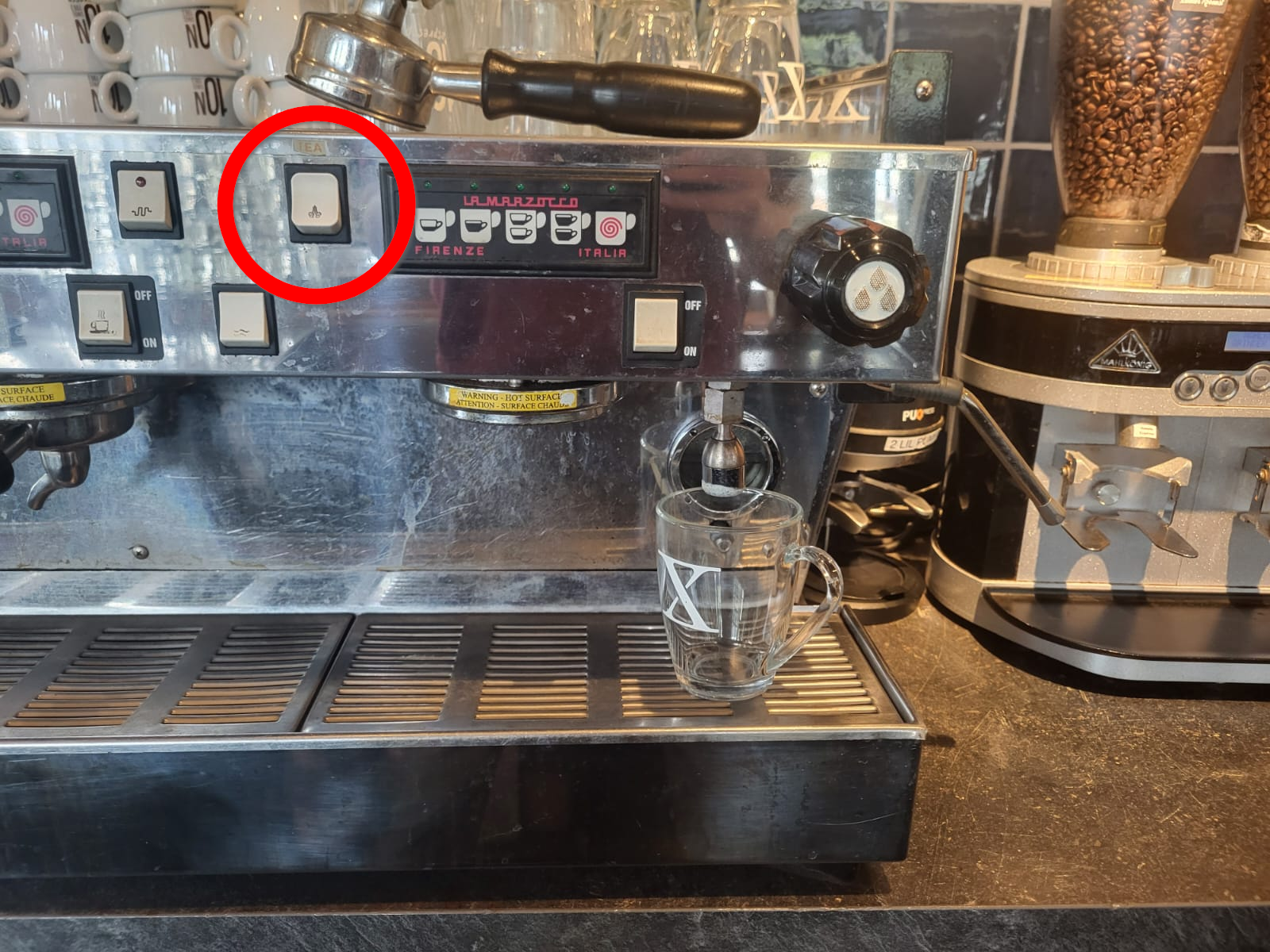
##### Regular Tea

Guests can grab their own tea bag from the bar, we only serve hot water

1. Grab a Tea cup from on top of the coffee machine and place it underneath the hot water spout
2. Afterwards press the Tea button (red circle) to fill it with hot water
3. Serve the tea on a saucer with spoon and cookie

[![image.png](https://wiki.hubble.cafe/uploads/images/gallery/2026-09/scaled-1680-/4IfnM4hKR5b6j961-image.png)](https://wiki.hubble.cafe/uploads/images/gallery/2026-09/4IfnM4hKR5b6j961-image.png)
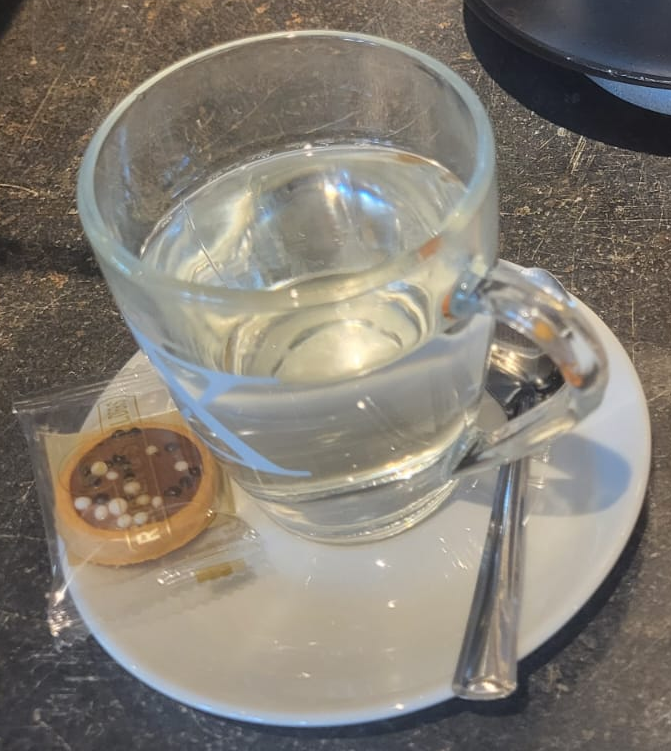
##### Mint tea

1. You can find mint underneath the middle drafts in the plastic box
2. Grab about two proper strands of mint (make your own estimation on how much exactly)
3. Place the mint in a tea cup and follow the above steps for regular tea
4. If a guest asks for honey, it can be found underneath the cookies

[![image.png](https://wiki.hubble.cafe/uploads/images/gallery/2026-09/scaled-1680-/njRxspH8bMf8pJYl-image.png)](https://wiki.hubble.cafe/uploads/images/gallery/2026-09/njRxspH8bMf8pJYl-image.png)
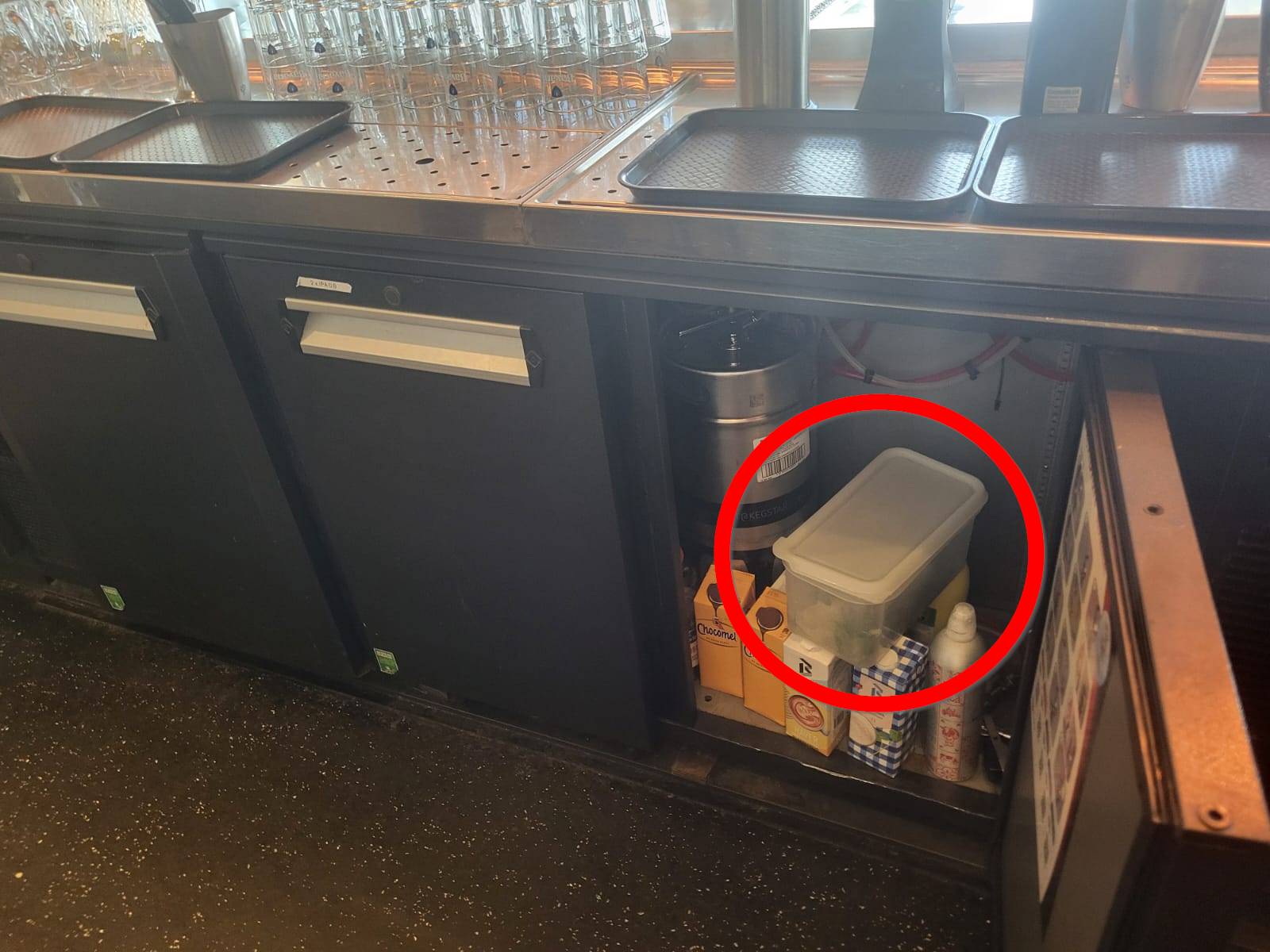
##### Ginger tea

1. You can find the ginger with the lemon on the right side behind the bar
2. If there's no ginger, asks the SVH
3. On the cutting board slice ~4 slices of ginger and place them in a tea cup
4. Follow the steps for regular tea

[![afbeelding.png](https://wiki.hubble.cafe/uploads/images/gallery/2026-04/scaled-1680-/Cj9vHHxliVtnR8Iv-afbeelding.png)](https://wiki.hubble.cafe/uploads/images/gallery/2026-04/Cj9vHHxliVtnR8Iv-afbeelding.png)
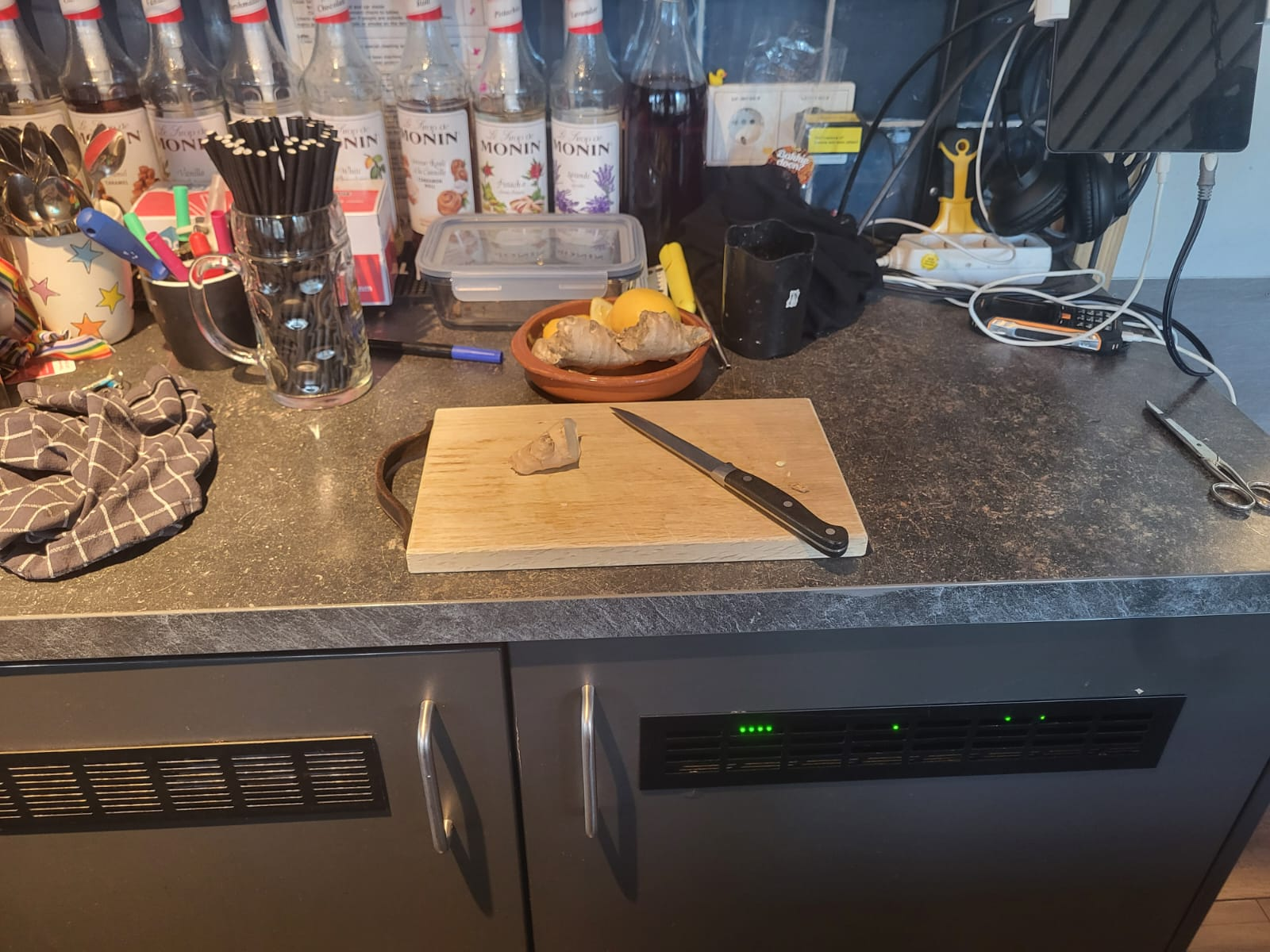
#### Making hot chocolate

[![afbeelding.png](https://wiki.hubble.cafe/uploads/images/gallery/2026-04/scaled-1680-/1q4pCYjfeMXKwMxp-afbeelding.png)](https://wiki.hubble.cafe/uploads/images/gallery/2026-04/1q4pCYjfeMXKwMxp-afbeelding.png)
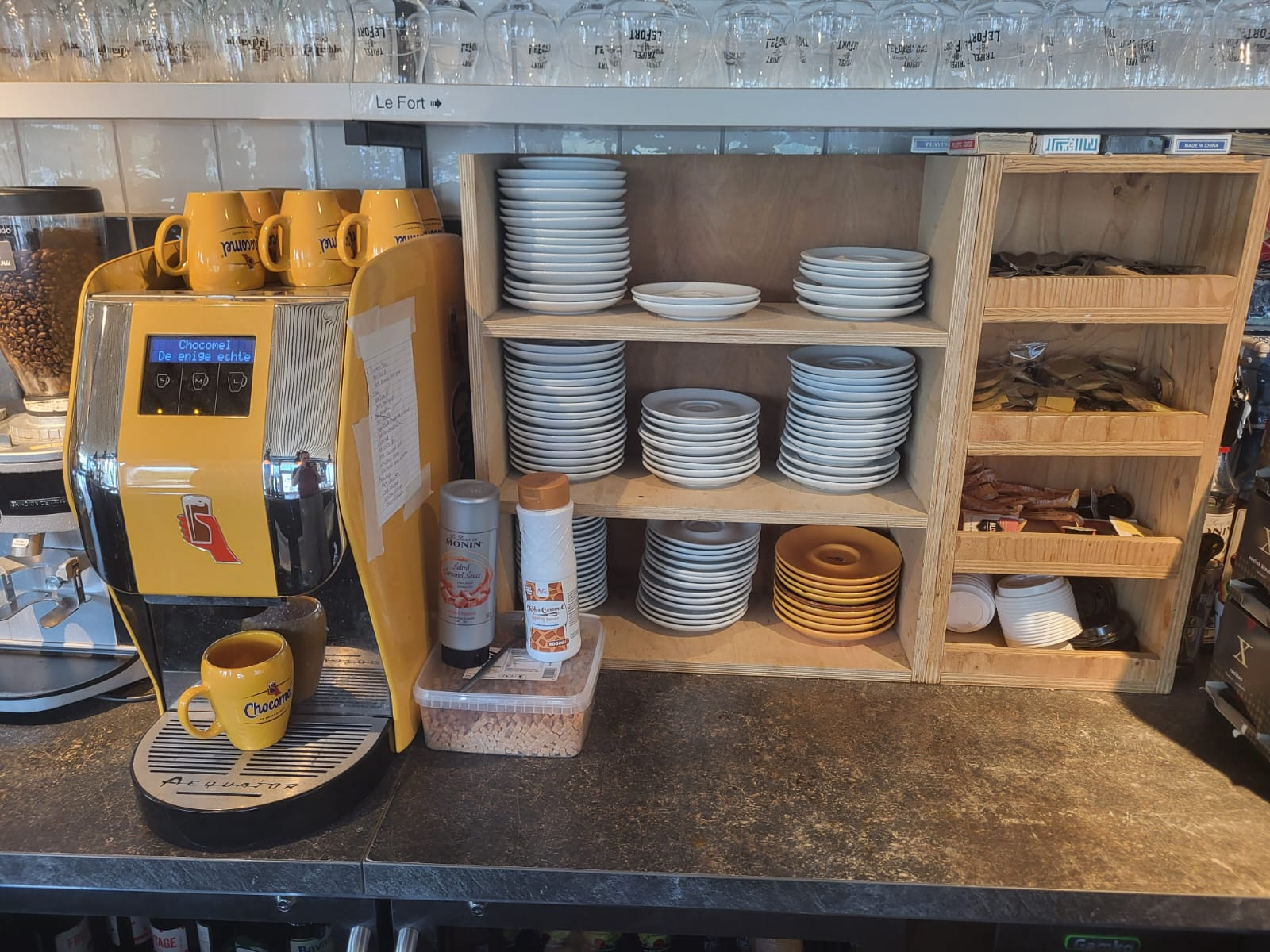
Grab a Chocomel cup and place it on the grill of the hot chocolate machine

##### Without whipped cream

1. Press the M button on the machine
2. Serve on a Chocomel saucer with a cookie

##### With whipped cream

[![image.png](https://wiki.hubble.cafe/uploads/images/gallery/2026-09/scaled-1680-/TTdKnFH0vvByihmU-image.png)](https://wiki.hubble.cafe/uploads/images/gallery/2026-09/TTdKnFH0vvByihmU-image.png)
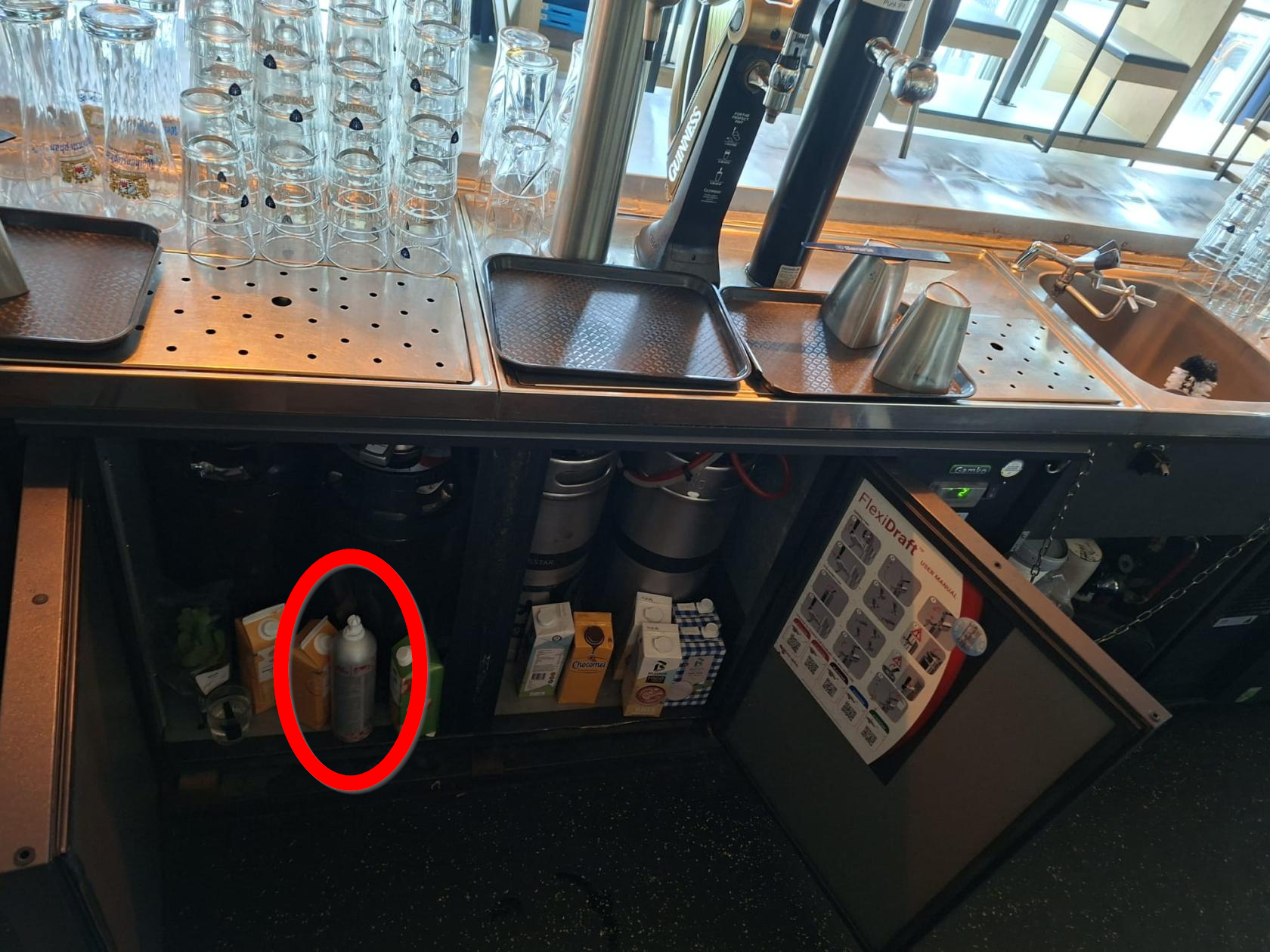
1. Press the S button on the machine
2. Grab whipped cream from the fridge underneath the middle drafts
3. Put whipped cream on the hot chocolate with a circular motion
4. Serve on a Chocomel saucer with a spoon and a cookie
5. Clean the whipped cream canister to avoid molding (see below)

**\[Insert picture\]**

##### Special Hot chocolates (Baileys, Caramel, etc)

Instructions for these can be found on the right side of the hot chocolate machine. Always serve on a Chocomel saucer with a spoon and cookie

##### Cleaning the whipped cream canister

##### [![WhatsApp Image 2026-09-26 at 14.05.49_.jpeg](https://wiki.hubble.cafe/uploads/images/gallery/2026-09/scaled-1680-/5w86X3nsG2Dy1EIo-whatsapp-image-2026-09-26-at-14-05-49.jpeg)](https://wiki.hubble.cafe/uploads/images/gallery/2026-09/5w86X3nsG2Dy1EIo-whatsapp-image-2026-09-26-at-14-05-49.jpeg)
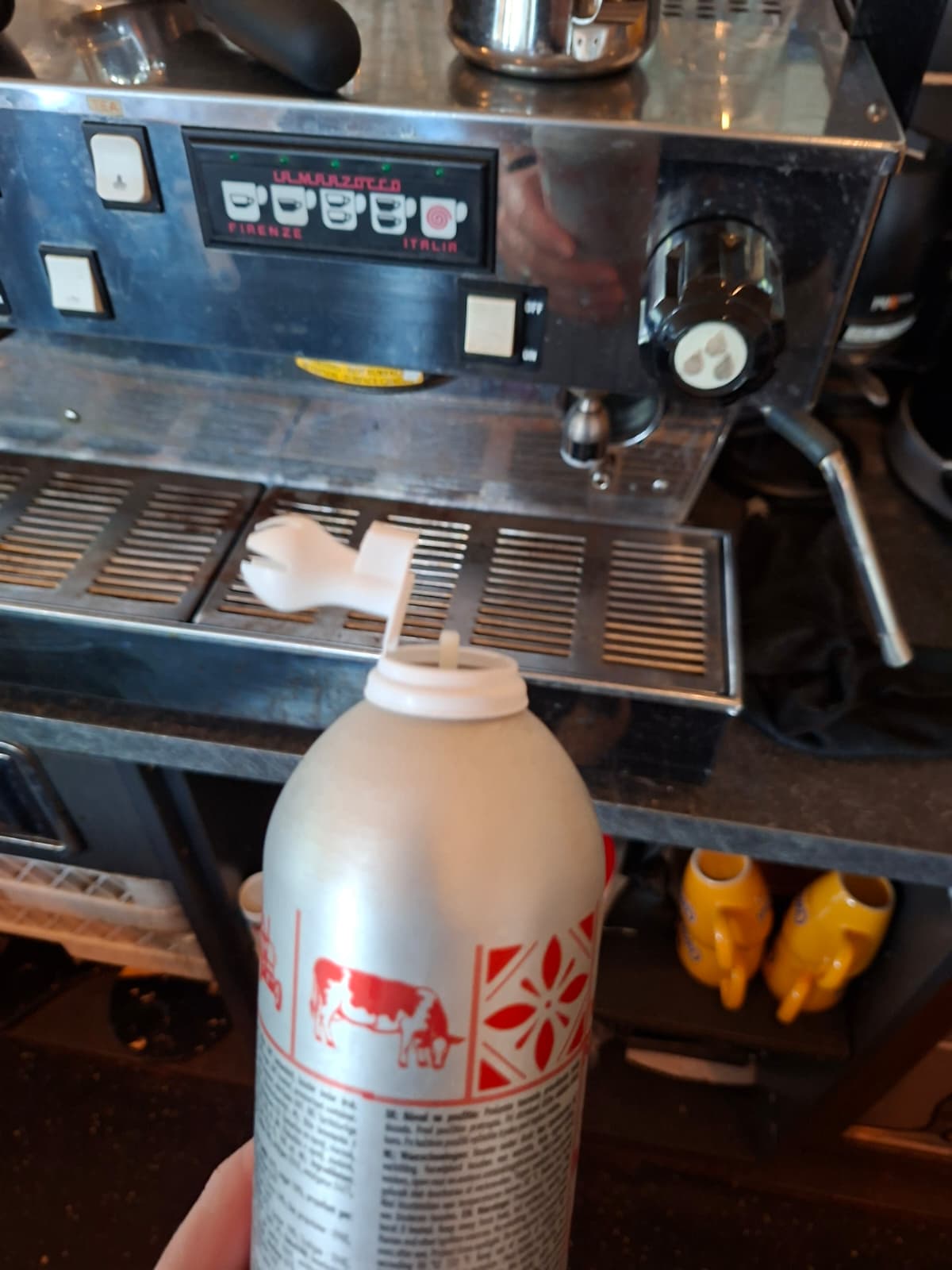
1. Take the spout part of the whipped cream off like above
2. Hold it slanted underneath the hot water spout and press the tea button, make sure to rinse everything properly
3. Don't burn yourself [![WhatsApp Image 2026-09-26 at 14.05.49.jpeg](https://wiki.hubble.cafe/uploads/images/gallery/2026-09/scaled-1680-/e9L69WSTrSQAlpCV-whatsapp-image-2026-09-26-at-14-05-49.jpeg)](https://wiki.hubble.cafe/uploads/images/gallery/2026-09/e9L69WSTrSQAlpCV-whatsapp-image-2026-09-26-at-14-05-49.jpeg)
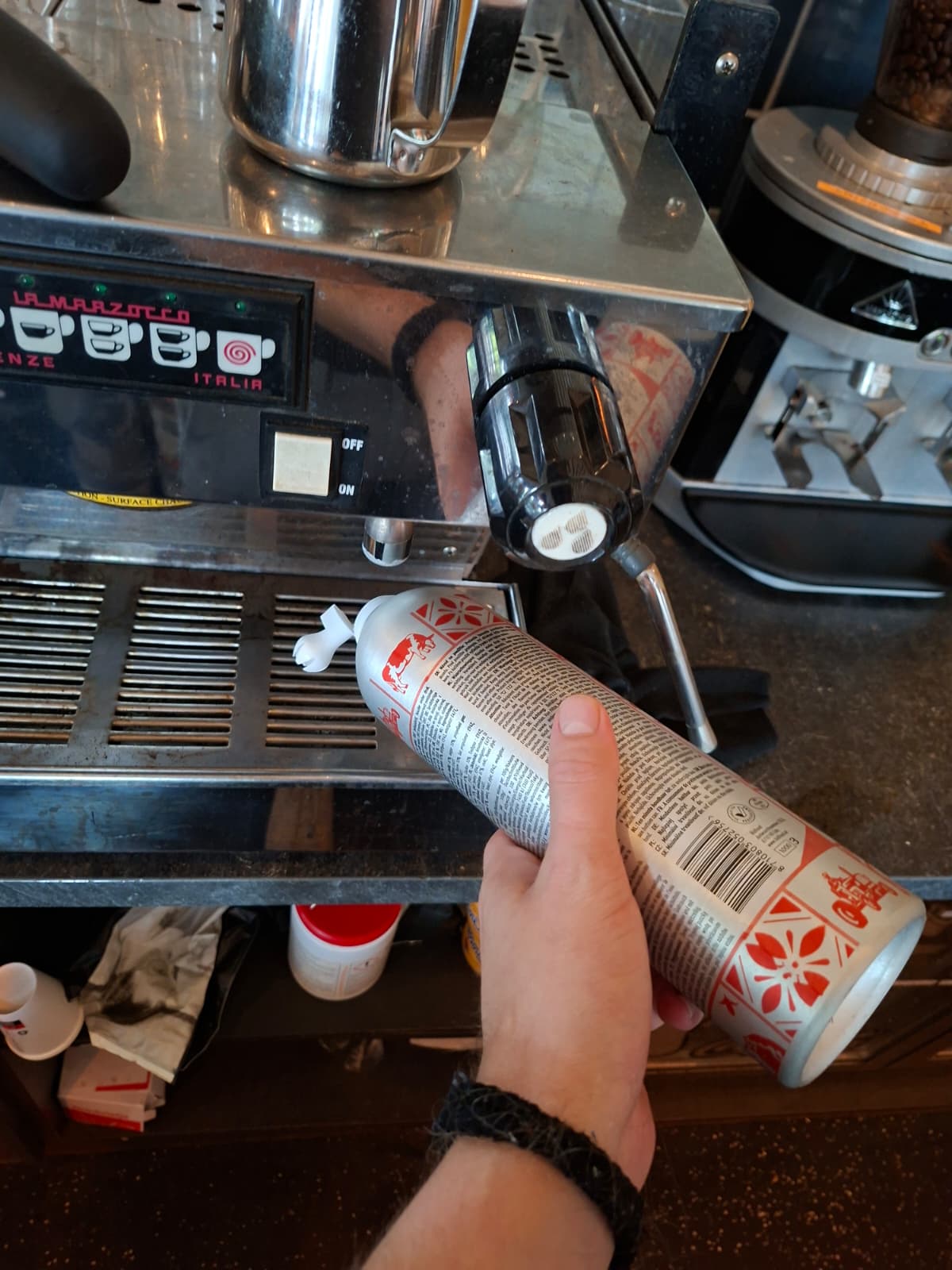
4. Place the whipped cream back in the fridge underneath the draft

# Special hot drinks

**\[This page is still under construction\]**

On this page, you will learn how to make:

- Decaf coffee
- Using Soy and Oat milk (for cappuccino's and latte machiato's)
- Special Latte Machiato's (Caramel Latte, Pumkin Spice Latte, Vanille Latte, etc)
- Ice coffees
- Special Coffees (Spanish coffee, Italian coffee, etc)

Before learning how to make special coffees, you first need to learn how to make basic coffees (Americano, espresso, Lattes, etc). **[Click here](https://wiki.hubble.cafe/books/bar-bible/page/regular-coffees "Regular coffees (Review)")** to learn how to make the basic coffees. These hot drinks are not being ordered that often in the evenings and this pages could be considered as one of the more advanced bar operations for experienced bartenders.

Want to learn about other hot drinks? **[Click here](https://wiki.hubble.cafe/books/bar-bible/page/making-tea-hot-chocolate "Making tea & hot chocolate (REVIEW)")** on how to make Tea's and hot chocolate

### **Decaf coffee**

Decaf coffee means coffee without caffeine.

<table border="1" id="bkmrk-hubble-hubble-uses-p" style="border-collapse: collapse; width: 100%; height: 530.323px;"><colgroup><col style="width: 42.0572%;"></col><col style="width: 58.0222%;"></col></colgroup><tbody><tr style="height: 212.802px;"><td style="height: 212.802px;">[![Espresso (12).png](https://wiki.hubble.cafe/uploads/images/gallery/2026-09/scaled-1680-/kB3fjoa38LATsGwi-espresso-12.png)](https://wiki.hubble.cafe/uploads/images/gallery/2026-09/kB3fjoa38LATsGwi-espresso-12.png)

</td><td style="height: 212.802px;">**Hubble** uses pads which can be found in a glass jar underneath the coffee machine.

This jar is labeled as 'dacaf pads'. No way to miss it :)

The pads are packaged. pick one packaged pad and open the package

**Meteor**

The pads can be found in one of the drawers underneath the coffee machine

</td></tr><tr style="height: 229.146px;"><td style="height: 229.146px;">[![WhatsApp Image 2026-09-26 at 17.10.11.jpeg](https://wiki.hubble.cafe/uploads/images/gallery/2026-09/scaled-1680-/FCQW07jMdgSxf8lX-whatsapp-image-2026-09-26-at-17-10-11.jpeg)](https://wiki.hubble.cafe/uploads/images/gallery/2026-09/FCQW07jMdgSxf8lX-whatsapp-image-2026-09-26-at-17-10-11.jpeg)

</td><td style="height: 229.146px;">Place the pad in the portafilter.

Connect the portafilter to the machine and select the button to make your decaf coffee.

</td></tr></tbody></table>

### Soy &amp; Oat milk coffees

\[Coming soon\]

### Special Latte's

\[Coming soon\]

### Ice Coffees

\[Coming soon\]

### **Special Coffees (Coffee with Wipped Cream)**

The special coffees only have 3 ingredients: 1 liquor shot, coffee and topping off with wipped cream. These coffees can be served in special glasses (see picture below. The shot of liquor depends on the coffee:

<table border="1" id="bkmrk-spanish-coffee-1-sho" style="border-collapse: collapse; width: 100%;"><colgroup><col style="width: 50%;"></col><col style="width: 50%;"></col></colgroup><tbody><tr><td>[![Espresso (14).png](https://wiki.hubble.cafe/uploads/images/gallery/2026-09/scaled-1680-/QZ6yJqCtw1XTIADC-espresso-14.png)](https://wiki.hubble.cafe/uploads/images/gallery/2026-09/QZ6yJqCtw1XTIADC-espresso-14.png)

</td><td>**Spanish Coffee**

- 1 shot licor 43

**Italian Coffee**

- Sambuca

**Coffee Amerretto**

- Amerretto

</td></tr></tbody></table>

# Wine

## Wine

In both Meteor and Hubble we serve wine. The wine can be sold per glass (except prosecco) or per bottle.

### Hubble

#### Glasses

In Hubble we use the following glasses for wine:

[![image.png](https://wiki.hubble.cafe/uploads/images/gallery/2026-09/scaled-1680-/88j8ilsV5zwTmRGG-image.png)](https://wiki.hubble.cafe/uploads/images/gallery/2026-09/88j8ilsV5zwTmRGG-image.png)
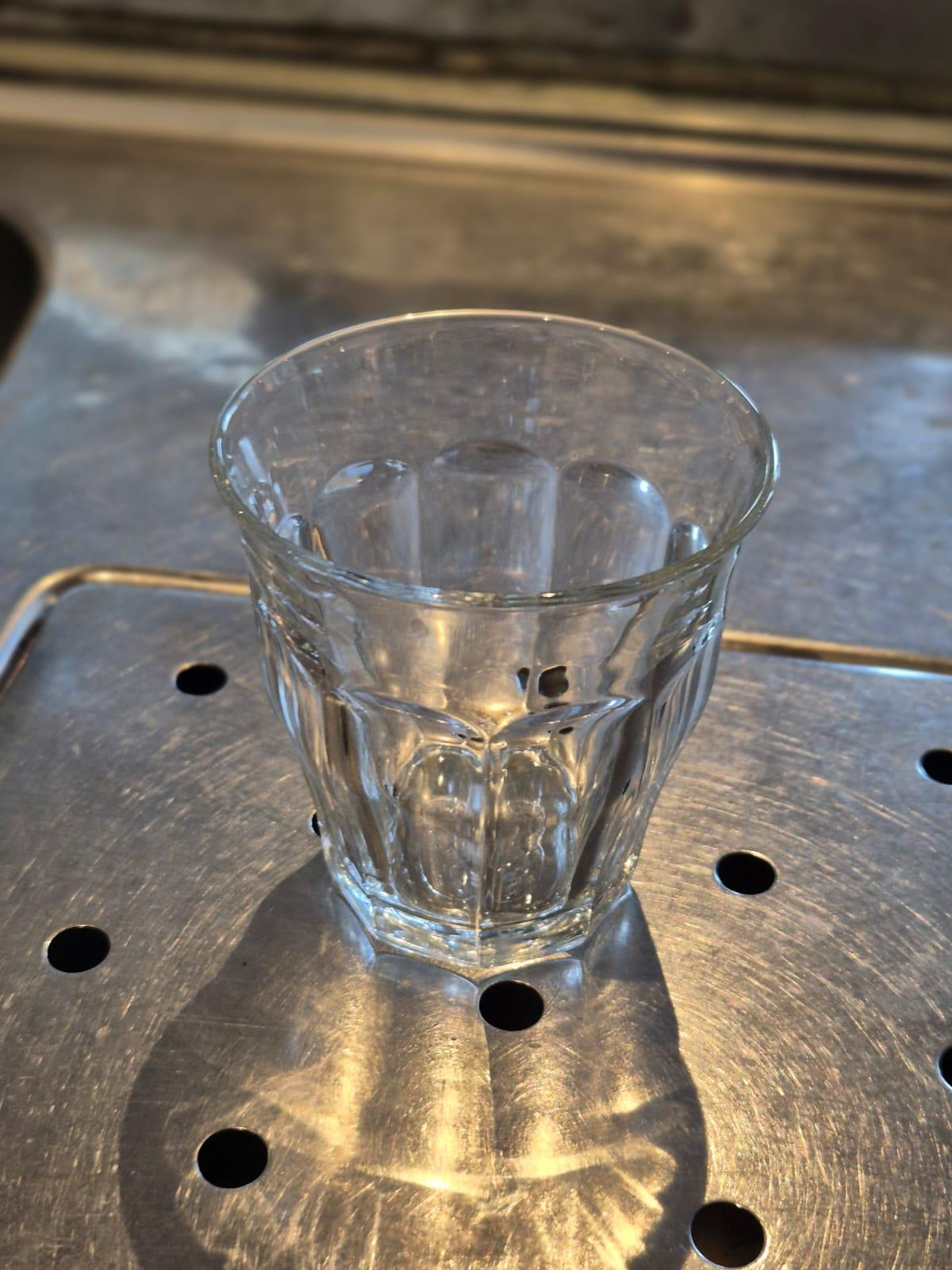
These can be filled up until 0,5-1cm under the edge of the glass.

#### Types of wine

##### Red wine (Merlot)

[![IMG_4103.JPEG](https://wiki.hubble.cafe/uploads/images/gallery/2026-09/scaled-1680-/20Zo8Rh3ulAiwPTw-img-4103.JPEG)](https://wiki.hubble.cafe/uploads/images/gallery/2026-09/20Zo8Rh3ulAiwPTw-img-4103.JPEG)
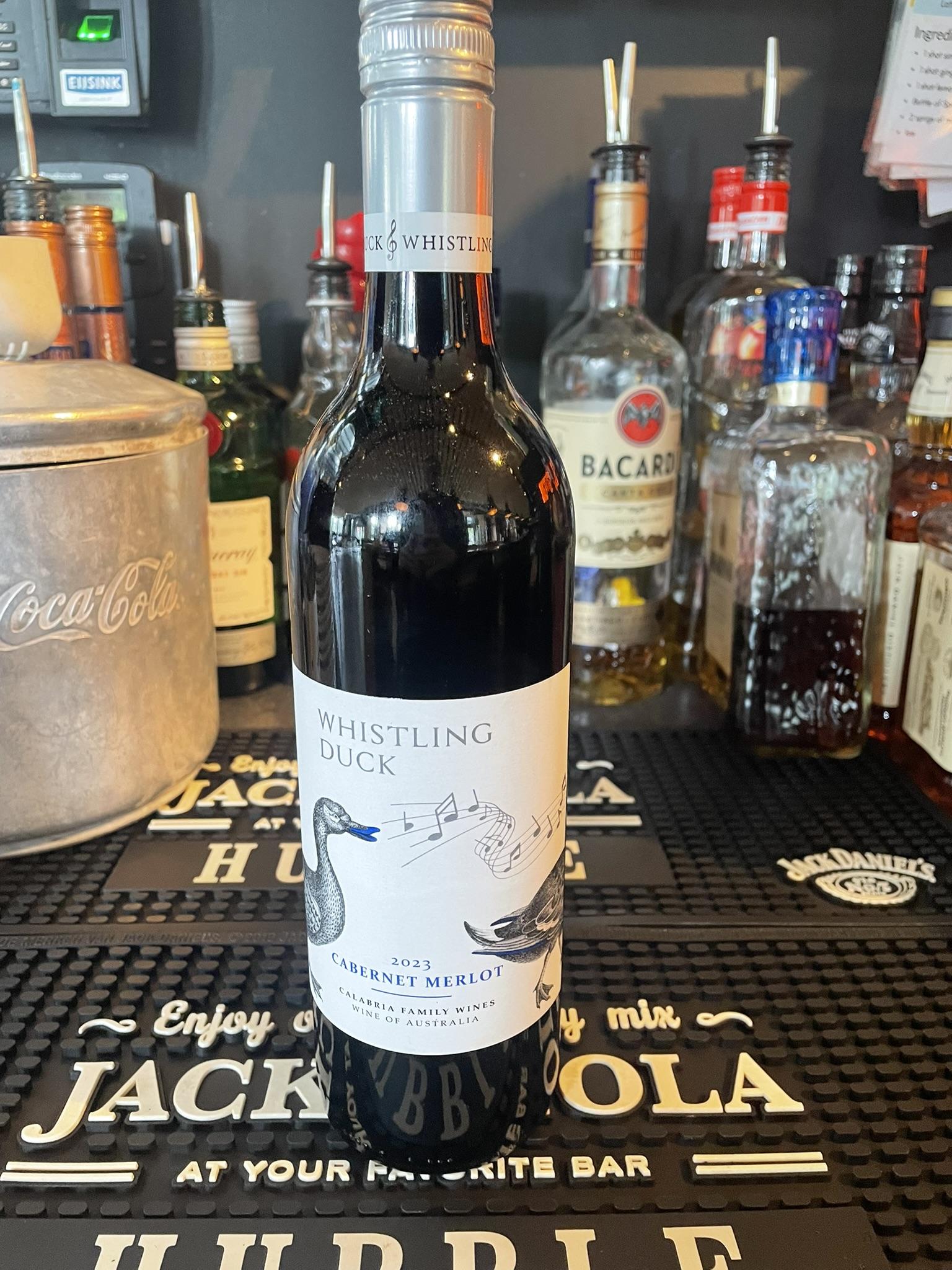
This is the only wine that can be found outside the fridge. It is stored next to the Jagermeister draft.

##### Dry white wine (Chardonnay)

[![IMG_4106.JPEG](https://wiki.hubble.cafe/uploads/images/gallery/2026-09/scaled-1680-/Z7gHBwaHW9ivzu3L-img-4106.JPEG)](https://wiki.hubble.cafe/uploads/images/gallery/2026-09/Z7gHBwaHW9ivzu3L-img-4106.JPEG)
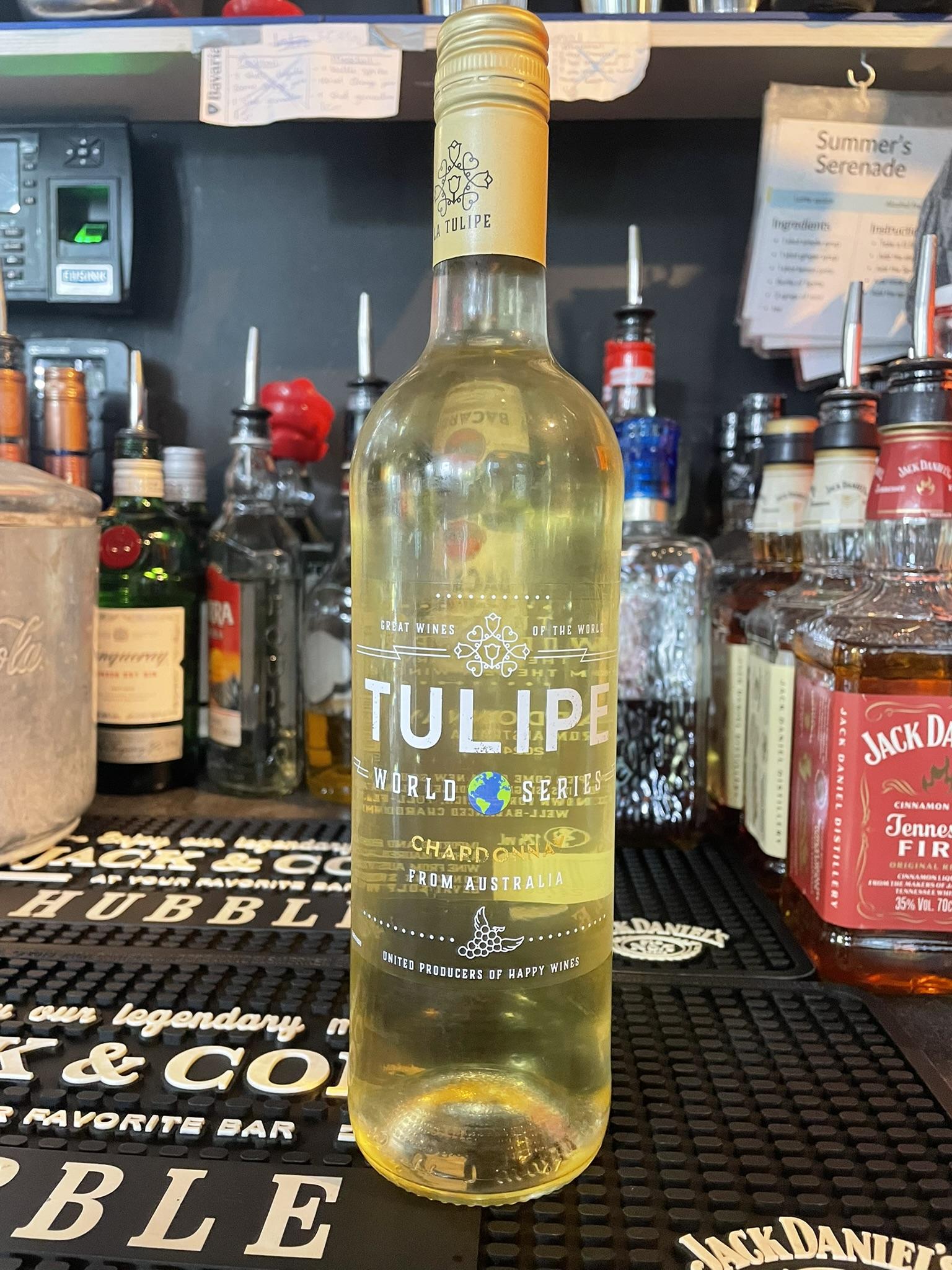
##### Sweet white wijn

[![IMG_4107.JPEG](https://wiki.hubble.cafe/uploads/images/gallery/2026-09/scaled-1680-/tbfPQquitsRw7uVB-img-4107.JPEG)](https://wiki.hubble.cafe/uploads/images/gallery/2026-09/tbfPQquitsRw7uVB-img-4107.JPEG)
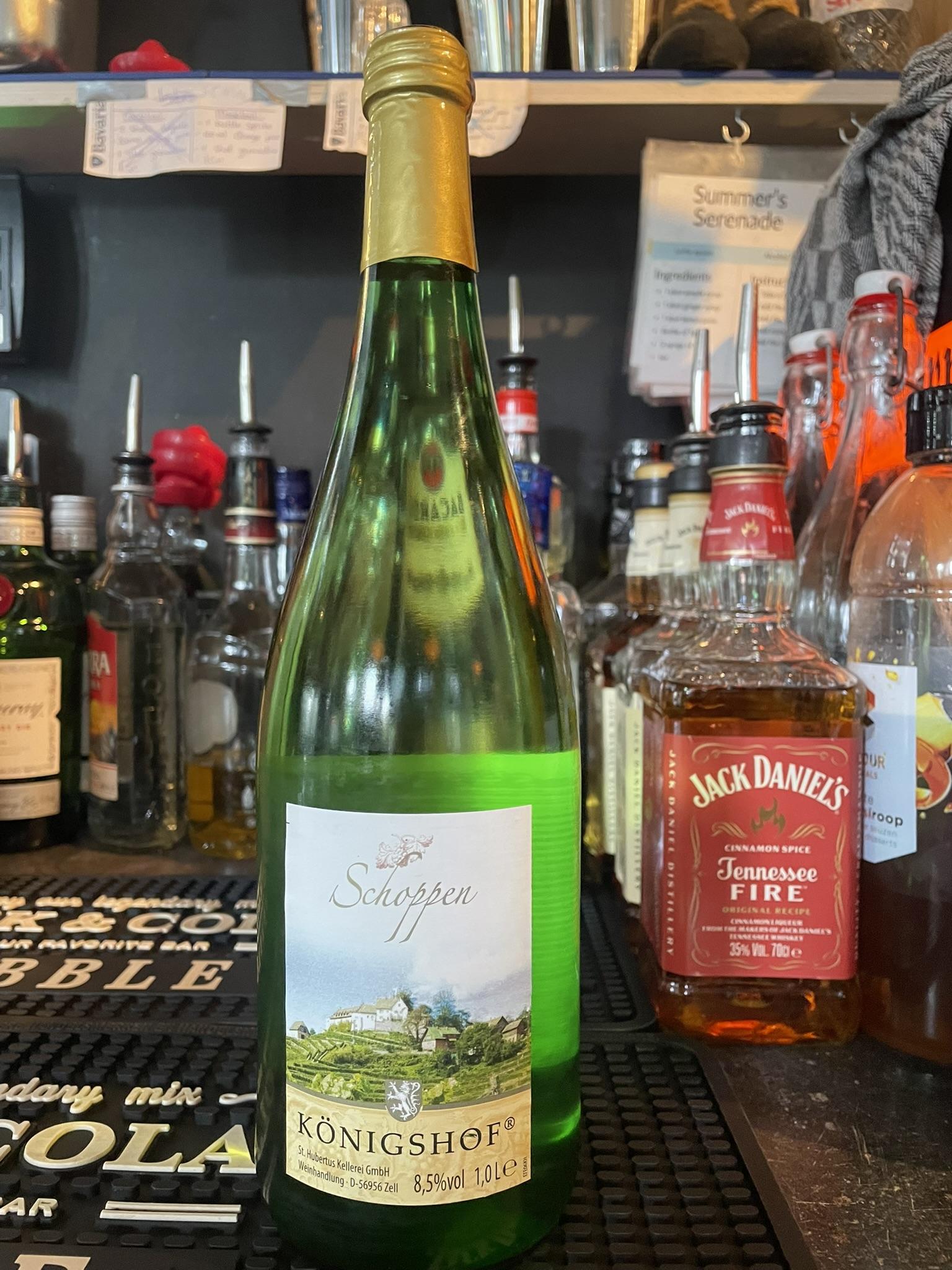
Rosé

[![IMG_4105.JPEG](https://wiki.hubble.cafe/uploads/images/gallery/2026-09/scaled-1680-/TdcJDkjeYgMaKdRB-img-4105.JPEG)](https://wiki.hubble.cafe/uploads/images/gallery/2026-09/TdcJDkjeYgMaKdRB-img-4105.JPEG)
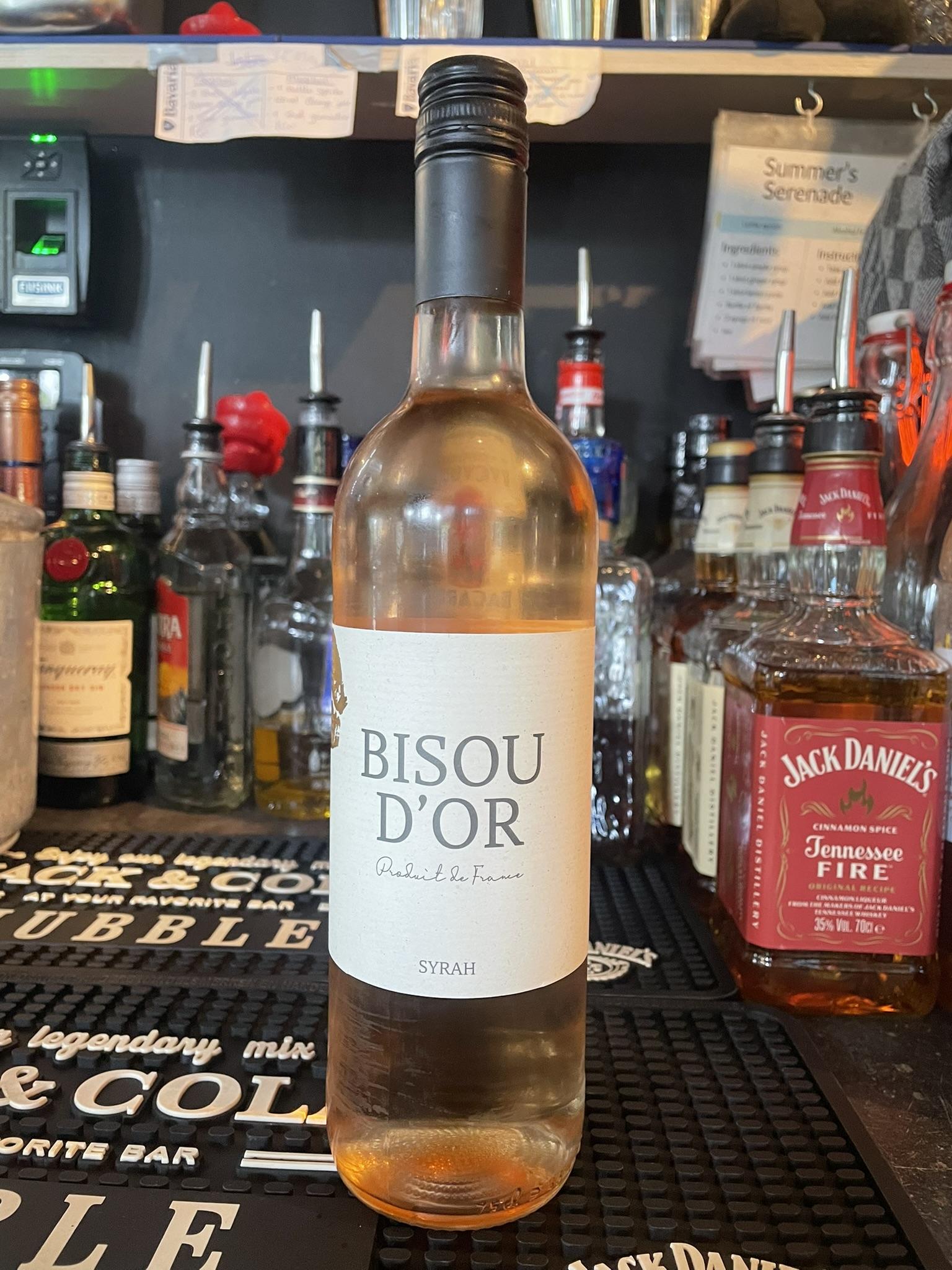
##### Prosecco

[![IMG_4104.JPEG](https://wiki.hubble.cafe/uploads/images/gallery/2026-09/scaled-1680-/s7MYvELtG8YO9kJv-img-4104.JPEG)](https://wiki.hubble.cafe/uploads/images/gallery/2026-09/s7MYvELtG8YO9kJv-img-4104.JPEG)
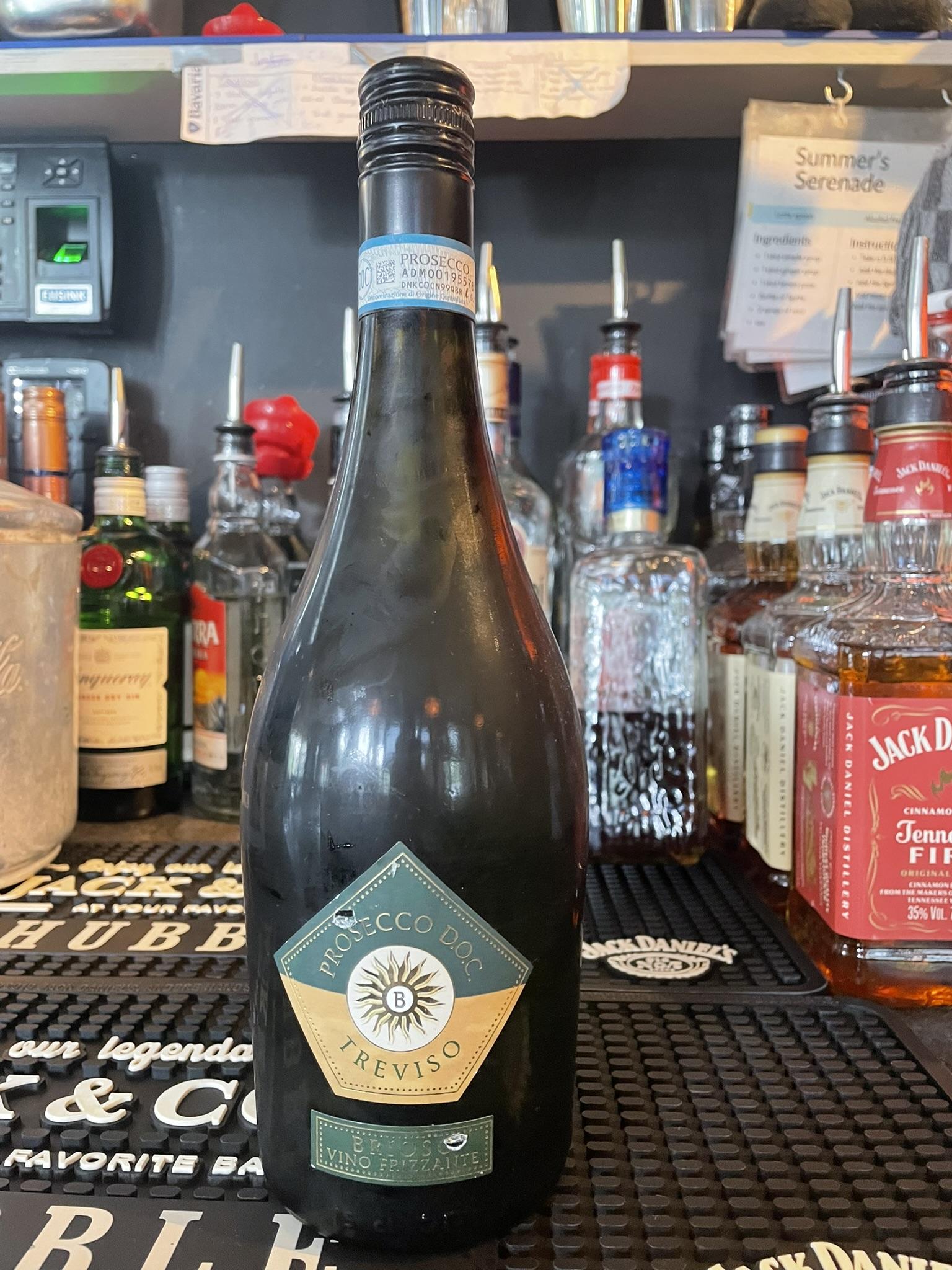
Prosecco is only sold per bottle, no seperate glasses.

### Meteor

#### Glasses

[![w0HCgY6gxplswGFr-whatsapp-image-2025-11-07-at-13-33-33-2.jpg](https://wiki.hubble.cafe/uploads/images/gallery/2026-09/scaled-1680-/sb7kqq0HjJZaW0Yi-w0hcgy6gxplswgfr-whatsapp-image-2025-11-07-at-13-33-33-2.jpg)](https://wiki.hubble.cafe/uploads/images/gallery/2026-09/sb7kqq0HjJZaW0Yi-w0hcgy6gxplswgfr-whatsapp-image-2025-11-07-at-13-33-33-2.jpg)
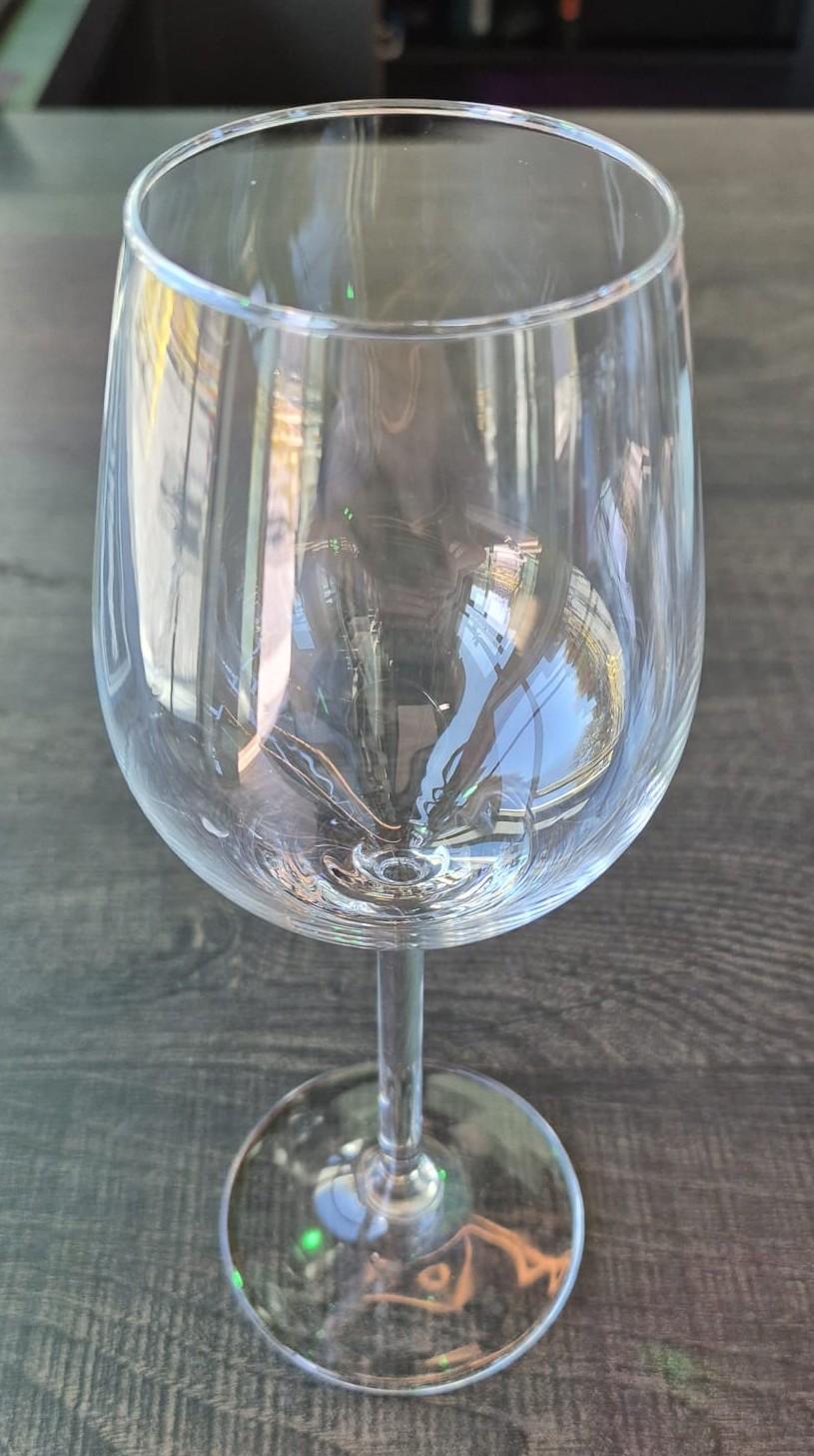
[![WhatsApp Image 2026-09-26 at 15.54.36.jpeg](https://wiki.hubble.cafe/uploads/images/gallery/2026-10/scaled-1680-/qrKVHb97ZlQ0TTEq-whatsapp-image-2026-09-26-at-15-54-36.jpeg)](https://wiki.hubble.cafe/uploads/images/gallery/2026-10/qrKVHb97ZlQ0TTEq-whatsapp-image-2026-09-26-at-15-54-36.jpeg)
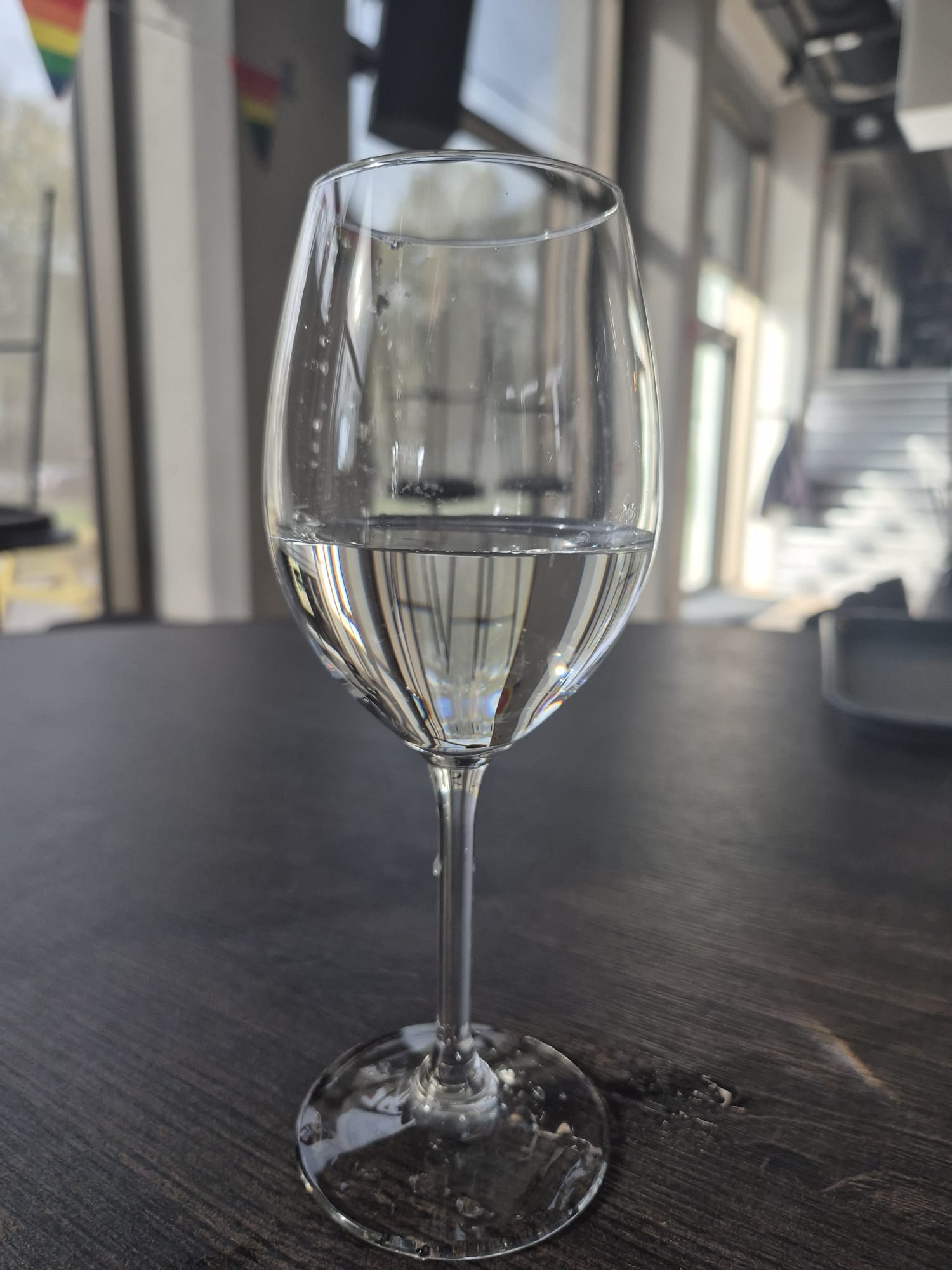
The wine glass can be filled as shown on the bottom picture.

#### Types of wine

[![WhatsApp Image 2026-09-26 at 15.54.38.jpeg](https://wiki.hubble.cafe/uploads/images/gallery/2026-10/scaled-1680-/MIcXbUf4vWpWVWbo-whatsapp-image-2026-09-26-at-15-54-38.jpeg)](https://wiki.hubble.cafe/uploads/images/gallery/2026-10/MIcXbUf4vWpWVWbo-whatsapp-image-2026-09-26-at-15-54-38.jpeg)
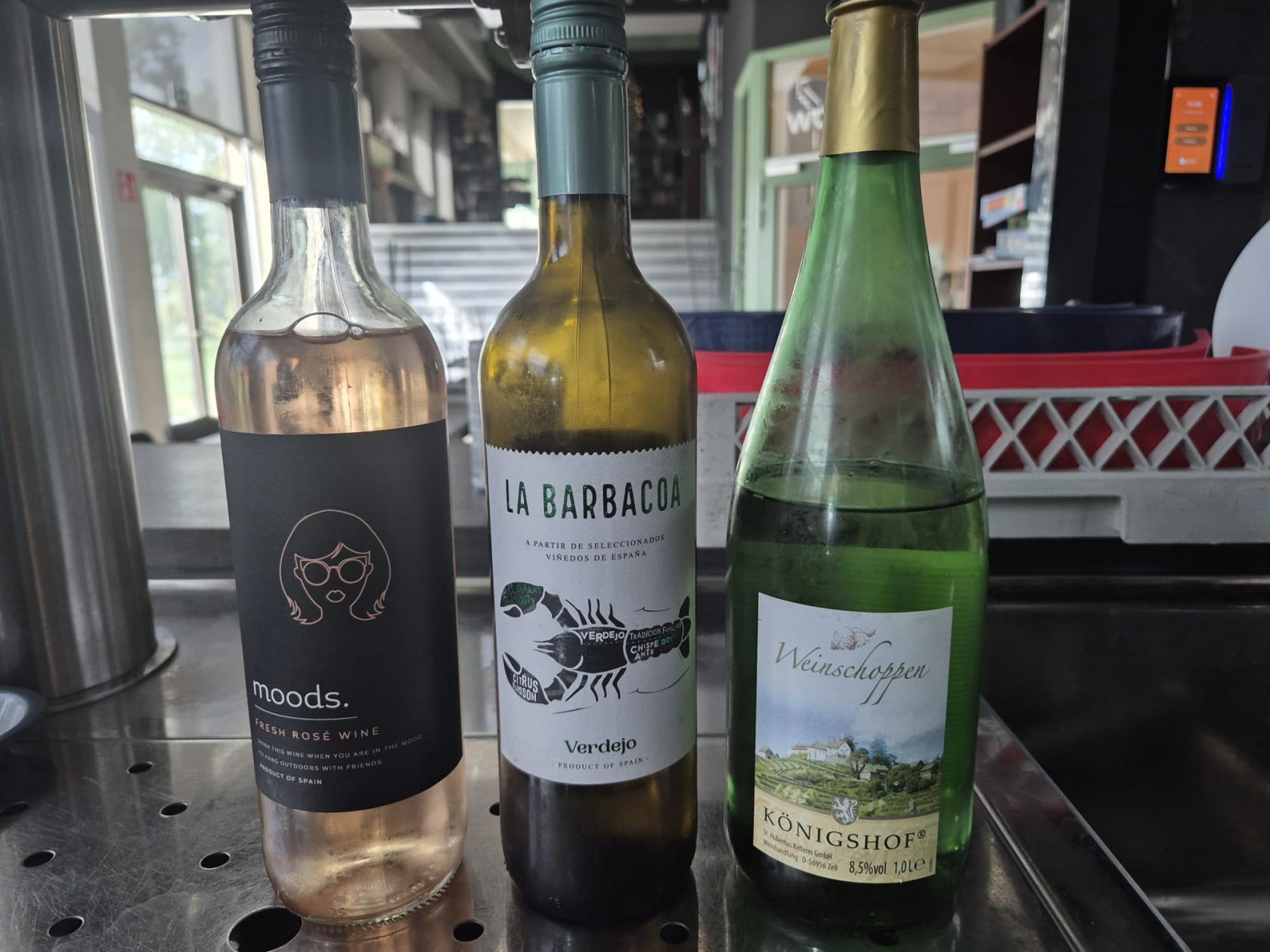
From left to right:

Rosé, dry white wine and sweet white wine.

# Shots

### Hubble

- In Hubble, all shots come from a bottle, except for Jägermeister, which comes from the Jägermeister draft.
- All shots can be found in the shots corner.   
    [![IMG_3345.JPEG](https://wiki.hubble.cafe/uploads/images/gallery/2026-04/scaled-1680-/cUYHxIaUSpcM3AmE-img-3345.JPEG)](https://wiki.hubble.cafe/uploads/images/gallery/2026-04/cUYHxIaUSpcM3AmE-img-3345.JPEG)
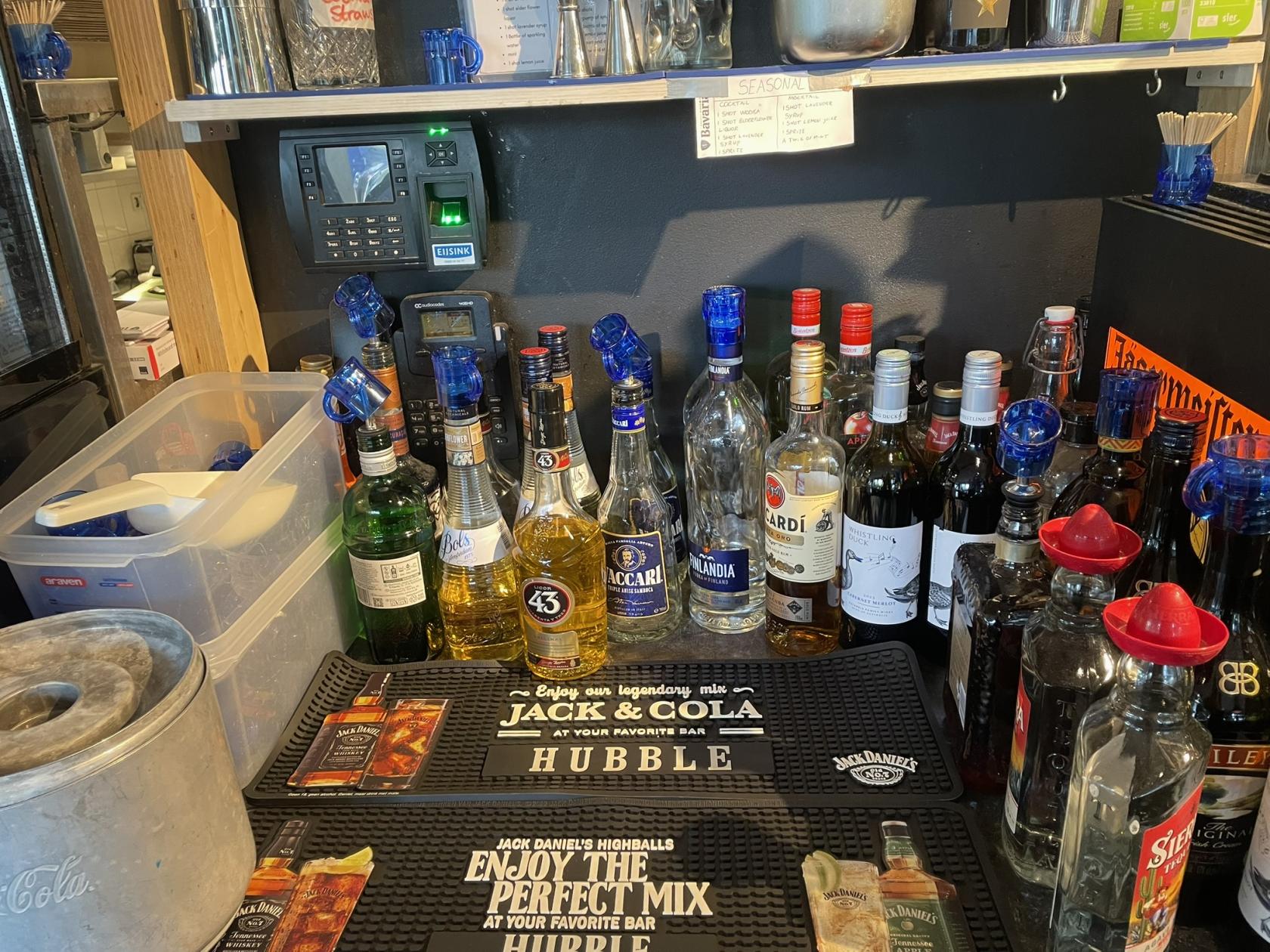
- For all bottled shots, simply pour the shot into a shotglass until it is full. To make the pouring easier, you can use a pouring spout.
- To dispense the Jägermeister, pull the lever on the front of the draft forward. Put a shotglass under the tap and fill it to the edge.  
    [![IMG_3343.JPEG](https://wiki.hubble.cafe/uploads/images/gallery/2026-04/scaled-1680-/CaZRIPOGwnqRNpOF-img-3343.JPEG)](https://wiki.hubble.cafe/uploads/images/gallery/2026-04/CaZRIPOGwnqRNpOF-img-3343.JPEG)
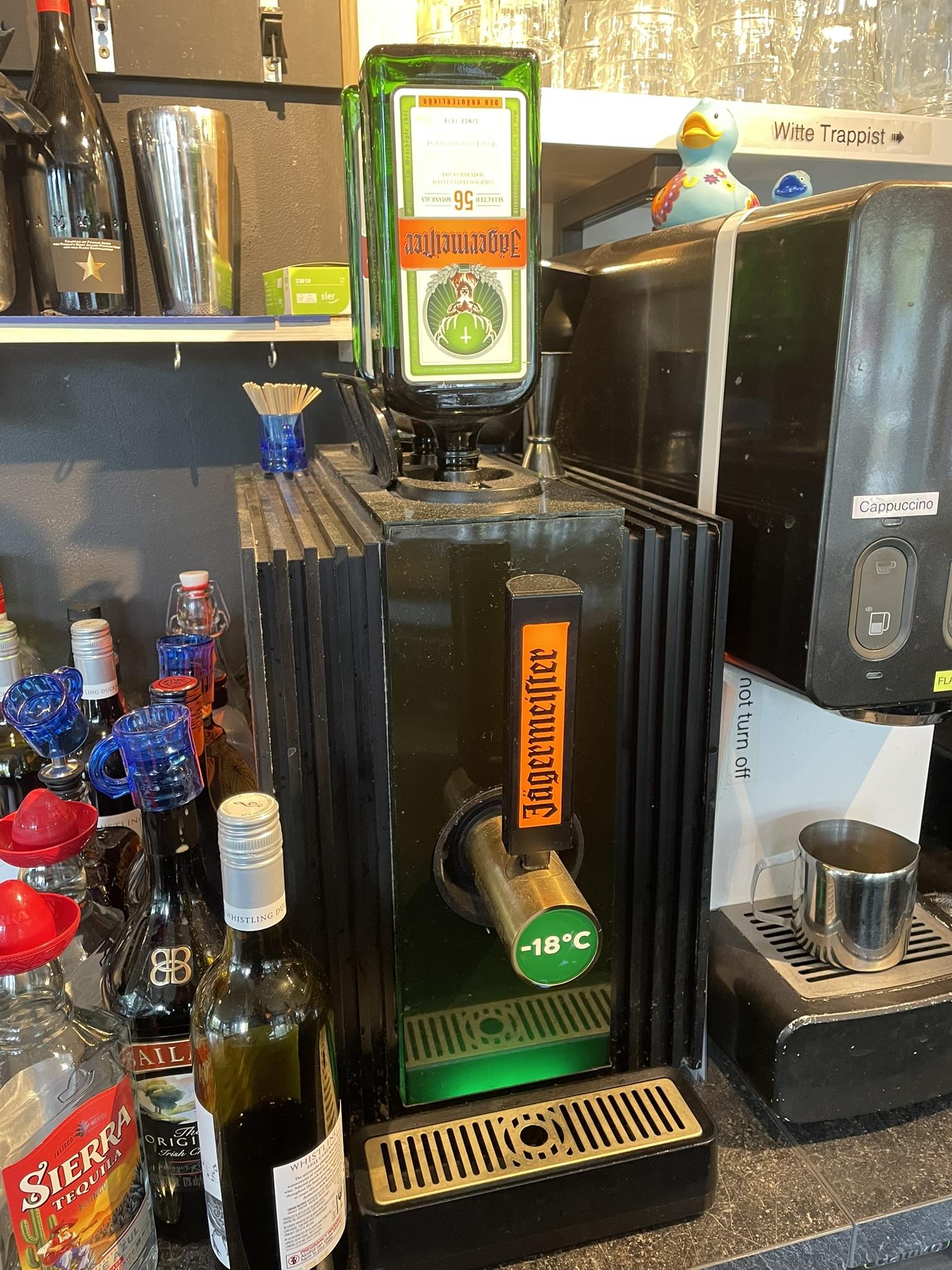
- For tequila, make sure to add a slice of lemon and some salt. The lemon can be placed on top of the shotglas, the salt packet can be placed next to the shot.

### Meteor


- In Meteor, part of the shots come from a bottle, others come from the cocktail machine.
- The bottled shots can be found on the platform in the centre of the bar.
- For all bottled shots, simply pour the shot into a shotglass until it is full. To make the pouring easier, you can use a pouring spout.
- To dispense a shot from the cocktail machine, find the item in the machine and first dispense in a shaker or glass, after which you can pour it into a shotglass. If you do not first use a shaker or glass, the shot will splatter itself out of the shotglass and you will not have a full shot.

# Washing glasses

## Washing glasses

During the evening a lot of glassware is used. To make sure we have enough glasses we need to clean them throughout the evening. Most of this will be done by hand, but towards the end of the evening, or if there are a lot of glasses, your SVH might ask you to start using the dishwasher.

Always remember, an upside down glass is clean, dirty glasses should go right side up.

### By hand

The sink next to the drafts will be filled with water and should contain a soap block.

If there is no more soap (the water will stop foaming), you can add a new block to the water. In Hubble these can be found underneath the sink, in Meteor you will find them in the cabinet under the coffee machine.

##### How to handwash a glass

1. Take the glass and pour any remaining drinks in the drain (not in the cleaning water!)
2. Put the glass onto the brush, do this is such a way that you also scoop some water to clean the inside.
3. Move the glass up and down on the brush and twist it around so the entire outside gets cleaned as well. You can visually check that the inside of the glass fully gets cleand, and water reaches the bottom.
4. Press the glass on the water sprayer (X shaped thingy next to the tap).
5. Put clean glass upside down on the bar. (Do not put them on the shelves (Hubble) or hang them up (Meteor))

If you get a glass or cup that has contained any dairy, put it next to the dishwasher in the back. If dairy gets in the sink it can cause mold forming, which would be unfortunate.

### Dishwasher

At the end of the night, all glasses that have been on the bar need to go through the dishwasher. After this they can be placed on the shelves in Hubble, or hung up and put on the glass shelves in Meteor. If part of the bar has already been cleaned, they can also be placed there. If you are not sure whether the bar has been cleaned, ask your SVH.

When putting glasses on shelves or stacking them it is important that the glasses have mostly cooled down and dried up. This is to prevent mold forming and glasses creating a vacuum. You can hang up warm glasses or put them on the bar unstacked.

#### Hubble

Fill a dishwasher tray with dirty glasses and make sure they are all placed upside down. Put this tray in the dishwasher, close it and press P1. The dishwasher will run itself and count down until it is done. When it is done, take out the tray and put it on the bar above the dishwasher. Let the glasses cool down and put them away on the shelf and repeat.

If the dishwasher gives an error notification, open and close it and press P1 again to restart.

#### Meteor

Fill a dishwasher tray with dirty glasses and make sure they are all placed upside down. Put this tray in the dishwasher, close it and press the left circle (with one line in it). The dishwasher will run itself and count down until it is done. When done, take out the tray and put it on top of the dishwasher or next to the sink (or wherever there is space). Let the glasses cool down and put them away.

**Foto van dishwasher meteor**

# Advanced Bar Operations (TO DO)

For bartenders that are more experienced and already know the basics.

Have you bartended a couple times and getting more comfortable during your shifts? Are you interested to grow to become an SVH and be responsible of the bar? Read how to become an SVH in **[SVH Operations](https://wiki.hubble.cafe/books/bar-bible/chapter/svh-operations-to-do "SVH Operations (TO DO)")** to read the responsibilities, your advantadges of being an SVH and the proces of becoming one.

# HELP! I ran out of...

## Hubble

In Hubble there are several storage places where things can be found when they run out in the café:

- The back storage 
    - The storage space behind the kitchen. This is where the bartenders can leave their personal belongings when bartending. Among others, all food reserves, coffee items and almost all drinks have a reserve here.
- Downstairs drinks storage 
    - This storage is found downstairs going straight left from the elevator. Card access is needed for this storage. This storage is where all of our booze is stored, as well as the big soda and beer keg reserves. The two 1000-Liter beer tanks are also found here.
- Internal Solow 
    - This storage is found downstairs as well, going right from the elevator. In this storage almost all non-consumable items of Hubble are stored.

<table id="bkmrk-what-where-comment-b" style="border-collapse: collapse; width: 105.238%; height: 626.8px;"><colgroup><col style="width: 18.3508%;"></col><col style="width: 25.9763%;"></col><col style="width: 55.649%;"></col></colgroup><tbody><tr style="height: 29.747px;"><td style="height: 29.747px;">**What**</td><td style="height: 29.747px;">**Where**</td><td style="height: 29.747px;">**Comment**</td></tr><tr style="height: 29.747px;"><td style="height: 29.747px;">Bavaria beer</td><td style="height: 29.747px;">Dommel</td><td style="height: 29.747px;">Mike

</td></tr><tr style="height: 35.3423px;"><td style="height: 35.3423px;">Bavaria beer (actually)</td><td style="height: 35.3423px;">Downstairs drinks storage</td><td style="height: 35.3423px;">[How to change the beer tank](https://wiki.hubble.cafe/books/bar-bible/page/how-to-change-the-beer-tank-to-do "How to change the beer tank (TO DO)")

</td></tr><tr style="height: 52.1429px;"><td style="height: 52.1429px;">Other beers</td><td style="height: 52.1429px;">Keg fridge in the back</td><td style="height: 52.1429px;">Place the empty keg in the storage in the back.

[How to change a keg](https://wiki.hubble.cafe/books/bar-bible/page/how-to-change-a-keg "How to change a keg (TO DO)")

</td></tr><tr style="height: 29.747px;"><td style="height: 29.747px;">Soda</td><td style="height: 29.747px;">Soda fridge in the back</td><td style="height: 29.747px;"> </td></tr><tr style="height: 29.747px;"><td style="height: 29.747px;">Juice</td><td style="height: 29.747px;">Back storage</td><td style="height: 29.747px;">On top of the keg fridge in the back.</td></tr><tr style="height: 29.747px;"><td style="height: 29.747px;">Booze</td><td style="height: 29.747px;">Downstairs drinks storage

</td><td style="height: 29.747px;">Max 2 bottles per drink behind the bar

</td></tr><tr><td>Wine</td><td>Wine rack in the back

</td><td>Next to the coats

</td></tr><tr style="height: 46.5476px;"><td style="height: 46.5476px;">Lattiz coffee milk/Hot chocolate</td><td style="height: 46.5476px;">Back storage</td><td style="height: 46.5476px;">[How to change coffee milk &amp; hot chocolate](https://wiki.hubble.cafe/books/bar-bible/page/how-to-change-coffee-milk "How to change coffee milk & hot chocolate (TO DO)")

</td></tr><tr style="height: 237.991px;"><td style="height: 237.991px;">Receipts</td><td style="height: 237.991px;">Underneath register  
Kitchen (top-right near the exit)  
Internal Solow</td><td style="height: 237.991px;">When the orange light on the receipt printer is turned on, then the receipts need to be replaced:

1. Open the receipt printer by pressing the gray button on the printer
2. Take out the old receipt roll
3. Grab a new roll and peel the start of the roll off
4. Place the roll in the receipt printer with the start side down
5. Place the start of the roll (with some excess) on the part where the receipts are dispensed
6. Close the receipt printer.

Usually there are new rolls underneath the register, otherwise they need to be grabbed them from the Solow.

</td></tr><tr><td>Snack tray</td><td>So Low</td><td></td></tr><tr style="height: 29.747px;"><td style="height: 29.747px;">Snacks</td><td style="height: 29.747px;">Back storage</td><td style="height: 29.747px;">Snacks can be found in the freezer in the back storage

</td></tr><tr style="height: 29.747px;"><td style="height: 29.747px;">Sauces</td><td style="height: 29.747px;">Back storage</td><td style="height: 29.747px;">Sauces can be found in the shelf in the back of the back storage

</td></tr><tr style="height: 46.5476px;"><td style="height: 46.5476px;">Lemon, ginger and mint</td><td style="height: 46.5476px;">Back storage</td><td style="height: 46.5476px;">Can be found in the Vegetables fridge in the back (third fridge)

</td></tr></tbody></table>

## Meteor

In Meteor, most things can be found in the storage upstairs. To access this you will need to take a droplet to unlock the doors.

Before going upstairs, check if there is no more stock in the fridges or freezer in the bar.

<div class="ListContainerWrapper SCXW190841265 BCX0" id="bkmrk-lemons-%2F-ginger-%2F-mi"></div><table id="bkmrk-what-where-comment-b-1" style="border-collapse: collapse; width: 105.238%; height: 738.437px;"><colgroup><col style="width: 18.3508%;"></col><col style="width: 25.9763%;"></col><col style="width: 55.649%;"></col></colgroup><tbody><tr style="height: 29.747px;"><td style="height: 29.747px;">**What**</td><td style="height: 29.747px;">**Where**</td><td style="height: 29.747px;">**Comment**</td></tr><tr style="height: 52.1429px;"><td style="height: 52.1429px;">Beer</td><td style="height: 52.1429px;">Keg fridges

Walk-in fridge upstairs

</td><td style="height: 52.1429px;">All beers and cider that come in a keg

[How to change a keg](https://wiki.hubble.cafe/books/bar-bible/page/how-to-change-a-keg)

</td></tr><tr style="height: 35.3423px;"><td style="height: 35.3423px;">Soda</td><td style="height: 35.3423px;">Walk-in fridge upstairs</td><td style="height: 35.3423px;"></td></tr><tr style="height: 52.1429px;"><td style="height: 52.1429px;">Canned/ bottled beers and SYNC</td><td style="height: 52.1429px;">Walk-in fridge upstairs</td><td style="height: 52.1429px;"> </td></tr><tr style="height: 29.747px;"><td style="height: 29.747px;">Wine</td><td style="height: 29.747px;">Walk-in fridge upstairs</td><td style="height: 29.747px;">Red wine isn't in the fridge</td></tr><tr style="height: 29.747px;"><td style="height: 29.747px;">Booze</td><td style="height: 29.747px;">Upstairs storage

</td><td style="height: 29.747px;">Max 2 bottles per drink behind the bar

</td></tr><tr style="height: 29.747px;"><td style="height: 29.747px;">Coffee stuff</td><td style="height: 29.747px;">Upstairs storage

</td><td style="height: 29.747px;"></td></tr><tr style="height: 29.747px;"><td style="height: 29.747px;">Ice</td><td style="height: 29.747px;">Bar freezer

Walk- in freezer upstairs

</td><td style="height: 29.747px;"></td></tr><tr style="height: 46.5476px;"><td style="height: 46.5476px;">Cocktail machine supplies + cocktail bottles</td><td style="height: 46.5476px;">Bar fridge

Behind bar

Storage upstairs

Walk-in fridge upstairs

</td><td style="height: 46.5476px;">Location depends on whether the ingredient needs to be cooled.

</td></tr><tr style="height: 237.991px;"><td style="height: 237.991px;">Receipts</td><td style="height: 237.991px;">Underneath register  
Upstairs storage</td><td style="height: 237.991px;">When the orange light on the receipt printer is turned on, then the receipts need to be replaced:

1. Open the receipt printer by pressing the gray button on the printer
2. Take out the old receipt roll
3. Grab a new roll and peel the start of the roll off
4. Place the roll in the receipt printer with the start side down
5. Place the start of the roll (with some excess) on the part where the receipts are dispensed
6. Close the receipt printer.

Usually there are new rolls underneath the register, otherwise they need to be grabbed from upstairs.

</td></tr><tr style="height: 29.747px;"><td style="height: 29.747px;">Snack trays</td><td style="height: 29.747px;">Upstairs storage</td><td style="height: 29.747px;"></td></tr><tr style="height: 29.747px;"><td style="height: 29.747px;">Snacks</td><td style="height: 29.747px;">Bar freezer

Walk-in freezer upstairs

</td><td style="height: 29.747px;">Fries are kept in the fridge instead of freezer

</td></tr><tr style="height: 29.747px;"><td style="height: 29.747px;">Sauces</td><td style="height: 29.747px;">Upstairs storage</td><td style="height: 29.747px;">Sauces can be found on a shelf in the back right of the storage

</td></tr><tr style="height: 46.5476px;"><td style="height: 46.5476px;">Lemon, ginger and mint</td><td style="height: 46.5476px;">Bar fridge

Walk-in fridge upstairs

</td><td style="height: 46.5476px;"></td></tr><tr style="height: 29.747px;"><td style="height: 29.747px;">Glasses</td><td style="height: 29.747px;">Upstairs storage</td><td style="height: 29.747px;"></td></tr></tbody></table>

<div class="ListContainerWrapper SCXW190841265 BCX0" id="bkmrk-glasses-%2F-receipt-pa"></div>

# How to change a keg

## **<span class="TextRun SCXW131385295 BCX0" lang="en-gb"><span class="NormalTextRun SCXW131385295 BCX0">How to Replace a Keg </span></span>**

#### **<span class="TextRun SCXW131385295 BCX0" lang="en-gb"><span class="NormalTextRun SCXW131385295 BCX0">Combi-Slide Type</span></span><span class="EOP SCXW131385295 BCX0"> </span>**

<div class="SCXW131385295 BCX0" id="bkmrk-check-if-the-keg-is-"><div class="OutlineElement Ltr SCXW131385295 BCX0">  
</div><div class="ListContainerWrapper SCXW131385295 BCX0">1. <span class="TextRun SCXW131385295 BCX0" lang="en-gb"><span class="NormalTextRun SCXW131385295 BCX0">Check if the keg is empty</span></span><span class="EOP SCXW131385295 BCX0"> </span>
    
    
    1. <span class="TextRun SCXW131385295 BCX0" lang="en-gb"><span class="NormalTextRun SCXW131385295 BCX0">No beer or only foam = </span><span class="NormalTextRun SCXW131385295 BCX0">likely empty</span><span class="NormalTextRun SCXW131385295 BCX0">.</span></span>
    2. <span class="TextRun SCXW131385295 BCX0" lang="en-gb"><span class="NormalTextRun SCXW131385295 BCX0">You can also lift the keg to feel its weight.</span></span><span class="EOP SCXW131385295 BCX0"> </span>

</div><div class="ListContainerWrapper SCXW131385295 BCX0">2. <span class="TextRun SCXW131385295 BCX0" lang="en-gb"><span class="NormalTextRun SCXW131385295 BCX0">Disconnect the coupler</span></span><span class="EOP SCXW131385295 BCX0"> </span>
    
    
    1. <span class="TextRun SCXW131385295 BCX0" lang="en-gb"><span class="NormalTextRun SCXW131385295 BCX0">Pull the handle up by squeezing it.</span></span>
    2. <span class="TextRun SCXW131385295 BCX0" lang="en-gb"><span class="NormalTextRun SCXW131385295 BCX0">Slide the handle back off the keg. This may take some effort, use both hands and pull towards you for the most force.</span></span>

</div></div><div class="SCXW131385295 BCX0" id="bkmrk-put-away-the-empty-k"><div class="ListContainerWrapper SCXW131385295 BCX0">3. <span class="TextRun SCXW131385295 BCX0" lang="en-gb"><span class="NormalTextRun SCXW131385295 BCX0">Put away the empty keg</span></span><span class="EOP SCXW131385295 BCX0"> </span>
    
    
    1. <span class="TextRun SCXW131385295 BCX0" lang="en-gb"><span class="NormalTextRun SCXW131385295 BCX0"> Gently put it aside. Do not shake or throw.</span></span><span class="EOP SCXW131385295 BCX0"> </span>
    2. <span class="EOP SCXW131385295 BCX0">Put it in the storage (in the back for Hubble, on the container with empty kegs for Meteor)</span>

</div><div class="ListContainerWrapper SCXW131385295 BCX0">  
</div><div class="ListContainerWrapper SCXW131385295 BCX0">4. <span class="TextRun SCXW131385295 BCX0" lang="en-gb"><span class="NormalTextRun SCXW131385295 BCX0">Connect full keg</span></span><span class="EOP SCXW131385295 BCX0"> </span>
    
    
    1. <span class="TextRun SCXW131385295 BCX0" lang="en-gb"><span class="NormalTextRun SCXW131385295 BCX0">Place it upright and remove the protective seal (trow this in the trash).</span></span>
    2. <span class="TextRun SCXW131385295 BCX0" lang="en-gb"><span class="NormalTextRun SCXW131385295 BCX0">Slide the coupler onto the new keg. Make sure the handle stays fully up when doing this.</span></span>
    3. <span class="TextRun SCXW131385295 BCX0" lang="en-gb"><span class="NormalTextRun SCXW131385295 BCX0">Squeeze the handle to push it back down.</span></span>
    4. <span class="TextRun SCXW131385295 BCX0" lang="en-gb"><span class="NormalTextRun SCXW131385295 BCX0">Push the handle down until it clicks and locks in place.</span></span><span class="EOP SCXW131385295 BCX0"> </span>

</div><div class="ListContainerWrapper SCXW131385295 BCX0">  
</div><div class="ListContainerWrapper SCXW131385295 BCX0">6. <span class="TextRun SCXW131385295 BCX0" lang="en-gb"><span class="NormalTextRun SCXW131385295 BCX0">Check the connection</span></span> <span class="TextRun SCXW131385295 BCX0" lang="en-gb"><span class="NormalTextRun SCXW131385295 BCX0"> </span></span>
    
    
    1. <span class="TextRun SCXW131385295 BCX0" lang="en-gb"><span class="NormalTextRun SCXW131385295 BCX0">You may hear a soft hiss. Draft briefly to confirm beer flows well.</span></span><span class="EOP SCXW131385295 BCX0"> </span>

</div></div><span class="EOP SCXW131385295 BCX0">Some things to note:</span>

<div class="SCXW131385295 BCX0" id="bkmrk-the-keg-or-connector"><div class="ListContainerWrapper SCXW131385295 BCX0">- <span class="EOP SCXW131385295 BCX0">The keg or connector may leak some beer. This is okay. If a lot of beer is leaking, you probably did not put the handle fully up.</span>
- <span class="EOP SCXW131385295 BCX0">Witte trappist kegs should be stored upside down, this is to prevent sediment.</span>

</div></div>[![IMG_4096.JPEG](https://wiki.hubble.cafe/uploads/images/gallery/2026-09/scaled-1680-/E0obWbaW0SARaJ3n-img-4096.JPEG)](https://wiki.hubble.cafe/uploads/images/gallery/2026-09/E0obWbaW0SARaJ3n-img-4096.JPEG)[![IMG_4097.JPEG](https://wiki.hubble.cafe/uploads/images/gallery/2026-09/scaled-1680-/dHx4vmLLQmF1uFlg-img-4097.JPEG)](https://wiki.hubble.cafe/uploads/images/gallery/2026-09/dHx4vmLLQmF1uFlg-img-4097.JPEG)[![IMG_4098.JPEG](https://wiki.hubble.cafe/uploads/images/gallery/2026-09/scaled-1680-/8K25er0BVqTOMe5S-img-4098.JPEG)](https://wiki.hubble.cafe/uploads/images/gallery/2026-09/8K25er0BVqTOMe5S-img-4098.JPEG)

### **<span class="TextRun SCXW131385295 BCX0" lang="en-gb"><span class="NormalTextRun SpellingErrorV2Themed SCXW131385295 BCX0">Drievlaks</span><span class="NormalTextRun SCXW131385295 BCX0"> (turning) type</span></span>**

<div class="SCXW131385295 BCX0" id="bkmrk-check-if-the-keg-is--1"><div class="OutlineElement Ltr SCXW131385295 BCX0">  
</div><div class="ListContainerWrapper SCXW131385295 BCX0">1. <span class="TextRun SCXW131385295 BCX0" lang="en-gb"><span class="NormalTextRun SCXW131385295 BCX0">Check if the keg is empty</span></span>
    
    
    1. <span class="TextRun SCXW131385295 BCX0" lang="en-gb"><span class="NormalTextRun SCXW131385295 BCX0">No beer or only foam = likely empty.</span></span>
    2. <span class="TextRun SCXW131385295 BCX0" lang="en-gb"><span class="NormalTextRun SCXW131385295 BCX0">You can also lift the keg to feel its weight.</span></span>

</div><div class="ListContainerWrapper SCXW131385295 BCX0">2. <span class="TextRun SCXW131385295 BCX0" lang="en-gb"><span class="NormalTextRun SCXW131385295 BCX0">Remove the coupler</span></span><span class="EOP SCXW131385295 BCX0"> </span>
    
    
    1. <span class="TextRun SCXW131385295 BCX0" lang="en-gb"><span class="NormalTextRun SCXW131385295 BCX0">Squeeze the handle and pull it up.</span></span>
    2. <span class="TextRun SCXW131385295 BCX0" lang="en-gb"><span class="NormalTextRun SCXW131385295 BCX0">Twist the handle about a quarter-turn to unlock.</span></span>
    3. <span class="TextRun SCXW131385295 BCX0" lang="en-gb"><span class="NormalTextRun SCXW131385295 BCX0">Then pull it straight up to disconnect.</span></span><span class="EOP SCXW131385295 BCX0"> </span>

</div><div class="ListContainerWrapper SCXW131385295 BCX0">3. <span class="TextRun SCXW131385295 BCX0" lang="en-gb"><span class="NormalTextRun SCXW131385295 BCX0">Put away the empty keg</span></span><span class="EOP SCXW131385295 BCX0"> </span>
    
    <div class="ListContainerWrapper SCXW131385295 BCX0">
    1. <span class="TextRun SCXW131385295 BCX0" lang="en-gb"><span class="NormalTextRun SCXW131385295 BCX0">Gently put it aside. Do not shake or throw.</span></span><span class="EOP SCXW131385295 BCX0"> </span>
    2. <span class="EOP SCXW131385295 BCX0">Put it in the storage (in the back for Hubble, on the container with empty kegs for Meteor)</span>
    
    </div>
4. <span class="TextRun SCXW131385295 BCX0" lang="en-gb"><span class="NormalTextRun SCXW131385295 BCX0">Connect new keg</span></span>
    
    
    1. <span class="EOP SCXW131385295 BCX0"><span class="TextRun SCXW131385295 BCX0" lang="en-gb"><span class="NormalTextRun SCXW131385295 BCX0">Place it upright and remove the protective seal (trow this in the trash).</span></span></span>
    2. <span class="EOP SCXW131385295 BCX0">Twist the coupler into place. You can use the notches on the keg and coupler to align them.</span>
    3. <span class="EOP SCXW131385295 BCX0">Squeeze and push the handle down until you hear a click. </span>

</div></div><div class="SCXW131385295 BCX0" id="bkmrk-test-the-flow-draft-"><div class="ListContainerWrapper SCXW131385295 BCX0">  
</div><div class="ListContainerWrapper SCXW131385295 BCX0">6. <span class="TextRun SCXW131385295 BCX0" lang="en-gb"><span class="NormalTextRun SCXW131385295 BCX0">Test the flow</span></span>
    
    
    1. <span class="TextRun SCXW131385295 BCX0" lang="en-gb"><span class="NormalTextRun SCXW131385295 BCX0">Draft a small amount to see if the beer pours cleanly.</span></span><span class="EOP SCXW131385295 BCX0"> </span>

</div></div><span class="EOP SCXW131385295 BCX0">Some notes:</span>

<div class="SCXW131385295 BCX0" id="bkmrk-make-sure-the-couple">- <span class="EOP SCXW131385295 BCX0">Make sure the coupler is fully turned in place before squeezing and pushing the handle down. You can check this by trying to lift the keg by the coupler. If you squeeze before it is fully in place you will get a beer shower.</span>
- <span class="EOP SCXW131385295 BCX0">This type is a bit harder to replace than the slide type so don't worry if you don't succeed at first.</span>

</div>[![IMG_4099.JPEG](https://wiki.hubble.cafe/uploads/images/gallery/2026-09/scaled-1680-/A0s7rmbUo3vVksHO-img-4099.JPEG)](https://wiki.hubble.cafe/uploads/images/gallery/2026-09/A0s7rmbUo3vVksHO-img-4099.JPEG)[![IMG_4100.JPEG](https://wiki.hubble.cafe/uploads/images/gallery/2026-09/scaled-1680-/KhDyfiNzssMKUWLE-img-4100.JPEG)](https://wiki.hubble.cafe/uploads/images/gallery/2026-09/KhDyfiNzssMKUWLE-img-4100.JPEG)[![IMG_4102.JPEG](https://wiki.hubble.cafe/uploads/images/gallery/2026-09/scaled-1680-/BjUeYmPNSp4J0lXD-img-4102.JPEG)](https://wiki.hubble.cafe/uploads/images/gallery/2026-09/BjUeYmPNSp4J0lXD-img-4102.JPEG)
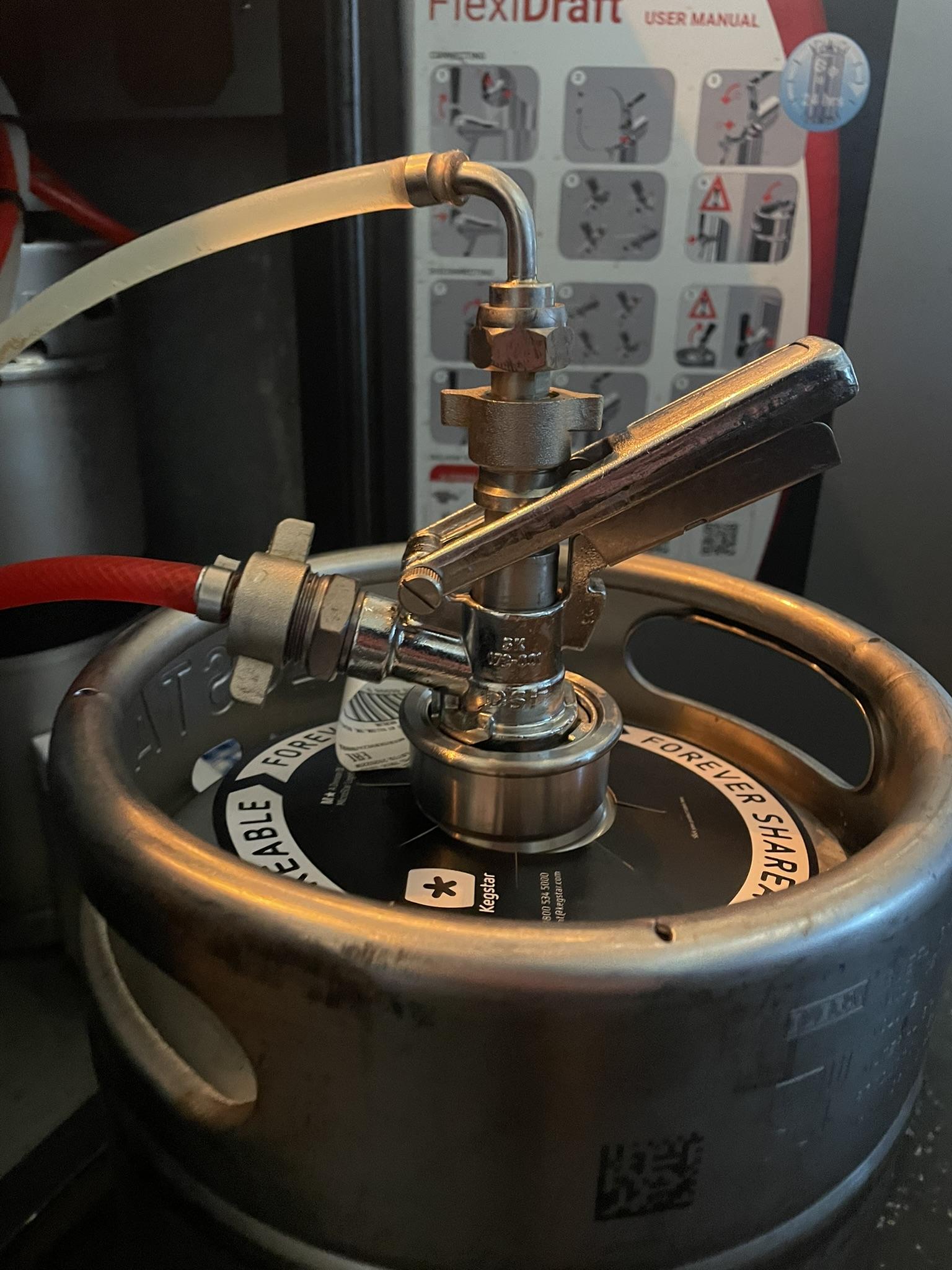
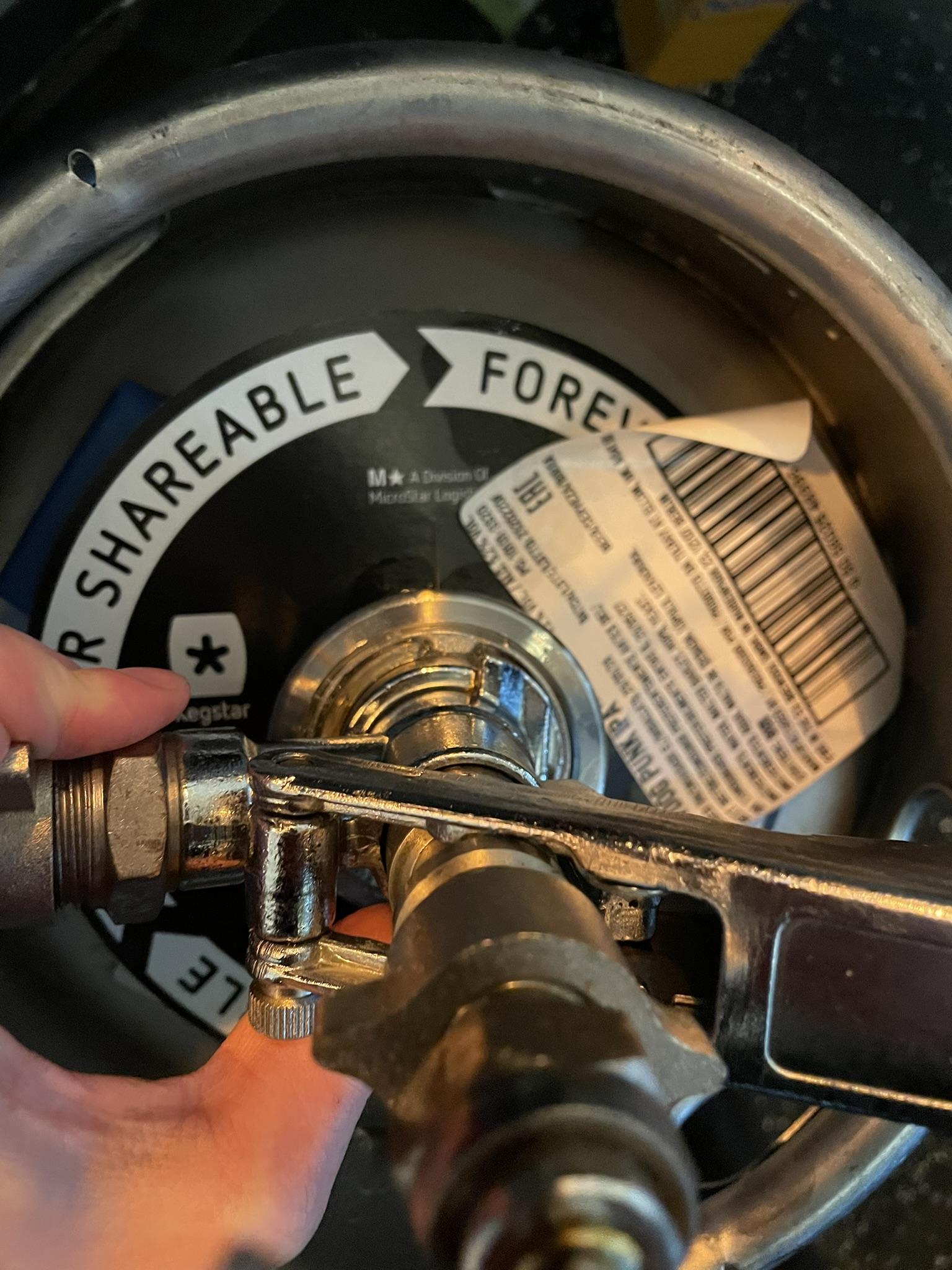
### **0.0 Keg**

\[Coming soon\]

<div class="SCXW131385295 BCX0" id="bkmrk-check-if-it%E2%80%99s-locked"></div>

# How to change the beer tank (TO DO)


# How to change Chocolate Machine

\[Coming Soon\]

# How to change Coffee Milk

\[Coming soon\]

# Advanced Cash Register

On this page, you will learn the advanced Cash Register actions:

- Eigen gebruik (own use)
- Breuk
- Van het house (from the house)
- Tables
- Coins (Hubble only)
- Gift Cards (Hubble only)
- What to do with error orders

### **Eigen gebruik**

Eigen gebruik (own use in English) is used to register what is being consumed by (for example) bartenders and SVH during their shift, so all drinks and food that Hubble/Meteor "pays for".

To register an order or table on eigen gebruik, simply make sure the order/table is selected (visible on the order screen) and press *to checkout.* On the payment screen, you can select *Eigen gebruik.* You will get a conformation screen on which you can press *yes* and then the items will be put on eigen gebruik.

Please note:

- You can only do this when logged in with an svh account.
- Only do this when certain, you can not undo it.
- Only put the bartenders table on eigen gebruik at the end of the evening. That way you can keep an overview of how much you are spending.

### **Breuk**

Breuk is used to register any items that can no longer be sold. This can be (for example) when a bottle is dropped and breaks, or when a wrong order has been made, and the beer has been sitting for too long.

You can put thing on breuk by pressing the item in the order screen and then selecting *breuk.* Then press *pin* and the item will be registered as breuk.

[![WhatsApp Image 2026-04-11 at 12.32.16.jpeg](https://wiki.hubble.cafe/uploads/images/gallery/2026-04/scaled-1680-/ck6C6TieSyuVfGDE-whatsapp-image-2026-04-11-at-12-32-16.jpeg)](https://wiki.hubble.cafe/uploads/images/gallery/2026-04/ck6C6TieSyuVfGDE-whatsapp-image-2026-04-11-at-12-32-16.jpeg)
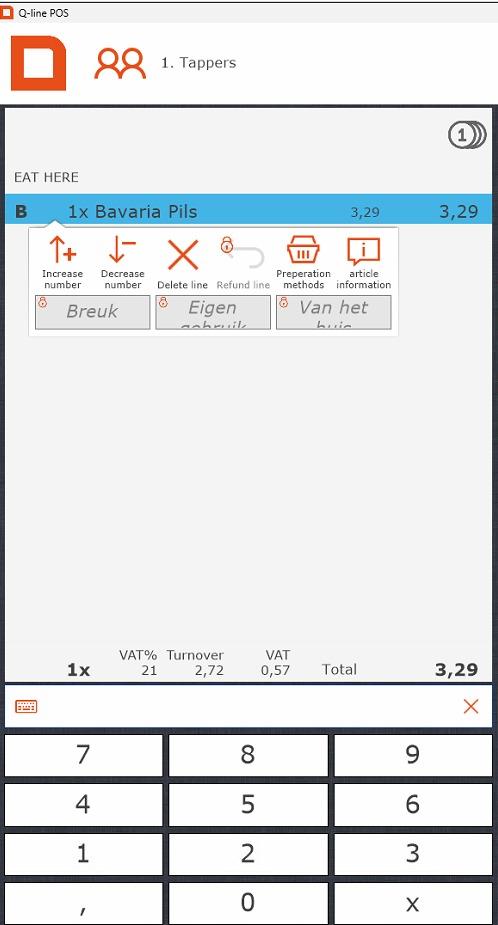
Please note;

- Sometimes stuff that should be put on breuk is put on the bartenders table. Due to tax reasons, it is better to put things you actually have to throw out on breuk, so please do so.
- You can only do this when logged in with an svh account.

### **Van het huis**

Van het huis is used to indicate that an item was given away. One of the more common uses for this within Hubble is to give people their birthday half a liter. You could also use it if someone order an eendje Guinness/witte Trappist/ etc to register the 11th item.

To register an item on van het huis, simply make sure the item is selected and press *to checkout.* On the payment screen, you can select *Van het huis.* You will get a conformation screen on which you can press *yes* and then the items will be put on van het huis.

Please note:

- Only use van het huis to give away items. Anything that is drank by you or your bartenders needs to be on the bartenderstable, and eventually, eigen gebruik.
- You can only do this when logged in with an svh account.

### **Tables**

Tables are used to temporarily store items that, for example, a reservation has ordered. This table can then be paid of at the end of the reservation, or be put "op rekening".

To open a table, press *show table* and select the table you want to select.

[![image.png](https://wiki.hubble.cafe/uploads/images/gallery/2026-04/scaled-1680-/JKkA5XzetEAit5Up-image.png)](https://wiki.hubble.cafe/uploads/images/gallery/2026-04/JKkA5XzetEAit5Up-image.png)
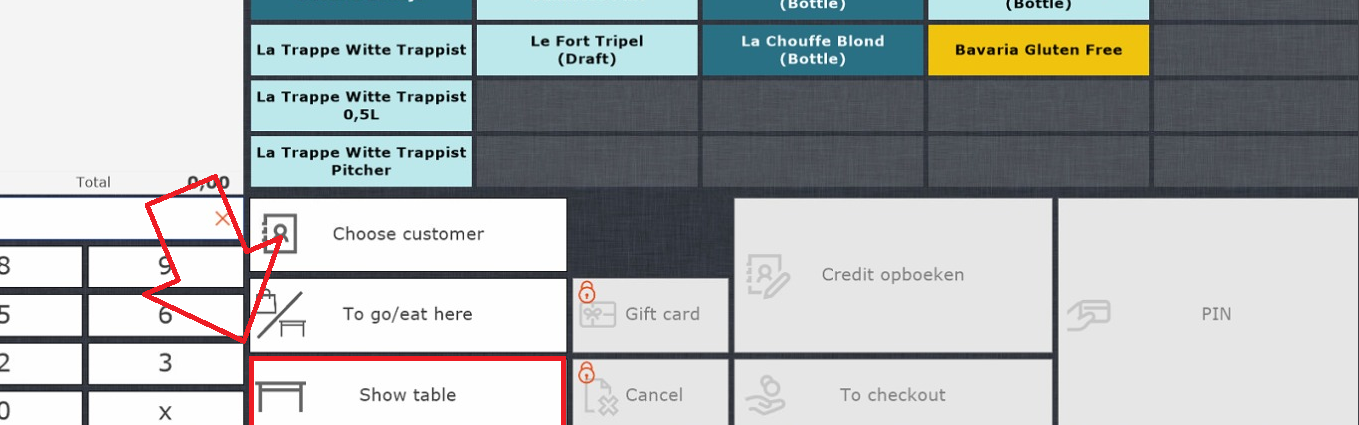
To add items to a table, open the table, select the items, and then press *register on table.* This will be in the same spot the *open table* button was before. The items will now automatically be registered on the table.

If someone wants to pay of the table, you again open the table, and then press pin.

Please note:

- Give your table a recognisable name. You can do this by opening the table and then pressing the pencil at the top left.
- Tables are not the same as accounts.
- You can link an account to a table, same as you would to an order.
- If there is a table for a reservation, be sure to check whether they are paying that evening or "op rekening". If they pay that evening, make sure you know who will be paying and make sure they pay.

### **Coins (Hubble only)**

Hubble also distributes coins for special occassions. The common coins are blue. There are usually also orange coins in use, since those are bought and given out by Wervingsdagen. There are also other colours, such as pink.

[![image.png](https://wiki.hubble.cafe/uploads/images/gallery/2026-04/scaled-1680-/tNJcJGhhnQkIsGMU-image.png)](https://wiki.hubble.cafe/uploads/images/gallery/2026-04/tNJcJGhhnQkIsGMU-image.png)
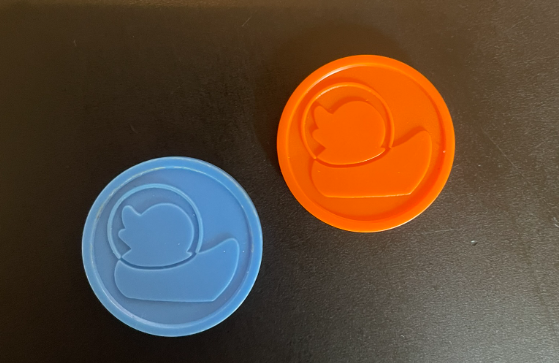
A coin is worth the price of one beer.

When someone wants to pay with coins, press the little coin logo at the top of the order screen. Prices for all items will now be displayed in coins.

[![image.png](https://wiki.hubble.cafe/uploads/images/gallery/2026-04/scaled-1680-/QsXZOXiVdIjwucPW-image.png)](https://wiki.hubble.cafe/uploads/images/gallery/2026-04/QsXZOXiVdIjwucPW-image.png)
Check if the total is the same as the amount of coins handed in. If this is correct, press *pin* to finish up the transaction.

Please note:

- An order can not be partly paid in coins and partly by pin. If it is multiple items, you can split up the order.

### **Gift cards (Hubble only)**

[![IMG_3348 (1).JPEG](https://wiki.hubble.cafe/uploads/images/gallery/2026-04/scaled-1680-/yja5uyDvSKZELKB3-img-3348-1.JPEG)](https://wiki.hubble.cafe/uploads/images/gallery/2026-04/yja5uyDvSKZELKB3-img-3348-1.JPEG)
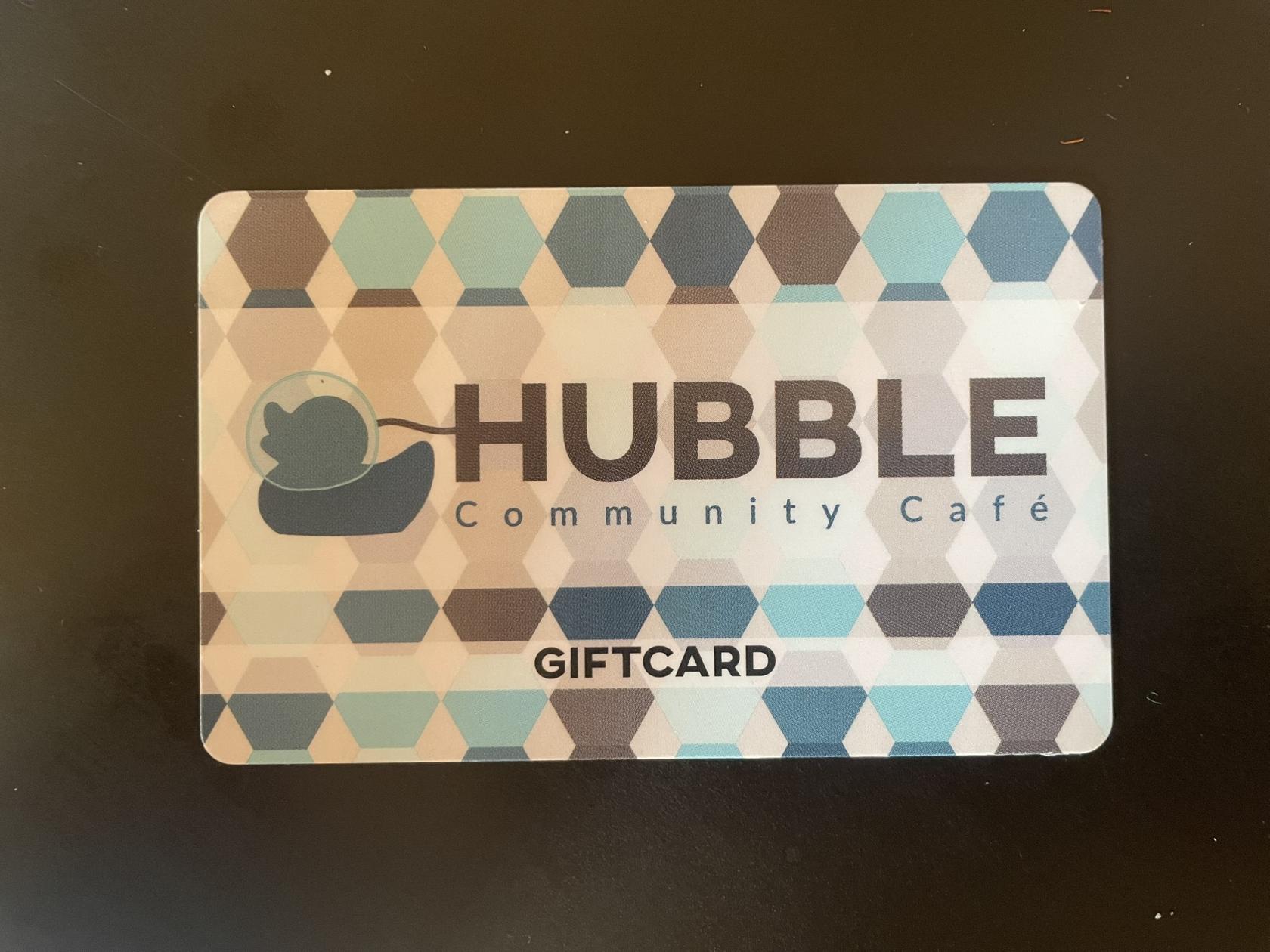
Above you can see a giftcard. These are NFC passes, so they don't have a barcode. If someone wants to use a card to pay, go to checkout and press *giftcard.*  You can scan the giftcard on the top left of the screen to pay.

[![image.png](https://wiki.hubble.cafe/uploads/images/gallery/2026-04/scaled-1680-/LntjzuATL6jgk1tX-image.png)](https://wiki.hubble.cafe/uploads/images/gallery/2026-04/LntjzuATL6jgk1tX-image.png)
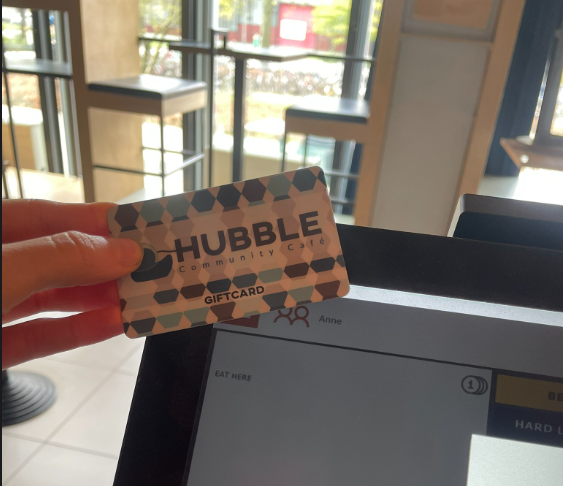
### **What to do with error orders (guest paid for something they don't want)**

Sometimes there is a communication error between a guest and the person behind the register, causing a guest to pay for something they don't want. Usually this is a small amount and it can be fixed by offering the guest another item of a similair value (or slightly more). This can only be done by the SVH.

We are unable to transfer money back to guests.

# Technical Back End

On this page, you will learn the following topics:

**Hubble**

- How the music works
- How the lights work
- How the screens work
- How the microphones work
- How the beamer works
- How the sound limited works

**Meteor**

- How the music works
- How the lightning works
- How the beamer works

## **Hubble**

[![image.png](https://wiki.hubble.cafe/uploads/images/gallery/2026-04/scaled-1680-/uWbKx5akpVvOD8t7-image.png)](https://wiki.hubble.cafe/uploads/images/gallery/2026-04/uWbKx5akpVvOD8t7-image.png)
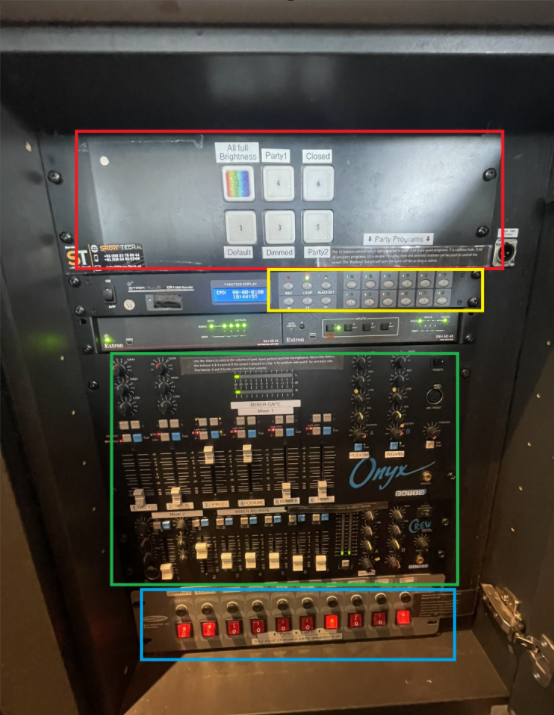
To turn the light and sounds on, press all the red buttons on the bottom (blue part) from left to right. To turn everything off, press them from right to left.

### Music

- The music is played via Spotify on the Ipad behind the bar. If you want to play a song, ask the SVH to unlock the ipad for you.
- The level of the sound is determined by the sliders in the green part. The fader labeled Ipad is used for the spotify.
- If something is wrong with the sound, check if all turning knobs are aligned with the tapes, as well as the LEDs. [![IMG_3353.JPEG](https://wiki.hubble.cafe/uploads/images/gallery/2026-04/scaled-1680-/shP6hs3zIZI7pzaM-img-3353.JPEG)](https://wiki.hubble.cafe/uploads/images/gallery/2026-04/shP6hs3zIZI7pzaM-img-3353.JPEG)
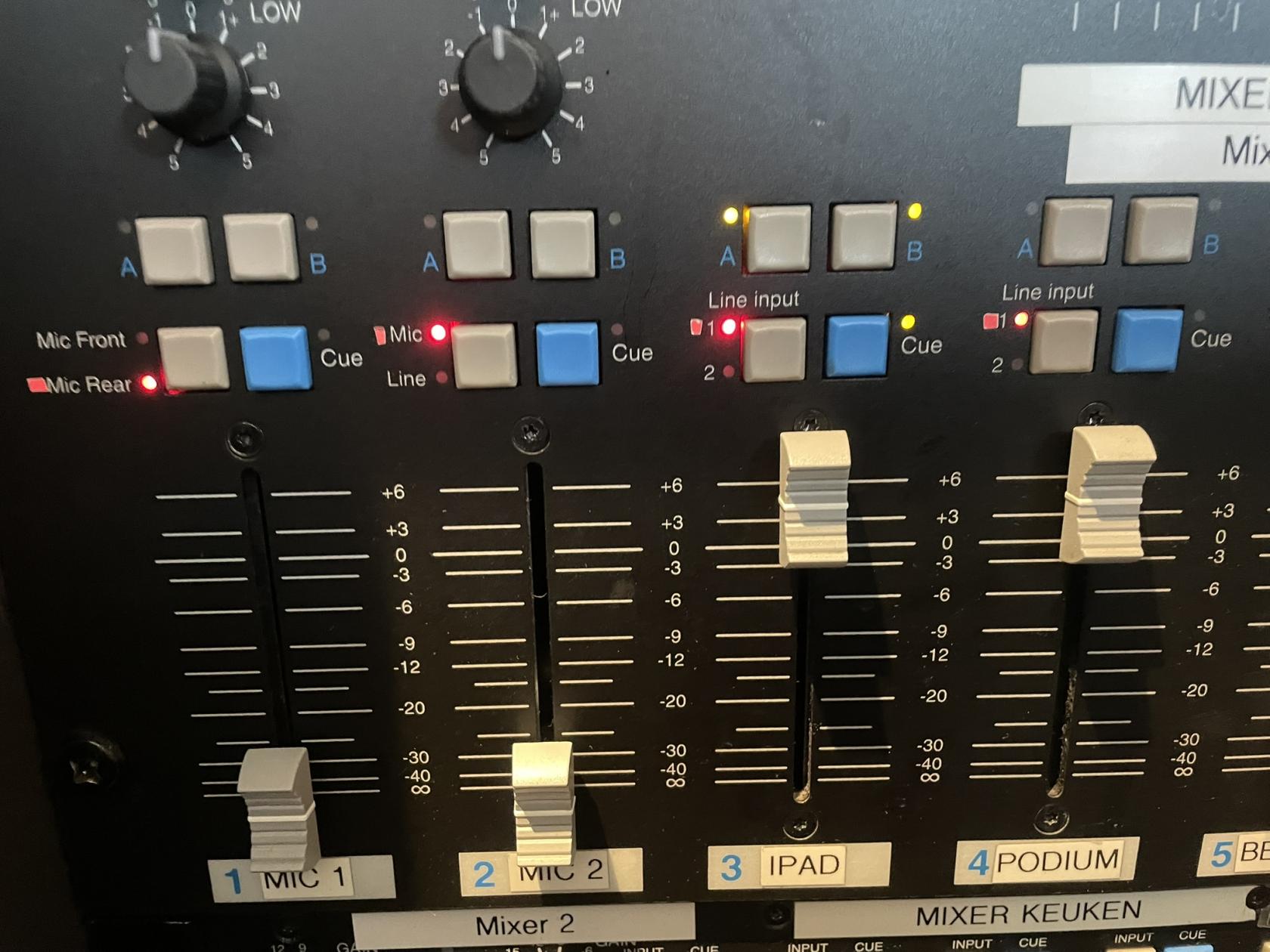
- When a presentation/pubquiz/ etc is happening, it can be nice to turn of music on that side of the bar. All sound inputs can be turned on seperately for side A(podium) and side B (black tables). On the picture above you can see that IPAD is on on both sides, and all other inputs are turned off.

### Lights

[![afbeelding.png](https://wiki.hubble.cafe/uploads/images/gallery/2026-05/scaled-1680-/kANcXFlGDDqsjP5B-afbeelding.png)](https://wiki.hubble.cafe/uploads/images/gallery/2026-05/kANcXFlGDDqsjP5B-afbeelding.png)
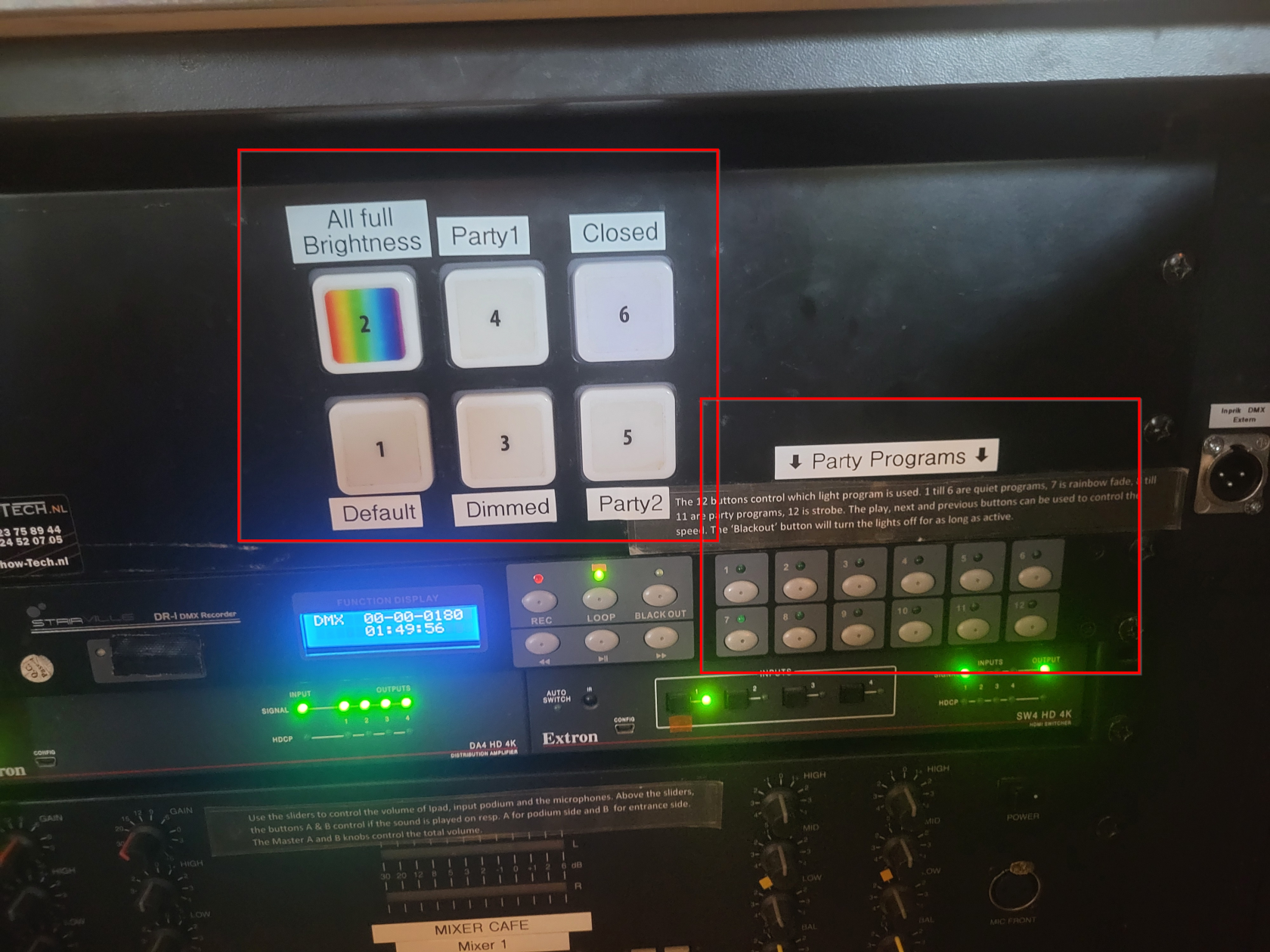
The big buttons at at the top define the different mood lighting options in Hubble. The labels describe what each setting does. Generally in the evenings, one of the party settings is active.

The Party Programs in the bottom right of the image can be selected for more expressive lighting with, among others, the moving heads. If the evening can use more funky lighting one of these can be activated by the SVH.

### Screens

The two screens in Hubble are generally not touched, sometimes there are guests in the bar that would like to either watch something or play a game on them. Then with permission of the SVH they can connect to a screen using the HDMI cable that is hanging underneath.

If for any reason you do need to do anything with the screens, the remote for the screens can be found in the left door all the way on the right behind the bar.

[![afbeelding.png](https://wiki.hubble.cafe/uploads/images/gallery/2026-05/scaled-1680-/Kvpj8UGQzwFww6y3-afbeelding.png)](https://wiki.hubble.cafe/uploads/images/gallery/2026-05/Kvpj8UGQzwFww6y3-afbeelding.png)
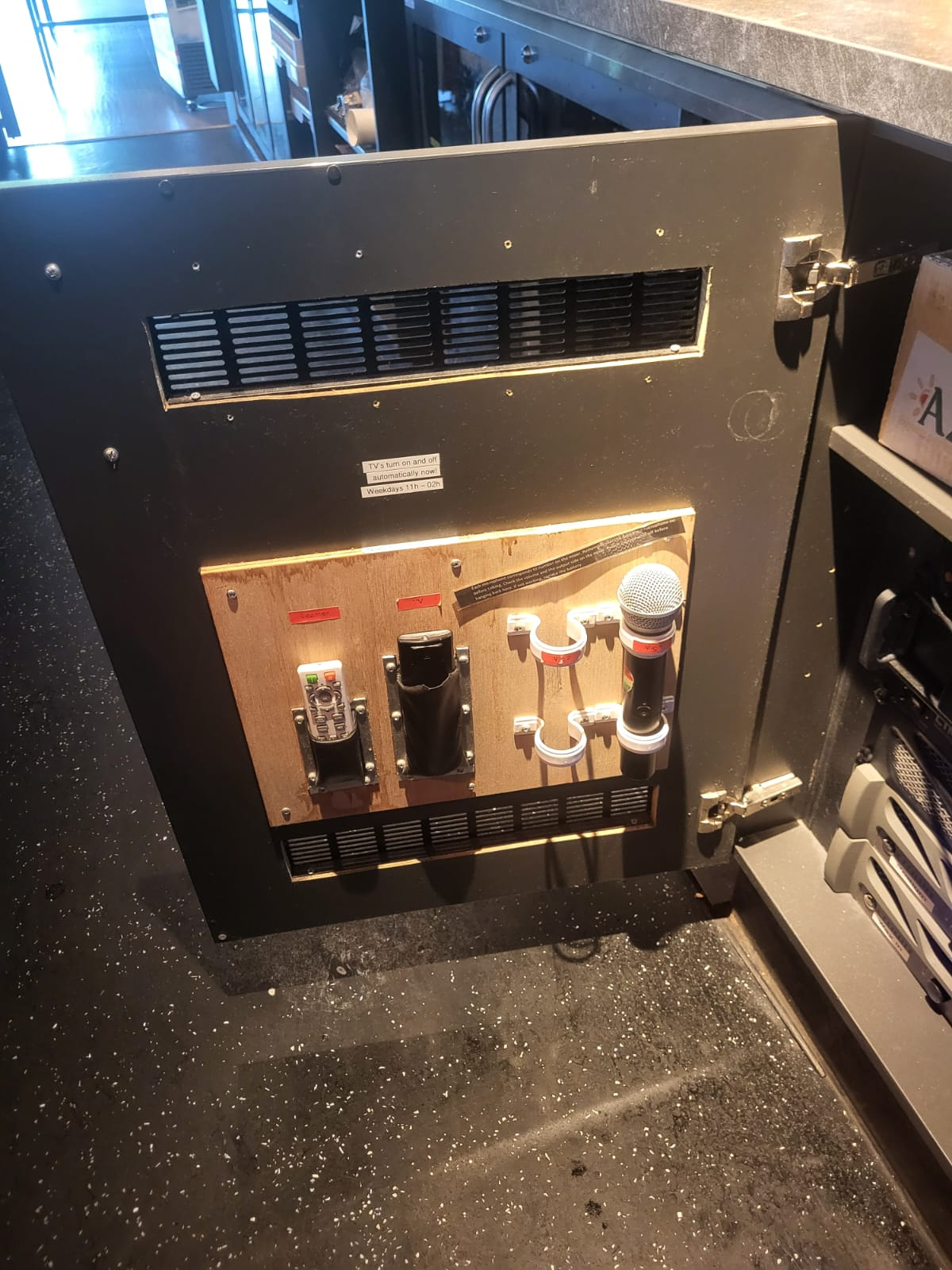
The black remote labeled "TV" is for the screens.

### Beamer

The beamer can be operated using the white remote labeled "Beamer" in the image above.

Using the beamer:

1. Turn on the beamer using the red button on the top right of the remote
2. Pull down the white screen until it matches the beamer's projection, then hold it still for ~3 seconds in order for it to stay in place
3. The HDMI cable for the beamer can be found on the right side behind the podium on the ground

After using the beamer:

1. Turn off the beamer using the red button on the top right of the remote
2. Roll the white screen back up by pulling it down slightly and then releasing it

Sometimes the beamer will not work correctly, make sure it's set to the correct hdmi output using the remote.

### Microphones 

If people want to use a microphone, this can be found on the inside of the door next to the panel (see picture above). They are labeled Mic 1 and Mic 2.

Using the Microphones:

[![IMG_3353.JPEG](https://wiki.hubble.cafe/uploads/images/gallery/2026-04/scaled-1680-/shP6hs3zIZI7pzaM-img-3353.JPEG)](https://wiki.hubble.cafe/uploads/images/gallery/2026-04/shP6hs3zIZI7pzaM-img-3353.JPEG)

1. In the panel slide the corresponding slider up **(not too high in order to not hit the limiter when testing)**
2. Press the button labeled A or B above the slider depending on which side of the bar the microphone will be used
3. Turn on the microphone using the power button on the microphone itself (check the batteries if it doesn't work)
4. Test the microphone and adjust to the desired sound level

After using the microphones:

1. Turn off the microphone using the power button on the microphone itself
2. In the panel slide the corresponding slider all the way down
3. Deactivate the button labeled A or B above the sound slider
4. Put the microphone back in its corresponding spot in the door next to the panel


### Sound limiter 

- When music or sound from the microphone exceeds 82 decibels, the sound limiter will be hit. This will severly lower all sound output.
- The music coming from the ipad will never hit the limiter (if nobody tempered with anything they shouldn't), but the sound from the microphones can still easily exceed the limit. This is why it's important that the microphones are set up correctly when using them.
- If the limiter is hit, it should go back to normal after a few minutes
- If you notice the music level suddenly being very low, also check the ipad's sound level. Sometimes the ipad lowers its own volume by itself for no reason.

## Meteor

[![image.png](https://wiki.hubble.cafe/uploads/images/gallery/2026-10/scaled-1680-/Aul8frVtXGHz1ifj-image.png)](https://wiki.hubble.cafe/uploads/images/gallery/2026-10/Aul8frVtXGHz1ifj-image.png)

### Music

- The music is played via Spotify on the Ipad behind the bar. If you want to play a song, ask the SVH to unlock the ipad for you.
- The level of the sound is determined by the sliders in the orange part. The fader labeled tablet is used for the spotify.
- If something is wrong with the sound, check if all turning knobs are aligned with the tapes, as well as the LEDs.
- When a presentation/pubquiz/ etc is happening, it can be nice to turn of music on that side of the bar. All sound inputs can be turned on seperately for side A(water), side B (low tables) and side C (there are no speakers here yet will be around the stairs). On the picture above you can see that tablet is on on both sides, and all other inputs are turned off.

### Lights

The buttons in the green square are different lighting options. Option 12 is a full brightness white light will turn on, which is nice to have while cleaning.

### Beamer

In Meteor we have a projector with a screen which needs to be lowered via the remote control. The white remote is used to turn the beamer on and of, and the black one is used to lower the projection screen.

[![WhatsApp Image 2026-09-26 at 15.54.34.jpeg](https://wiki.hubble.cafe/uploads/images/gallery/2026-10/scaled-1680-/ohmqnOxmmGxki4O2-whatsapp-image-2026-09-26-at-15-54-34.jpeg)](https://wiki.hubble.cafe/uploads/images/gallery/2026-10/ohmqnOxmmGxki4O2-whatsapp-image-2026-09-26-at-15-54-34.jpeg)

On the side of the water there is a HDMI port which leads to the projector. Press the switch button to activate the input.

[![WhatsApp Image 2026-09-26 at 15.54.34 (1).jpeg](https://wiki.hubble.cafe/uploads/images/gallery/2026-10/scaled-1680-/amRrJI4zC3azom72-whatsapp-image-2026-09-26-at-15-54-34-1.jpeg)](https://wiki.hubble.cafe/uploads/images/gallery/2026-10/amRrJI4zC3azom72-whatsapp-image-2026-09-26-at-15-54-34-1.jpeg)

# Traditions

\[Coming Soon\]

- Someones birthday
- Boardmember that receives their diploma
- (old) boardies)

# SVH Operations (TO DO)

**What is a SVH?**  
The SVH is the bar responsible. They have an certificate to open the bar and serve alcohol to the guests. In Hubble they teach new bartenders how everything works, can send people away and make the operating decisions when they are on duty.

**What priviledges do SVH's get in Hubble/Meteor?**  
Our community is very thankfull to have this many SVH that want to volunteer behind the bar and take up the extra responsibilities. Because of this, SVH can get cheaper shots, cheaper cocktails in Hubble, cheaper kegs, participate in the SVH activities and give more input on general bar operations.

# Process of becoming SVH

### Expressing interest

If you are a bartender and you really enjoy bartending at Hubble and/or Meteor, there is room for you to grow in this. To become SVH, the first step is simply to indicate your interest to your SVH during your barshift, or get in touch with the board! If an SVH notices that you are very enthustiastic and you know what you are doing behind the bar, they might also ask you whether you are interested.

### Talking with a board member

Once you have indicated your interest this will be communicated to the board, who will then get in touch with you. The SVH training responsible will schedule a moment with you to talk about becoming SVH more in detail, and you will see wether your expectations align with the needs of Hubble/Meteor. They will also explain the hard requirements and the benefits of becoming SVH.

### Test shift

If expectations seem to align, the board responsible will look at the schedule and plan a test shift with you. During this shift a more experienced SVH will take you along during their shift, and see how you pick up certain situations. This is not an exam or test, we just want to give you a chance to see if you indeed like the experience, and for us to see whether you are ready to become SVH, and what we still need to teach you. At the end of the shift you can debrief with the SVH what you thought of the shift and how everything went, and if you are still interested (you can always contact the board if you change your mind later, nothing is mandatory yet at this point).

### Approval by board

After your test shift, the SVH who took you along will have contact with the board about how they thought the shift went. If there are any questions the board might also get in touch with you. Based on your test shift and what you discussed with the board responsible and your test shift SVH, they will make a decision, which they will communicate to you.

- You become SVH 
    - Congratulations! Your test shift went well and the next steps can be taken.
- A second test shift is needed 
    - Sometimes a shift is so quiet (or so crazy) that it is not really possible to make a fair judgement. In that case a second test shift can be planned. Sometimes a second persons judgement is also wanted to make sure a good decision is made.
- You will not become SVH (right now) 
    - You are currently not at the point of becoming SVH. This does not necessarily mean you are not good enough, you might just need to gain some more experience bartending first. The board will give you feedback on why this decision was made.

### Contract

You will sign an SVH contract. The contents of this contract should be no surprise, since the board should have explained it during you interest meeting. One of the most important points of the contract is that you have to do 12 full (early+late) shifts in your first year.

After signing you vouw een bak.

### SVH Exam

You will have to take the exam Sociale Veiligheid en Hygiëne. If you pass, the diploma will be valid for the rest of your life! Hubble will cover the full costs of the first exam and registration on the alcohol permit. If you fail, you will have to pay for 50% of the exam yourself, and by the third time you will have to pay full price. The board will provide a PDF of the material you need for the exam.

You need to schedule the exam yourself. This does not have to be before your first training shift, although it is nice to do it quickly.

### SVH Training

Depending on how much you already know, a number of training shifts will be planned. During these shifts, you will be shown all the ropes regarding being SVH. You will be trained for both Hubble and Meteor (unless otherwise discussed) but do not worry, the difference is not that big. Once you and your trainers are confident enough you can start planning your own shifts!

You can use the [SVH checklist](https://wiki.hubble.cafe/books/bar-bible/page/svh-checklist-needs-update) to check if you know everything you need to know. If there are a few points that you are uncertain about that is okay, there are manuals for everything, and there are enough people who are willing to help during a shift if needed.

### Register profile

When you become SVH you get a profile in the register so you can access all the needed functions. Next to this you will also receive your own personal account where you get your SVH discounts and can order on credit.

# Safety

#### **Emercency numbers**

- 040 247 2020: TU/e security (for instance, to open the red door, reporting misbehaving guests, etc)
- 040 247 2222: Urgent emergencies

#### **Reporting of incidents**

In case of serious incidents where stuff got broken or dangerious incidents happened, please contact this to the board in the SVH chat.

#### **BHV key**

In Hubble, in case there are Scala board members being very drunk, use the BHV key acces to send them home and/or check if everything is okay. The BHV key will also give you acces to other rooms you normally cannot enter. Be aware that abusing the acces might result in revoking your BHV key acces.

#### **BHV**

**Hubble** (Located in the cabinet next to the bar to kitchen door)

- First Aid Kit
- BHV vests and helmets
- Feminine hygiene products
- Floorplan of emergency exits
- Fire hose

**Meteor**

- First Aid Kit
- BHV vests and helmets
- Feminie hygiene products

#### **Calamiteiten**

AED

An AED can be found at the Luna entrance (near Spar). This can be opened with the postal code of the building (**5612**)

#### **Earplugs**

Hubble offers earplugs. They can be found underneath the register. First selve far in the back.

# Closing

This page contains the following info:

- General closing hours and last round
- Closing lists Hubble &amp; Meteor
- After drink

### **General closing hours and last round**

As an SVH’er, you are always the one who leaves last. The official legal closing time of the bar is 02:00. Ideally, Hubble and Meteor are open daily until 02:00.

From 02:00 onwards, no drinks may be paid for or charged to an account!

Guests may calmly finish their drinks to encourage a gradual departure from Hubble and to limit disturbance for residents. Remind guests to be quiet when leaving.

It may happen that it isn’t busy or that you feel you could close earlier; for this, the following rules have been established.

The bar must remain open until at least 01:00 from Monday to Friday. The last round may be announced on the screens at 00:45. Closing at 01:00 is only allowed if:

- Fewer than 10 guests are present in the bar
- The guests present are no longer actively ordering, and the last round has already been served

SO: you may never actively send people home!

During the staff shift change between 20:00 and 21:00, if no one is in the bar, the bar must remain open during this hour.

### **Hubble Closing List**

The physical closing list in Hubble can be found near the table or underneath the left sink.

##### **EARLY:**

<table border="1" id="bkmrk-make-sure-that-all-c" style="border-collapse: collapse; width: 100%; border-width: 2px;"><colgroup><col style="width: 99.8753%;"></col></colgroup><thead><tr><td style="border-width: 2px;">Make Sure that all cooling units are stocked --&gt; from coolers in the back to front</td></tr><tr><td style="border-width: 2px;">Close terrace at 23:00

- Tell guests 15 minutes in prior that the terrace will close and ask them to come inside
- Bring terrace board and car inside
- Clean tables and connect chairs to tables

(Check every now and then if people are outside. Especially in summer, many people will have a talk or smoke on the terras)

</td></tr></thead></table>

##### **LATE:**

<table border="1" id="bkmrk-clean-the-coffee-cor" style="border-collapse: collapse; width: 100%; border-width: 2px;"><colgroup><col style="width: 99.8753%;"></col></colgroup><thead><tr><td style="border-width: 2px;">Clean the coffee corner

- Coffee machine with a special cleaning agent in the blind filter and rinse thoroughly
- Turn off and clean coffee bean machine and stamper
- Clean the coffee waste bucket underneath the coffee machine

</td></tr><tr><td style="border-width: 2px;">Sort empty bottles

</td></tr><tr><td style="border-width: 2px;">Restock from back to front (don't forget kegs &amp; wine)</td></tr><tr><td style="border-width: 2px;">All glasses on the bar (except those who had lactose in it) through the dishwasher (don't put on shelves if wet: leave to dry or put on clean bar tops - underneath the drafts)</td></tr><tr><td style="border-width: 2px;">Clean bar:

- Clean drafts spouts with hot water from coffee machine
- Clean bar tops (Remove everything from the bar when cleaning)
- Clean surface (Place drip trays when ready)

</td></tr><tr><td style="border-width: 2px;">Take off the Guinness pour snout and put it in a bin with water</td></tr><tr><td style="border-width: 2px;">Clean the kitchen surfaces with disinfectant, turn off fryers in case you will not use them for the after drink and leave the dishes at the kitchen dishwasher.</td></tr><tr><td style="border-width: 2px;">Clean tables (including nisjes)</td></tr><tr><td style="border-width: 2px;">Put chairs on tables (after they dried up from cleaning)</td></tr><tr><td style="border-width: 2px;">Rubber mats, skimmers and Bavaria bins through dishwasher (don't forget mats from the shot corner)</td></tr><tr><td style="border-width: 2px;">Clean shot/cocktail section and Jäger tap</td></tr><tr><td style="border-width: 2px;">Sjaak some people to help you clean for a nice afterborrel</td></tr><tr><td style="border-width: 2px;">Lock doors (don't forget emergency exits)</td></tr><tr><td style="border-width: 2px;">Sweep the floor</td></tr><tr><td style="border-width: 2px;">Mop the floor (Don't forget behind the bar)</td></tr><tr><td style="border-width: 2px;">Check toilets for mess and/or gekantelde people

(In case the toilet towels are empty, it is nice to change them. If the toilets are messy, inform this in the SVH chat)

</td></tr><tr><td style="border-width: 2px;">Check other rooms for glasses and take them back to Hubble

- Foyer
- Corona Hall
- Plaza general space

</td></tr></thead></table>

##### **When leaving Hubble:**

<table border="1" id="bkmrk-turn-off-the-fryers%2C" style="border-collapse: collapse; width: 100%; border-width: 2px;"><colgroup><col style="width: 100%;"></col></colgroup><thead><tr><td style="border-width: 2px;">Turn off the fryers, put covers on the fryer. Turn off both lights in the kitchen.</td></tr><tr><td style="border-width: 2px;">Put bartenders table on 'eigen verbruik'</td></tr><tr><td style="border-width: 2px;">Turn off technical stuff:

- Turn off music
- Turn off the lights of the coolers behind the bar (NOT the power)
- Turn off the special program with the lights (numbered buttons)
- Put the lights on 'closed'
- Turn off every red switch (you can) to '0'

</td></tr><tr><td style="border-width: 2px;">Bring all stuff inside kitchen (The hallway between kitchen and back needs to be empty!)</td></tr><tr><td style="border-width: 2px;">Lock doors of storage and kitchen. In case after borrelaars use the emergency exit to leave early, don't forget to lock the emergency door again.</td></tr><tr><td style="border-width: 2px;">Return keys to the locker</td></tr></thead></table>

Try to work efficient. Start cleaning the coffee machine early and start cleaning the left bar when it's not that busy so you can use the bar to put clean glasses on.

In case you are not able to clean everything because it has been a busy night and/or you don't have enough cleaners, please inform this in the SVH chat what you were not able to clean. Try to do the most essential stuff:

- Lock the doors
- Bar surface cleaning
- Cleaning tables
- Chairs on tables
- Sweep and mop the floor.
- Turn off tryer and technical stuff (lights, music, dishwasher(s))
- Check if no one died
- Make sure hallway between kitchen and back store is empty

---

### **Meteor Closing List**

##### **<span style="mso-ascii-font-family: Aptos; mso-fareast-font-family: Aptos; mso-hansi-font-family: Aptos; mso-bidi-font-family: Aptos; mso-ansi-language: EN-GB;">Early (Start of Late Shift)</span>**

<table border="1" cellpadding="0" cellspacing="0" class="MsoTableGrid" id="bkmrk-restock-all-cooling-" style="border-collapse: collapse; border: none; width: 76.6833%;"><tbody><tr style="mso-yfti-irow: 0; mso-yfti-firstrow: yes; height: 15.0pt;"><td style="width: 100%; border: 1pt solid black; padding: 0cm 5.4pt; height: 15pt;" valign="top" width="383"><span style="mso-ascii-font-family: Aptos; mso-fareast-font-family: Aptos; mso-hansi-font-family: Aptos; mso-bidi-font-family: Aptos; mso-ansi-language: EN-GB;">Restock all cooling units (from back to front)</span>

</td></tr><tr style="mso-yfti-irow: 1; height: 15.0pt;"><td style="width: 100%; border-right: 1pt solid black; border-bottom: 1pt solid black; border-left: 1pt solid black; border-image: initial; border-top: none; padding: 0cm 5.4pt; height: 15pt;" valign="top" width="383"><span lang="NL" style="mso-ascii-font-family: Aptos; mso-fareast-font-family: Aptos; mso-hansi-font-family: Aptos; mso-bidi-font-family: Aptos;">Close the terrace at 23:00</span>

- <span lang="NL" style="mso-ascii-font-family: Aptos; mso-fareast-font-family: Aptos; mso-hansi-font-family: Aptos; mso-bidi-font-family: Aptos;">Clean terrace tables</span>
- <span lang="NL" style="mso-ascii-font-family: Aptos; mso-fareast-font-family: Aptos; mso-hansi-font-family: Aptos; mso-bidi-font-family: Aptos;">Check if guests are still outside (especially in summer)</span>

</td></tr></tbody></table>

##### **<span style="mso-ascii-font-family: Aptos; mso-fareast-font-family: Aptos; mso-hansi-font-family: Aptos; mso-bidi-font-family: Aptos; mso-ansi-language: EN-GB;">Late (End of Night Tasks)</span>**

<table border="1" cellpadding="0" cellspacing="0" class="MsoTableGrid" id="bkmrk-clean-the-coffee-cor-1" style="border-collapse: collapse; border: none; width: 76.9327%; height: 760.229px;"><tbody><tr style="height: 99.4479px;"><td style="width: 100%; border: 1pt solid black; padding: 0cm 5.4pt; height: 99.4479px;" valign="top" width="450"><span lang="NL" style="mso-ascii-font-family: Aptos; mso-fareast-font-family: Aptos; mso-hansi-font-family: Aptos; mso-bidi-font-family: Aptos;">Clean the coffee corner</span>

- <span lang="NL" style="mso-ascii-font-family: Aptos; mso-fareast-font-family: Aptos; mso-hansi-font-family: Aptos; mso-bidi-font-family: Aptos;">Use blind filter with cleaning agent</span>
- <span lang="NL" style="mso-ascii-font-family: Aptos; mso-fareast-font-family: Aptos; mso-hansi-font-family: Aptos; mso-bidi-font-family: Aptos;">Clean grinder and tamper</span>
- <span lang="NL" style="mso-ascii-font-family: Aptos; mso-fareast-font-family: Aptos; mso-hansi-font-family: Aptos; mso-bidi-font-family: Aptos;">Empty and clean coffee grounds bucket</span>

</td></tr><tr style="height: 20px;"><td style="width: 100%; border-right: 1pt solid black; border-bottom: 1pt solid black; border-left: 1pt solid black; border-image: initial; border-top: none; padding: 0cm 5.4pt; height: 20px;" valign="top" width="450"><span style="mso-ascii-font-family: Aptos; mso-fareast-font-family: Aptos; mso-hansi-font-family: Aptos; mso-bidi-font-family: Aptos; mso-ansi-language: EN-GB;">Rinse cocktail machine lines and cap them</span>

</td></tr><tr style="height: 20px;"><td style="width: 100%; border-right: 1pt solid black; border-bottom: 1pt solid black; border-left: 1pt solid black; border-image: initial; border-top: none; padding: 0cm 5.4pt; height: 20px;" valign="top" width="450"><span style="mso-ascii-font-family: Aptos; mso-fareast-font-family: Aptos; mso-hansi-font-family: Aptos; mso-bidi-font-family: Aptos; mso-ansi-language: EN-GB;">Put all bar glasses in the dishwasher</span>

</td></tr><tr style="height: 20px;"><td style="width: 100%; border-right: 1pt solid black; border-bottom: 1pt solid black; border-left: 1pt solid black; border-image: initial; border-top: none; padding: 0cm 5.4pt; height: 20px;" valign="top" width="450"><span style="mso-ascii-font-family: Aptos; mso-fareast-font-family: Aptos; mso-hansi-font-family: Aptos; mso-bidi-font-family: Aptos; mso-ansi-language: EN-GB;">Do not shelve wet glasses (place them on clean dry bar)</span>

</td></tr><tr style="height: 20px;"><td style="width: 100%; border-right: 1pt solid black; border-bottom: 1pt solid black; border-left: 1pt solid black; border-image: initial; border-top: none; padding: 0cm 5.4pt; height: 20px;" valign="top" width="450"><span style="mso-ascii-font-family: Aptos; mso-fareast-font-family: Aptos; mso-hansi-font-family: Aptos; mso-bidi-font-family: Aptos; mso-ansi-language: EN-GB;">Rinse draft spouts with hot water (from coffee machine)</span>

</td></tr><tr style="height: 20px;"><td style="width: 100%; border-right: 1pt solid black; border-bottom: 1pt solid black; border-left: 1pt solid black; border-image: initial; border-top: none; padding: 0cm 5.4pt; height: 20px;" valign="top" width="450"><span style="mso-ascii-font-family: Aptos; mso-fareast-font-family: Aptos; mso-hansi-font-family: Aptos; mso-bidi-font-family: Aptos; mso-ansi-language: EN-GB;">Remove all items and clean bar tops</span>

</td></tr><tr style="height: 20px;"><td style="width: 100%; border-right: 1pt solid black; border-bottom: 1pt solid black; border-left: 1pt solid black; border-image: initial; border-top: none; padding: 0cm 5.4pt; height: 20px;" valign="top" width="450"><span lang="NL" style="mso-ascii-font-family: Aptos; mso-fareast-font-family: Aptos; mso-hansi-font-family: Aptos; mso-bidi-font-family: Aptos;">Replace clean drip trays</span>

</td></tr><tr style="height: 20px;"><td style="width: 100%; border-right: 1pt solid black; border-bottom: 1pt solid black; border-left: 1pt solid black; border-image: initial; border-top: none; padding: 0cm 5.4pt; height: 20px;" valign="top" width="450"><span style="mso-ascii-font-family: Aptos; mso-fareast-font-family: Aptos; mso-hansi-font-family: Aptos; mso-bidi-font-family: Aptos; mso-ansi-language: EN-GB;">Clean shot and cocktail station</span>

</td></tr><tr style="height: 20px;"><td style="width: 100%; border-right: 1pt solid black; border-bottom: 1pt solid black; border-left: 1pt solid black; border-image: initial; border-top: none; padding: 0cm 5.4pt; height: 20px;" valign="top" width="450"><span style="mso-ascii-font-family: Aptos; mso-fareast-font-family: Aptos; mso-hansi-font-family: Aptos; mso-bidi-font-family: Aptos; mso-ansi-language: EN-GB;">Run rubber mats, skimmers, and bins through dishwasher</span>

</td></tr><tr style="height: 20px;"><td style="width: 100%; border-right: 1pt solid black; border-bottom: 1pt solid black; border-left: 1pt solid black; border-image: initial; border-top: none; padding: 0cm 5.4pt; height: 20px;" valign="top" width="450"><span style="mso-ascii-font-family: Aptos; mso-fareast-font-family: Aptos; mso-hansi-font-family: Aptos; mso-bidi-font-family: Aptos; mso-ansi-language: EN-GB;">Clean kitchen surfaces with disinfectant</span>

</td></tr><tr style="height: 20px;"><td style="width: 100%; border-right: 1pt solid black; border-bottom: 1pt solid black; border-left: 1pt solid black; border-image: initial; border-top: none; padding: 0cm 5.4pt; height: 20px;" valign="top" width="450"><span style="mso-ascii-font-family: Aptos; mso-fareast-font-family: Aptos; mso-hansi-font-family: Aptos; mso-bidi-font-family: Aptos; mso-ansi-language: EN-GB;">Turn off fryer and place cover if not used afterward</span>

</td></tr><tr style="height: 20px;"><td style="width: 100%; border-right: 1pt solid black; border-bottom: 1pt solid black; border-left: 1pt solid black; border-image: initial; border-top: none; padding: 0cm 5.4pt; height: 20px;" valign="top" width="450"><span style="mso-ascii-font-family: Aptos; mso-fareast-font-family: Aptos; mso-hansi-font-family: Aptos; mso-bidi-font-family: Aptos; mso-ansi-language: EN-GB;">Place dishes in the kitchen dishwasher</span>

</td></tr><tr style="height: 20px;"><td style="width: 100%; border-right: 1pt solid black; border-bottom: 1pt solid black; border-left: 1pt solid black; border-image: initial; border-top: none; padding: 0cm 5.4pt; height: 20px;" valign="top" width="450"><span style="mso-ascii-font-family: Aptos; mso-fareast-font-family: Aptos; mso-hansi-font-family: Aptos; mso-bidi-font-family: Aptos; mso-ansi-language: EN-GB;">Clean all tables (including corners and niches)</span>

</td></tr><tr style="height: 20px;"><td style="width: 100%; border-right: 1pt solid black; border-bottom: 1pt solid black; border-left: 1pt solid black; border-image: initial; border-top: none; padding: 0cm 5.4pt; height: 20px;" valign="top" width="450"><span style="mso-ascii-font-family: Aptos; mso-fareast-font-family: Aptos; mso-hansi-font-family: Aptos; mso-bidi-font-family: Aptos; mso-ansi-language: EN-GB;">Place chairs on tables (once floor is dry)</span>

</td></tr><tr style="height: 20px;"><td style="width: 100%; border-right: 1pt solid black; border-bottom: 1pt solid black; border-left: 1pt solid black; border-image: initial; border-top: none; padding: 0cm 5.4pt; height: 20px;" valign="top" width="450"><span lang="NL" style="mso-ascii-font-family: Aptos; mso-fareast-font-family: Aptos; mso-hansi-font-family: Aptos; mso-bidi-font-family: Aptos;">Sweep the floor</span>

</td></tr><tr style="height: 20px;"><td style="width: 100%; border-right: 1pt solid black; border-bottom: 1pt solid black; border-left: 1pt solid black; border-image: initial; border-top: none; padding: 0cm 5.4pt; height: 20px;" valign="top" width="450"><span style="mso-ascii-font-family: Aptos; mso-fareast-font-family: Aptos; mso-hansi-font-family: Aptos; mso-bidi-font-family: Aptos; mso-ansi-language: EN-GB;">Mop the floor (including behind the bar)</span>

</td></tr><tr style="height: 80.7812px;"><td style="width: 100%; border-right: 1pt solid black; border-bottom: 1pt solid black; border-left: 1pt solid black; border-image: initial; border-top: none; padding: 0cm 5.4pt; height: 80.7812px;" valign="top" width="450"><span style="mso-ascii-font-family: Aptos; mso-fareast-font-family: Aptos; mso-hansi-font-family: Aptos; mso-bidi-font-family: Aptos; mso-ansi-language: EN-GB;">Check the toilets for mess or passed-out guests</span>

- <span style="mso-ascii-font-family: Aptos; mso-fareast-font-family: Aptos; mso-hansi-font-family: Aptos; mso-bidi-font-family: Aptos; mso-ansi-language: EN-GB;">Refill towels</span>
- <span style="mso-ascii-font-family: Aptos; mso-fareast-font-family: Aptos; mso-hansi-font-family: Aptos; mso-bidi-font-family: Aptos; mso-ansi-language: EN-GB;">Inform board if toilets are dirty or need attention</span>

</td></tr><tr style="height: 20px;"><td style="width: 100%; border-right: 1pt solid black; border-bottom: 1pt solid black; border-left: 1pt solid black; border-image: initial; border-top: none; padding: 0cm 5.4pt; height: 20px;" valign="top" width="450"><span lang="NL" style="mso-ascii-font-family: Aptos; mso-fareast-font-family: Aptos; mso-hansi-font-family: Aptos; mso-bidi-font-family: Aptos;">Turn off music</span>

</td></tr><tr style="height: 20px;"><td style="width: 100%; border-right: 1pt solid black; border-bottom: 1pt solid black; border-left: 1pt solid black; border-image: initial; border-top: none; padding: 0cm 5.4pt; height: 20px;" valign="top" width="450"><span style="mso-ascii-font-family: Aptos; mso-fareast-font-family: Aptos; mso-hansi-font-family: Aptos; mso-bidi-font-family: Aptos; mso-ansi-language: EN-GB;">Turn off cooler lights behind the bar (NOT the power)</span>

</td></tr><tr style="height: 20px;"><td style="width: 100%; border-right: 1pt solid black; border-bottom: 1pt solid black; border-left: 1pt solid black; border-image: initial; border-top: none; padding: 0cm 5.4pt; height: 20px;" valign="top" width="450"><span style="mso-ascii-font-family: Aptos; mso-fareast-font-family: Aptos; mso-hansi-font-family: Aptos; mso-bidi-font-family: Aptos; mso-ansi-language: EN-GB;">Turn off special light program (numbered buttons)</span>

</td></tr><tr style="height: 20px;"><td style="width: 100%; border-right: 1pt solid black; border-bottom: 1pt solid black; border-left: 1pt solid black; border-image: initial; border-top: none; padding: 0cm 5.4pt; height: 20px;" valign="top" width="450"><span lang="NL" style="mso-ascii-font-family: Aptos; mso-fareast-font-family: Aptos; mso-hansi-font-family: Aptos; mso-bidi-font-family: Aptos;">Set lights to "closed"</span>

</td></tr><tr style="height: 20px;"><td style="width: 100%; border-right: 1pt solid black; border-bottom: 1pt solid black; border-left: 1pt solid black; border-image: initial; border-top: none; padding: 0cm 5.4pt; height: 20px;" valign="top" width="450"><span style="mso-ascii-font-family: Aptos; mso-fareast-font-family: Aptos; mso-hansi-font-family: Aptos; mso-bidi-font-family: Aptos; mso-ansi-language: EN-GB;">Turn all red switches to ‘0’ (where possible)</span>

</td></tr><tr style="height: 20px;"><td style="width: 100%; border-right: 1pt solid black; border-bottom: 1pt solid black; border-left: 1pt solid black; border-image: initial; border-top: none; padding: 0cm 5.4pt; height: 20px;" valign="top" width="450"><span lang="NL" style="mso-ascii-font-family: Aptos; mso-fareast-font-family: Aptos; mso-hansi-font-family: Aptos; mso-bidi-font-family: Aptos;">Set bartender’s table to “eigen gebruik”</span>

</td></tr><tr style="height: 20px;"><td style="width: 100%; border-right: 1pt solid black; border-bottom: 1pt solid black; border-left: 1pt solid black; border-image: initial; border-top: none; padding: 0cm 5.4pt; height: 20px;" valign="top" width="450"><span style="mso-ascii-font-family: Aptos; mso-fareast-font-family: Aptos; mso-hansi-font-family: Aptos; mso-bidi-font-family: Aptos; mso-ansi-language: EN-GB;">Lock all doors (including emergency exits)</span>

</td></tr><tr style="height: 20px;"><td style="width: 100%; border-right: 1pt solid black; border-bottom: 1pt solid black; border-left: 1pt solid black; border-image: initial; border-top: none; padding: 0cm 5.4pt; height: 20px;" valign="top" width="450"><span style="mso-ascii-font-family: Aptos; mso-fareast-font-family: Aptos; mso-hansi-font-family: Aptos; mso-bidi-font-family: Aptos; mso-ansi-language: EN-GB;">Return keys to the key locker</span>

</td></tr><tr style="height: 20px;"><td style="width: 100%; border-right: 1pt solid black; border-bottom: 1pt solid black; border-left: 1pt solid black; border-image: initial; border-top: none; padding: 0cm 5.4pt; height: 20px;" valign="top" width="450"><span style="mso-ascii-font-family: Aptos; mso-fareast-font-family: Aptos; mso-hansi-font-family: Aptos; mso-bidi-font-family: Aptos; mso-ansi-language: EN-GB;">Clean glass above glasses</span>

</td></tr><tr style="height: 20px;"><td style="width: 100%; border-right: 1pt solid black; border-bottom: 1pt solid black; border-left: 1pt solid black; border-image: initial; border-top: none; padding: 0cm 5.4pt; height: 20px;" valign="top" width="450"><span style="mso-ascii-font-family: Aptos; mso-fareast-font-family: Aptos; mso-hansi-font-family: Aptos; mso-bidi-font-family: Aptos; mso-ansi-language: EN-GB;">Take chalkboard(s) inside</span>

</td></tr><tr style="height: 20px;"><td style="width: 100%; border-right: 1pt solid black; border-bottom: 1pt solid black; border-left: 1pt solid black; border-image: initial; border-top: none; padding: 0cm 5.4pt; height: 20px;" valign="top" width="450"><span style="mso-ascii-font-family: Aptos; mso-fareast-font-family: Aptos; mso-hansi-font-family: Aptos; mso-bidi-font-family: Aptos; mso-ansi-language: EN-GB;">Monday &amp; Thursday: put general waste bin outside</span>

</td></tr><tr style="height: 20px;"><td style="width: 100%; border-right: 1pt solid black; border-bottom: 1pt solid black; border-left: 1pt solid black; border-image: initial; border-top: none; padding: 0cm 5.4pt; height: 20px;" valign="top" width="450"><span style="mso-ascii-font-family: Aptos; mso-fareast-font-family: Aptos; mso-hansi-font-family: Aptos; mso-bidi-font-family: Aptos; mso-ansi-language: EN-GB;">Wednesday: put paper waste bin outside</span>

</td></tr></tbody></table>

**<span style="mso-ascii-font-family: Aptos; mso-fareast-font-family: Aptos; mso-hansi-font-family: Aptos; mso-bidi-font-family: Aptos; mso-ansi-language: EN-GB;"> </span>**

**<span lang="EN-US" style="mso-ascii-font-family: Aptos; mso-fareast-font-family: Aptos; mso-hansi-font-family: Aptos; mso-bidi-font-family: Aptos; mso-ansi-language: EN-US;">If It's a Busy Night or Few cleaners Available: Focus on These Essentials</span>**

<table border="1" cellpadding="0" cellspacing="0" class="MsoTableGrid" id="bkmrk-lock-all-doors-%28incl" style="border-collapse: collapse; border: none; width: 69.7007%; height: 274.667px;"><tbody><tr style="height: 38.6667px;"><td style="width: 100.062%; border: 1pt solid black; padding: 0cm 5.4pt; height: 38.6667px;" valign="top" width="428"><span style="mso-ascii-font-family: Aptos; mso-fareast-font-family: Aptos; mso-hansi-font-family: Aptos; mso-bidi-font-family: Aptos; mso-ansi-language: EN-GB;">Lock all doors (including emergency exits)</span>

</td></tr><tr style="height: 20px;"><td style="width: 100.062%; border-right: 1pt solid black; border-bottom: 1pt solid black; border-left: 1pt solid black; border-image: initial; border-top: none; padding: 0cm 5.4pt; height: 20px;" valign="top" width="428"><span lang="NL" style="mso-ascii-font-family: Aptos; mso-fareast-font-family: Aptos; mso-hansi-font-family: Aptos; mso-bidi-font-family: Aptos;">Clean bar surfaces</span>

</td></tr><tr style="height: 20px;"><td style="width: 100.062%; border-right: 1pt solid black; border-bottom: 1pt solid black; border-left: 1pt solid black; border-image: initial; border-top: none; padding: 0cm 5.4pt; height: 20px;" valign="top" width="428"><span lang="NL" style="mso-ascii-font-family: Aptos; mso-fareast-font-family: Aptos; mso-hansi-font-family: Aptos; mso-bidi-font-family: Aptos;">Clean all tables</span>

</td></tr><tr style="height: 20px;"><td style="width: 100.062%; border-right: 1pt solid black; border-bottom: 1pt solid black; border-left: 1pt solid black; border-image: initial; border-top: none; padding: 0cm 5.4pt; height: 20px;" valign="top" width="428"><span lang="NL" style="mso-ascii-font-family: Aptos; mso-fareast-font-family: Aptos; mso-hansi-font-family: Aptos; mso-bidi-font-family: Aptos;">Put chairs on tables</span>

</td></tr><tr style="height: 20px;"><td style="width: 100.062%; border-right: 1pt solid black; border-bottom: 1pt solid black; border-left: 1pt solid black; border-image: initial; border-top: none; padding: 0cm 5.4pt; height: 20px;" valign="top" width="428"><span style="mso-ascii-font-family: Aptos; mso-fareast-font-family: Aptos; mso-hansi-font-family: Aptos; mso-bidi-font-family: Aptos; mso-ansi-language: EN-GB;">Sweep and mop the floor</span>

</td></tr><tr style="height: 38.6667px;"><td style="width: 100.062%; border-right: 1pt solid black; border-bottom: 1pt solid black; border-left: 1pt solid black; border-image: initial; border-top: none; padding: 0cm 5.4pt; height: 38.6667px;" valign="top" width="428"><span style="mso-ascii-font-family: Aptos; mso-fareast-font-family: Aptos; mso-hansi-font-family: Aptos; mso-bidi-font-family: Aptos; mso-ansi-language: EN-GB;">Turn off fryer and technical systems (music, lights, dishwasher)</span>

</td></tr><tr style="height: 20px;"><td style="width: 100.062%; border-right: 1pt solid black; border-bottom: 1pt solid black; border-left: 1pt solid black; border-image: initial; border-top: none; padding: 0cm 5.4pt; height: 20px;" valign="top" width="428"><span style="mso-ascii-font-family: Aptos; mso-fareast-font-family: Aptos; mso-hansi-font-family: Aptos; mso-bidi-font-family: Aptos; mso-ansi-language: EN-GB;">Ensure no one is left behind</span>

</td></tr><tr style="height: 38.6667px;"><td style="width: 100.062%; border-right: 1pt solid black; border-bottom: 1pt solid black; border-left: 1pt solid black; border-image: initial; border-top: none; padding: 0cm 5.4pt; height: 38.6667px;" valign="top" width="428"><span style="mso-ascii-font-family: Aptos; mso-fareast-font-family: Aptos; mso-hansi-font-family: Aptos; mso-bidi-font-family: Aptos; mso-ansi-language: EN-GB;">Clear hallway between kitchen and storage area</span>

</td></tr><tr style="height: 20px;"><td style="width: 100.062%; border-right: 1pt solid black; border-bottom: 1pt solid black; border-left: 1pt solid black; border-image: initial; border-top: none; padding: 0cm 5.4pt; height: 20px;" valign="top" width="428"><span style="mso-ascii-font-family: Aptos; mso-fareast-font-family: Aptos; mso-hansi-font-family: Aptos; mso-bidi-font-family: Aptos; mso-ansi-language: EN-GB;">Take chalkboard(s) inside</span>

</td></tr><tr style="height: 38.6667px;"><td style="width: 100.062%; border-right: 1pt solid black; border-bottom: 1pt solid black; border-left: 1pt solid black; border-image: initial; border-top: none; padding: 0cm 5.4pt; height: 38.6667px;" valign="top" width="428"><span style="mso-ascii-font-family: Aptos; mso-fareast-font-family: Aptos; mso-hansi-font-family: Aptos; mso-bidi-font-family: Aptos; mso-ansi-language: EN-GB;">Put waste outside if needed (see above list)</span>

</td></tr></tbody></table>

### **After drink**

During the after-drink, only the bartenders, the responsible SVH’ers, and seated board members have the right to be present. The SVH’er decides who is still in a fit state to consume alcohol, as they remain responsible. Regarding the after-drink, we are obliged to observe a few rules:

- The SVH’er decides which visitors have contributed sufficiently to cleaning and closing the bar in order to be allowed to attend the after-drink (maximum of 5). *Note: For large events or very busy evenings, exceptions may be made.*
- Everyone may have **one final drink of choice**: soft drink, draft beer, and/or a shot (so no expensive specialty beers).  
    *Note: For large events or very busy evenings, exceptions may be made.*
- All drinks must be registered in the cash register under ‘own consumption.’ Payments or placing drinks on account are no longer permitted after 02:00.
- The group of attendees must be explicitly limited to this small number. From 02:00 onwards, no drinks may be served. Holding a small after-drink with bartenders and a limited number of guests who helped with cleaning can be explained, but it is already a grey area. Having a large group still present is explicitly in the illegal area.

# How to clean... (TO DO)

# Coffee Machine (TO DO)


# Beer Tap (TO DO)


# Cocktail corner & machine (To DO)


# Jagermeister tap (TO DO)


# Bar Glasses (TO DO)


# Closing Kitchen (TO DO)


# Cleaning tables, sweeping & mopping (TO DO)


# Sorting bottles (TO DO)


# Restocking (TO DO)


# Replacing Toilet paper (TO DO)


# Dishwasher (TO DO)

# Checklists & Procedures

Step-by-step checklists for opening, shift handovers, and closing. A go-to reference for a well-run shift. If you’re unsure what to do, start here.

# Before the bar opens (TODO)


# Priority during shifts (TODO)


# Handover staff to early bartenders (TODO)


# Handover early to late bartenders (TODO)


# During and after the late shift (TODO)