Basic Bar Operations (WIP)
Welcome to the chapter of basic bar operations. Here you can read how to draft a beer, how to make coffee and how the kitchen works. Do you already know the basics and want to learn the more advanced stuff? Click here to open the chapter for advanced bar operations.
What to wear
Make sure to wear long pants and closed shoes. This is done for safety.
How to start your shift
You start your shift with a shot (alcoholic or non-alcoholic) for both the early and late shift. The early shift is to celebrate the start of the shift. The shot at 23:00 is a big gathering of both the early and late shift to announce the switch of shifts. During the shift, the SVH can offer you drinks. You are allowed to drink alcohol if you want, but you certainly don't have to if you don't want to.
- Floorplan Hubble (TO DO)
- Floorplan Meteor (TO DO)
- Which glasses to use (REVIEW)
- How to serve guests (REVIEW)
- Cash register (TO DO METEOR)
- How to pour beer (WIP)
- Making Cocktails (METEOR TO DO)
- Snacks in Kitchen (REVIEW)
- Regular coffees (WIP)
- Making tea & hot chocolate (TO DO)
- Special hot drinks (TO DO)
- Whipped cream coffees (TO DO)
- Wine (TO DO)
- Shots (TO DO- add pictures)
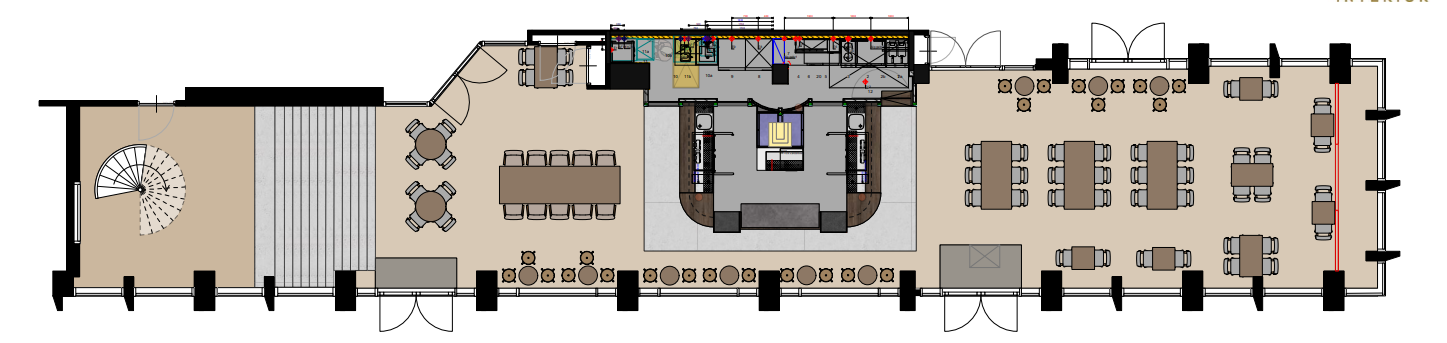
Floorplan Hubble (TO DO)
Floorplan Meteor (TO DO)
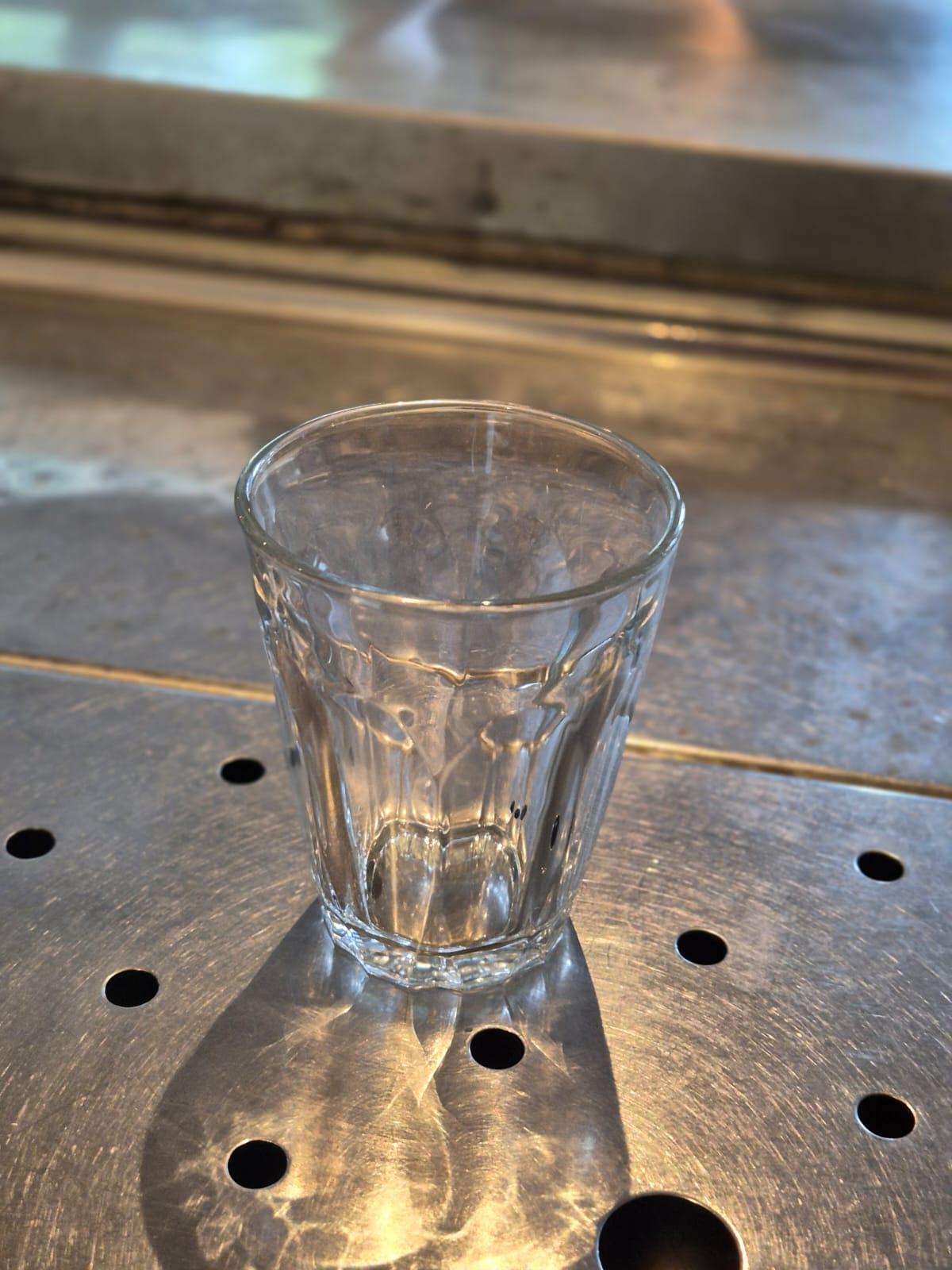
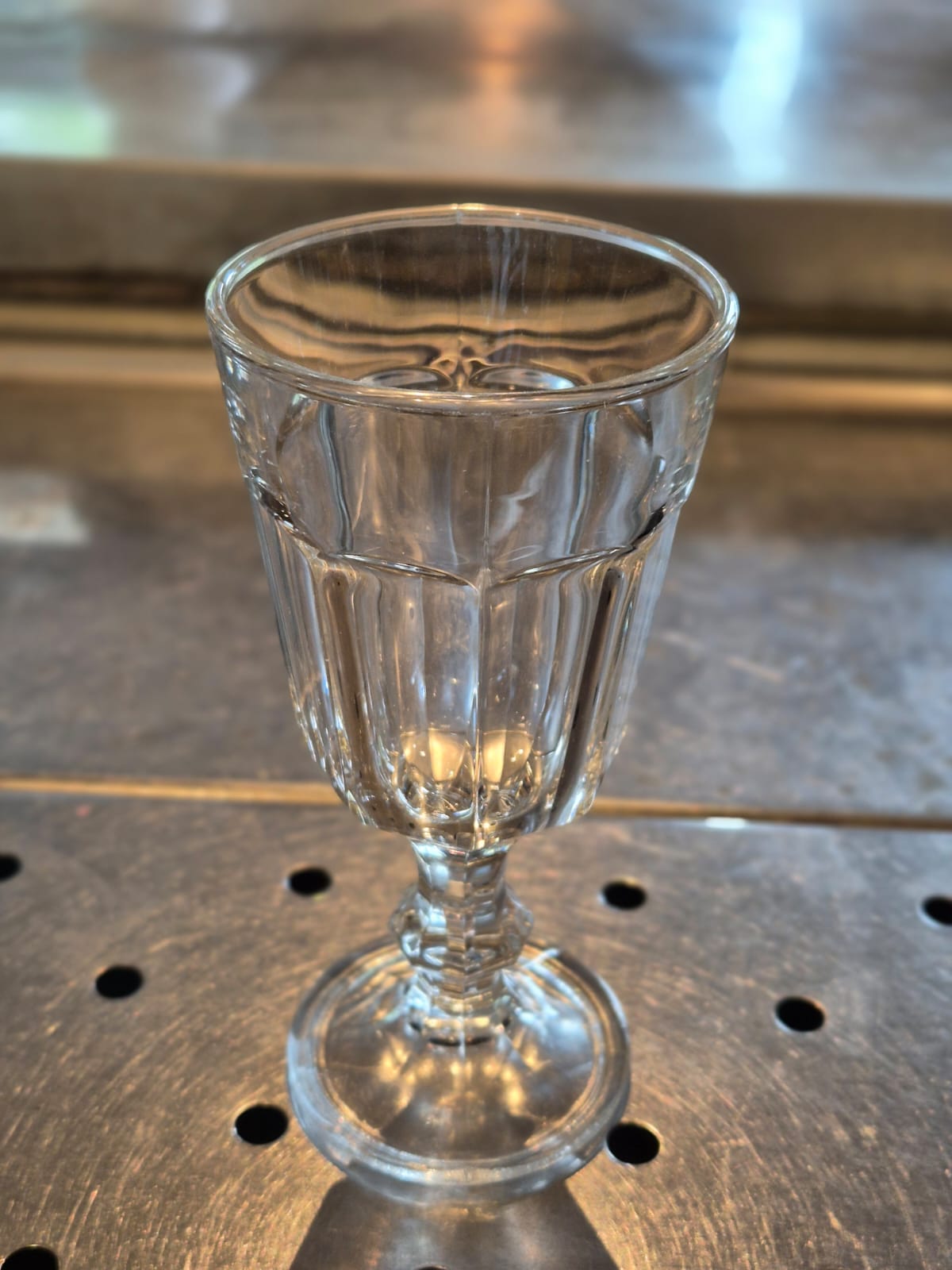
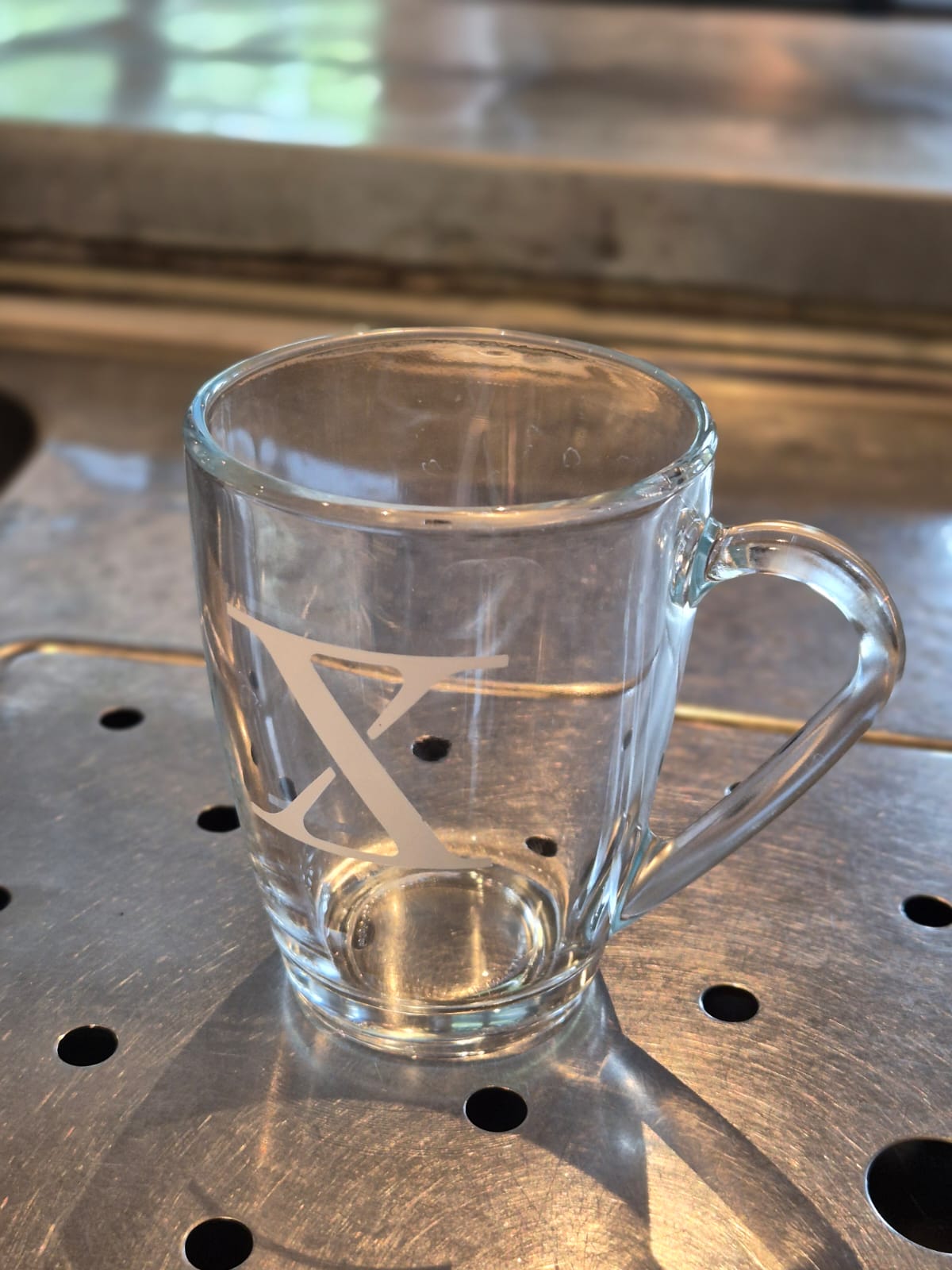
Which glasses to use (REVIEW)
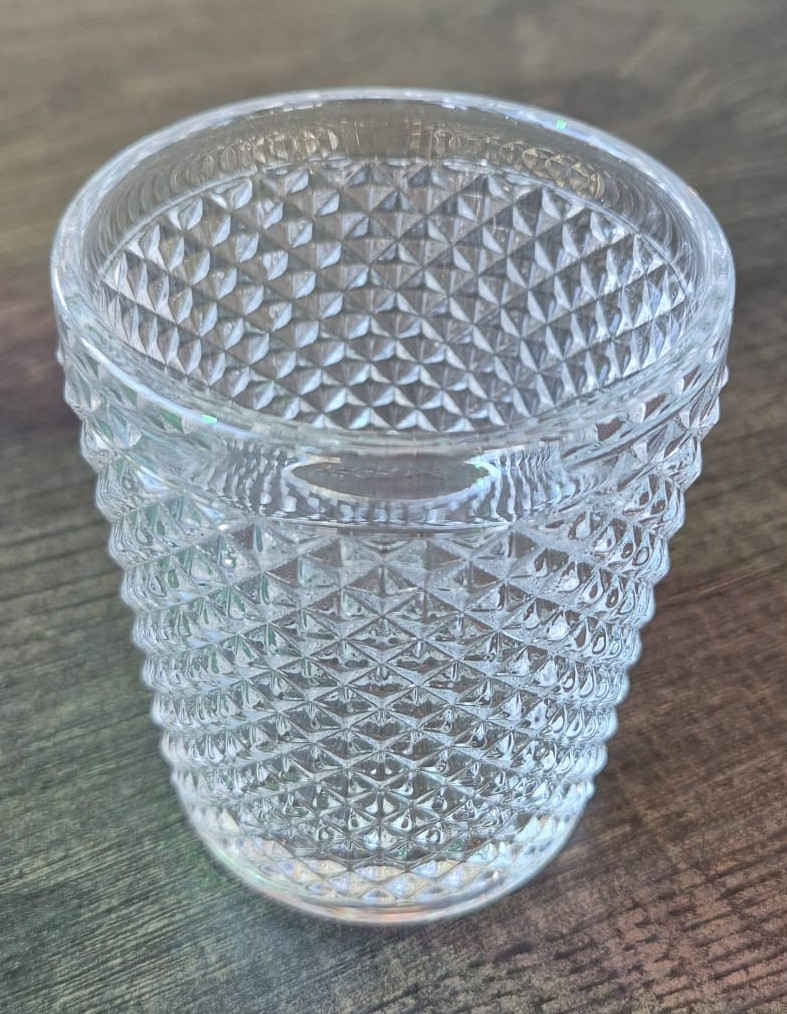
In Hubble and Meteor, there are multiple glasses. There are many drinks to be served in certain glasses. on this page, we would like to teach you what glasses we have and what drink you should pour in these glasses but also the attention points when serving these glasses..
|
|
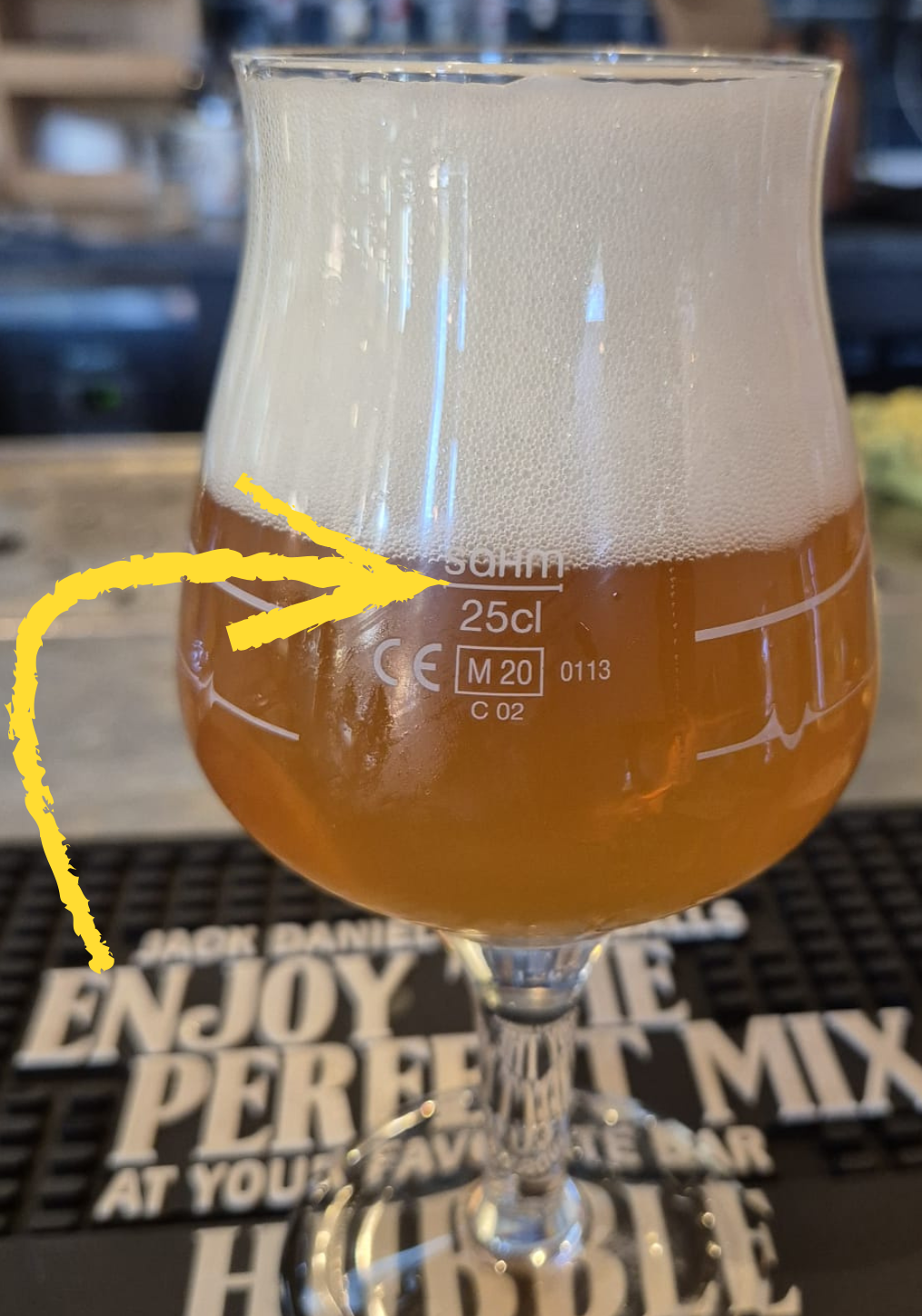
Be aware of the stripes on the glass
The stripes on the glasses indicate the correct level to pour the beer, this is called the pour line. A perfectly poured beer reaches up to this line.
The pour line can vary between different glasses. For example, the Le Fort and Ipra glasses have relatively low pour lines. When learning to pour beer, you are often taught that the ideal amount of beer reaches this line.
See the example in the picture on the left: A Brewdog IPA poured in a Le Fort glass, with the beer reaching the pour line and the remaining space filled with foam. With these glasses, it is also acceptable to have slightly less foam than shown in the picture. |
Allergy glasses
Something really important when serving drinks to people with a gluten or lactose allergy.
Gluten allergy
Guests with a gluten allergy must not receive drinks in glasses that were washed in the bar sink. That sink contains gluten residue because many beer glasses are rinsed there.
Guests with a gluten allergy may only receive glasses that have come directly from the dishwasher..
Lactose allergy
Glasses that have contained milk or any lactose product must not be washed in the bar sink nor in the bar dishwasher. These glasses must be sent to the back.
-
-
-
At Hubble: kitchen staff will put these glasses through the kitchen dishwasher the next day.
-
At Meteor: these glasses will go through the main dishwasher in the back.
-
-
Serving an empty glass
Not all beers are draft. Some are bottled or canned and are stored in the fridge. We still provide a glass for all bottled and canned beers (see below which glass matches which beer).
When serving the glass, always place it upright, never upside down. Bar mats are not clean, and if the rim of the glass touches the bar mat it becomes unhygienic. This is the same rim the guest will drink from.
Beer and Cider
|
|
|
|
|
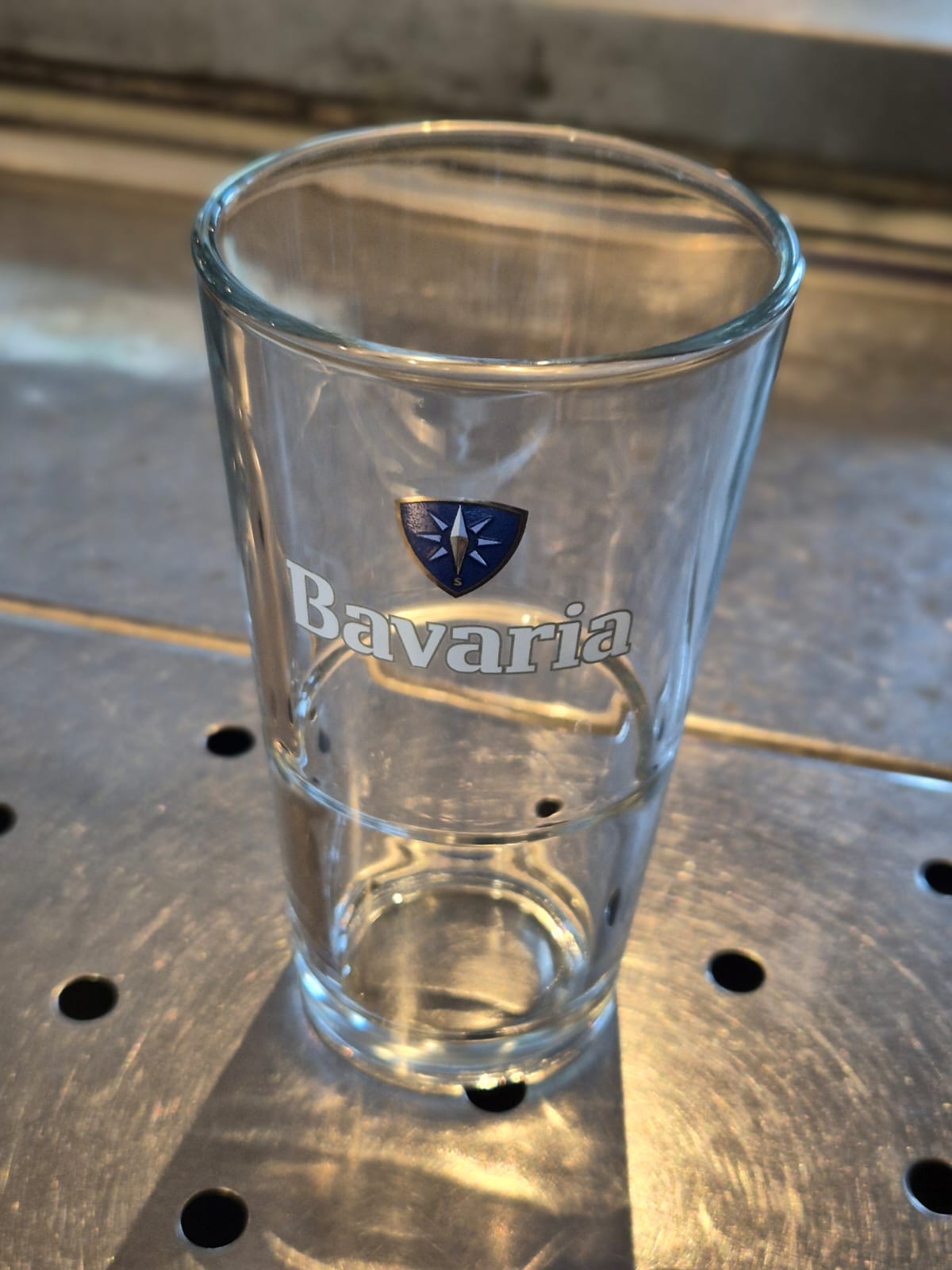
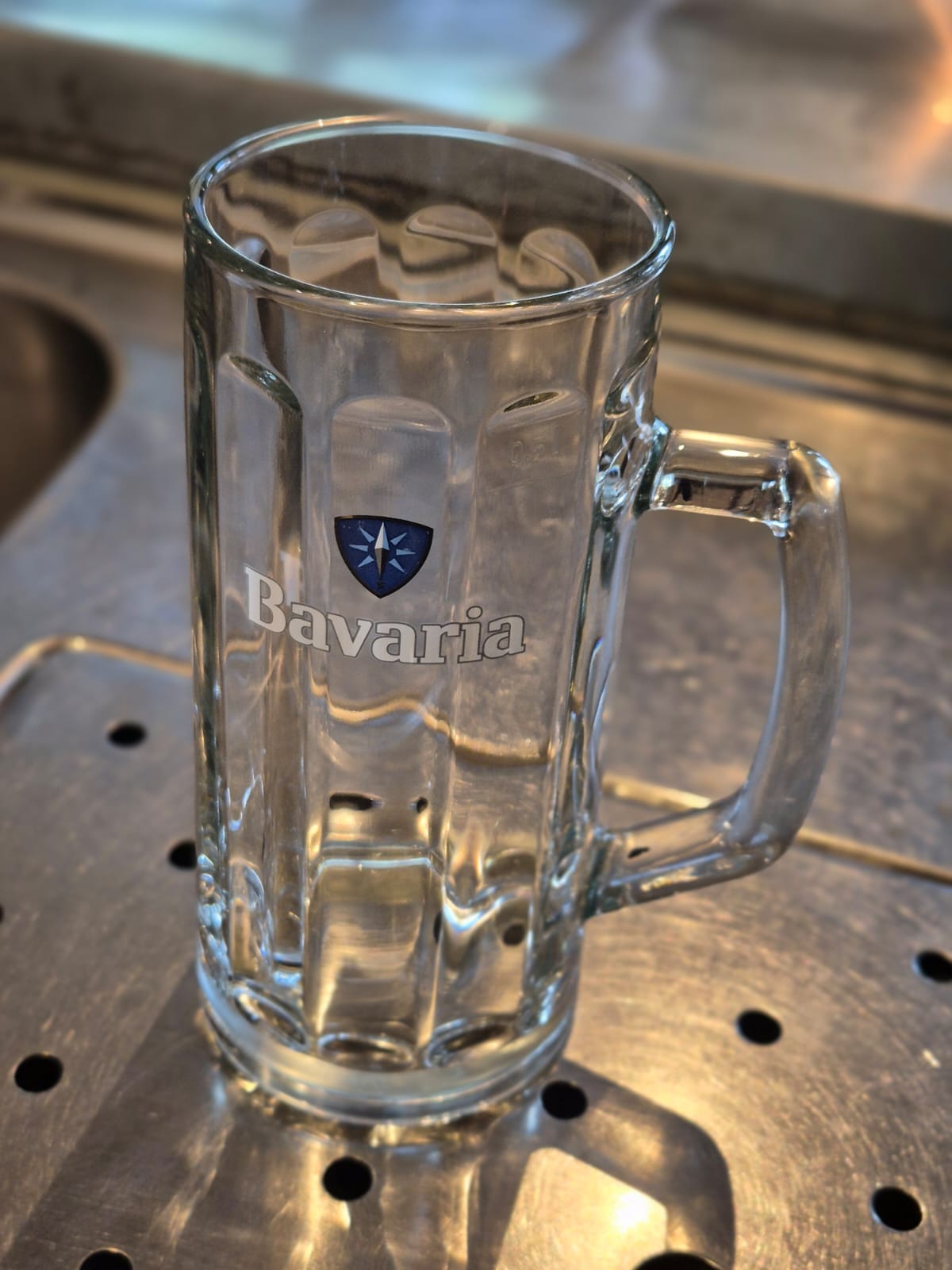
Bavaria glass (0.25L)
|
Witte Trappist glass (0.3L)
|
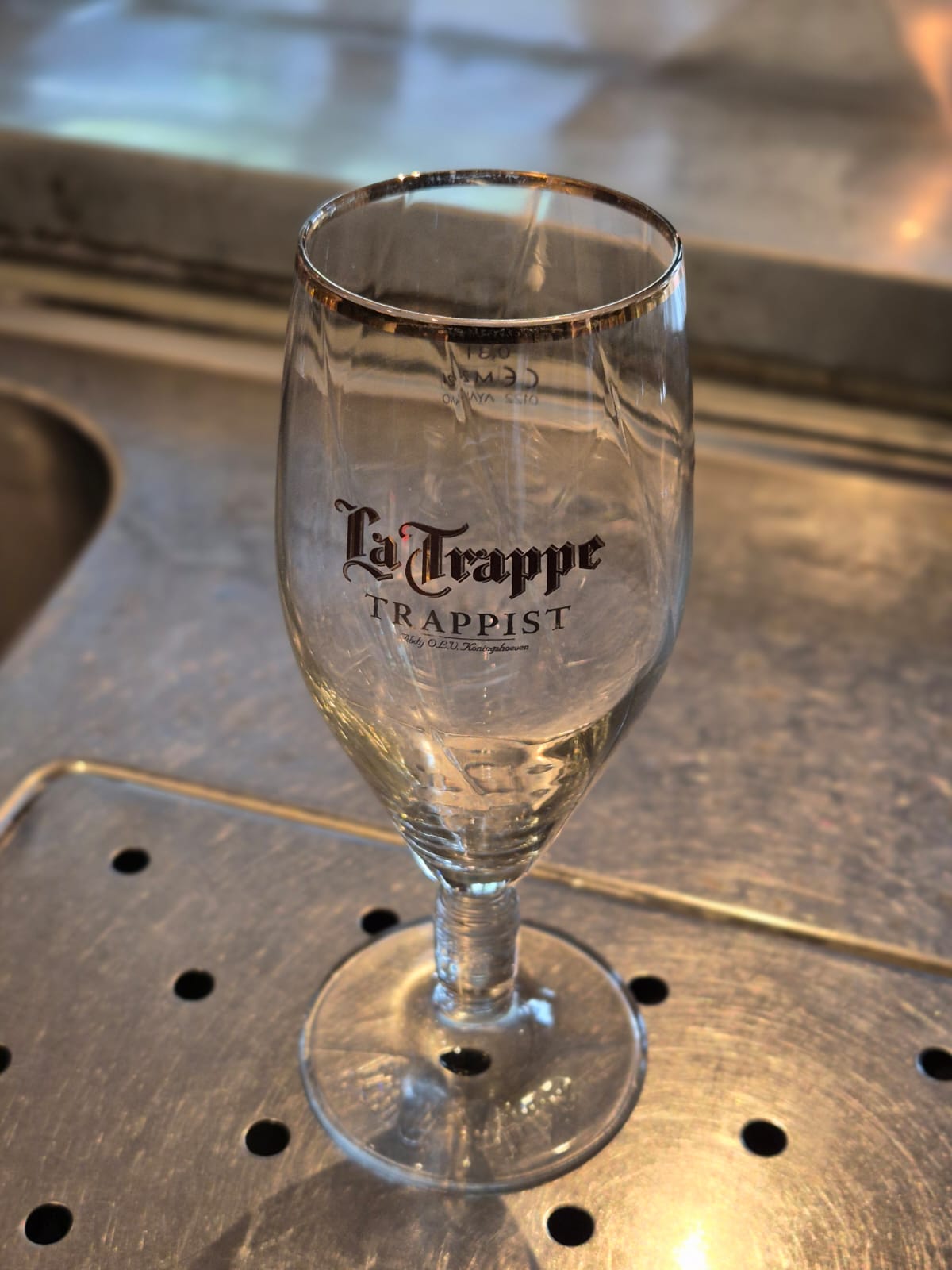
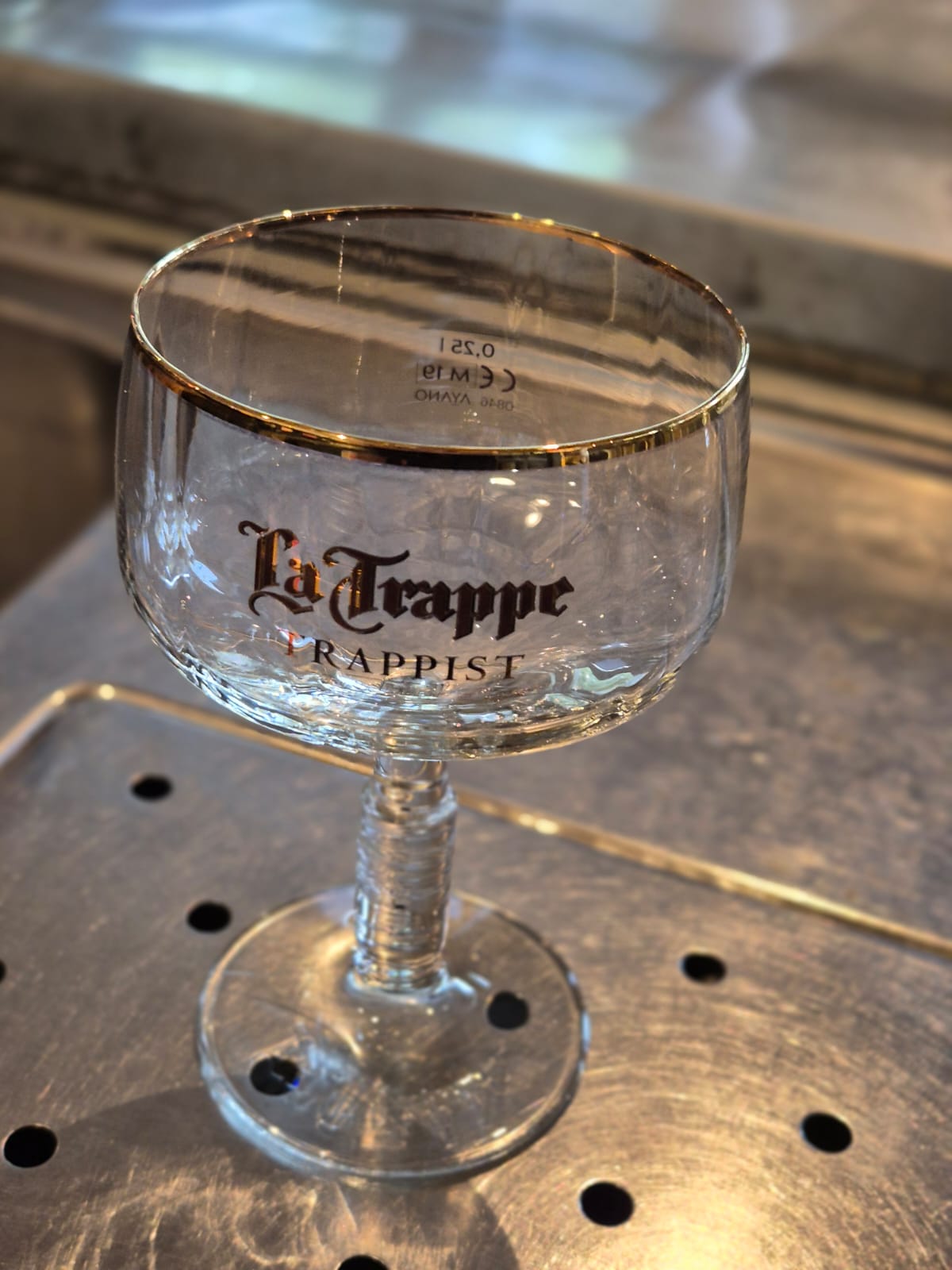
La Trappe glass (0.25L) (only in Hubble)
|
|
|
|
|
|
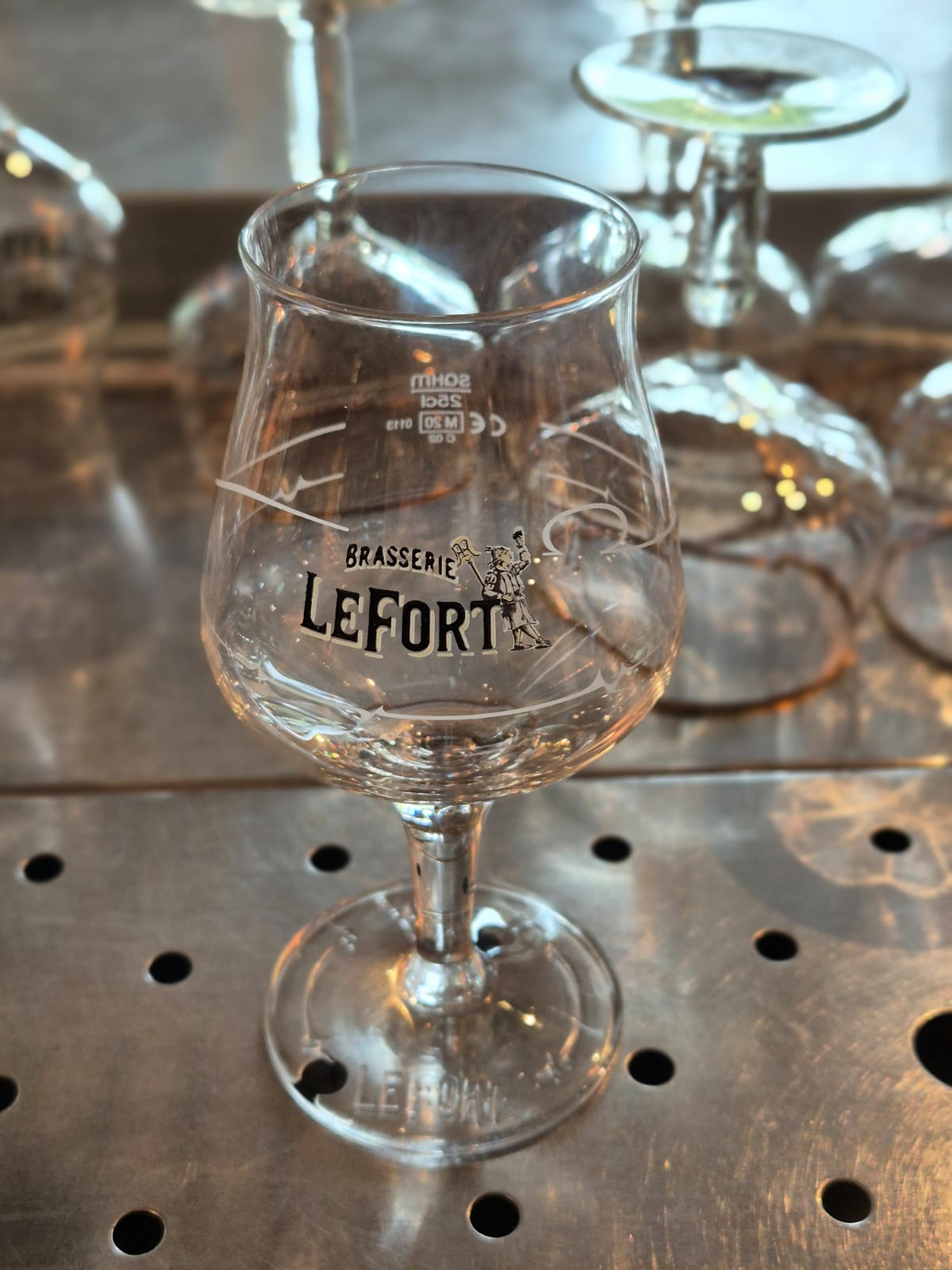
Le Fort glass (Only in Hubble)
|
Bavaria 0.5L glass
|
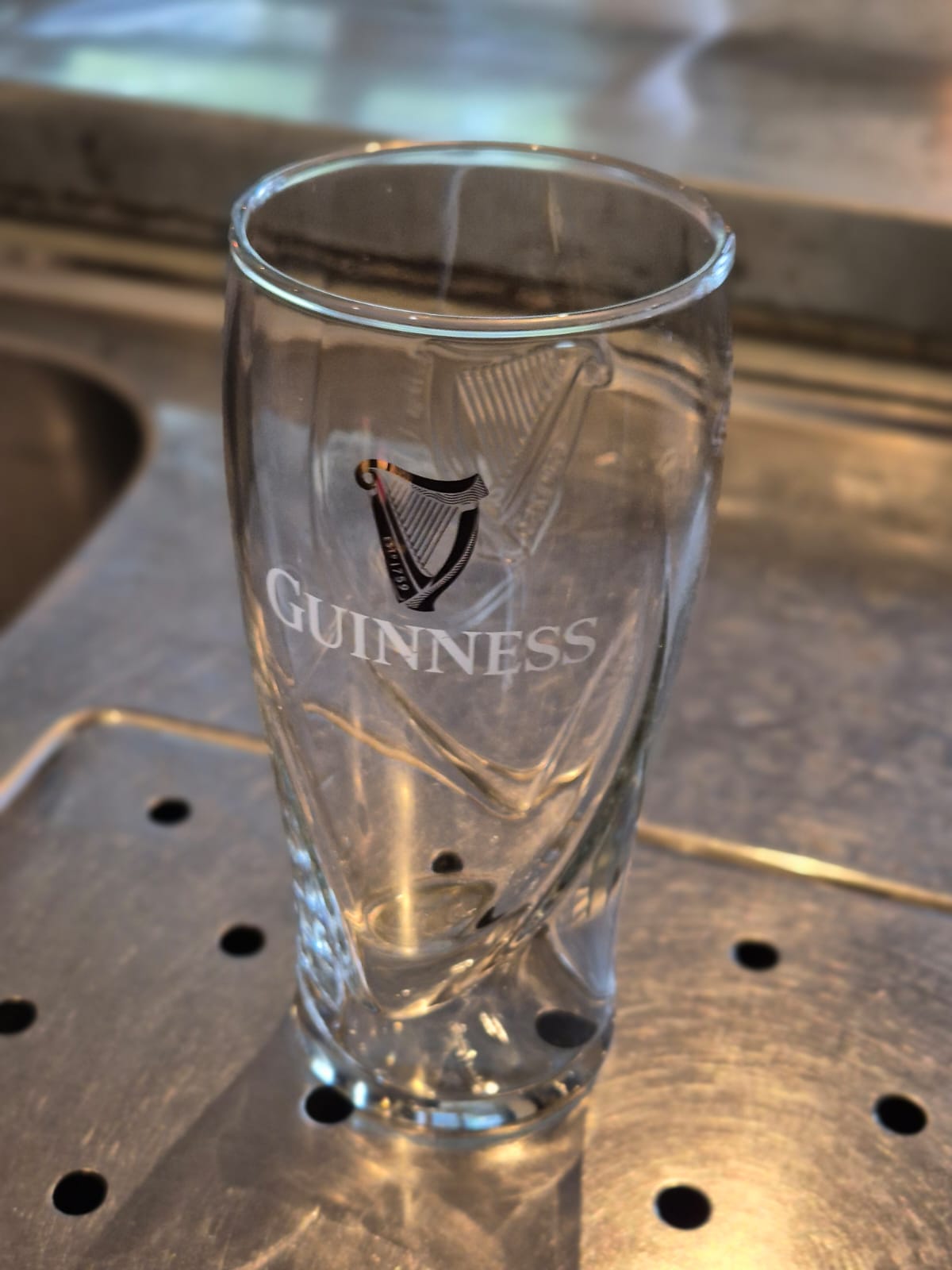
Guinness glass 0.5L
|
|
|
|
|
|
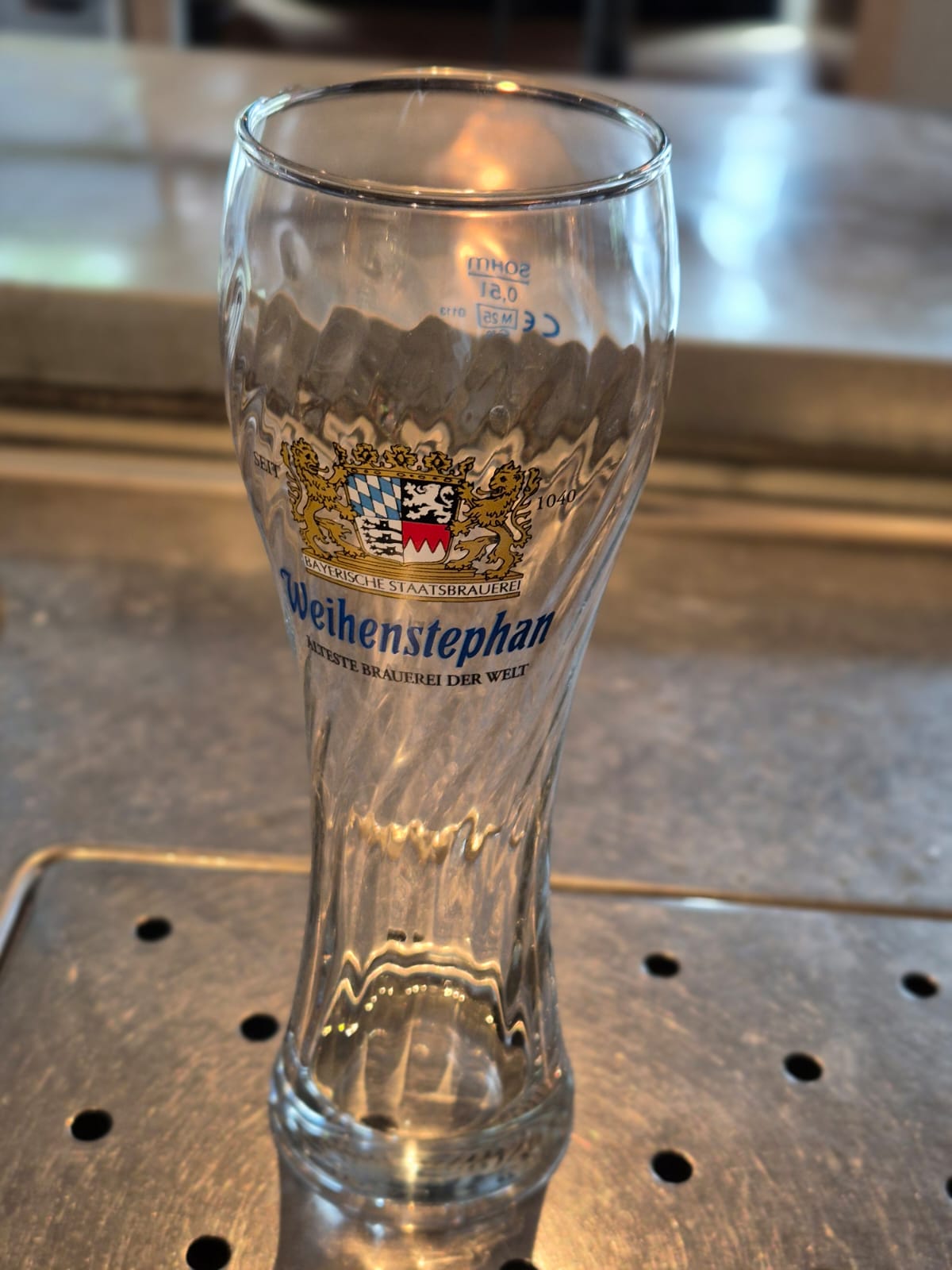
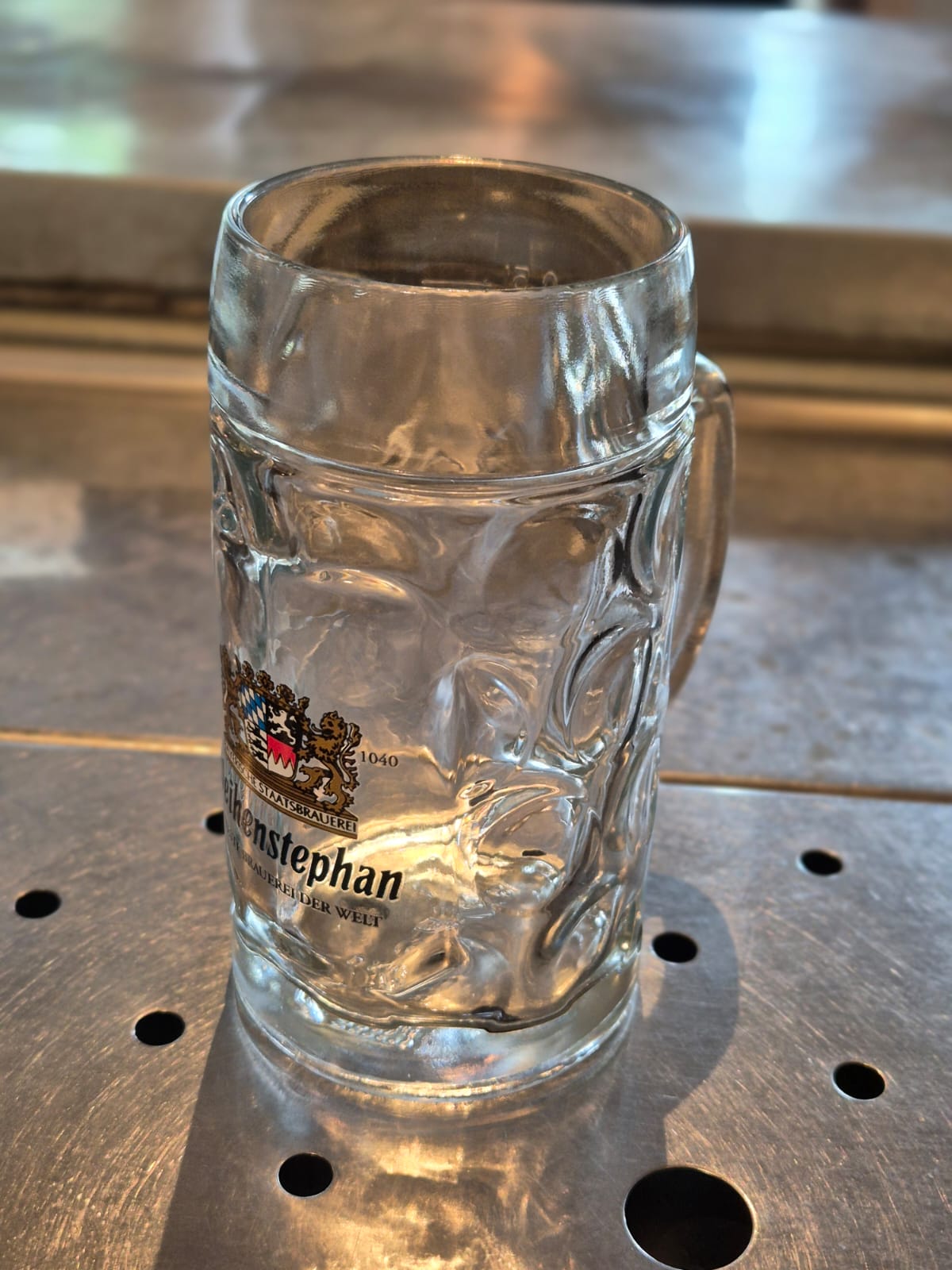
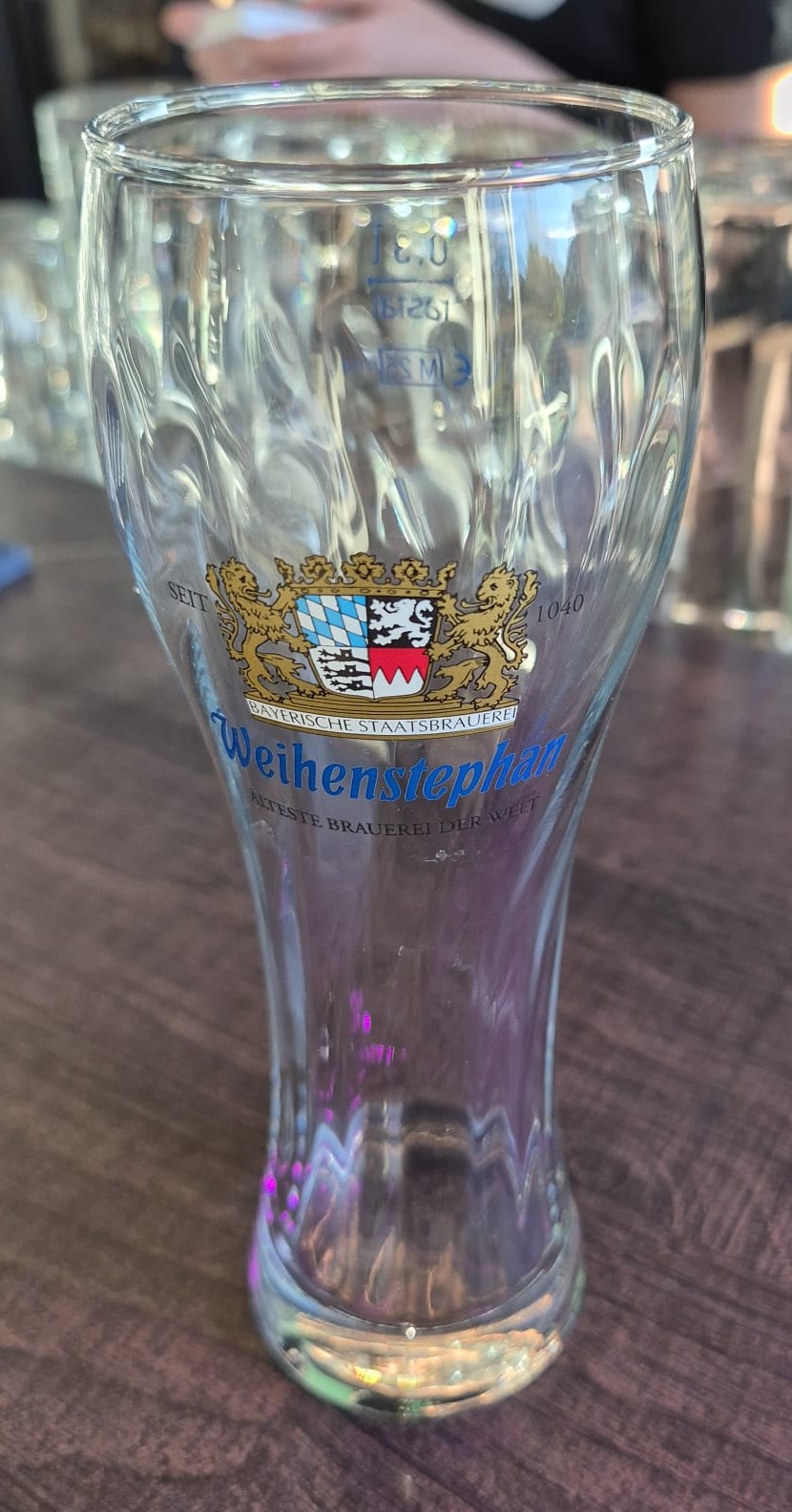
Weihenstephaner 0.5L (only Hubble)
|
Weihenstephaner 0.5L (only Hubble)
|
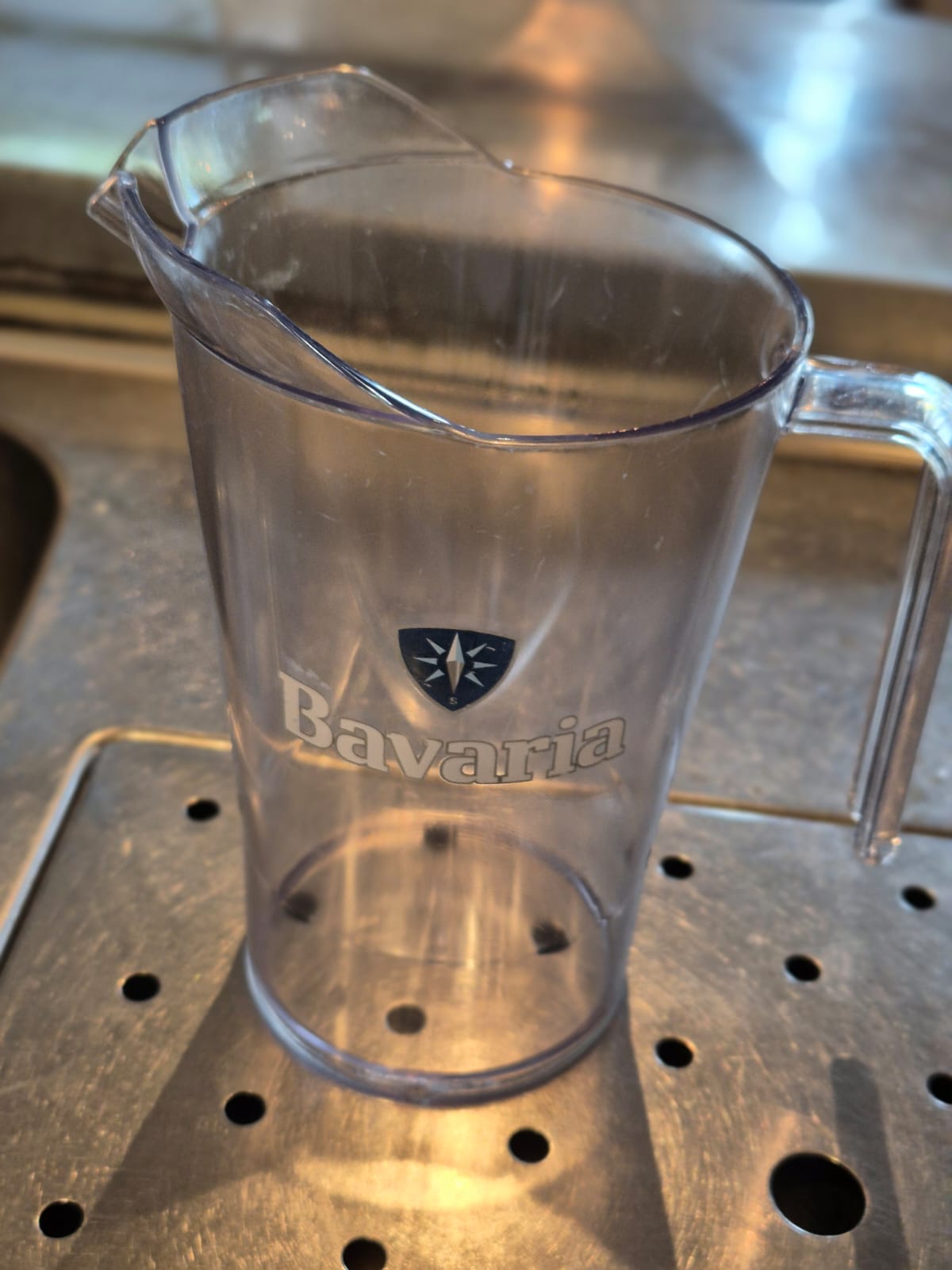
Bavaria pitcher 1.5L
(6 bavaria beers fit in 1 pitcher) |
|
|
|
|
|
Weihenstephaner 0.3L (only Meteor) |
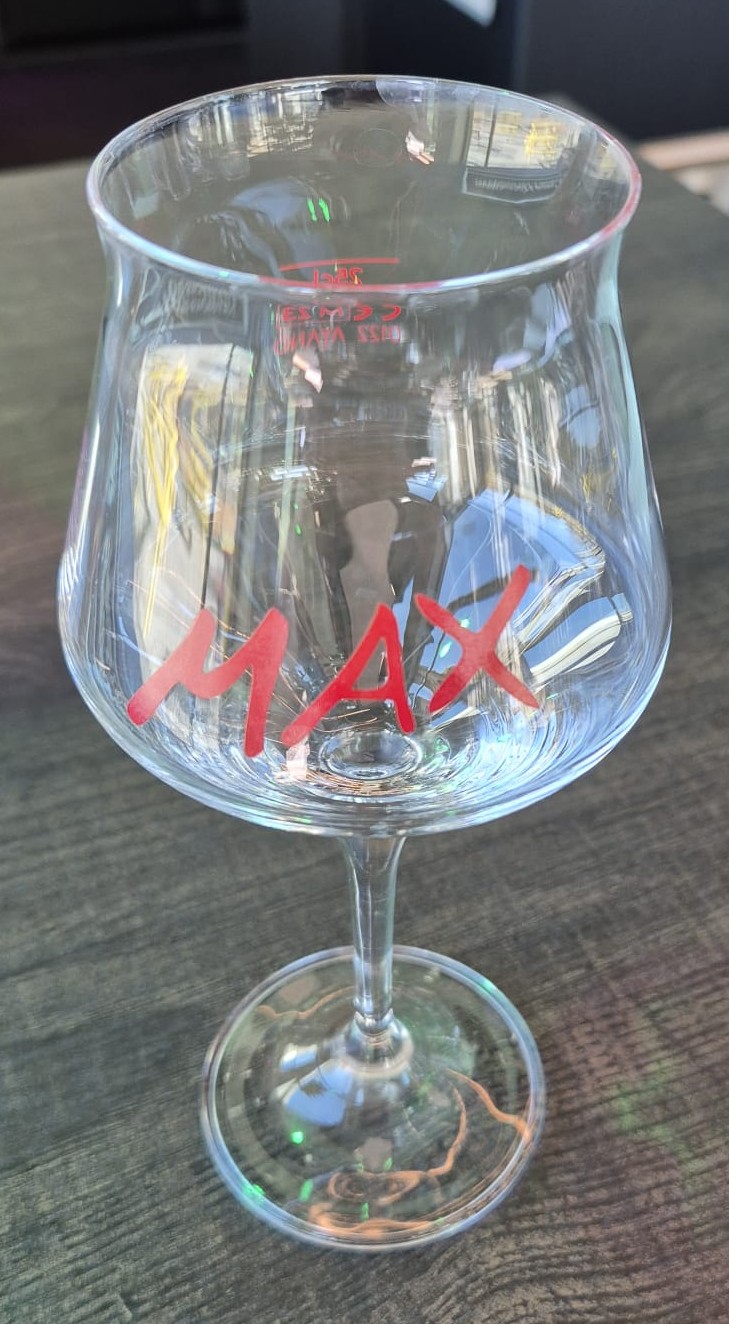
Max krieg 0.25L (only Meteor)
These glasses can also be used when you run out of Martini glasses. |
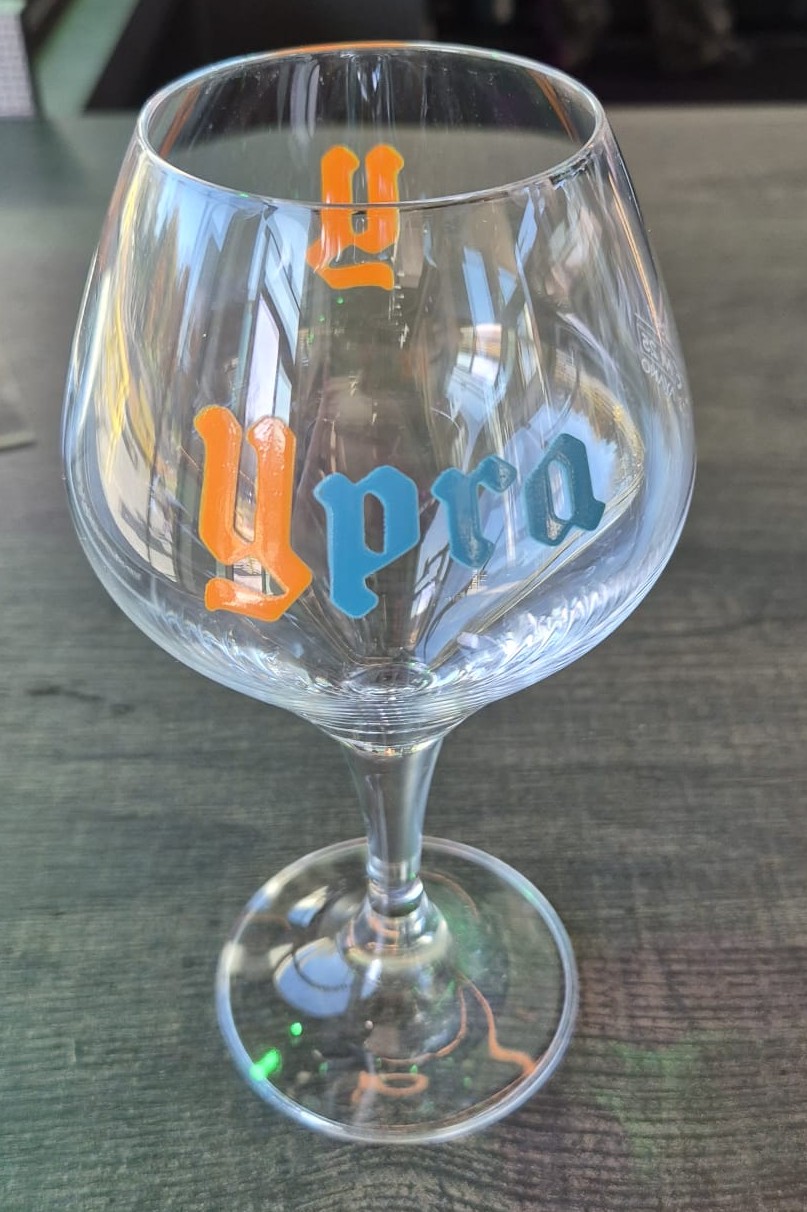
Ypra glass 0.25L (only Meteor)
|
|
|
|
|
|
Magners Cider glass 0.5L (Only Meteor}
|
|
|

Wine and soft drinks
|
|
|
|
|
Everest glass (180ml) (only Hubble)
|
Everest glass (200ml) (only Hubble)
|
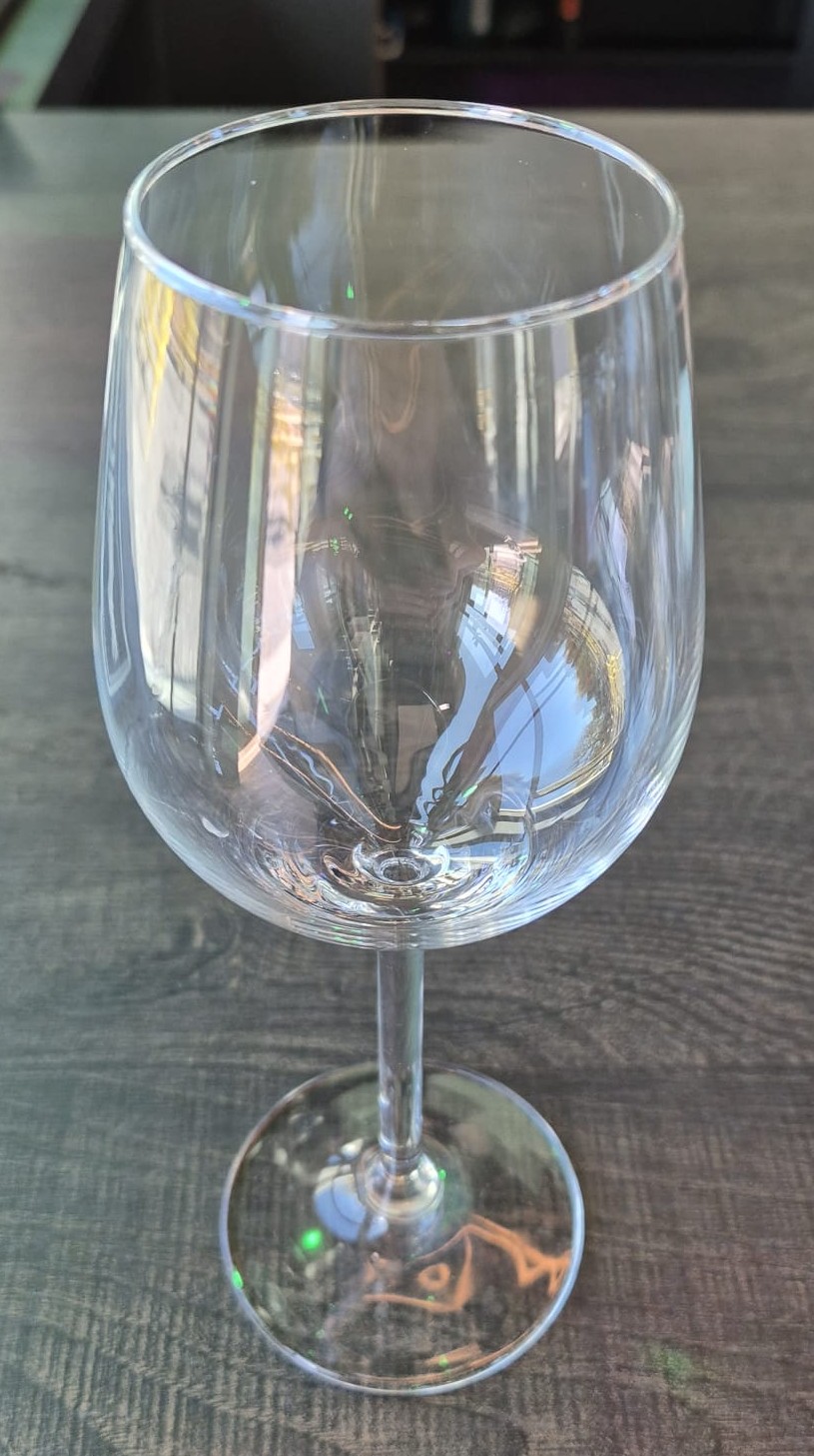
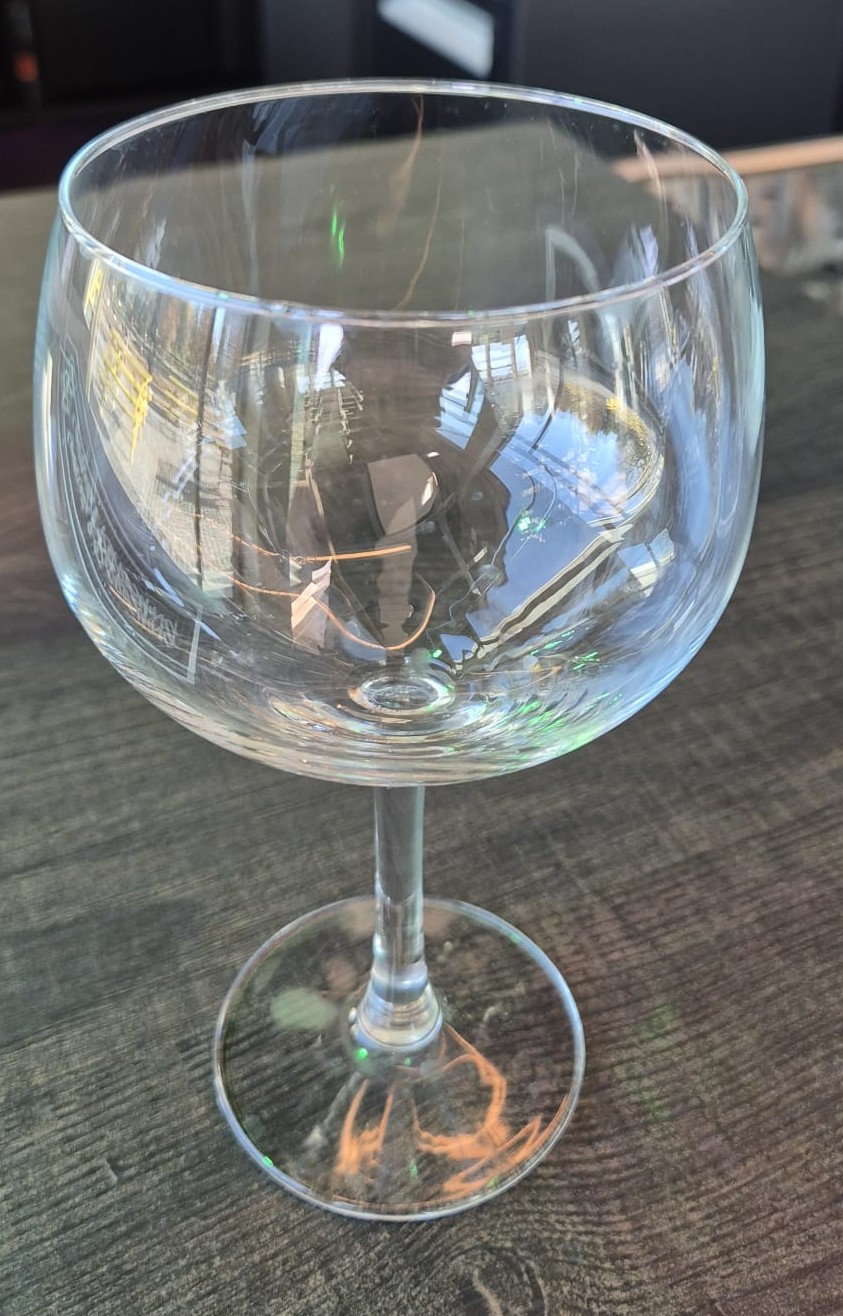
Wine glass (only Meteor)
For wine, it is important to know to not fill the entire glass. According to etiquetes, the wine should be poured a little above the curving of the glass.
Click here to learn more about wines and how to pour it. |
|
|
|
|
|
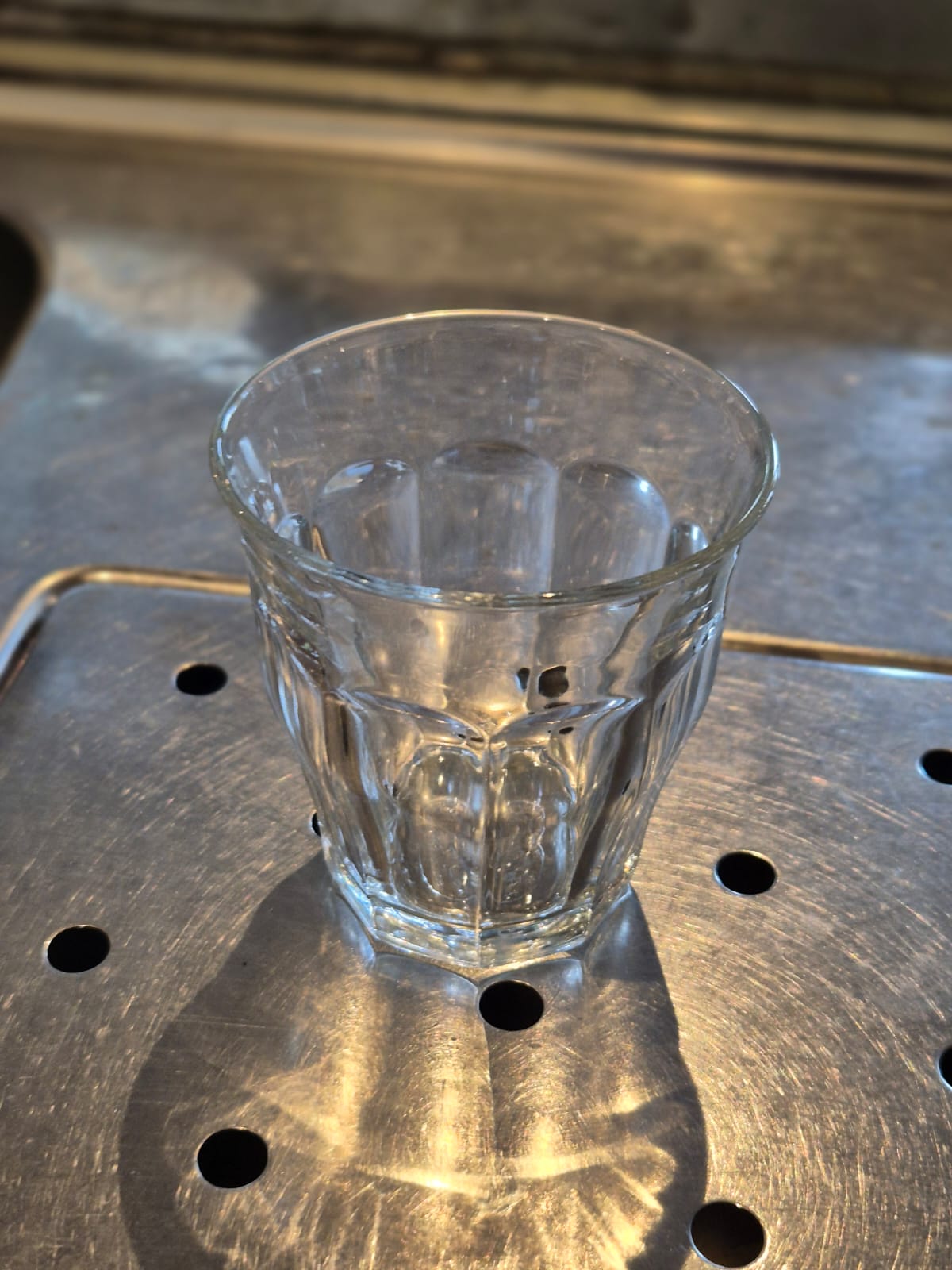
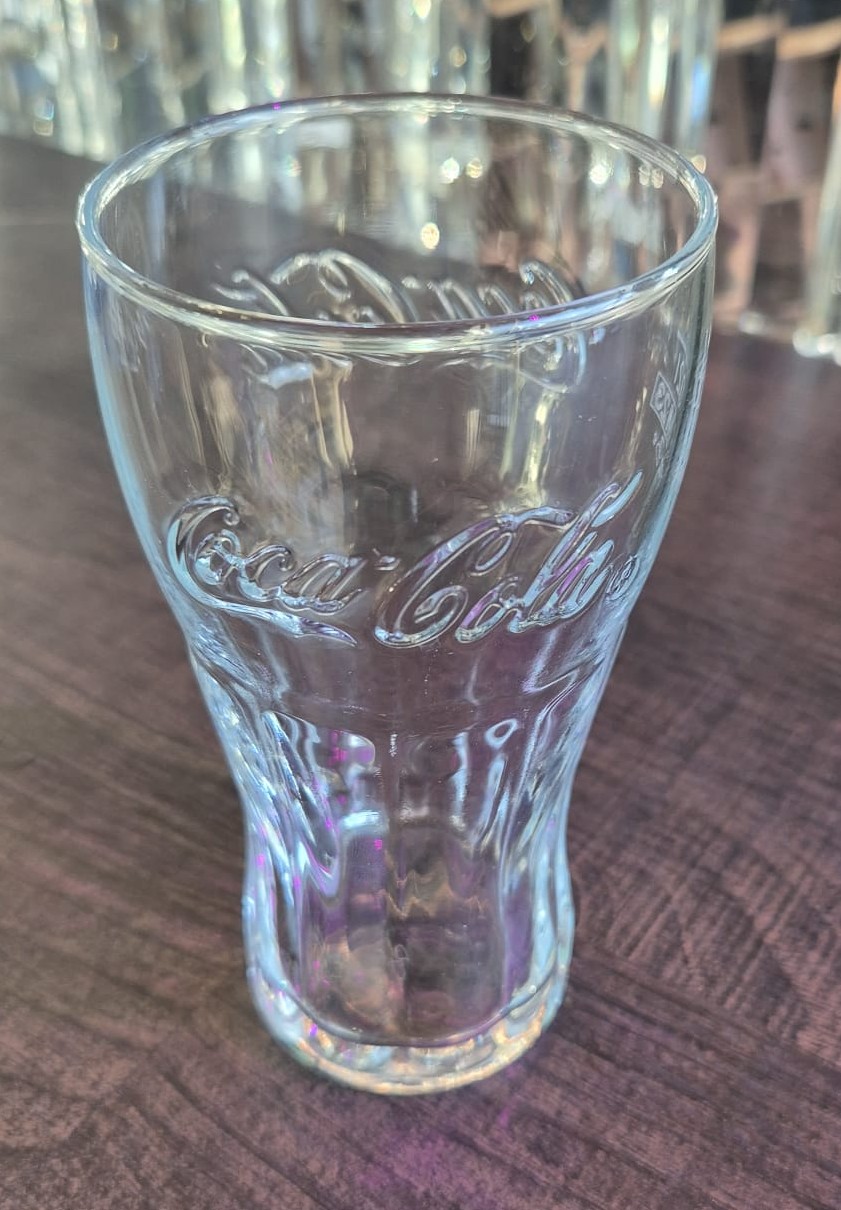
Coca Cola glass 0.2L (only Meteor)
|
|
|
Cocktails
|
|
|
|
|
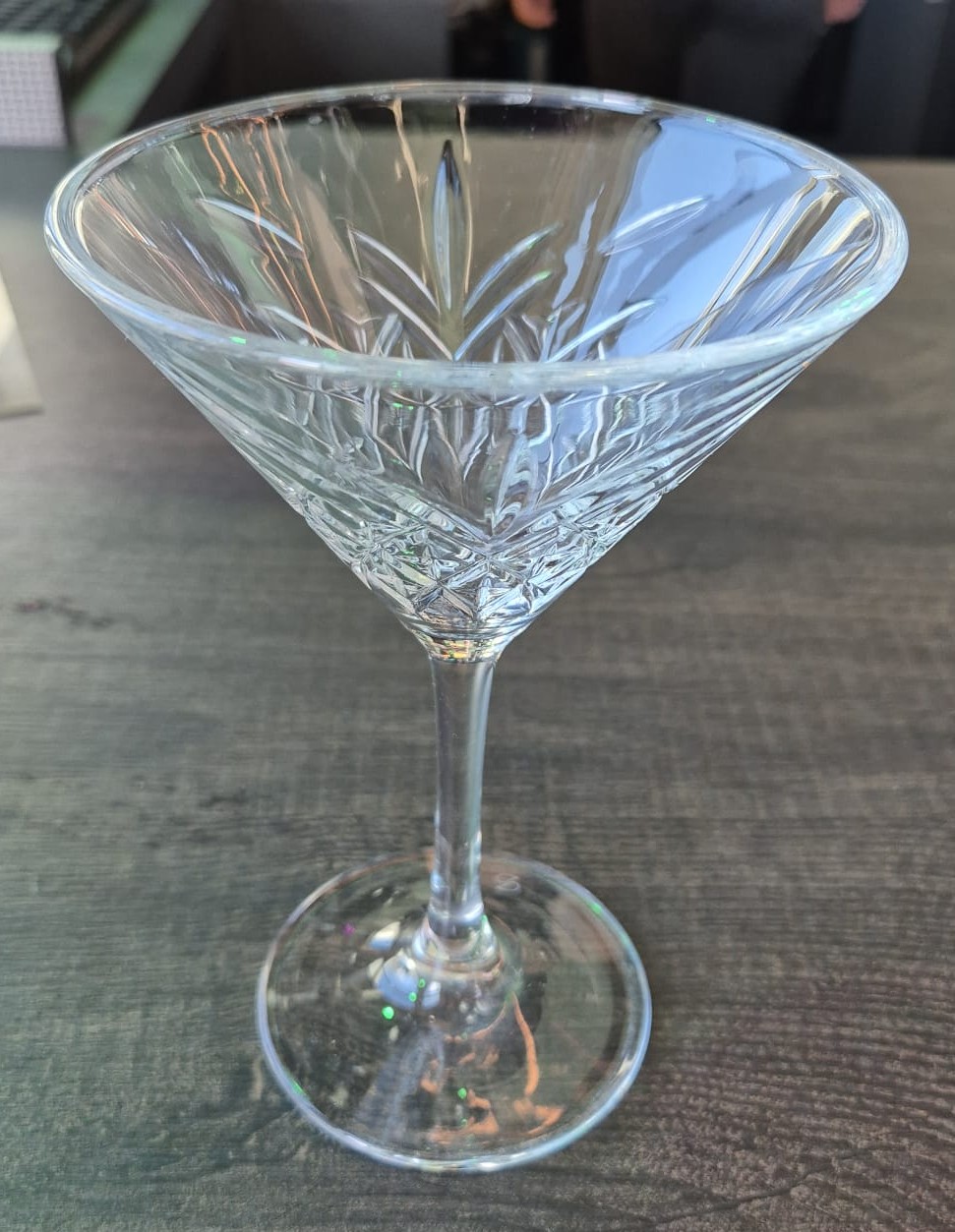
Martini glass (only Meteor)
Look at the recipe of the cocktail machine to see which glass you need
Cocktails served in a Martini glass, require a cocktail shaker. When you run out of Martini glasses, you can also use MAX Kriek glasses. |
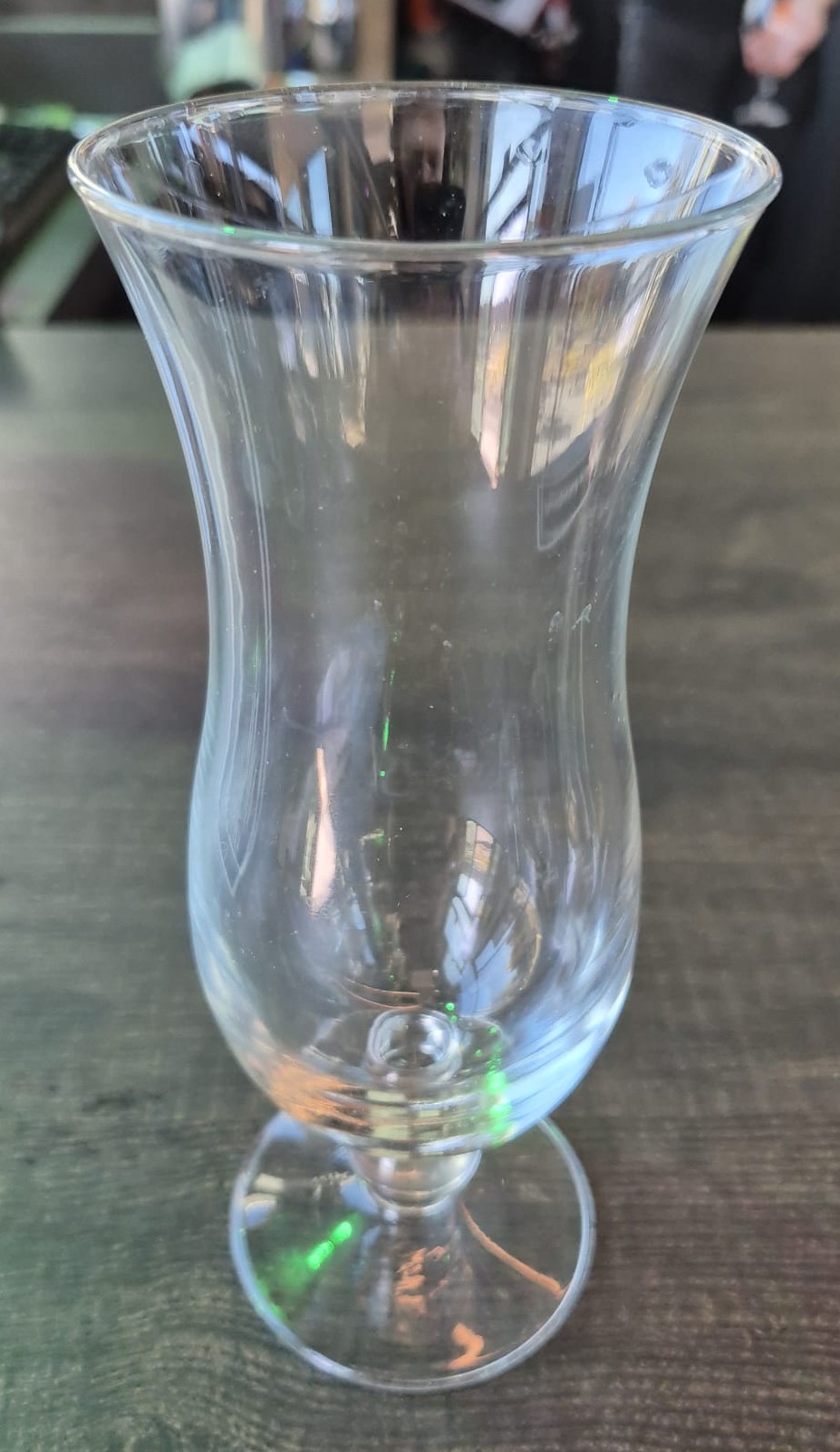
Hurricane glass (only Meteor)
Look at the recipe of the cocktail machine to see which glass you need |
Spritz glass (only Meteor)
Look at the recipe of the cocktail machine to see which glass you need |
|
|
 |
|
|
Everest Cocktail glass (only Meteor)
Look at the recipe of the cocktail machine to see which glass you need |
Jug cocktail glass (only Hubble)
In case you run out of jug glasses, you can also use a Le Fort glass |
|
Hot drinks
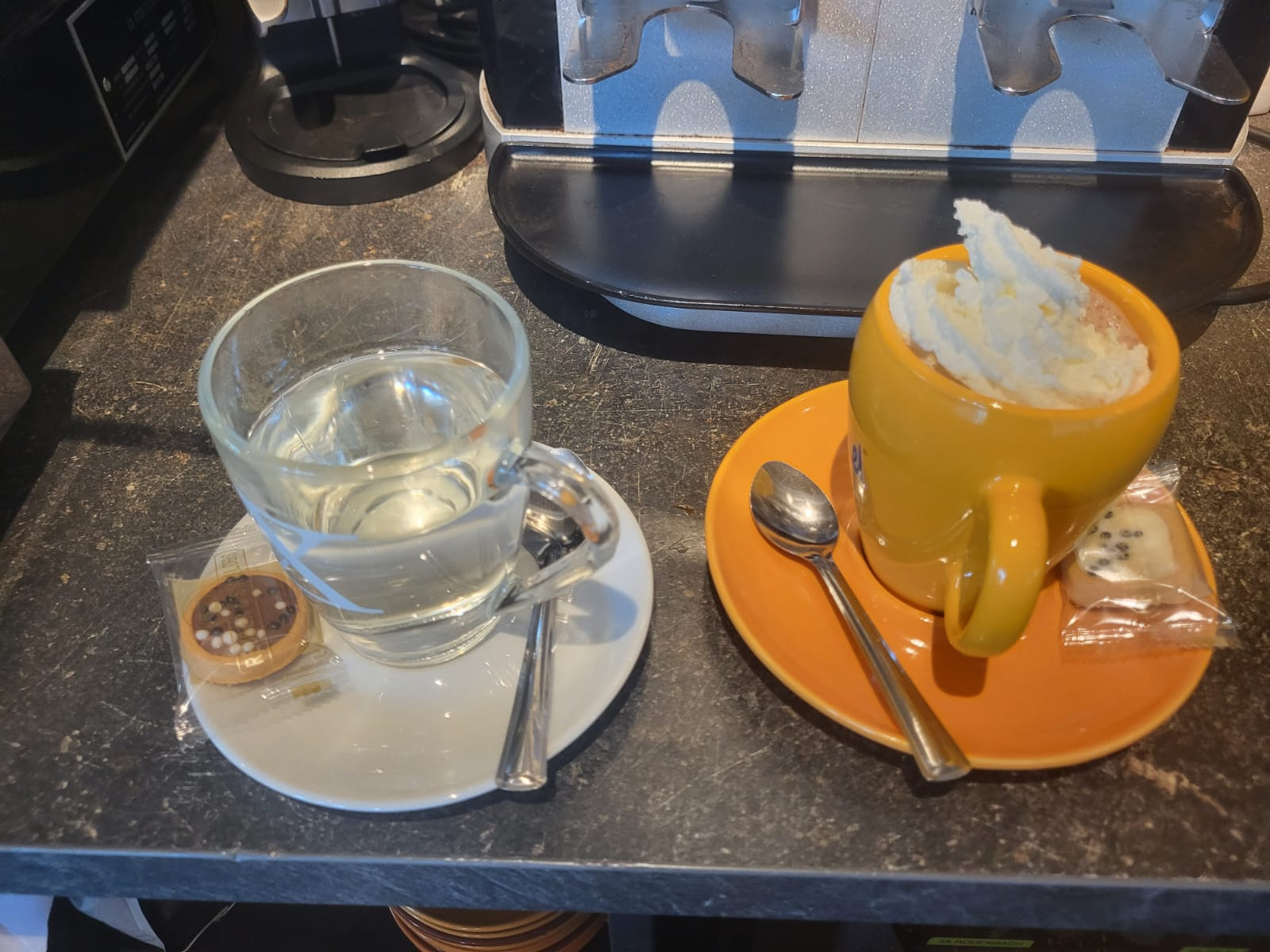
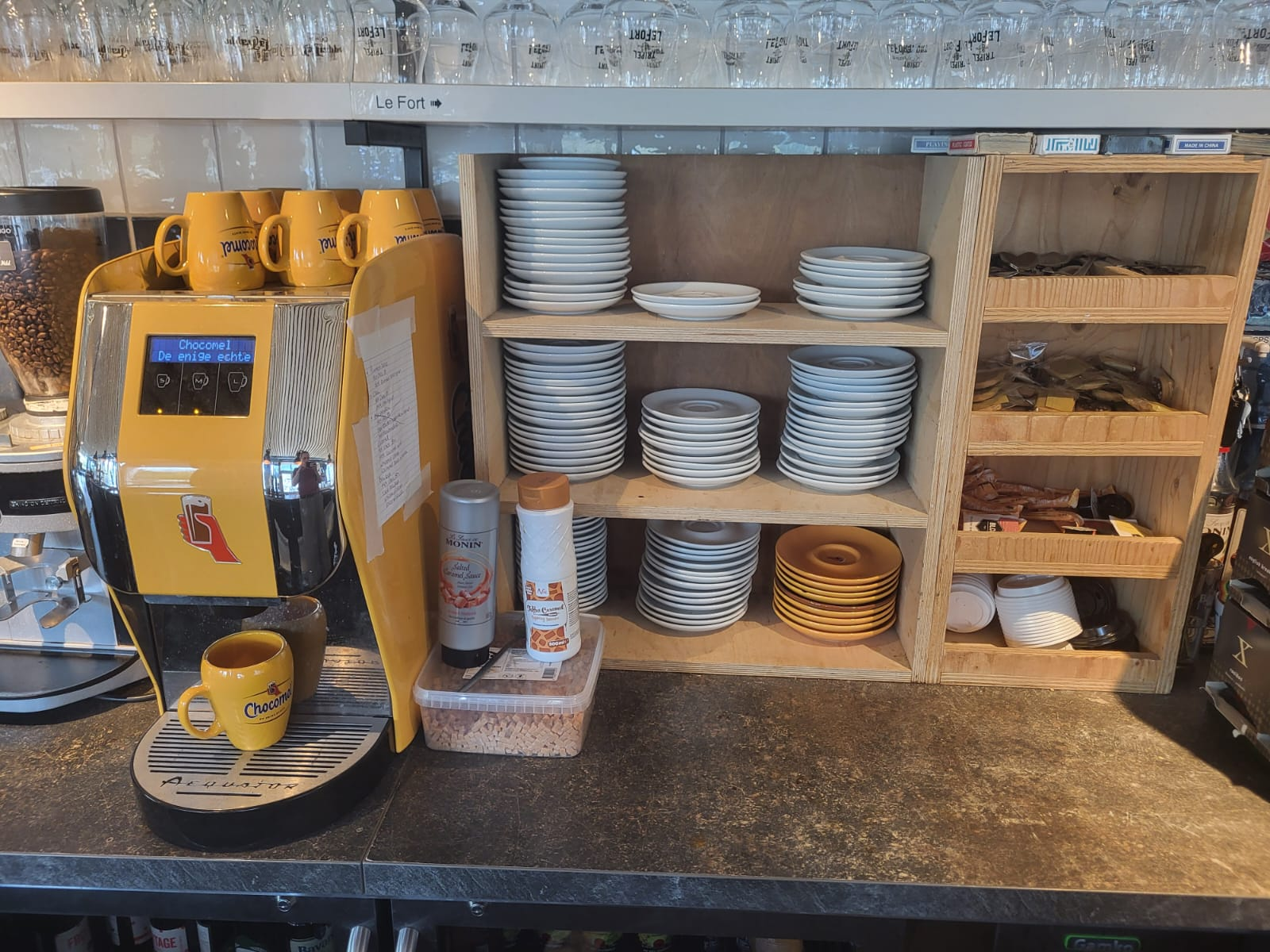
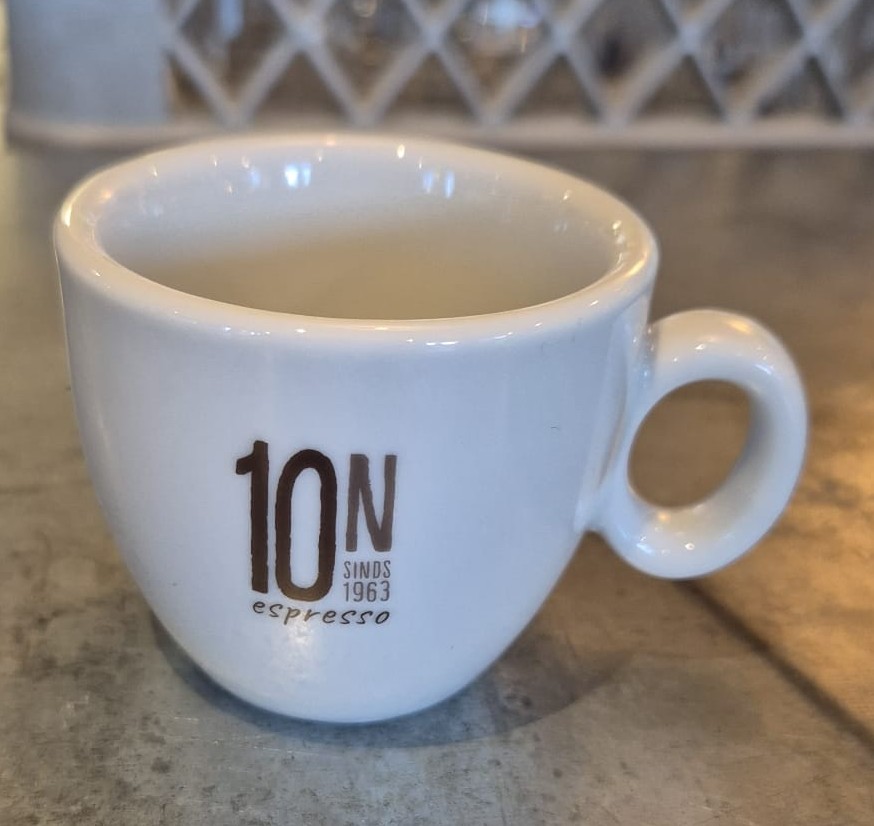
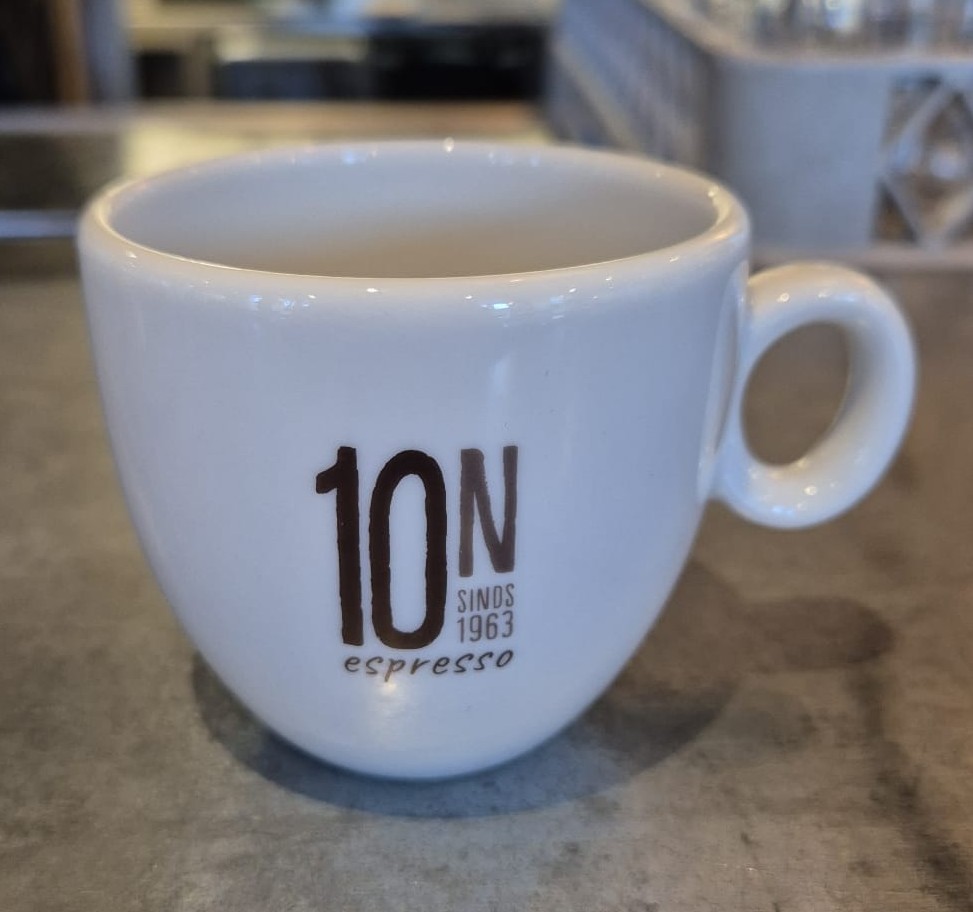
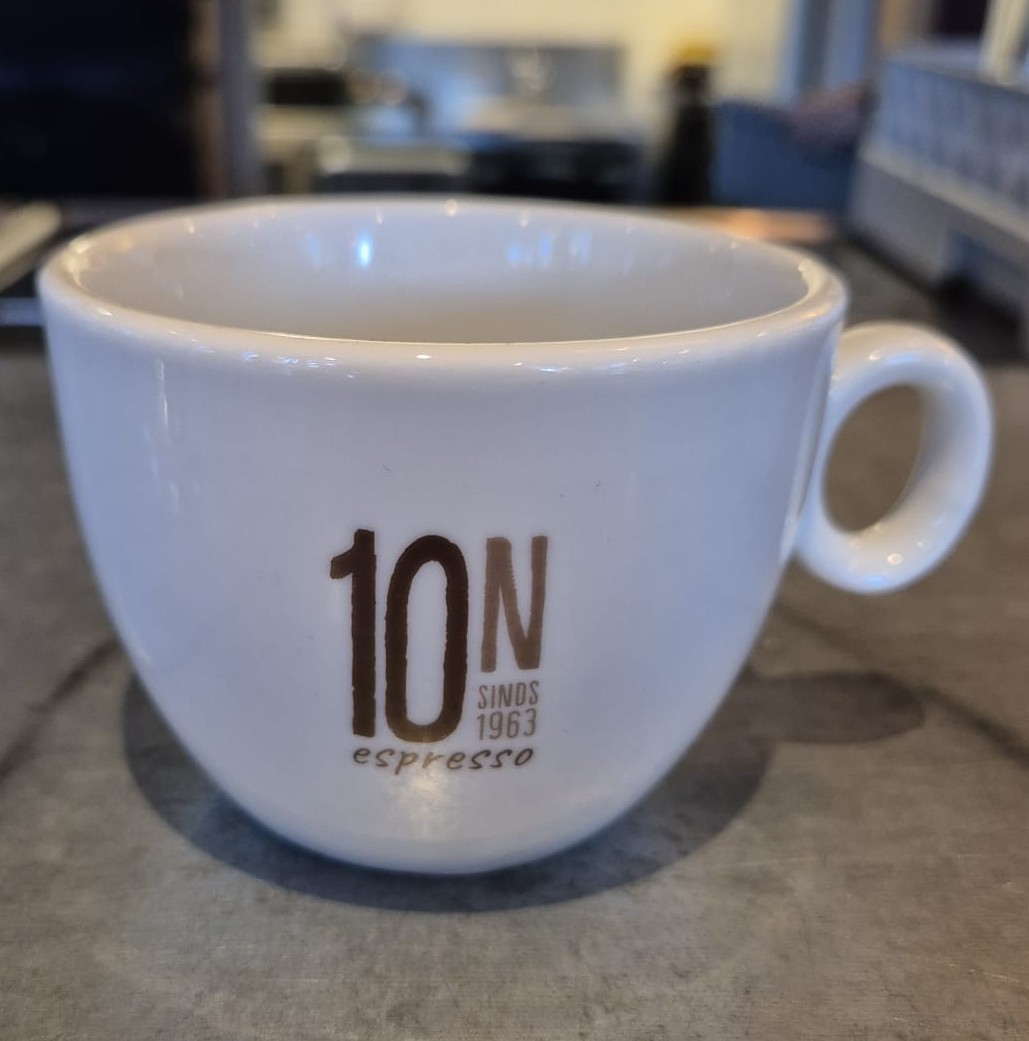
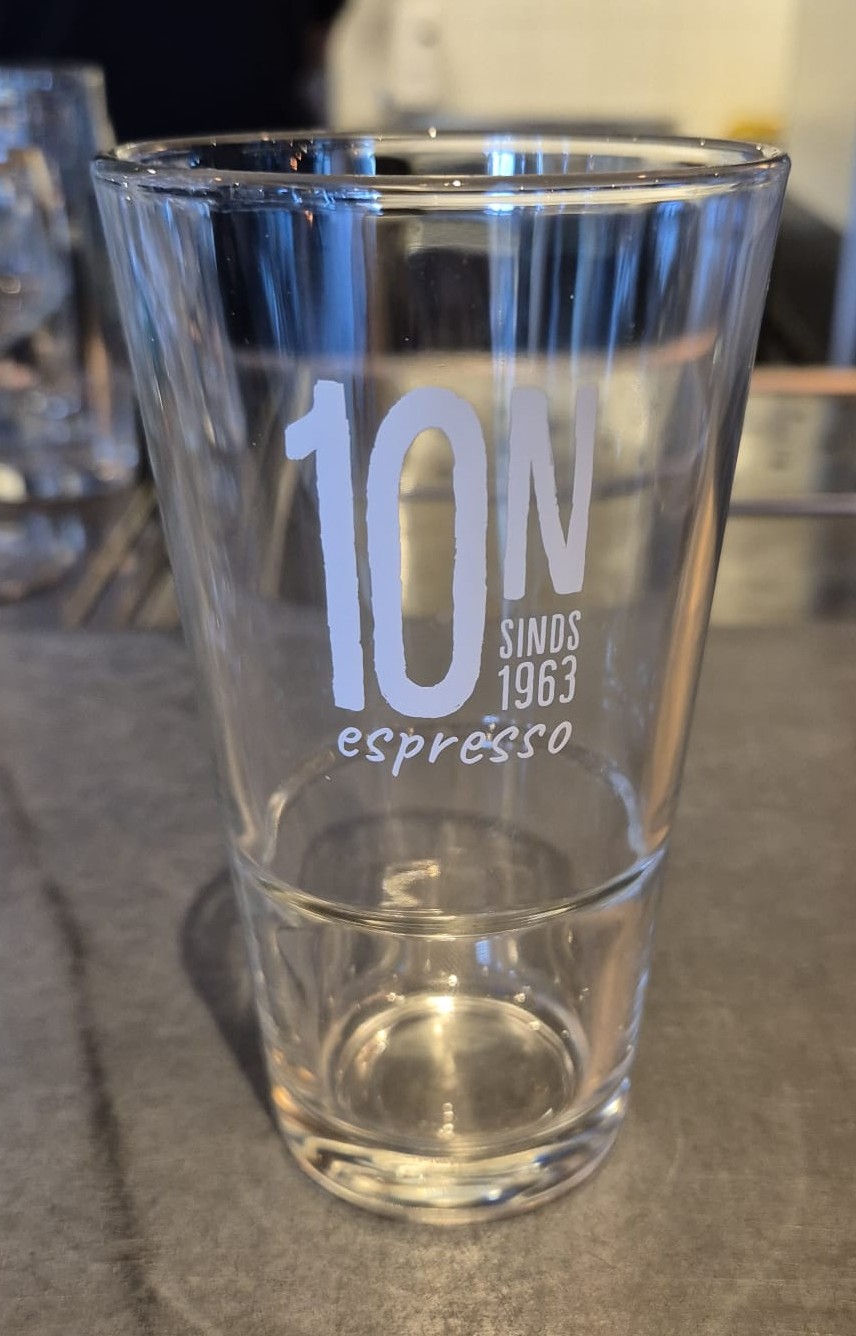
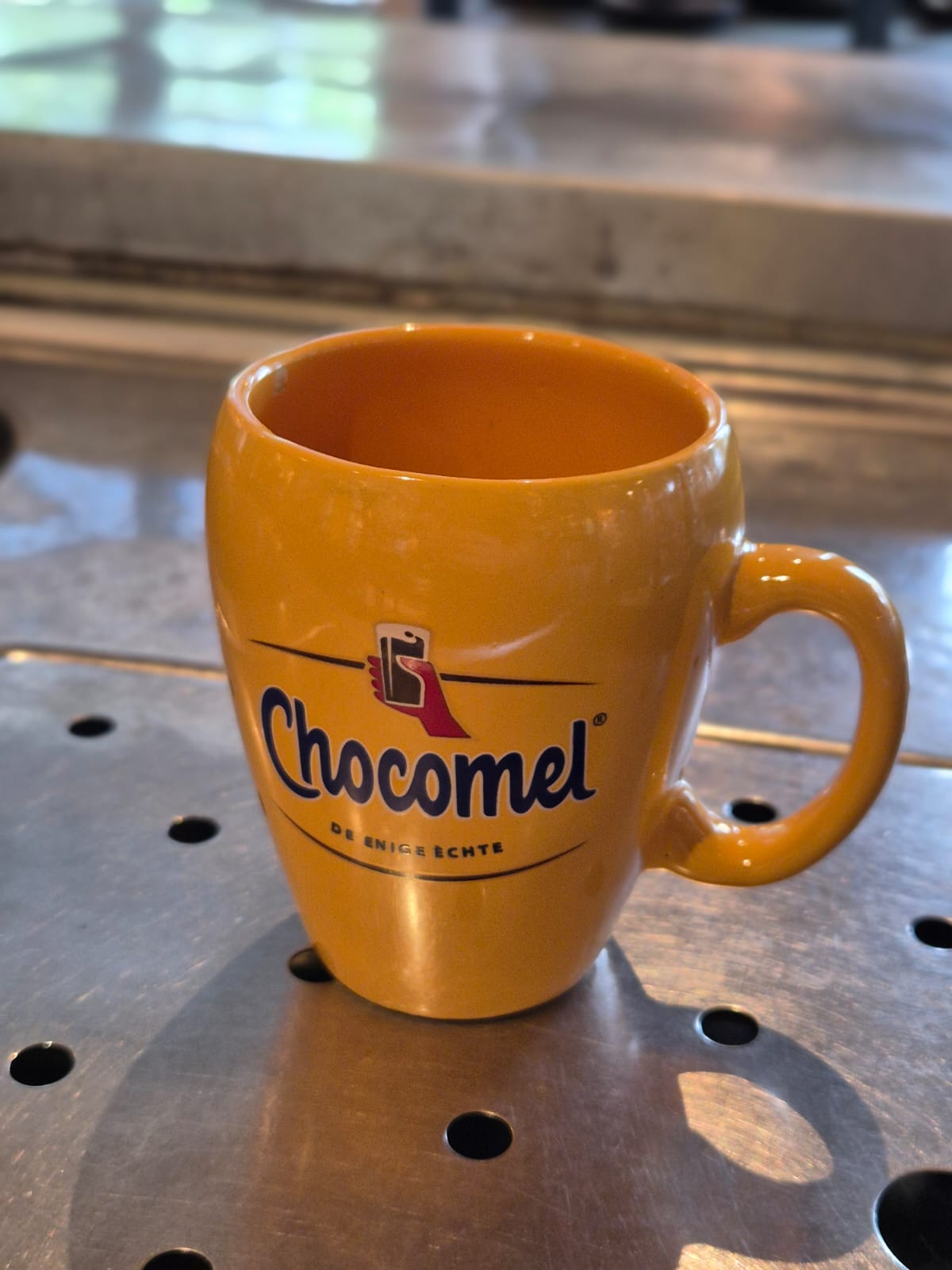
Hot drinks are all served on a plate with a cookie and spoon.
Want to know how to make all different kinds of coffees? Click here for the tutorial.
|
|
|
|
|
Espresso cup (Smallest cup)
|
Coffee cup (middle cup)
Click here to learn how to make a coffee |
Cappuccino cup (Biggest cup)
Click here to learn how to make cappuccino |
|
|
|
|
|
Latte glass
Click here to learn how to make a latte |
Chocomel cup (only Hubble)
Click here on how to make hot chocolate |
Special coffee glass (whipped cream coffees) (only Hubble)
Click here to learn how to make special coffees |
|
|
|
|
|
Tea glass
|
|
|
How to serve guests (REVIEW)
Greet the guest
-
Politely say hello and ask: “Are you a student”
Determine their status and scan correctly
-
Student: Ask for their student card. Scan the TUE student barcode.
-
Association member: Ask the name of their association. Scan the association barcode or find it in the register.
-
Resident: Ask to see their Luna keys of room droplet. Scan the Resident barcode.
-
Personal account: They can scan their NFC chip or barcode, or you can search for their name in the register.
-
Not a student: No scan needed.
Take the order in the register
-
See Register Guide below for detailed steps.
After payment: handle the receipt
-
Food receipt:
-
Hand it to the guest. Explain that their order number will appear on the screen when it’s ready.
-
Then make sure a bartender starts the order (shout “KITCHEN!” if needed).
-
-
Drink receipt:
-
Place it to the left of the register. Put new receipts rightmost, oldest leftmost.
-
Always take the receipt with you or spike it immediately if you start preparing drinks to avoid duplicates.
-
Serve drinks
- Put drinks on the bar. In Hubble this in the middle of the bar, in Meteor on the corner next to the register.
- Always open bottles and cans.
- Draft beers cleanly to the line in the glass.
Cash register (TO DO METEOR)
Taking a normal order
When a guest wants to order something you follow these steps:
- You greet them and ask them whether they are a student at the TU/e. If they do not mention an association they have to show their student card.
- Fontys, PhD or any other student from another university does NOT count
- If they mention they are from a certain association or have a personal tab you either scan their barcode on the sheet next to the register (Hubble only), or you look them up in the register (see next section)
- You select the items they want to order (see section Selecting menu items)
- Let them pay by selecting the PIN button
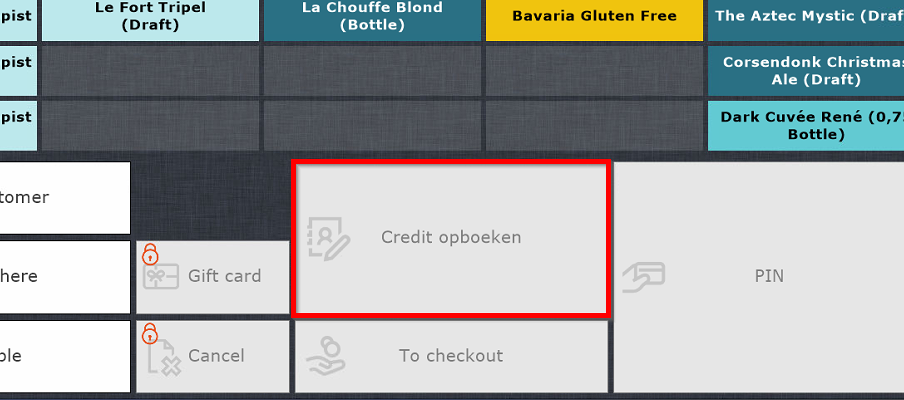
- If it is a personal tab they have the option to put it on their credit (tab) without paying, for this select the "Credit opboeken" button

- If it is a personal tab they have the option to put it on their credit (tab) without paying, for this select the "Credit opboeken" button
- If the order includes food, give the first receipt to the guest, this is for them to keep track of their food order.
- Always make sure there is a person in the kitchen whenever food is ordered
- Place the second receipt (or only receipt if no food) next to the register for the other bartenders to make. You can of course make it yourself if there are no more guests in front of the register.
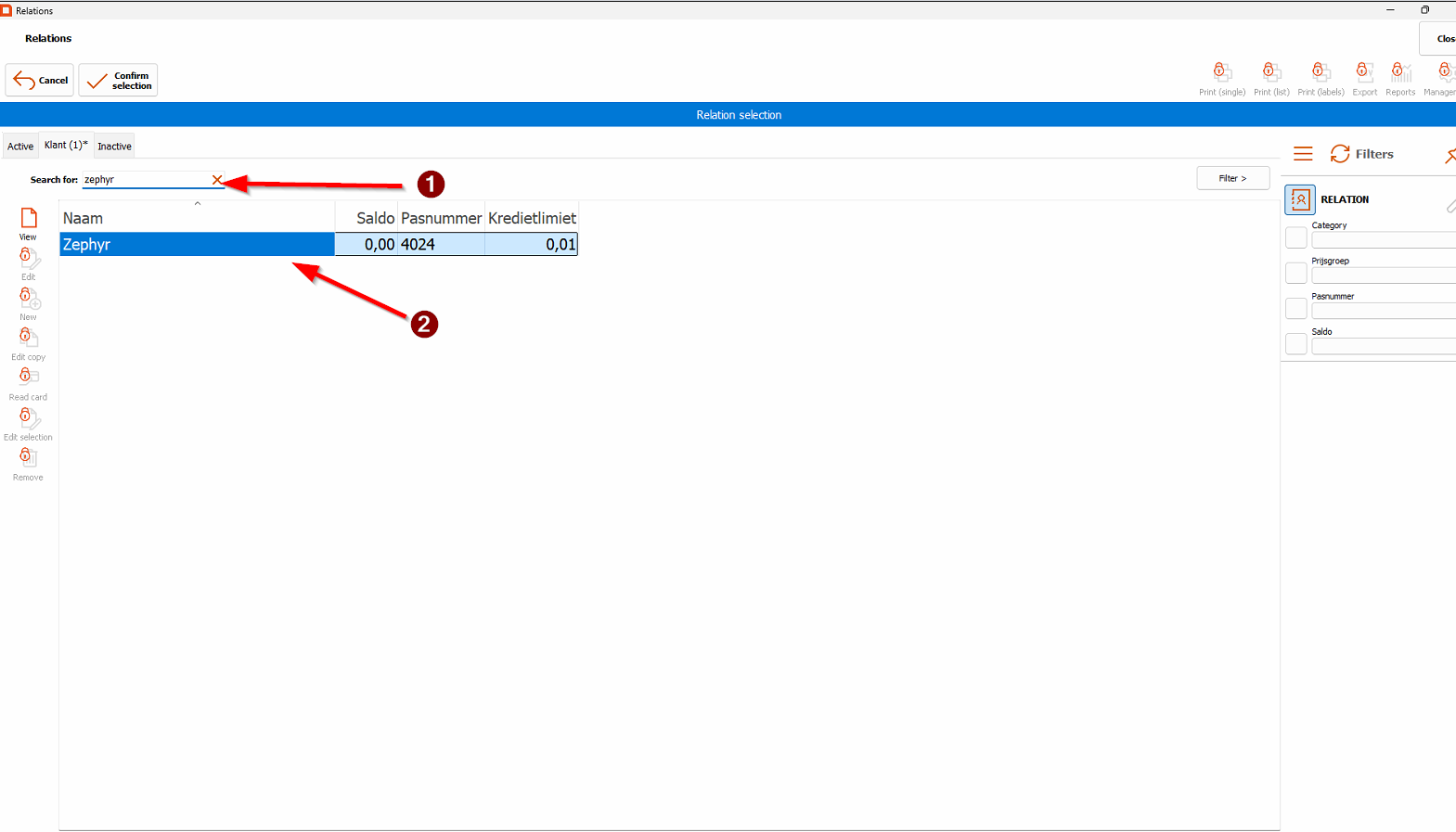
Looking up an association/person
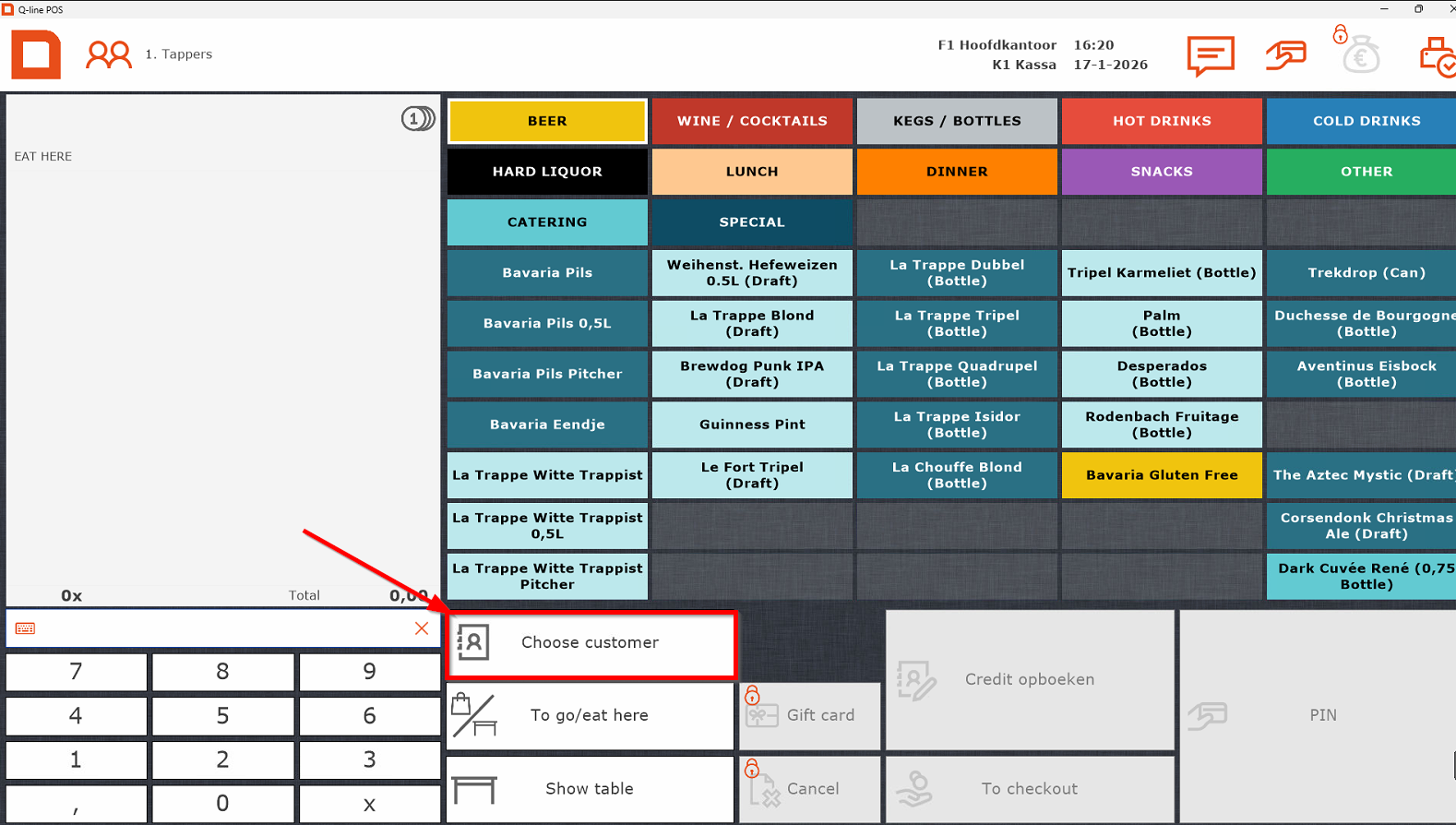
- Select "Choose customer"

- Afterwards select association/person by
- Searching it in the search bar
- Double tapping the entry or press enter on the keyboard

- The name should now appear above the order.
Selecting menu items
Hubble
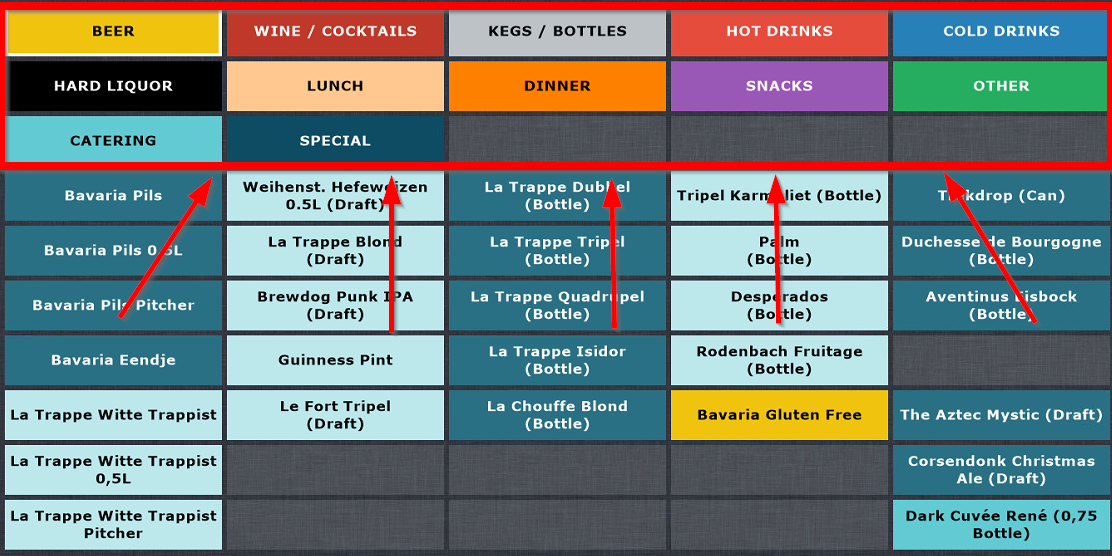
- BEER (see above)
A Bavaria Eendje is 11 beers where the 11th beer is free. If someone orders this and wants it in the duck shaped beer meter, they have to give hand in their student card as deposit, which they will get back after they hand the beer meter back in at the bar. This is done so they do not get stolen. On the beer meters you can find a number, below the cash register there is a card holder with numbers as well. Put the student card in the corresponding slot based on the number of the beer meter.
You can navigate this category with a rule of thumb:- The first row is Bavaria Pilsner and La Trappe Witte trappist
- The second row contains our popular draft beers
- The third and fourth row contains our popular bottled beers
- The last row contains our seasonal beers both in cans/bottles and on draft
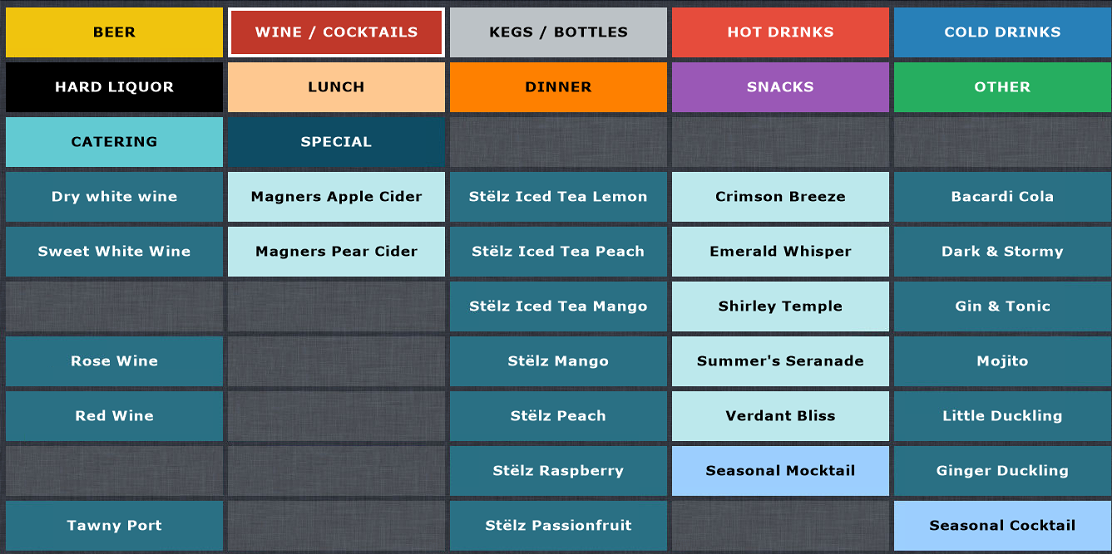
- WINE / COCKTAILS
Apart from Wine and cocktails, this section also contains Ciders, Stëlz and Mocktails.
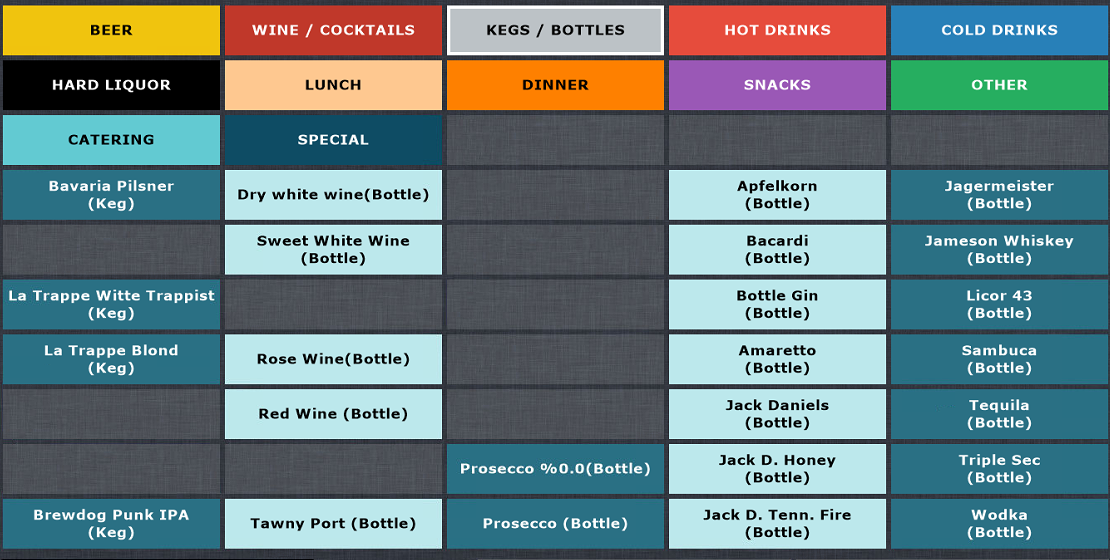
- KEGS / BOTTLES
Speaks for itself, you will only need to access this section if a guest orders a bottle of wine or sometimes a bottle of hard liquor

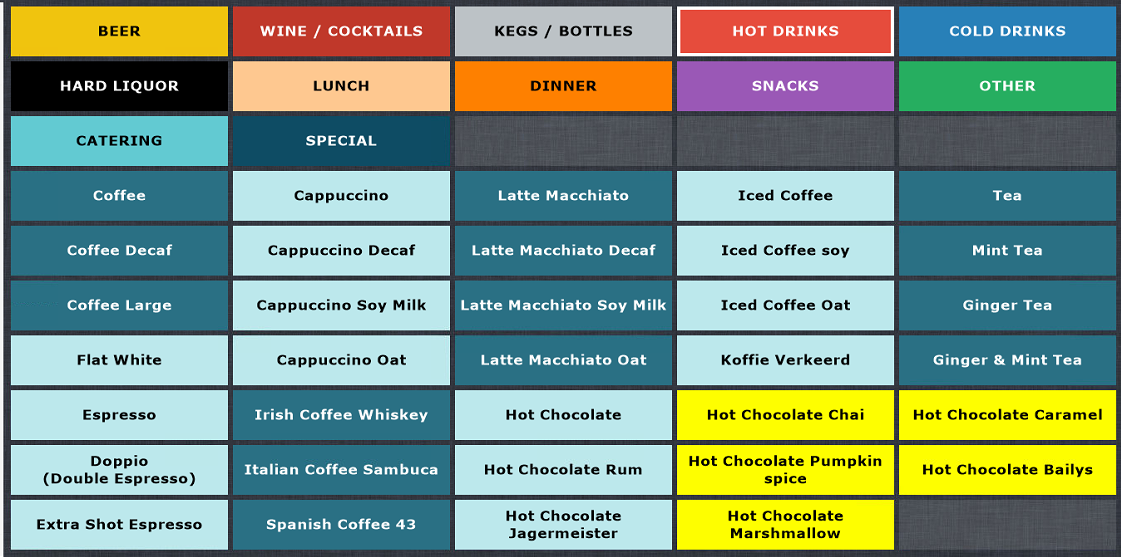
- HOT DRINKS
Speaks for itself, all hot drinks: Coffee, Hot Chocolate and Tea

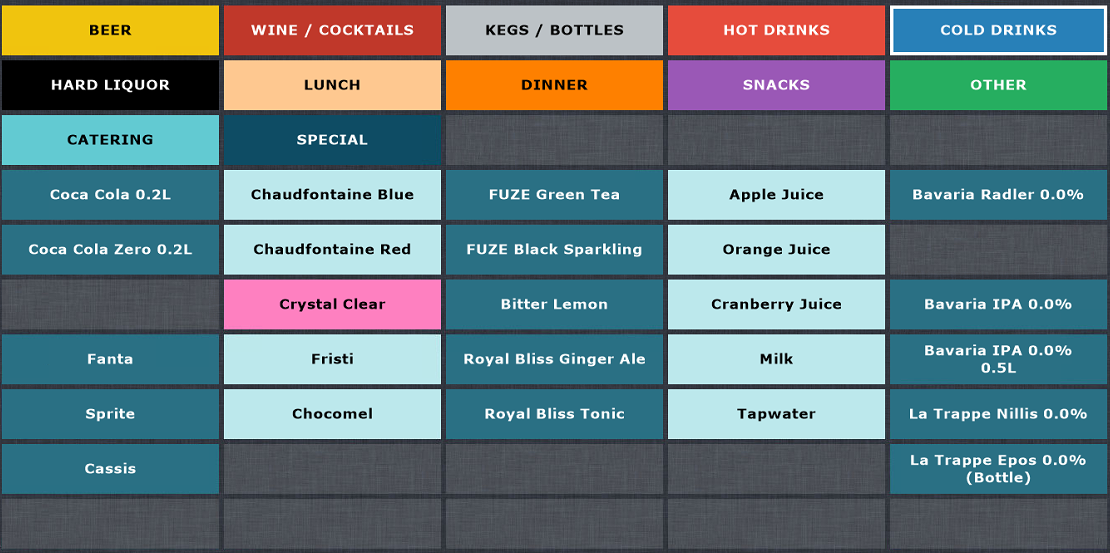
- COLD DRINKS
This section contains Soda's, but also our juices and alcohol free beers

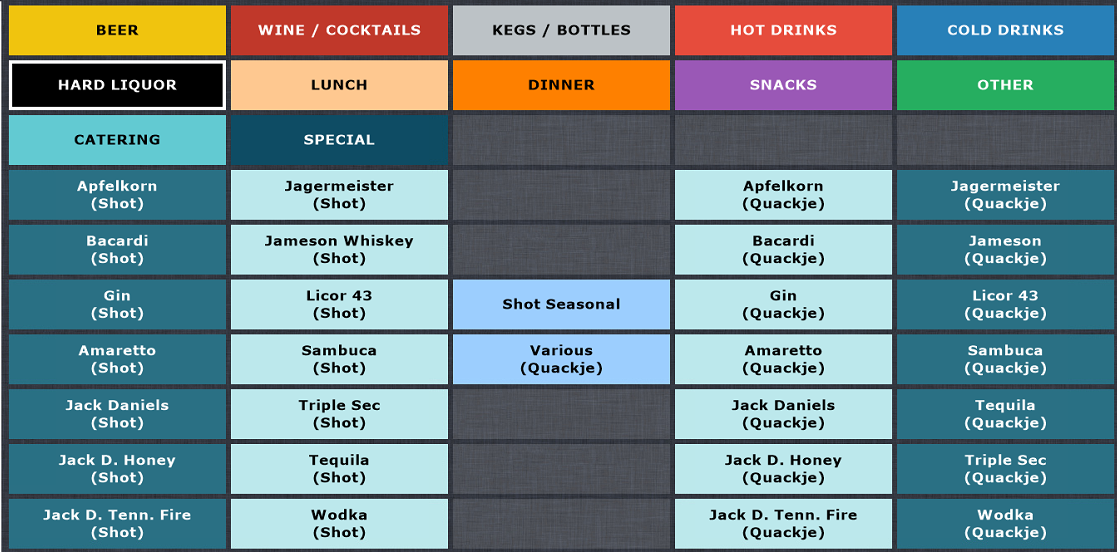
- HARD LIQUOR
Left half contains all singular shots and right half contains Quackje's. A Quackje, just like an Eendje, is 11 shots where the 11th shot is free.
- You will not need to touch the LUNCH and DINNER sections
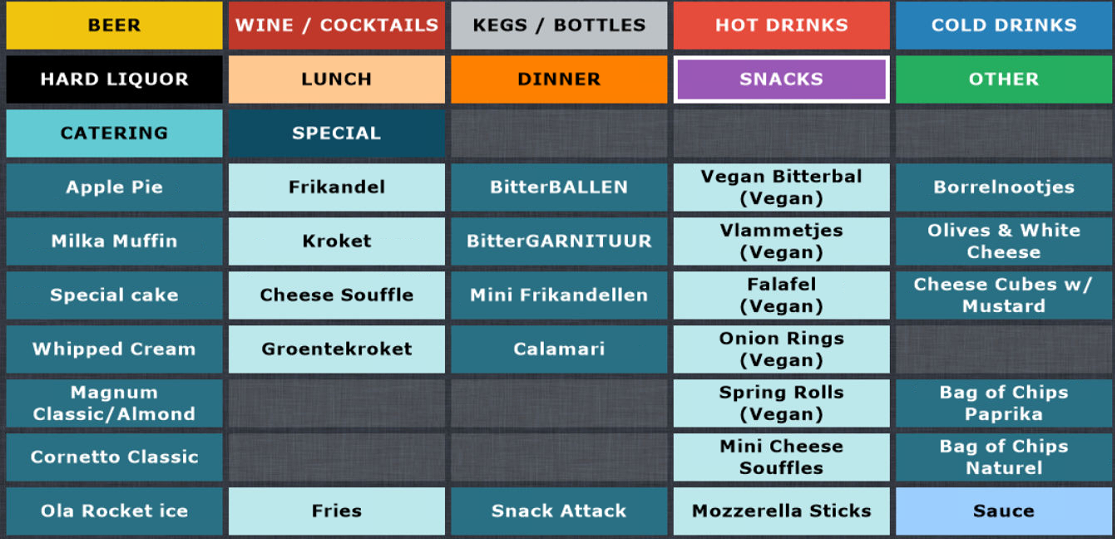
- SNACKS
The first column of this section contains all our cold snacks behind the bar and the ice creams which can be found in the freezer next to the bar next to the issue hatch. The small Chips bags behind the bar are found in the last row. All other items are snacks prepared in the kitchen.
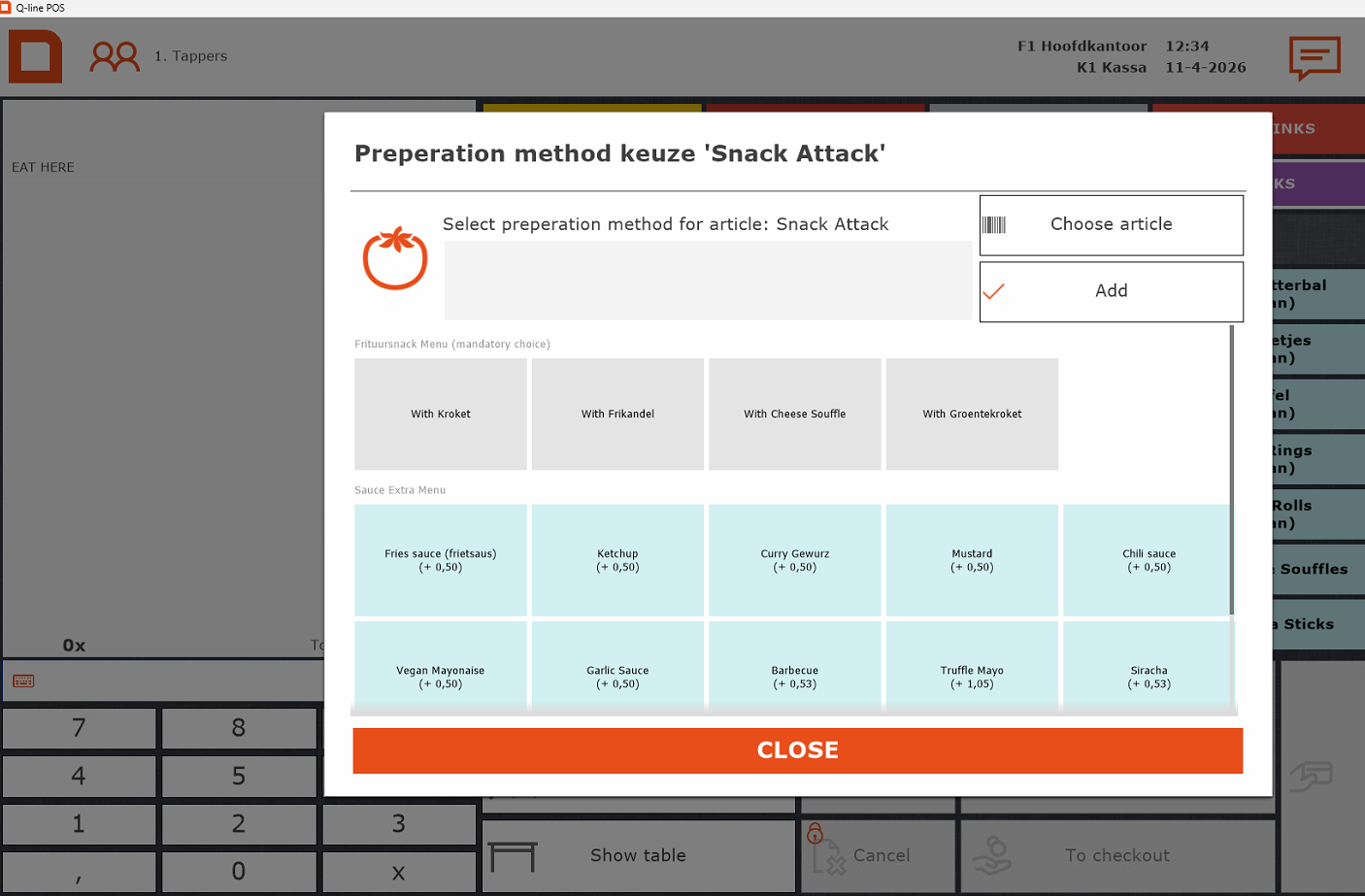
When snacks/fries are ordered you always need to select the size and sauce. Always ask whether they want any sauce with it. For every 8 mini snacks they will get one sauce for free, which you can select after selecting the register item.


- OTHER
You will almost never use this category, except when people want a merch item such as Dice or Playing Cards. - You will never need the CATERING or SPECIAL categories.
Register tips
-
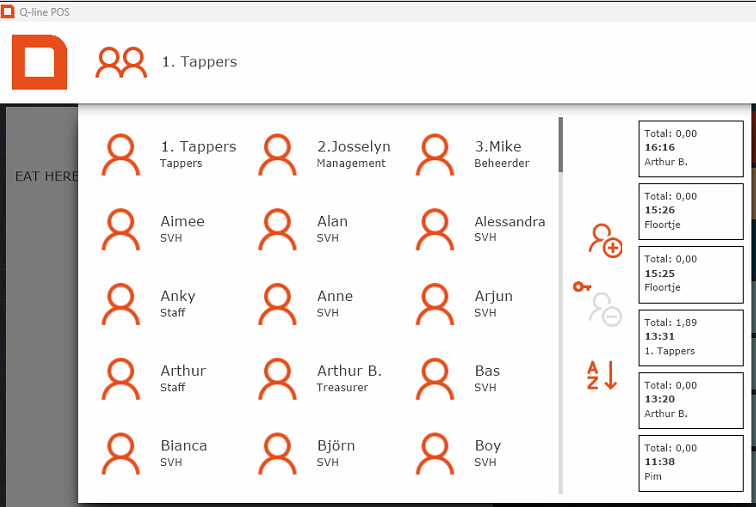
When you see this screen, you can always log in using the "tappers" account at the top – no password needed.

-
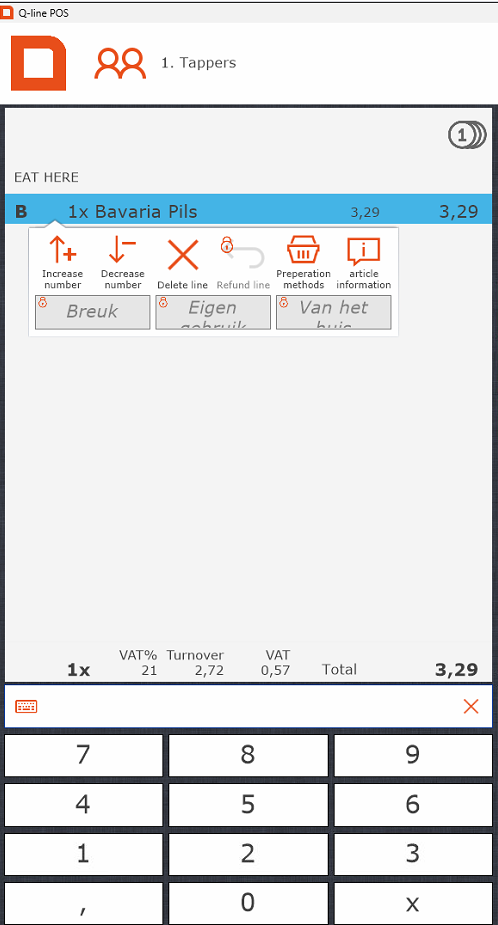
Scanned/selected the wrong association? Simply scan the right one, or press the red cross to remove it.
-
For multiple items, either tap the item several times or enter the number first in the bottom left and then the item.
- In Meteor, the cocktails are in alfabetical order.
-
Free drinks (e.g. “van het huis”): Always ask the SVH first – only they can approve this.
- If you need to add remarks to an item (eg to specify which seasonal is ordered), you can press the item on the order screen on the left. Choose the option preparation methods to type your comment. Press "add" and your comment will be added to the item on the receipt.
How to pour beer (WIP)
On this page, we will teach you everything about drafting beer. This can be handy when you have never drafted a beer before as it is way different then pouring cola in a glass. The wrong technique can result in a beer with too much foam or a beer with too little foam which will effect the overall taste and experience of drinking the beer.
- Beer technique
- Automatic tap
- Eendje
- Special beers
- Guinness
To know what beer or other drink goes in what glass, we would like to ask you to go to the glasses page.
Automatic draft
Standard Bavaria pils in Hubble is poured using standard draft systems that function normally.
The Bavaria draft, however, is automated. When you pull the handle down, the system automatically pours one glass of beer (0.25 L). If you keep the handle down, the draft will pause for one second. This pause allows the bartender to remove the filled glass and place an empty one underneath, making it possible to draft multiple beers in one go.
When you are drafting your last beer of the sequence of beers, you can put the draft handle back to the middle stand
The automated system is also used for larger servings such as 0.5 L glasses, pitchers, and 1 L glasses. For example, when pouring a 0.5 L glass, the system will pause briefly halfway through before continuing with the second half of the pour.
-
0.5 L Bavaria beer = 2 x 0.25 L pours
-
Pitcher Bavaria = 6 x 0.25 L pours
-
1 L Bavaria beer = 4 x 0.25 L pours
Beer drafting technique
The perfect beer on paper is a beer drawn from a cold keg and served with about two fingers of foam. Too much foam reduces the amount of liquid beer the guest actually receives. A beer that is mostly foam also tastes different, as the drinker is mostly consuming foam rather than liquid. In some circles, a beer with excessive foam is jokingly called an “ice cream.”
A beer with too little foam also affects the taste. Foam contributes to the creamy texture and mouthfeel of the beer, and too little foam can make it feel flat or thin.
How to draft a standard beer
Watch this Tiktok on how to draft a proper beer.
- Hold the glass correctly
-
Hold the glass at a 45° angle under the tap spout.
-
Keep the spout just above the liquid surface in the glass, not touching it, to allow a smooth pour and prevent splashing or excess foam.
-
- Start pouring
-
Open the tap fully. Always open the tap completely. Partially opening it can cause turbulence, which leads to excessive foaming.
-
Discard the first small portion. The very first bit of beer from the tap is often mostly foam or sediment. Let it flow briefly into a sink or drip tray before filling the glass.
-
Hold the glass at a 45° angle and pour gently down the side. This minimizes initial foaming and helps create a smooth, controlled head.
-
- Adjust angle glass
- When the glass is over half full, gradually tilt it upright to allow foam to form naturally.
-
This creates a head of about 2 fingers (roughly 4–5 cm / 1.5–2 inches).
- Once the pour is complete, shut the tap off fully and immediately to avoid extra splashes or unwanted foam.
|
Watch our video on Youtube to see have the drafting of the beer is done: https://youtu.be/ExG6n67FcSc
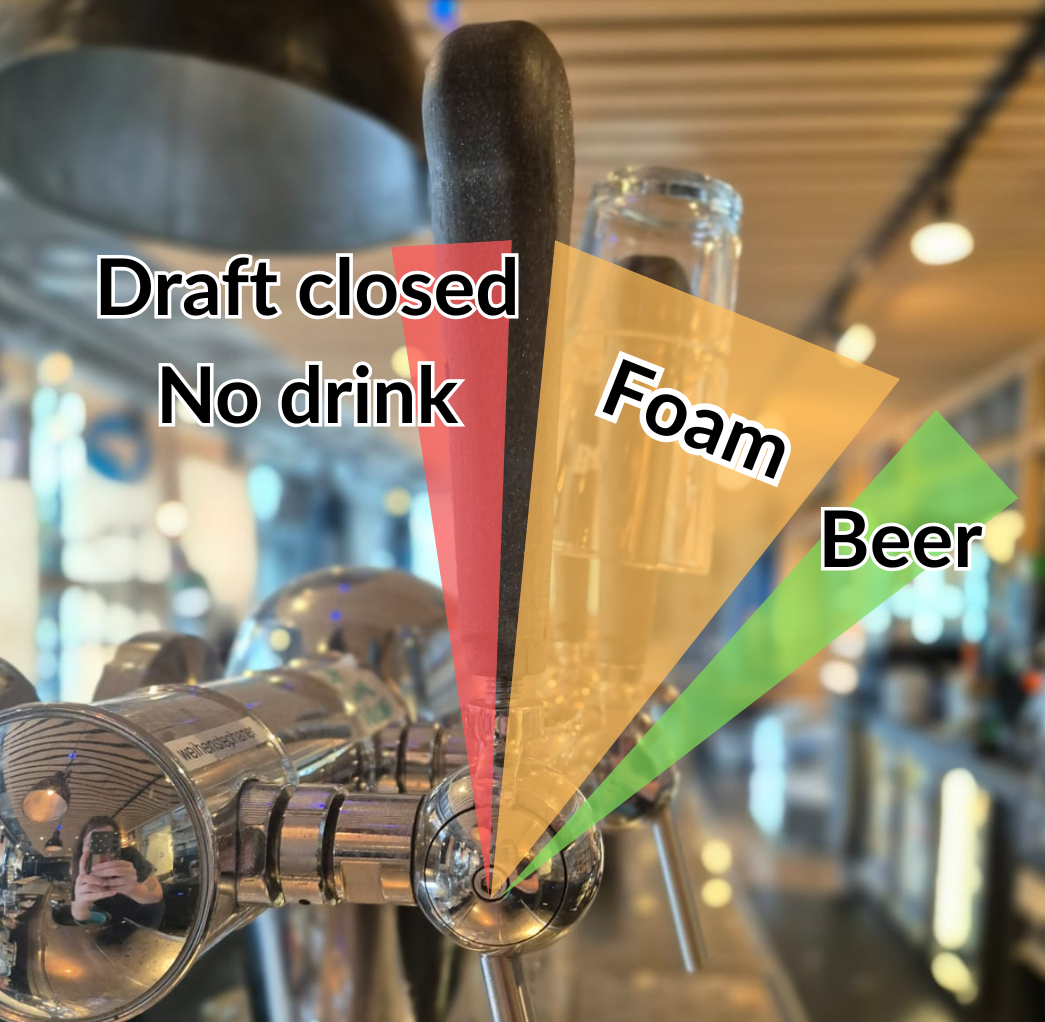
Be aware that the draft needs to be fully open or closed when drafting beer. Partly opening the draft will only give you foam (see picture). Opening the draft needs to be done quickly otherwise the beer will get a lot of foam.
|
 |
Repairing a beer
It sometimes happens that you closed the draft too early or the beer has too much foam to serve.
Making Cocktails (METEOR TO DO)
Hubble
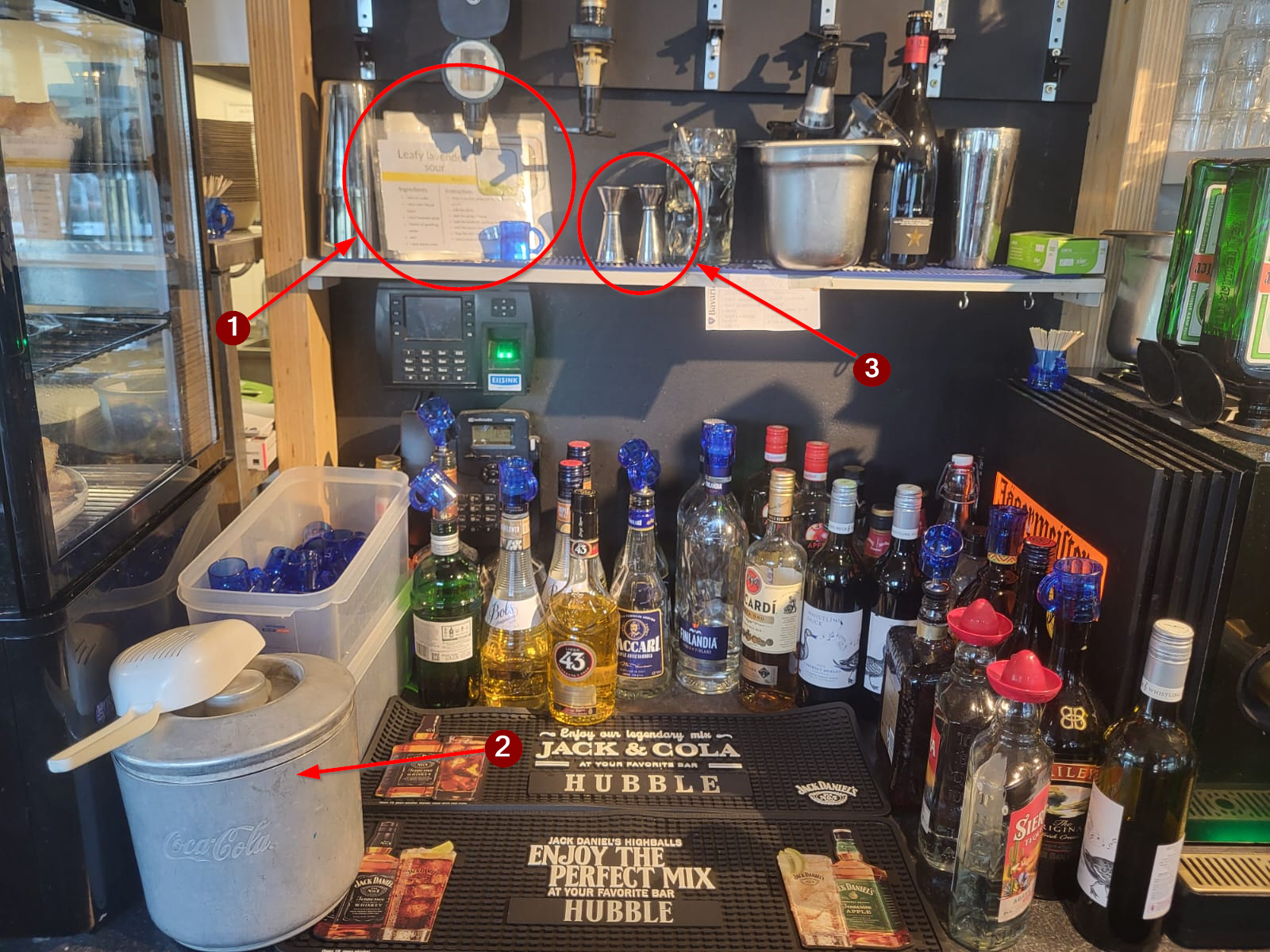
- Cocktail Recipe Booklet
- Ice bucket
- Shot measurers
Instructions
When a cocktail is ordered in Hubble a bartender needs to make it. This is done in the shotcorner directly behind the cash register.
- Look up the cocktail in the cocktail recipe booklet
- Follow the instructions for the specified cocktail
Tips
- Almost all cocktails need the jug glass
However, some mocktails are made in a half-liter glass, this is mentioned in the recipe booklet - The shot measurer, or "barmaatje", is there for you to measure shots. The short side is exactly one shot, the long side is exactly two shots. After using it, throw it in the sink with the shotglasses to clean.
Meteor
- Cocktail machine Meteor
Snacks in Kitchen (REVIEW)
In the evenings, the kitchen is only open for snacks. These are prepared by the bartenders. This means that when a guest wants to order snacks, one of the bartenders will need to step away to the kitchen to make them. All snacks are kept in the fridges and freezer in the kitchen. If we run out of something, it can usually be found in the freezers in the storage behind the kitchen. Each package indicates the required frying time. An overview with additional notes for each snack can be found below.
Be aware that staff is cleaning the kitchen at 20:00 and becuase of this, it's closed until 20:30. If you are not sure, ask the SVH if the kitchen is ready to open. The SVH can also decide to close the kitchen in the evening for instance because it's too busy or if there aren't enough bartenders to handle the ktichen.
Kitchen screen (in Hubble)
[Picture of screen]
The kitchen screen shows what has been ordered. When the orders are done, they will appear on the screens of Hubble so the guests know their food ready and they can pick it up at the kitchen window.
Fries (4-5 minutes in the fryer)
Fries are kept in the fridge. We offer three portion sizes: small, medium and large. The cardboard trays for serving can be found at the top of the service hatch.
When preparing, grab a bag of fries, put the amount for the portion size in the fryer, and return the bag to the fridge. After frying, place the fries in the circular fries bin next to the fryer, and scoop the fries in the serving tray according to the portion size. If there are fries left in the bin, they can be used for the next portion. If these fries are not warm enough anymore, add them to the fryer for the final minute of frying.
[add picture of small, medium, large fries cup]
Large Snacks (~3 minutes in the fryer)
| What | Found in | Comment |
| Frikandel | Fridge | |
| Kroket | Fridge | |
| Cheese Souffle |
Freezer |
Says "Kaassouffle" on the packaging |
| Vegetable Kroket (Hubble) |
Freezer |
Kept in a separate metal tray, usually without a label Since this kroket is frozen and quite thick, it needs to fry a little longer than 3 minutes. It takes around 5 minutes to unfreeze the center of the snack. |
People can also order a "Snack Attack", this is a small potion of fries with a large snack.
Small Snacks (~3 minutes in the fryer (for most))
| What | Found in | Comment |
| Bitterballen | Fridge | |
| Bittergarnituur (snack mix) | Fridge | |
| Mini frikandellen |
Fridge |
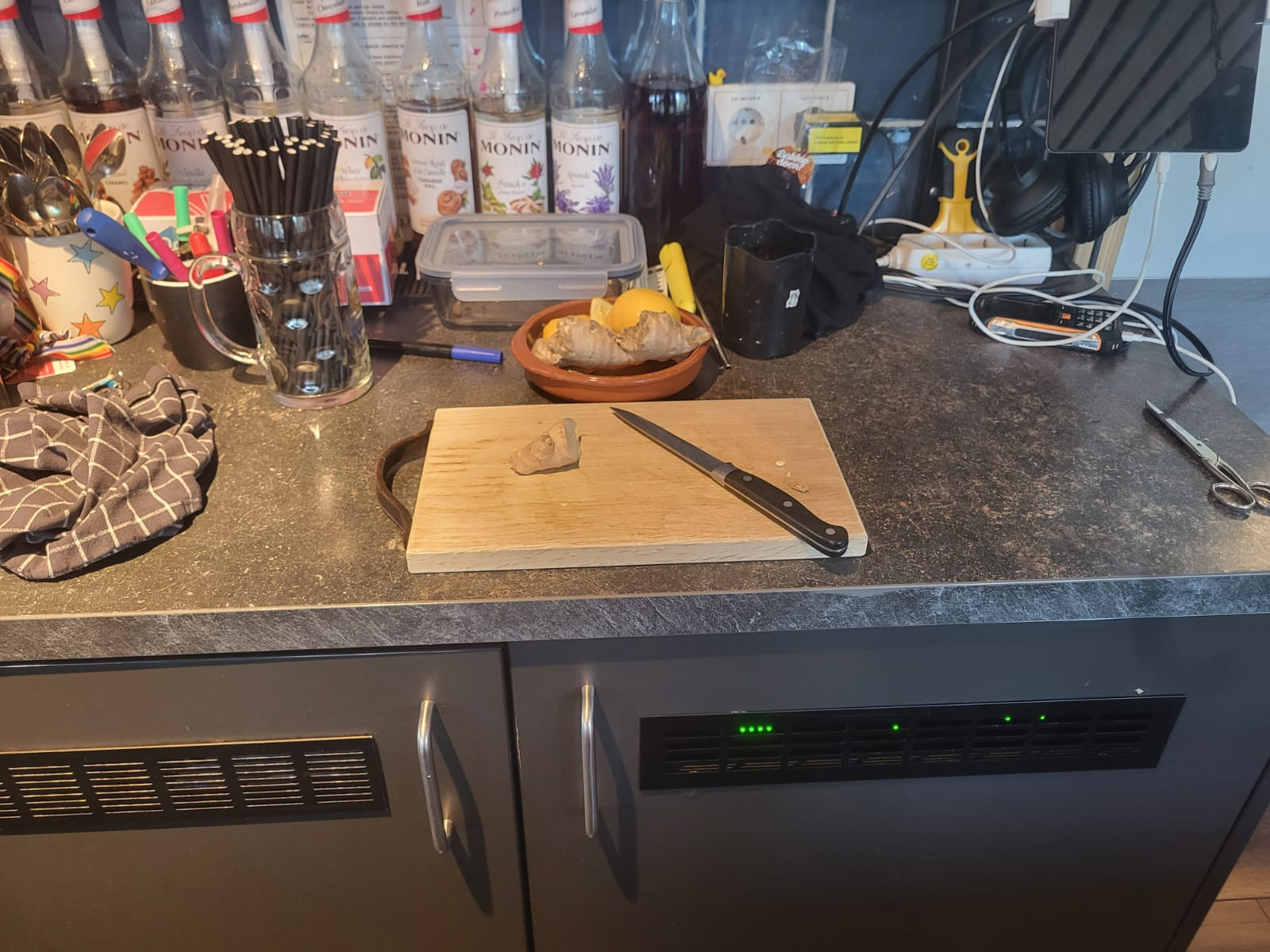
Slice up a frikandel in four pieces using knife and cutting board for 4 pieces of mini frikandellen |
| Calamari |
Freezer |
Says "Inktvisringen" on packaging. Packaging is a plastic bag, not a box. |
| Vegan Bitterbal |
Freezer |
Kept in a separate metal tray in the freezer |
| Vlammetjes |
Freezer |
|
| Falafel (Hubble) |
Freezer |
Kept in a separate metal tray in the freezer |
| Onion Rings |
Freezer |
Says "Uienringen" on packaging. Packaging is a plastic bag, not a box. |
| Spring Rolls |
Freezer |
|
| Mini Cheese Souffles |
Freezer |
Do not fry these for longer than 3 minutes, otherwise they explode. |
| Mozzarella sticks (Hubble) |
Freezer |
Do not fry these for longer than 2 minutes, otherwise they explode. But like, really explode |
Sauce
[Picture of sauce corner]
| Friet sauce (mayo) | Ketchup | Vegan mayo | Curry | Mustard |
| Garlic sauce | Chili sauce | BBQ sauce | Siracha | Truffle mayo |
Saté, special and oorlog sauces are only available before 19:30.
Other Snacks/food
| What | Found in | Comment |
| Borrelnootjes (nut mix) | Big plastic tub underneath the kitchen top near the sink in the back of the kitchen. | Grab a large stone bowl found underneath he service hatch (kitchen-side) and fill it up with the nut mix. |
| Olives & White Cheese | Found in left fridge (or in the dairy fridge in storage behind kitchen) | Grab a small stone bowl found underneath the service hatch and fill half with olives and half with white cheese. |
| Cheese cubes w/ Mustard |
Found in left fridge (or in the dairy fridge in storage behind kitchen) |
Grab a small stone bowl and fill with Cheese cubes. Serve with mustard in a sauce cup. Do not make a mountain of cheese, a bit more than a single layer is enough. |
Regular coffees (WIP)
On this page, you will learn to make the regular coffees:
- Americano
- Cappuciono
- Latte Machiato
- Espresso
- Double Espresso (Doppio)
Want to learn the special coffees? Click here to learn how to make things like Irish coffee, Caramel Latte, ice coffees and more.
Overall coffee grinding guideline:
|
|
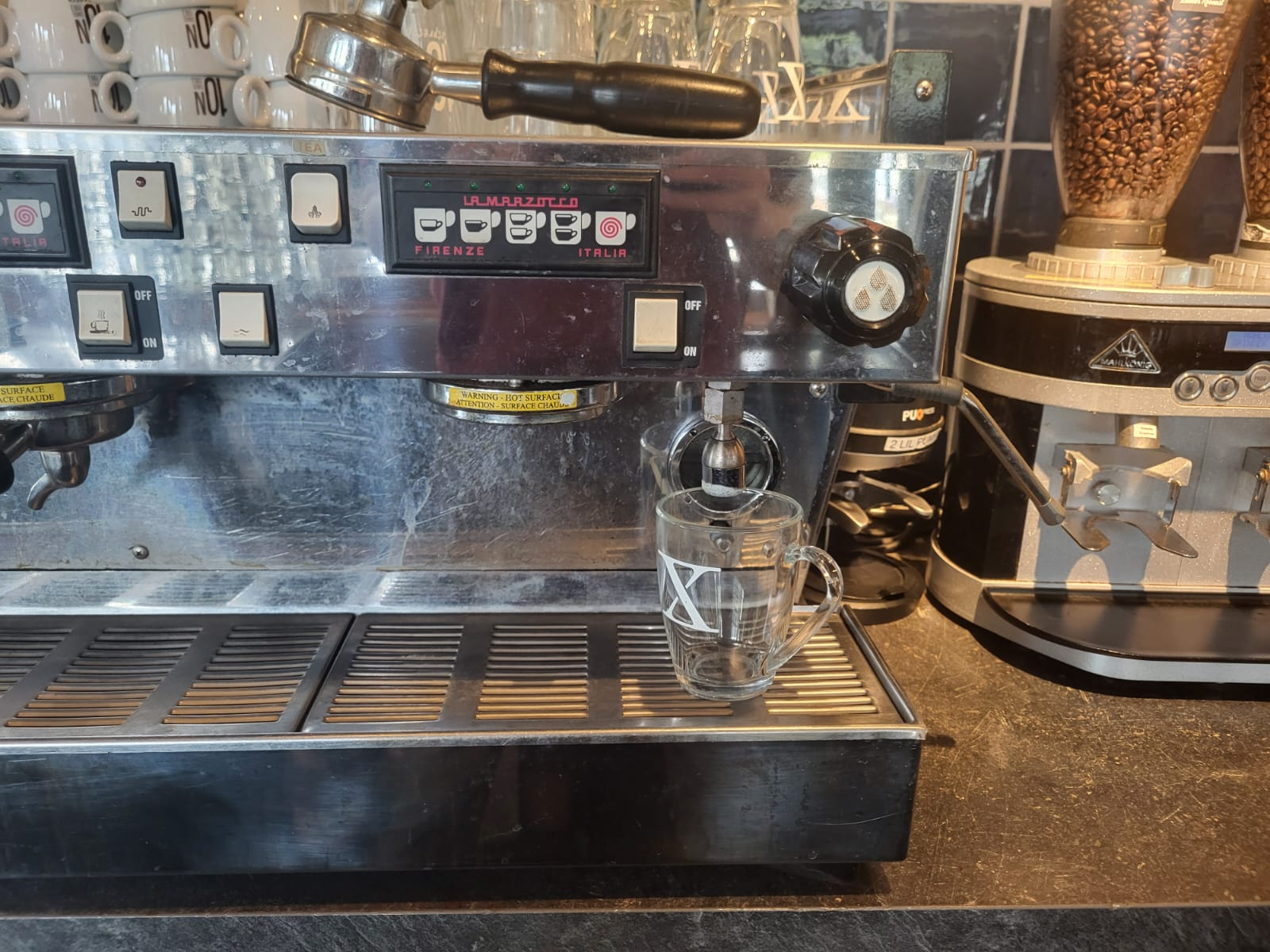
1. Use the correct portafilter The filter with one output, is meant for one drink.
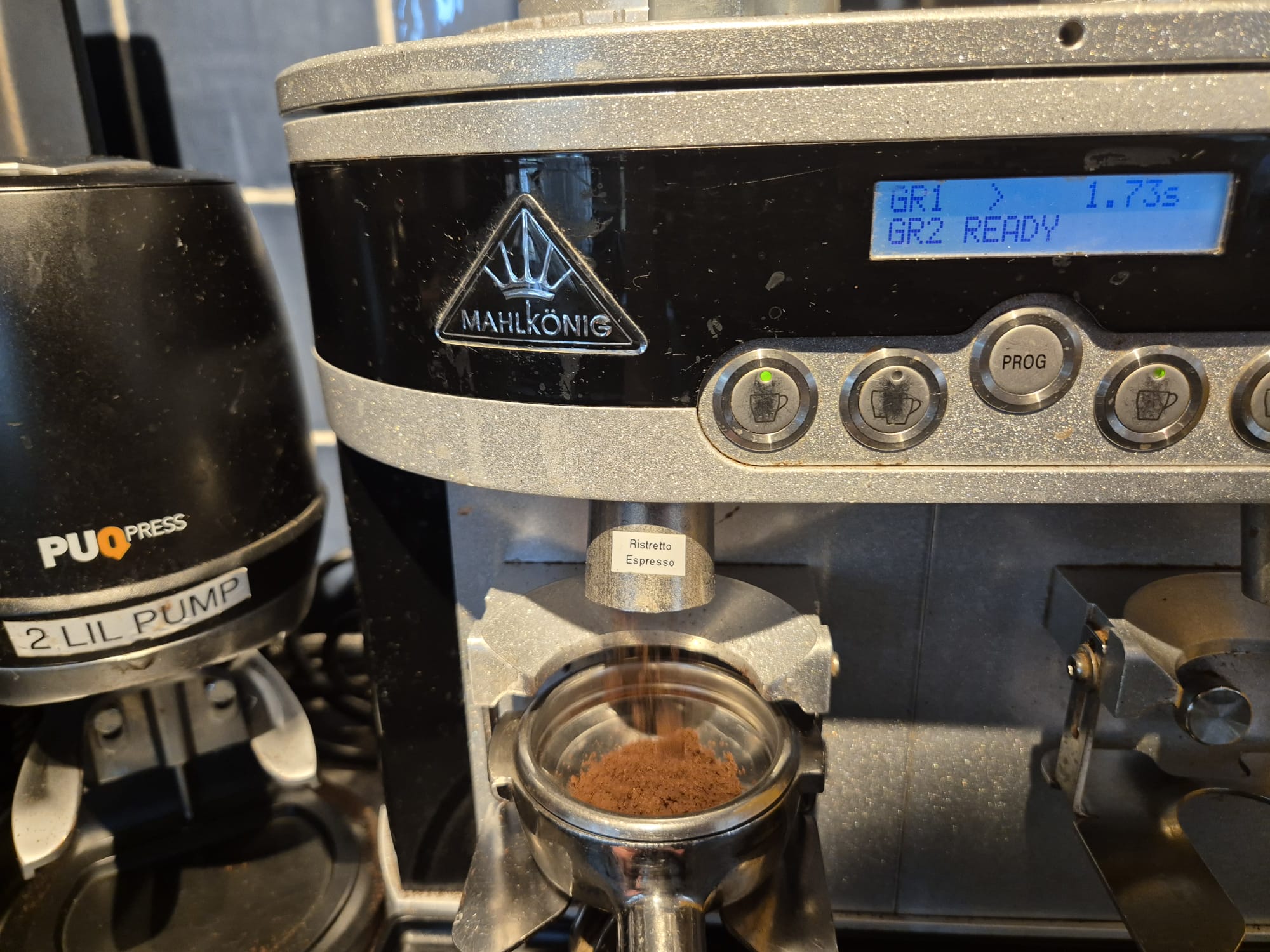
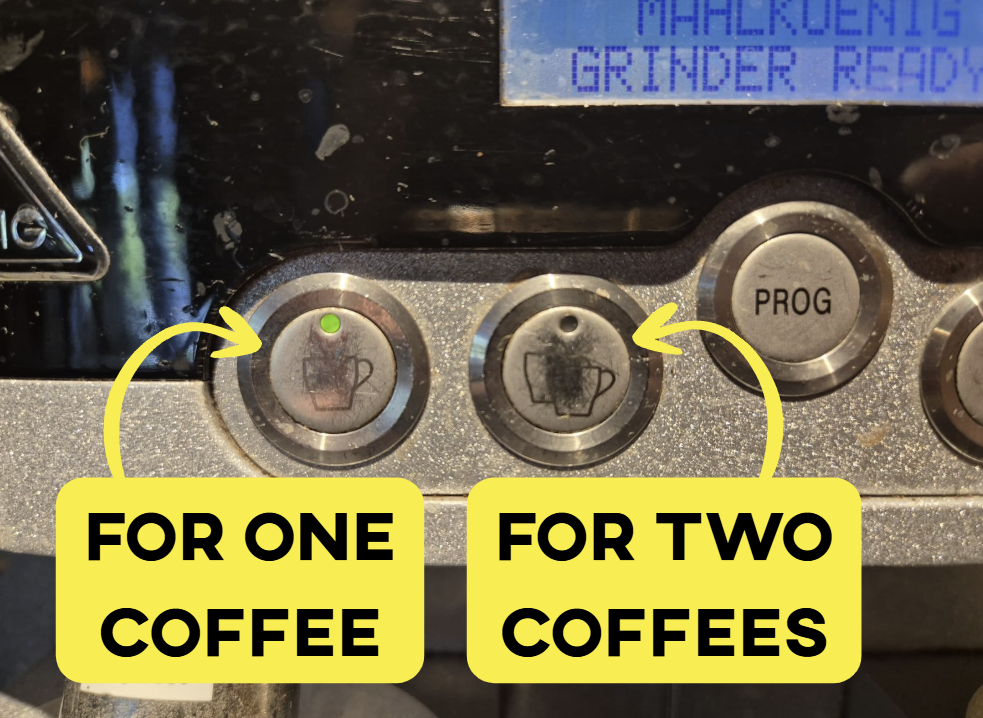
2. Fill the portafilter with espresso beans (left) or coffee beans (right). There is one button for 1 cup and one button for 2 cups. Select the 1-cup button when making 1 coffee and use the filter with a single spout. Select the 2-cup button when making 2 coffees and use the filter with a double spout.
The machine will automatically stop once the correct amount has been dispensed.
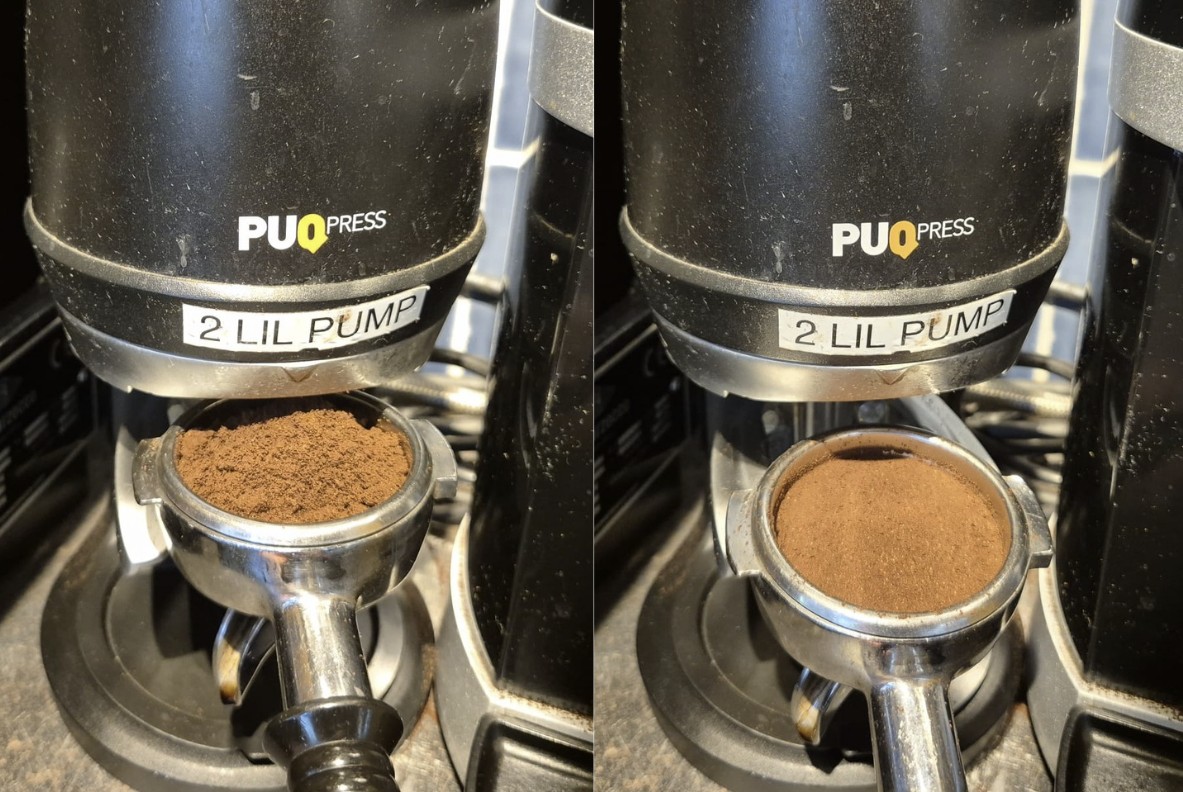
3. Use the automatic pump to grind and dose the coffee in the portafilter The machine will give 2 pumps to dose the filter
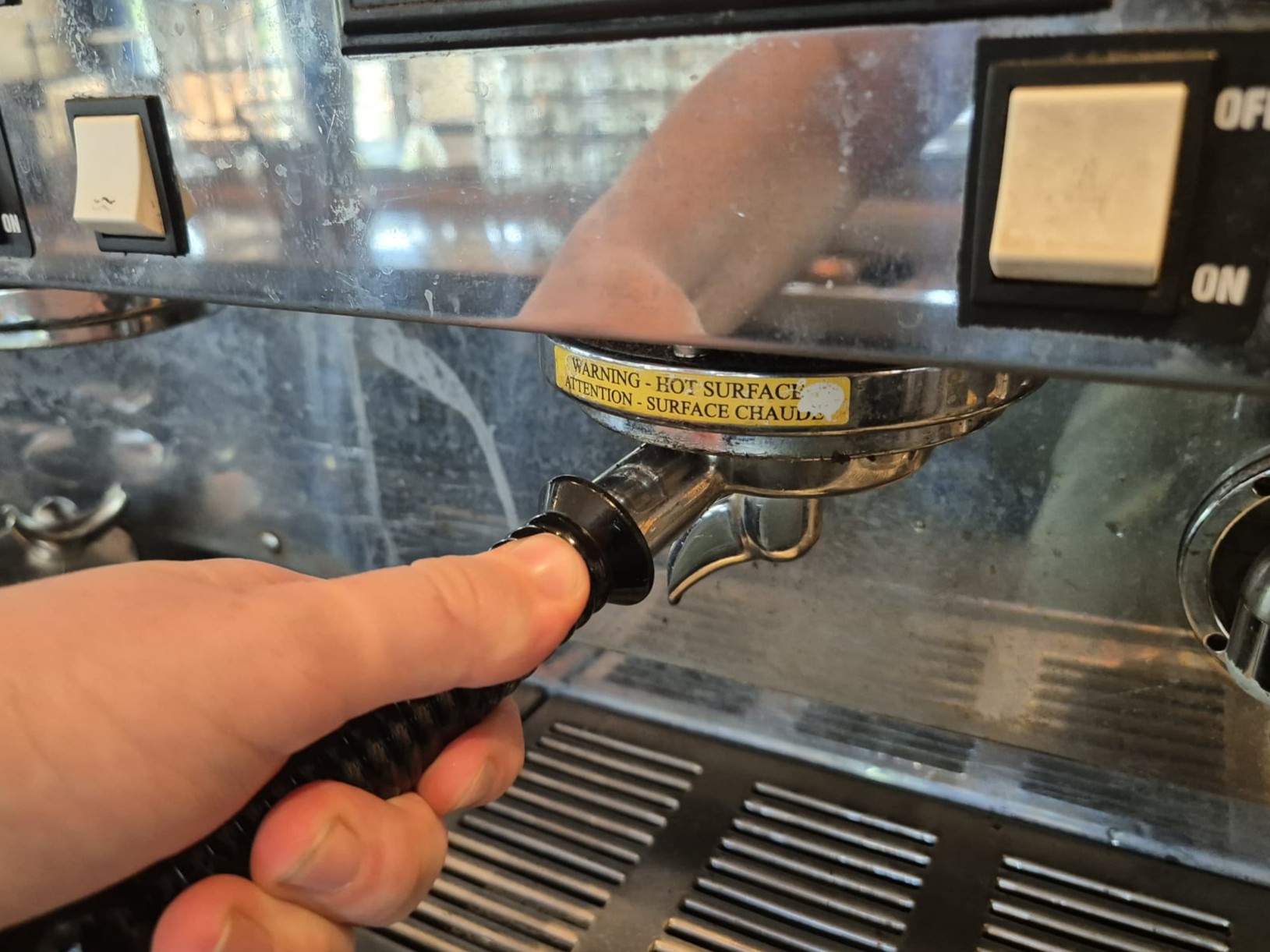
4. Insert the portafilter into the machine to brew the coffee.
|
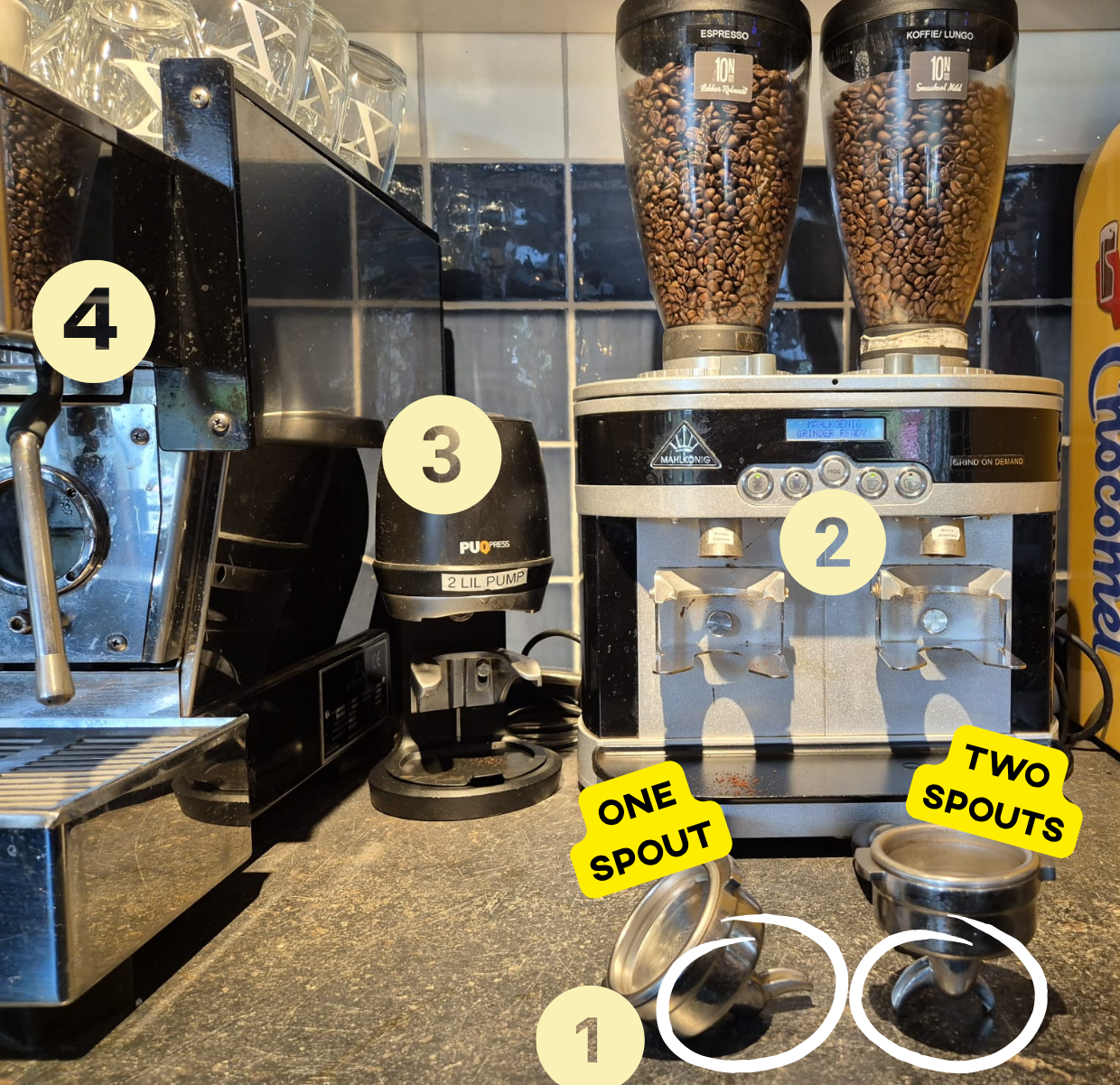
Step-for-step guide on how to make coffees:
Be aware that there are some exceptions to this. Please also read how to make the separate coffees below.
- Turn the filter out of the machine.
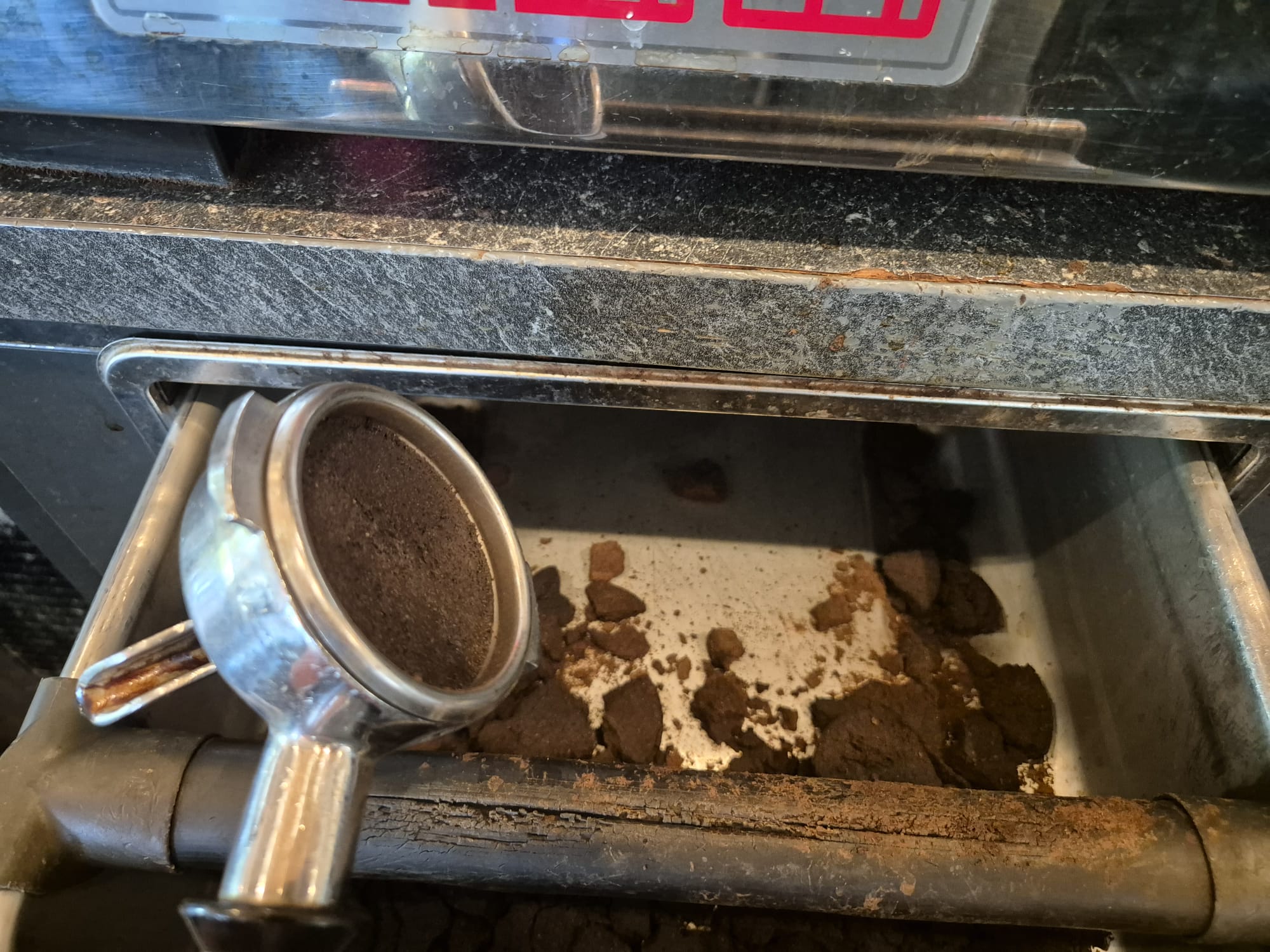
- Throw away the previous used coffee in the bucket underneath
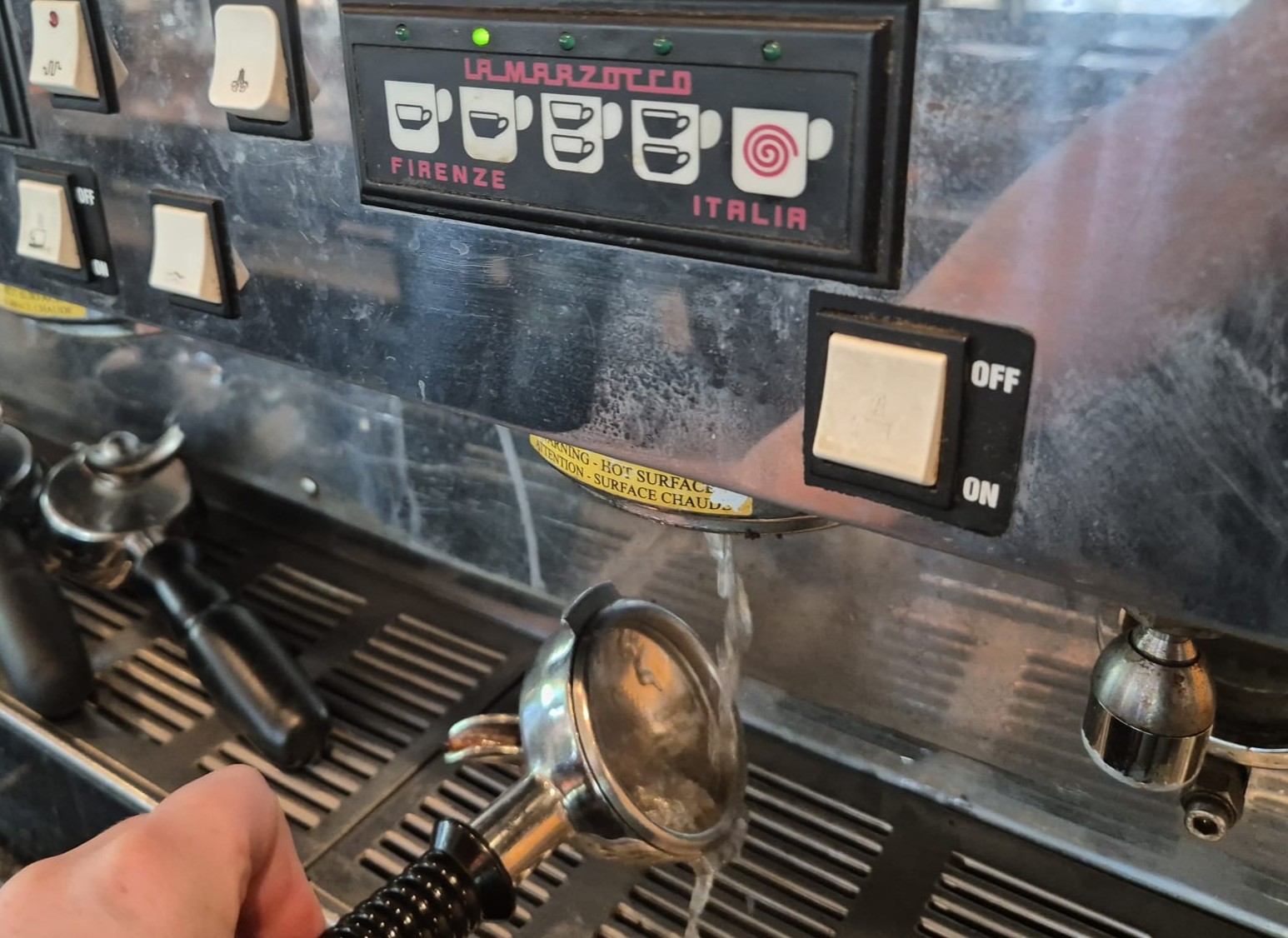
- Clean the filter by pressing one of the coffee buttons, holding it underneath to have the hot water clean it
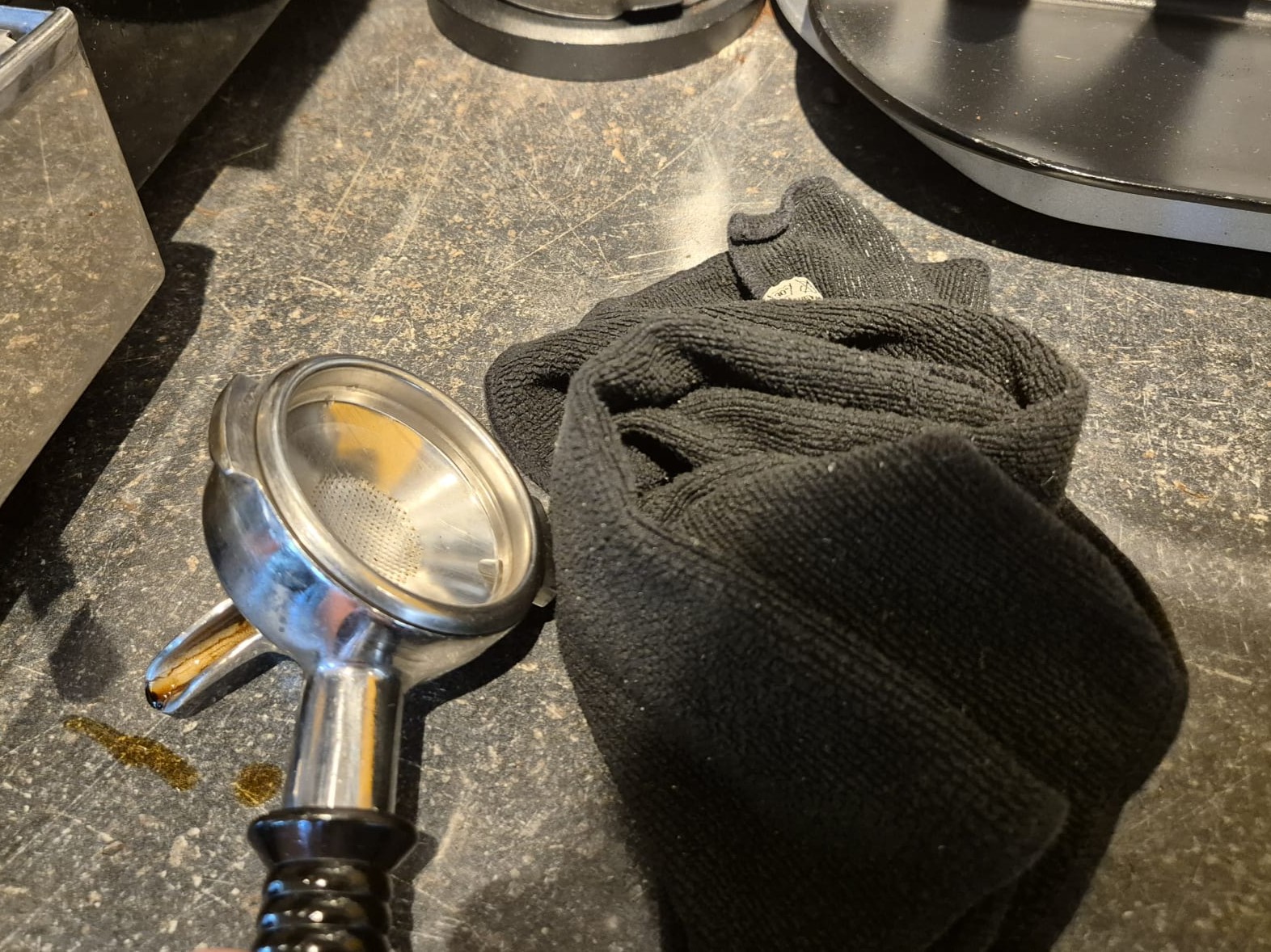
- Use the black towel to clean it off.
- Put the filter in the portafilter
- Use the automatic pump to strengten the coffee
- Turn the filter in the machine
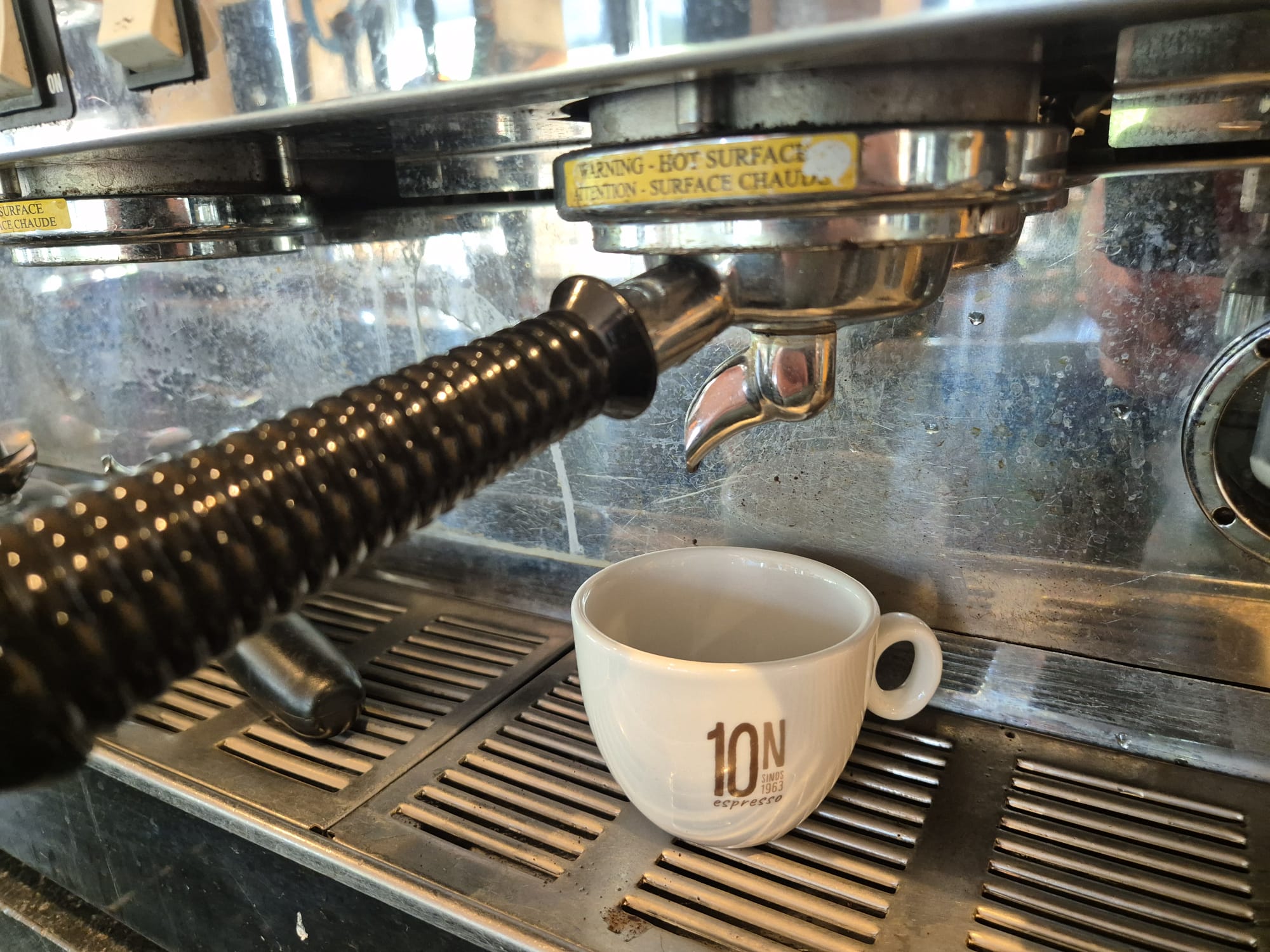
- Place the right cup underneath the filter Press the correct button
- Wait until it is fully poured
The best way to learn how to make coffee is by doing it yourself. However, since not many people order coffee in the evening, you may need to ask the SVH if you can practice making one together, so they can teach you or guide you through the process.
| 1 |
|
2 |
|
3 |
|
|
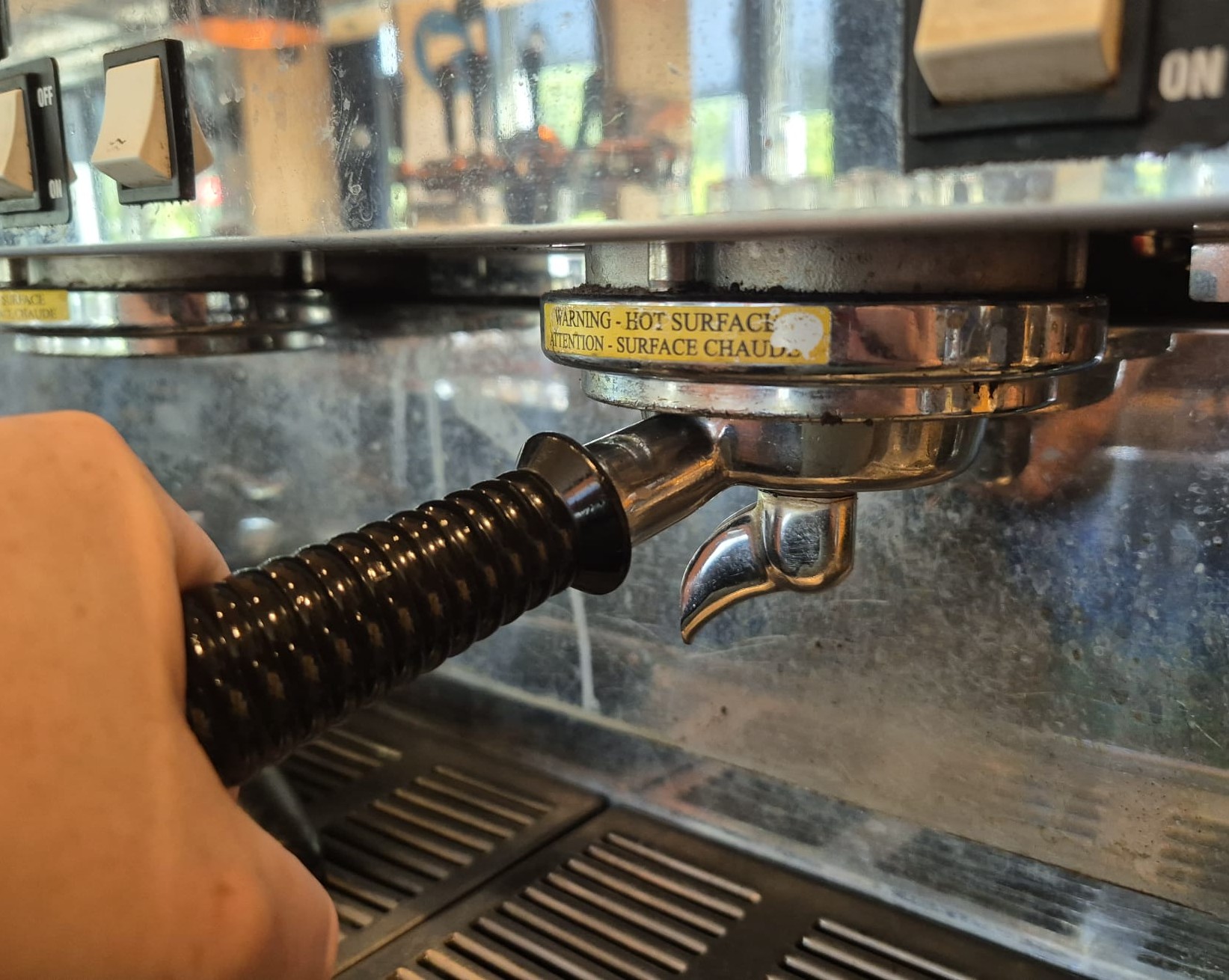
Get the filter out of the machine by turning the handle to the left. The filter in the picture has one sprout and can be used to make 1 cup of coffee. You need a filter with 2 sprouts in case you want to make 2 cups of coffee or a Double Espresso. |
Throw away the previous used coffee powder. Use the rubber stick to slam it on to create a force that will make the coffee powder fall out | Clean the filter my pressing one of the coffee buttons, holding it underneath to have hot water clean the filter | |||
|
|
|
 |
|||
|
Use the black towel to clean of the filter. This towel cannot be used to clean something else. |
Select the correct button. The one with one cup on the left, is for one portion, the one with 2 cups on the right, is for 2 portions. | Push your filter forward and the right amount will be dispensed automatically. | |||
|
|
|
|
|||
|
Use the automatic pump to stamp the coffee. Piut the filter underneath the pump and wait for the 2 stamps before taking it out. |
Put the filled filter back into the machine by aligning it with the open slot and turning it to the right until it locks into place. | Put the correct cup underneath the filter. |
Making tea & hot chocolate (TO DO)
Hubble
All hot drinks in Hubble and Meteor are served on a saucer with a spoon and a cookie.
Making tea